

Register
Process Type
Graphical expression
Mind Type
Structured expression
Note Type
Efficient expression

Nightingale Rose Diagram Online Drawing Tool

Try for free
Nightingale Rose Diagram Online Drawing Tool
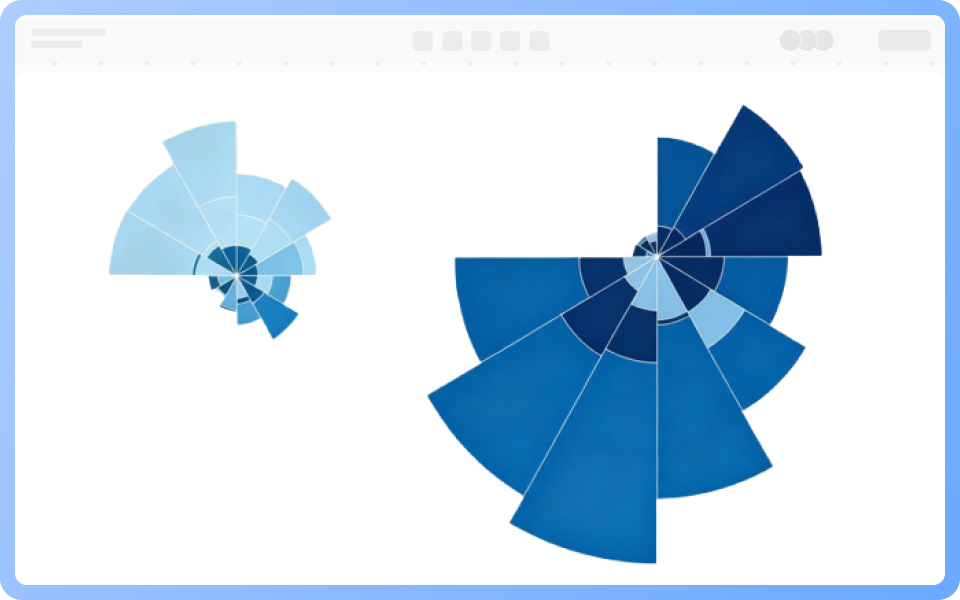
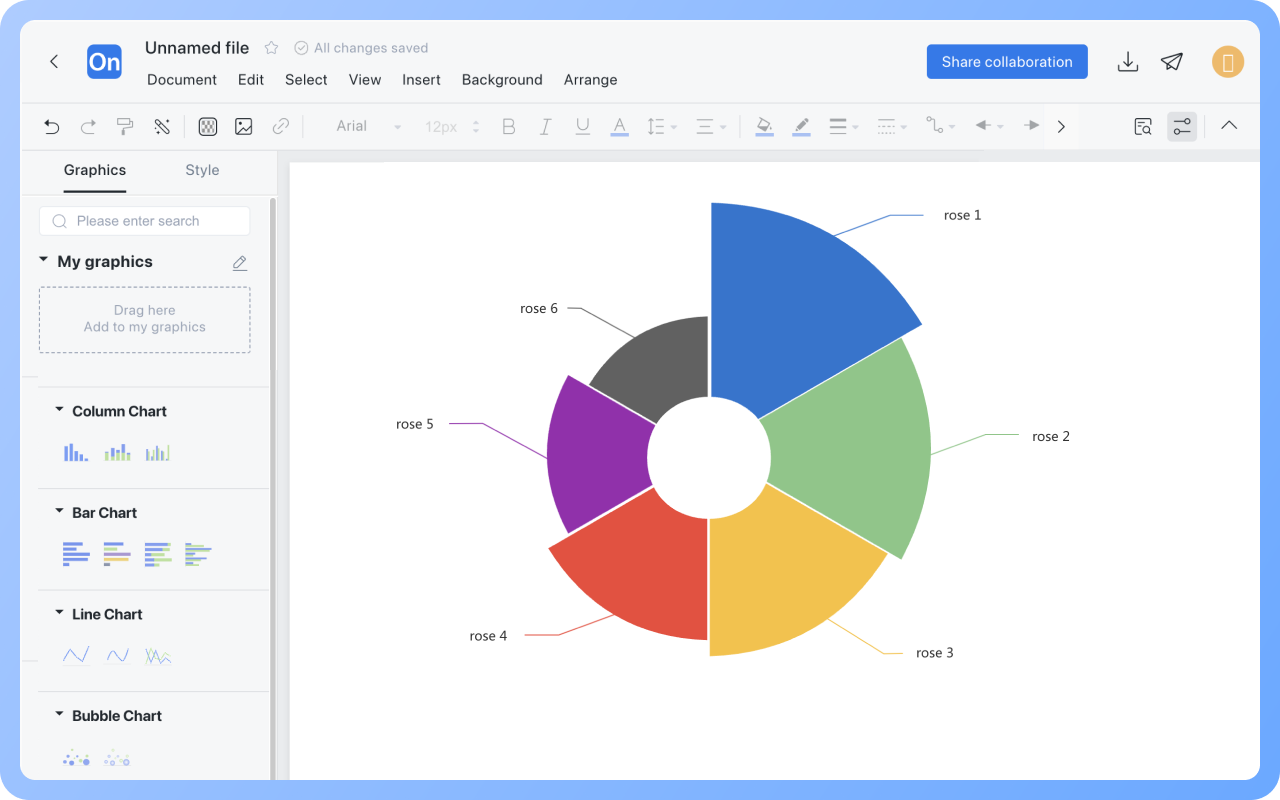
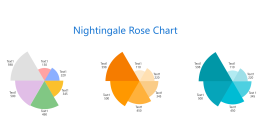
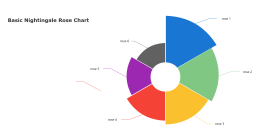
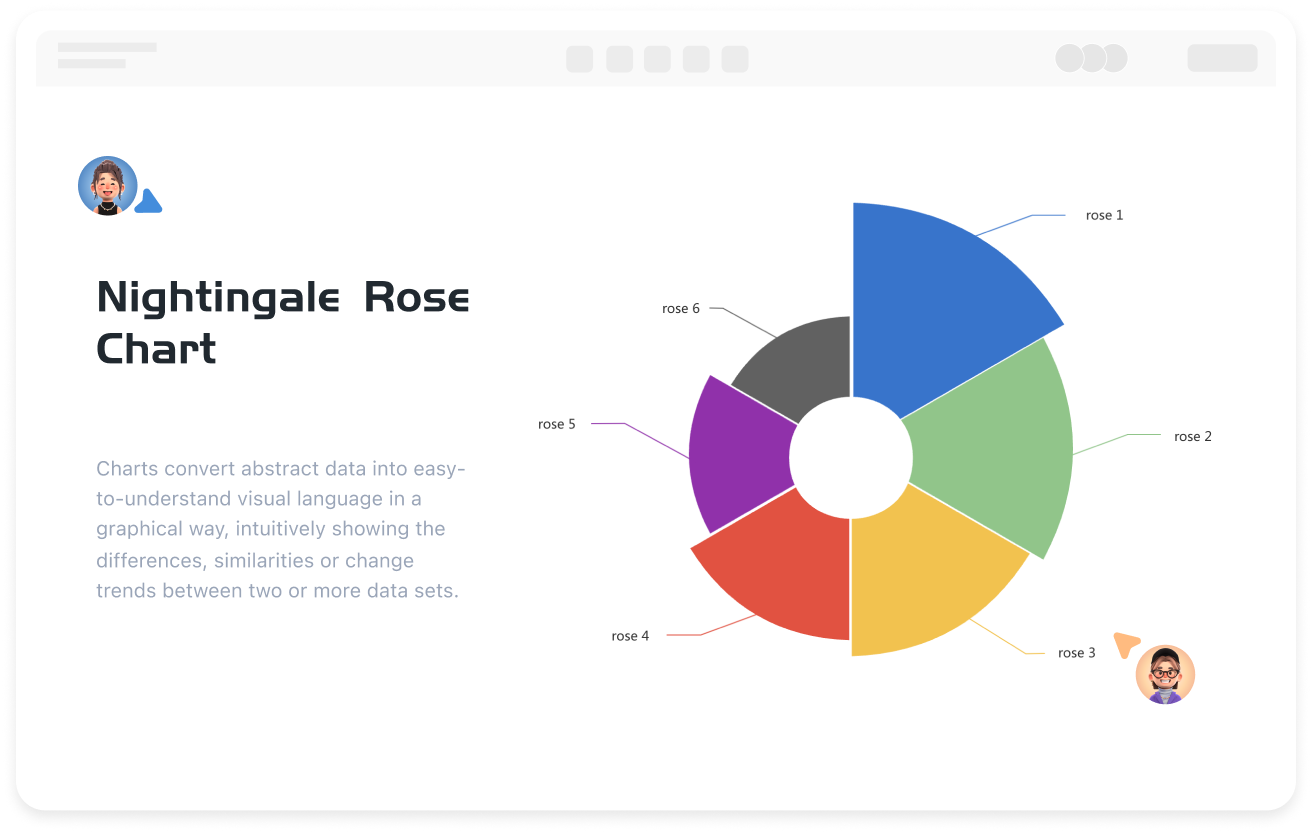
What is Nightingale Rose Chart
Try for free
History of the Nightingale Rose Chart
Try for free
History
Features of the Nightingale Rose Chart
Try for free
Features
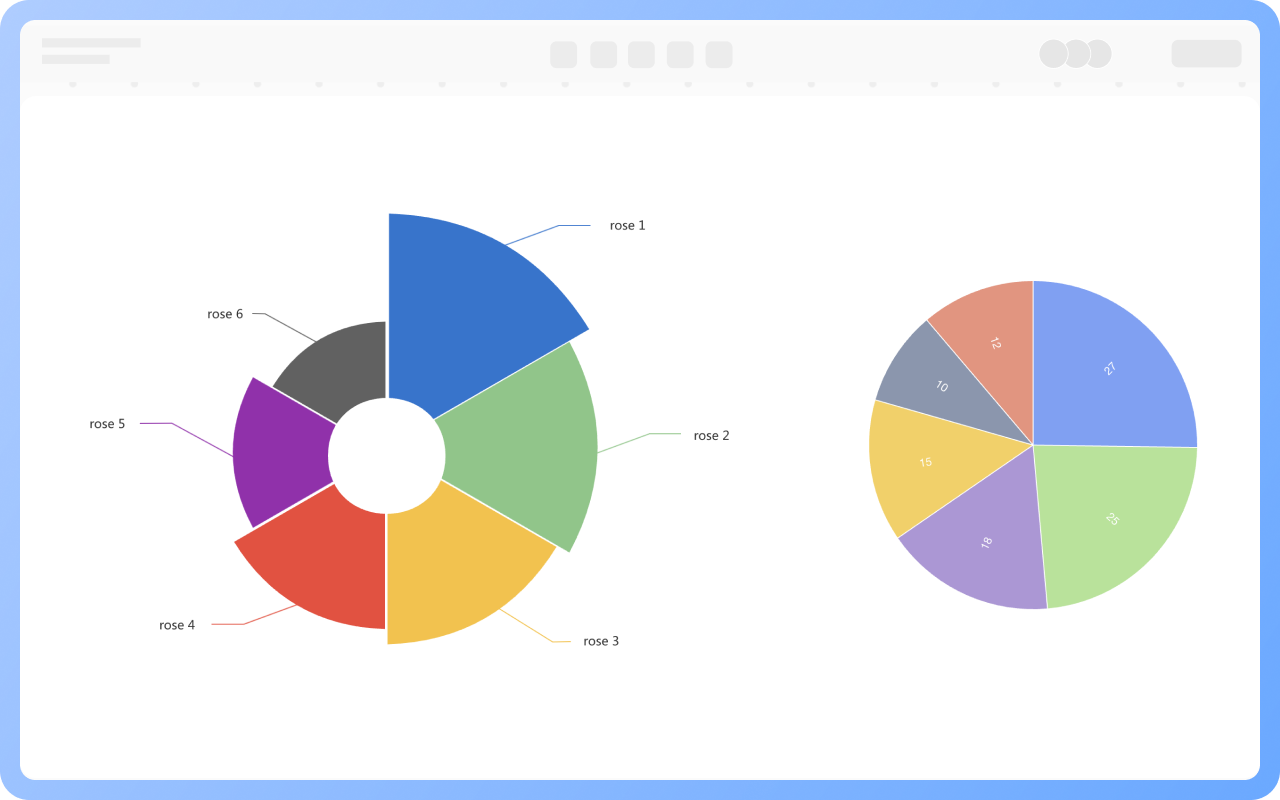
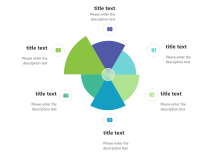
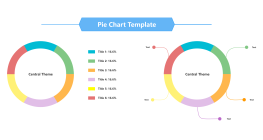
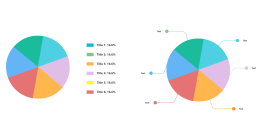
Nightingale Rose Chart vs. Pie Chart
Try for free
Nightingale
Applications of the Nightingale Rose Chart
Try for free
Applications

ProcessOn Nightingale Rose Chart Key Features

Online Collaboration

Supports real-time multi-user co-creation with shareable links for instant information transfer

Online Collaboration
One-Click AI Generation

Automatically generates graphics from text input and applies style enhancements

One-Click AI Generation
Personalized Style Customization

Prebuilt themes with full customization for personalized designs

Personalized Style Customization
Multiple Component Types

Supports icons, images, labels, LaTeX formulas, code blocks, links, attachments and more

Multiple Component Types
Multi-Format Compatibility

Export: PNG, VISIO, PDF, SVG | Import: VISIO, Mermaid

Multi-Format Compatibility
Cross-Device Sync

Real-time cloud storage, multi-device sync, version history, and secure data protection

Cross-Device Sync
Try for free

Nightingale Rose Chart How to Draw?

Nightingale Rose ChartHow to Draw?
1
Search for 'Nightingale Rose Chart' in the template community and select a suitable template to clone.
2
Double-click the text part of the chart to fill in category labels (such as months, product types) and corresponding values (such as sales, visits).
3
Select the sector, and use different colors to mark it in the top toolbar.
4
Check whether the data values in the Nightingale Rose Chart are filled in accurately. In this way, a Nightingale Rose Chart is completed.
5
After the Nightingale Rose Chart is completed, it can be downloaded or shared with others.
Try for free

Nightingale Rose Chart Frequently asked questions

What is the difference between a Nightingale rose chart and a regular pie chart?

The rose chart uses sector radius to map values, amplifying differences; the pie chart uses angles to represent proportions.

What data is suitable for display with a Nightingale rose chart?

Periodic data (such as monthly sales) or categorical data that needs to compare differences.

Can a Nightingale rose chart display multiple data sets?

Yes, different colors can distinguish multiple sets, but it is recommended not to exceed four types.

Is a Nightingale rose chart suitable for negative value data?

Not suitable, the rose chart only supports positive numbers, negative values need to be converted or discarded.

How to highlight the highest/lowest values in a Nightingale rose chart?

Add data labels or annotations, or use contrasting colors to mark.

How to export a Nightingale rose chart as an image or PDF format?

Click the 'Download' button in the upper right corner to export the Nightingale rose chart as PNG, JPG, PDF, etc.

Try for free

Nightingale Rose Chart Template Recommendations

Nightingale Rose Chart Drawing Guide

Related Diagrams