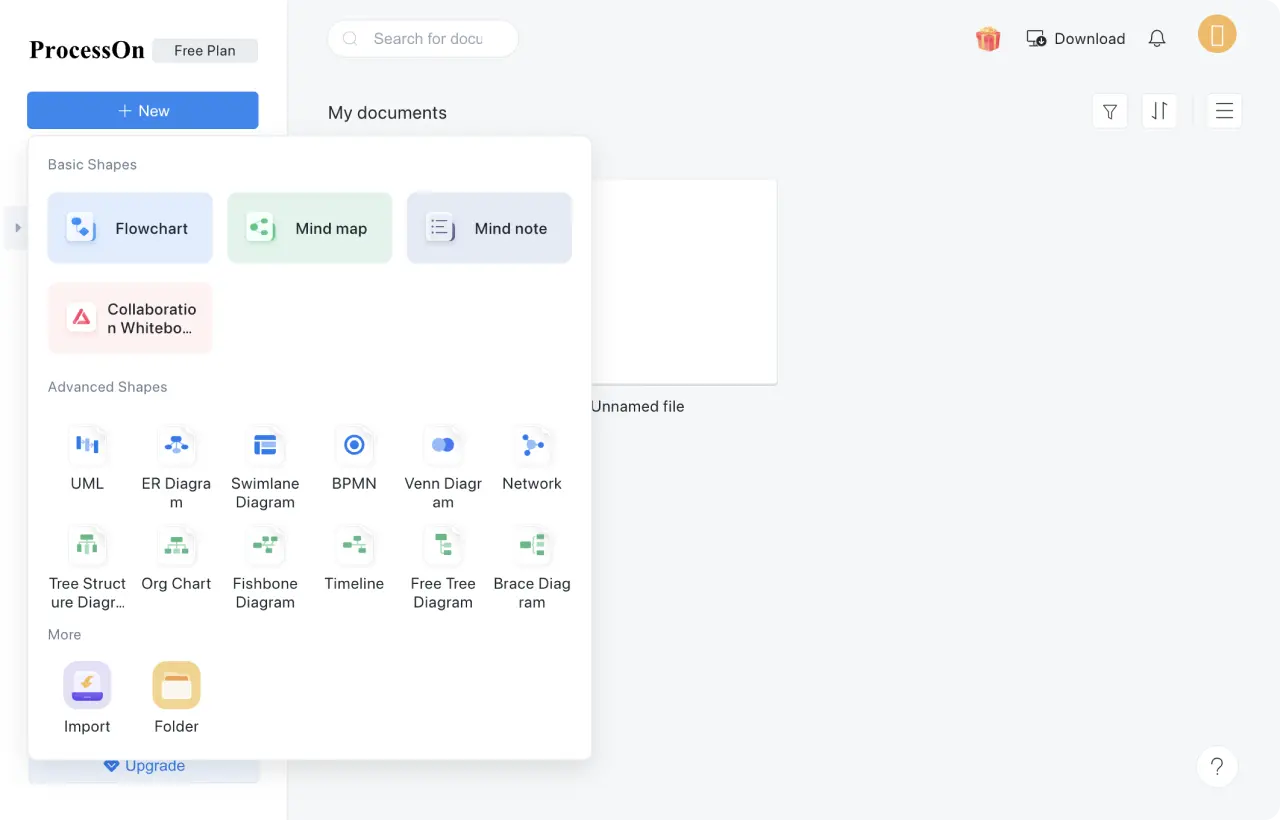
ProcessOn offers fully free diagramming, storage, and collaboration features for individuals, teams, and businesses. It supports flowcharts, mind maps, UML diagrams, organizational charts, network topology, and more, meeting all your needs at no cost.
Try for free
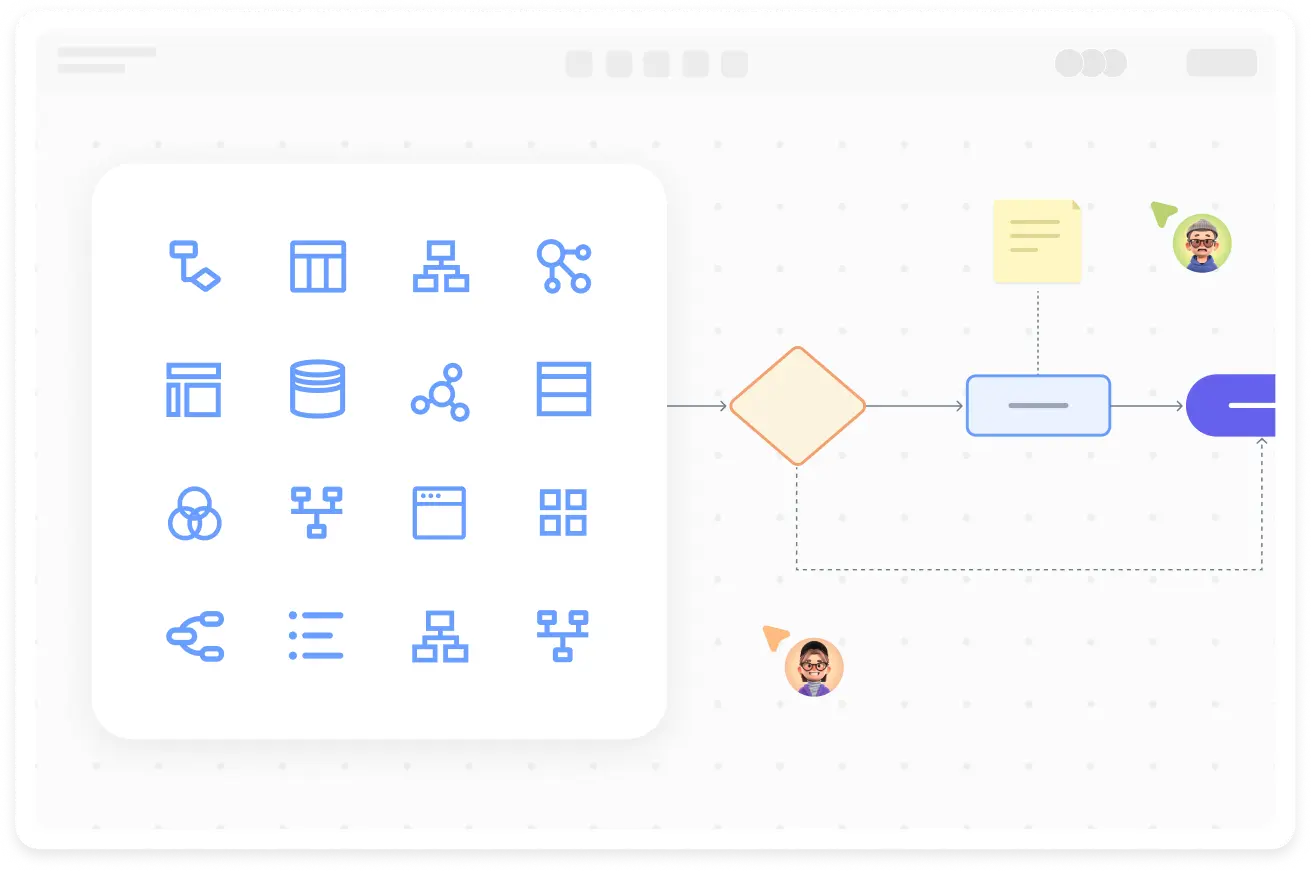
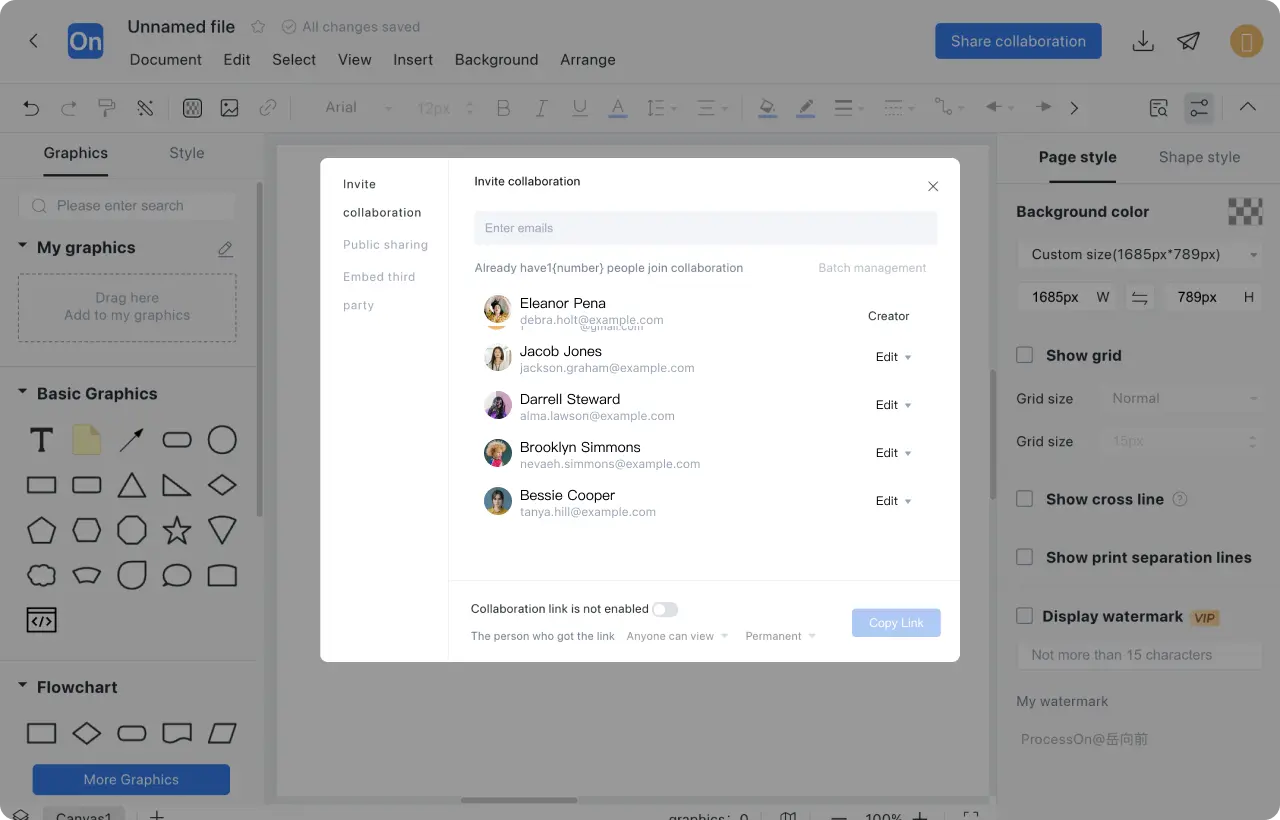
Powerful Real-Time Collaboration
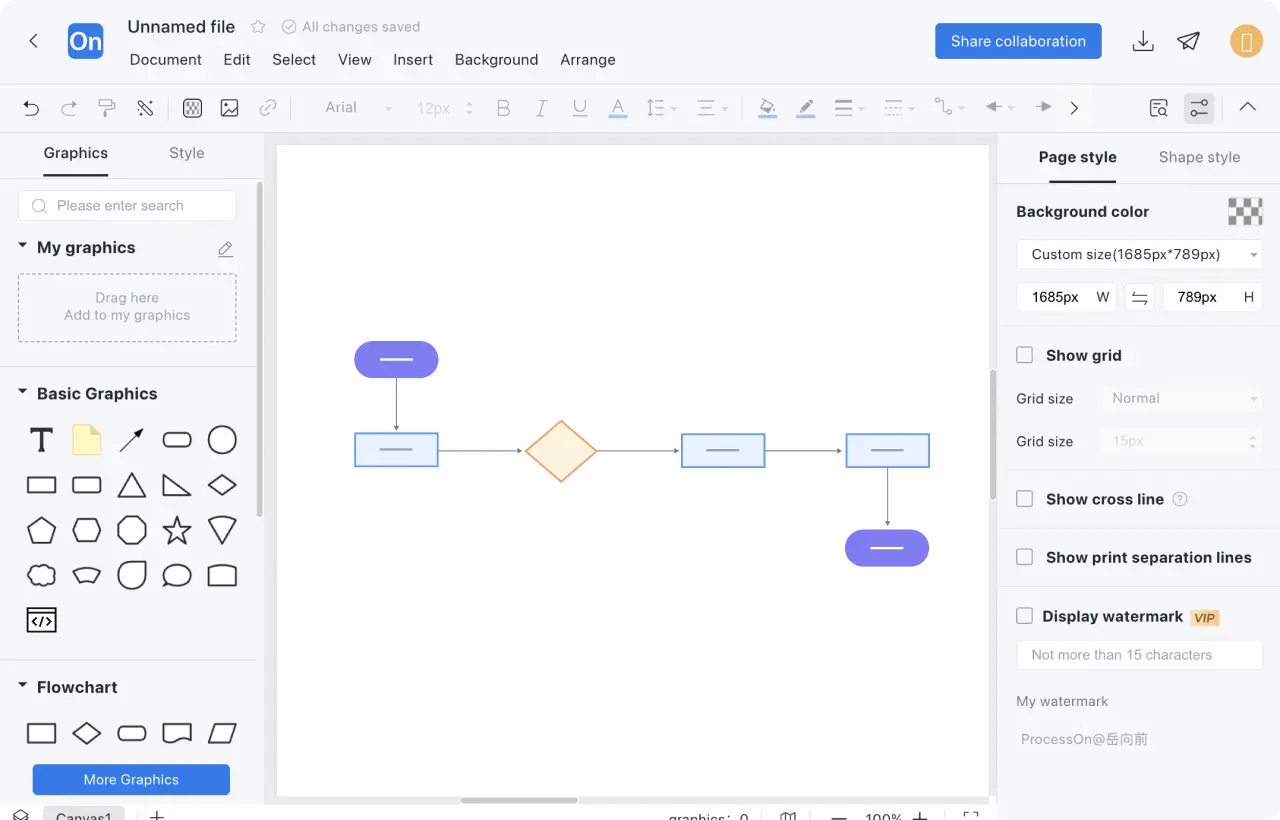
Team members can edit diagrams simultaneously with real-time sync, while view or edit permissions ensure data security.
Try for free
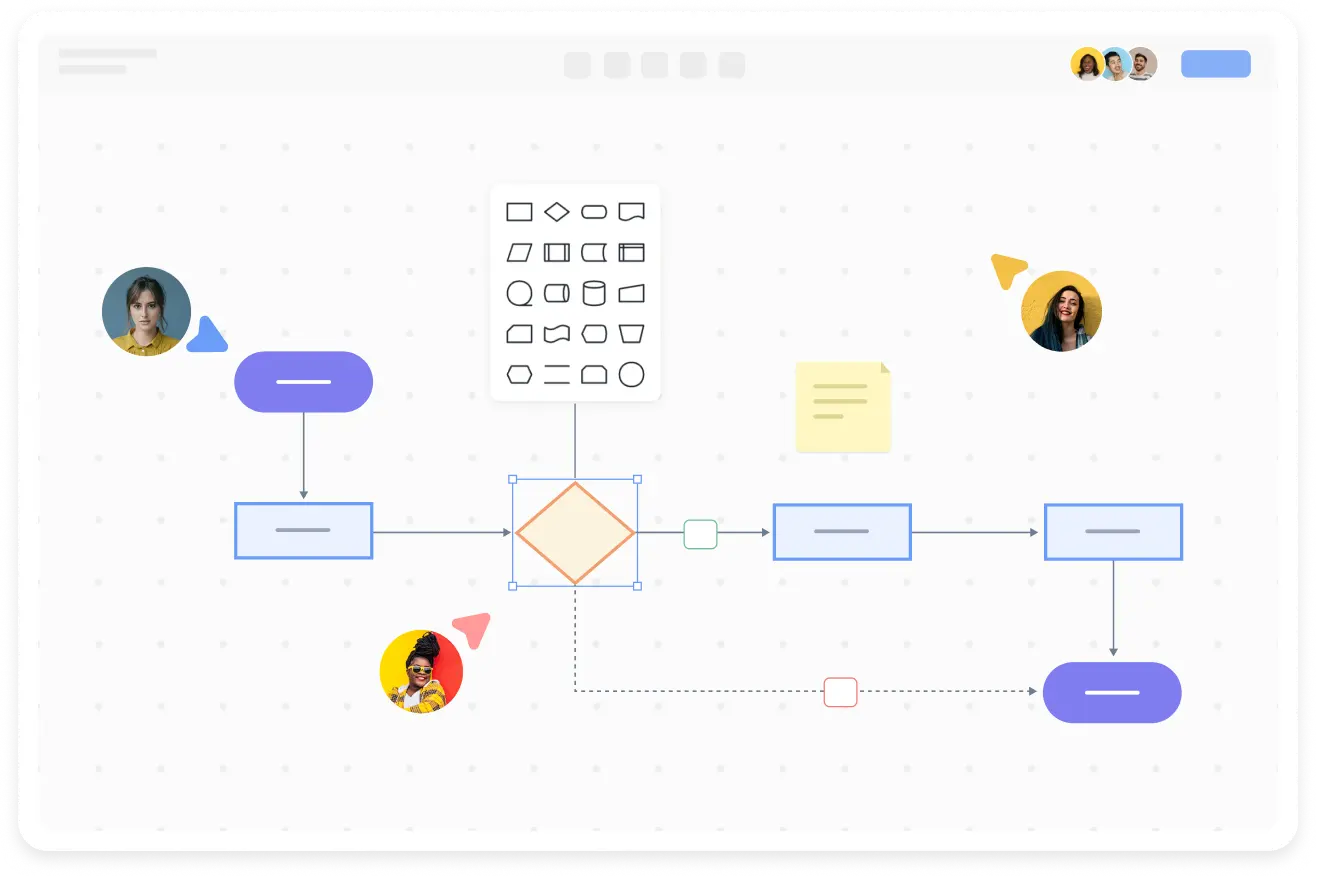
Easy-to-Use Interface, Quick to Get Started
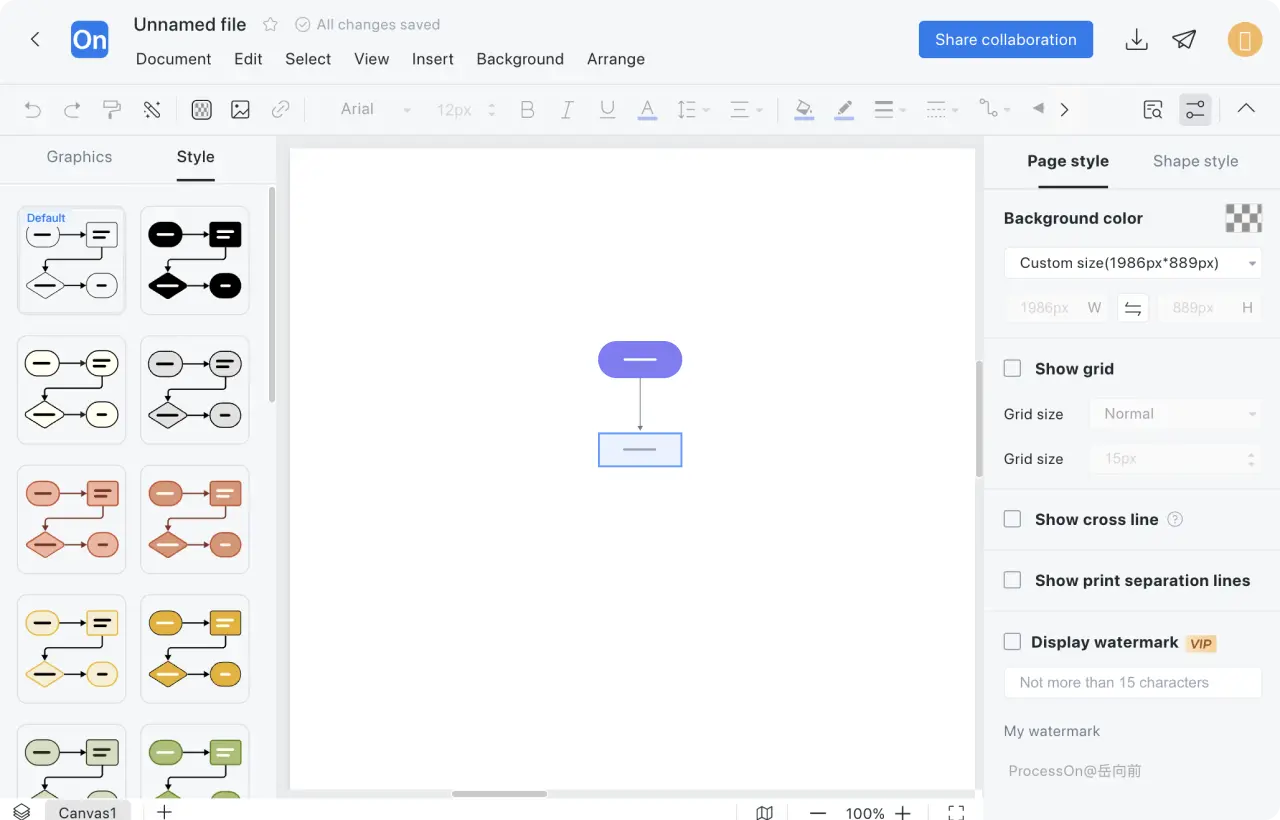
Simple and Intuitive with Rich Templates! Access a variety of free templates to quickly create professional diagrams, perfect for beginners and experts alike.
Try for free
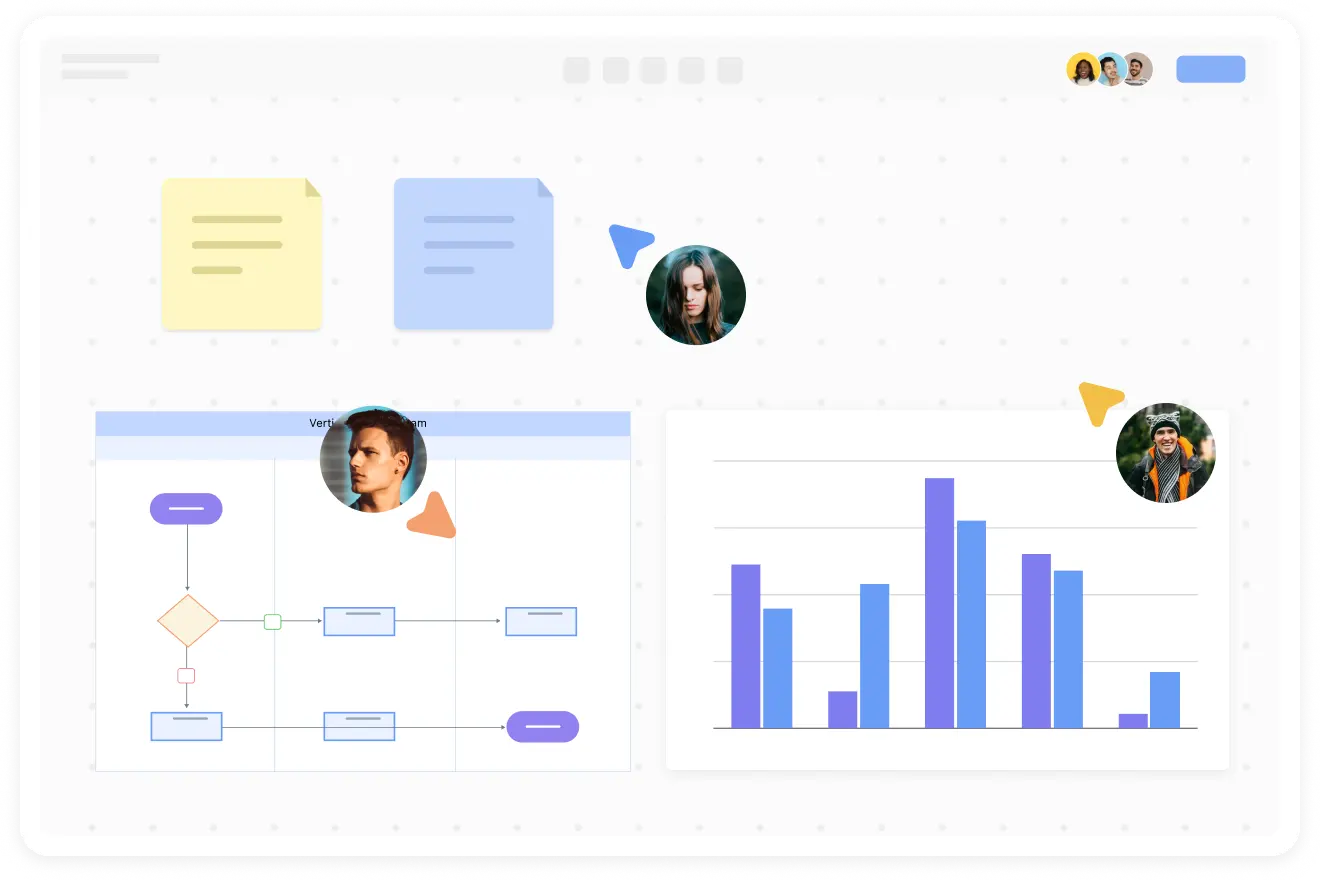
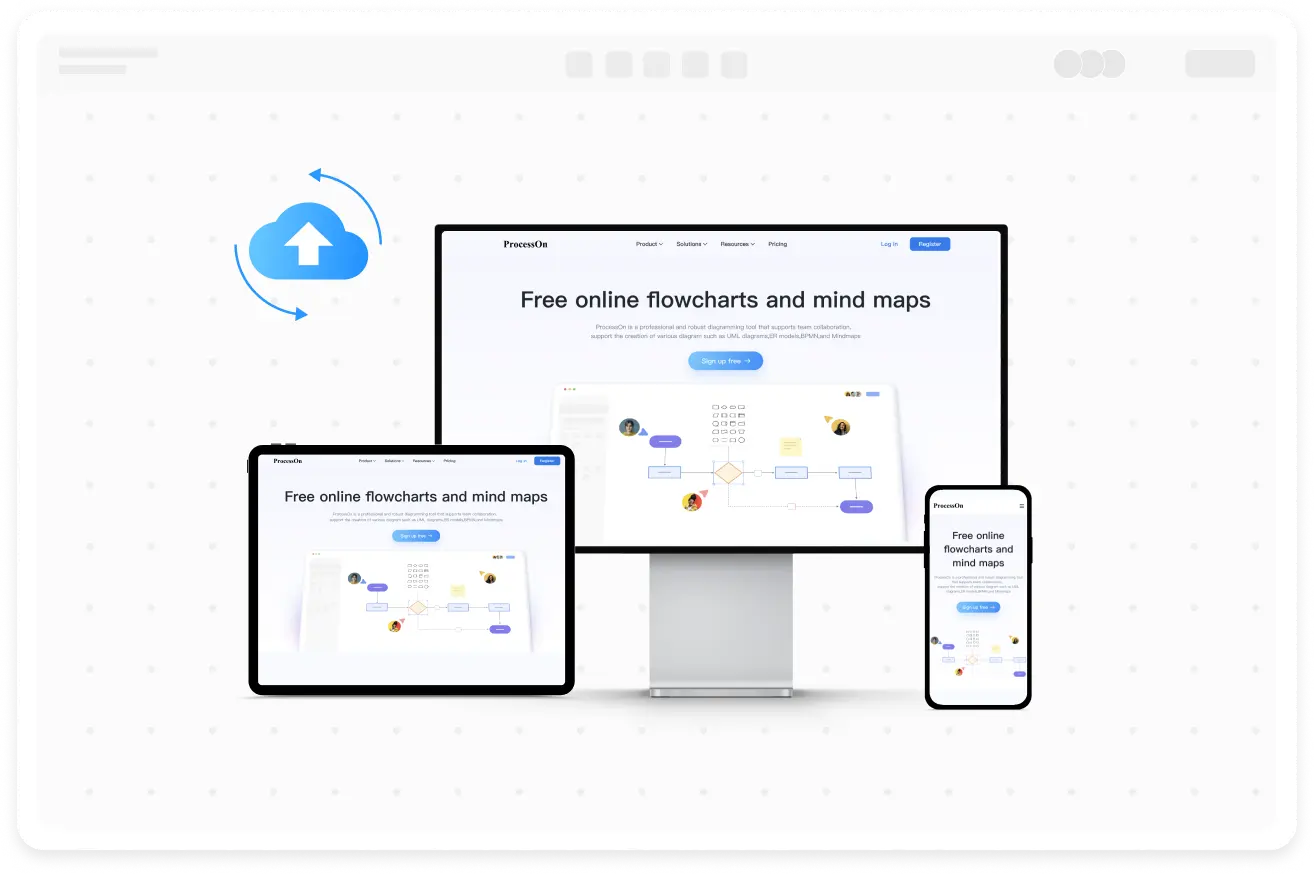
Fully Cloud-Based, Access Anytime, Anywhere
Cross-Platform Compatibility and Cloud Storage.Access and edit your diagrams anytime, anywhere on desktop, mobile, or tablet. All data is automatically saved and synced, ensuring your work is never lost.
Try for free
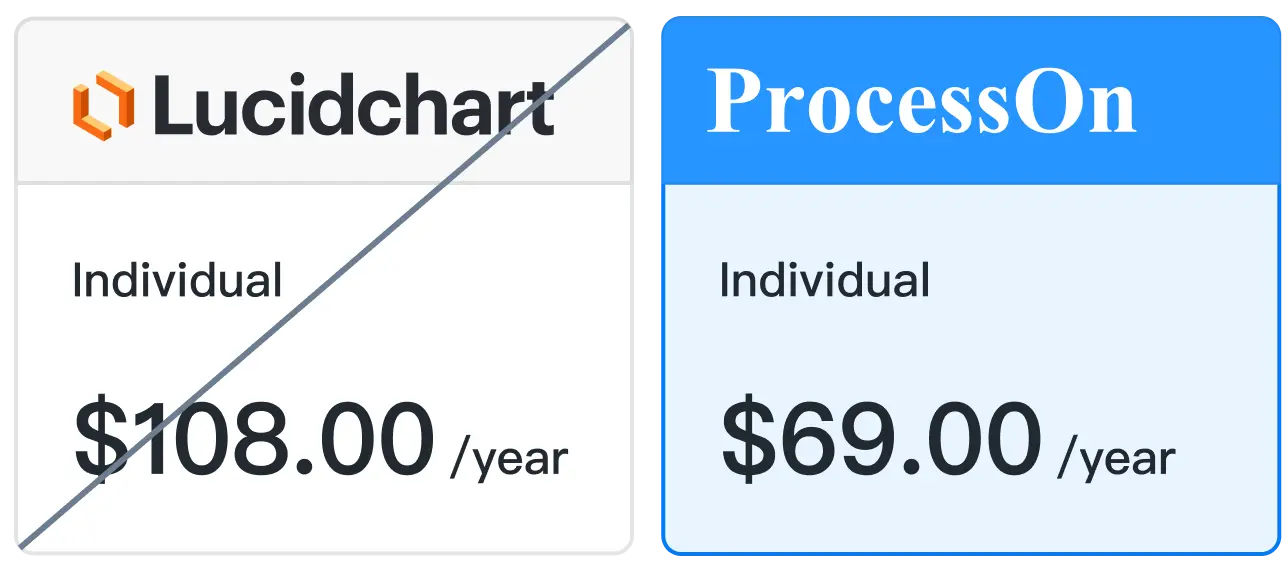
ProcessOn vs Lucidchart — Detailed Comparison
Price$69/year($5.7/month)
Advanced Shape Library
Individual mind map editor
Visio import and export
Mindmanager import and export
Template
Historical record reply
Add password/expiration date sharing link
Learning curve
Price$108/year($9/month)
Advanced Shape Library
Individual mind map editor
Visio import and export
Mindmanager import and export
Template
Historical record reply
Add password/expiration date sharing link
Learning curve
How to Get Started with ProcessOn
1
Quick Registration: Sign up in minutes and start using all the features immediately.
2
Select a Template: Choose from a wide range of templates to quickly create your own diagram.
3
Invite Team Members to Collaborate: Start collaborating with your team in real time to boost productivity.
4
Access Anytime, Anywhere: With ProcessOn, you can work on your diagrams from any device, anywhere, at any time.
Try for free
Loved by millions of users
ProcessOn is truly amazing! I've been using it for a while now and I really love how easy and convenient it is to create diagrams and mind maps. The interface is super intuitive, so I didn't have to spend much time learning. Plus, since it's online, I can access my work anytime, anywhere — super convenient!
Maria González
Marketing Management
ProcessOn is genuinely great! Organizing my thoughts has become so much easier, especially with the mind mapping feature. I love the templates — they make everything so effortless. I can't recommend it enough!
Carlos Rodríguez
Stop the Project
Me encanta ProcessOn . intuitiva . No me costó nada aprender a usarla . en cualquier momento y lugar , sin preoccupaciones .
Ana Martínez
Dissertation Graphics
I absolutely love ProcessOn! It makes project planning easy and efficient, with a simple and user-friendly interface and very practical templates. Visualizing my ideas has become simple and organized.
Luis Fernández
Software Design
ProcessOn has hecho mi trabajo Mucho más fá cil . La variedad de plantillas me ahorra mucho I want you to know me crear Diagrams of aspects professional . Es una herramienta que uso todos los dias y la recomiendo a todos .
Isabel Lopez
Product
Para mí, ProcessOn es una herramienta indispensable. Organizar mis ideas y proyectos nunca ha sido tan sencillo . La interfaz es fá cil de usar, y el hecho de que sea en lí nea lo hace aún mejor .
Javier Ramírez
E-strategy for continuation
ProcessOn es ideal para trabajar en equipo . crear diagramas Professionales rápidamente y compartirlos con mi equipo desde cualquier lugar .
Laura Perez
Business Analyst
In teaching and training, I often use ProcessOn to transform abstract knowledge points into flowcharts and structural diagrams, which makes it faster for students to understand and easier for them to form systematic cognition.
Michael Anderson
university lecturer
I mainly use ProcessOn to streamline financial processes, approval paths, and internal control structures. By visualizing complex processes, management can understand them more intuitively and identify process redundancies for continuous optimization.
Lautaro Martínez
Financial Controller
In case analysis and internal discussions, I will use ProcessOn to streamline the case process, timeline, and evidence relationships. By visualizing complex legal logic, communication becomes more intuitive and helps to clarify the approach to the case
Emily Carter
lawyer
When doing information architecture and user process analysis, I often use ProcessOn to first run the logic and then enter the design phase. It is lighter than traditional design tools and suitable for early thinking and team consensus building.
Jonathan Brooks
UX designer
As a product manager, I mainly use ProcessOn to draw requirement flowcharts, business architecture diagrams, and PRD structure diagrams. The tool is very easy to use and can clearly express complex logic during the review process, significantly reducing the cost of repeated explanations and communication.
Sarah Wilson
Product Manager
I usually use ProcessOn to draw UML, sequence diagrams, and interface call processes without installing local software. It can be used directly through a browser, making modification and collaboration very convenient. It is suitable for daily technical discussions and document accumulation.
Ryan Miller
Backend Engineer
When conducting marketing activities and brand communication plans, using ProcessOn to clearly outline the activity process, communication path, and resource collaboration significantly improves cross departmental communication efficiency and makes the execution process more controllable.
Daniel Roberts
Brand Manager
When conducting industry analysis and presenting solutions, I often use ProcessOn to visualize complex logic and analytical frameworks, making it easier for clients to understand and making the presentation structure appear more professional and persuasive.
Marcus Thuram
Consulting firm consultant
We used ProcessOn to organize the organizational structure, job responsibilities, and recruitment process. After clarifying the abstract management issues, internal communication became much smoother, and new employees were able to better understand the company structure.
Thomas Walker
Director of Human Resources
When explaining the indicator system and data flow, using ProcessOn to draw a data flow diagram is very intuitive, which is not only convenient for communication with business colleagues, but also suitable for long-term reusable analysis documents.
Kevin Parker
data analyst
When analyzing the company's business model and structure, using ProcessOn to draw a graph of revenue sources and business relationships provides clearer logic and facilitates quick communication with the investment committee for core judgments.
Dora Chen
Investment Manager
The promotional activity process, conversion path, and user behavior analysis can be clearly illustrated with a single ProcessOn diagram. The team has avoided many detours in the execution of the activity, and the review is more efficient.
Alex Morgan
E-commerce Operations Manager
ProcessOn is very friendly to project management, with visual presentation of milestones, division of responsibilities, and process nodes, making it easier to drive project implementation than simple text documents.
Robert Green
Project Manager
We will use ProcessOn to streamline the gameplay logic, system relationships, and numerical structures. After breaking down complex designs into diagrams, the communication costs between the program, art, and planning will be significantly reduced.
Olivia Yamin
Game Design
I use ProcessOn for creative planning and project decomposition, organizing scattered ideas into structured mind maps, which makes my ideas clearer and easier to continuously produce content.
James Turner
freelancer
ProcessOn is truly amazing! I've been using it for a while now and I really love how easy and convenient it is to create diagrams and mind maps. The interface is super intuitive, so I didn't have to spend much time learning. Plus, since it's online, I can access my work anytime, anywhere — super convenient!
Maria González
Marketing Management
ProcessOn is genuinely great! Organizing my thoughts has become so much easier, especially with the mind mapping feature. I love the templates — they make everything so effortless. I can't recommend it enough!
Carlos Rodríguez
Stop the Project
Me encanta ProcessOn . intuitiva . No me costó nada aprender a usarla . en cualquier momento y lugar , sin preoccupaciones .
Ana Martínez
Dissertation Graphics
I absolutely love ProcessOn! It makes project planning easy and efficient, with a simple and user-friendly interface and very practical templates. Visualizing my ideas has become simple and organized.
Luis Fernández
Software Design
ProcessOn has hecho mi trabajo Mucho más fá cil . La variedad de plantillas me ahorra mucho I want you to know me crear Diagrams of aspects professional . Es una herramienta que uso todos los dias y la recomiendo a todos .
Isabel Lopez
Product
Para mí, ProcessOn es una herramienta indispensable. Organizar mis ideas y proyectos nunca ha sido tan sencillo . La interfaz es fá cil de usar, y el hecho de que sea en lí nea lo hace aún mejor .
Javier Ramírez
E-strategy for continuation
ProcessOn es ideal para trabajar en equipo . crear diagramas Professionales rápidamente y compartirlos con mi equipo desde cualquier lugar .
Laura Perez
Business Analyst
In teaching and training, I often use ProcessOn to transform abstract knowledge points into flowcharts and structural diagrams, which makes it faster for students to understand and easier for them to form systematic cognition.
Michael Anderson
university lecturer
I mainly use ProcessOn to streamline financial processes, approval paths, and internal control structures. By visualizing complex processes, management can understand them more intuitively and identify process redundancies for continuous optimization.
Lautaro Martínez
Financial Controller
In case analysis and internal discussions, I will use ProcessOn to streamline the case process, timeline, and evidence relationships. By visualizing complex legal logic, communication becomes more intuitive and helps to clarify the approach to the case
Emily Carter
lawyer
When doing information architecture and user process analysis, I often use ProcessOn to first run the logic and then enter the design phase. It is lighter than traditional design tools and suitable for early thinking and team consensus building.
Jonathan Brooks
UX designer
As a product manager, I mainly use ProcessOn to draw requirement flowcharts, business architecture diagrams, and PRD structure diagrams. The tool is very easy to use and can clearly express complex logic during the review process, significantly reducing the cost of repeated explanations and communication.
Sarah Wilson
Product Manager
I usually use ProcessOn to draw UML, sequence diagrams, and interface call processes without installing local software. It can be used directly through a browser, making modification and collaboration very convenient. It is suitable for daily technical discussions and document accumulation.
Ryan Miller
Backend Engineer
When conducting marketing activities and brand communication plans, using ProcessOn to clearly outline the activity process, communication path, and resource collaboration significantly improves cross departmental communication efficiency and makes the execution process more controllable.
Daniel Roberts
Brand Manager
When conducting industry analysis and presenting solutions, I often use ProcessOn to visualize complex logic and analytical frameworks, making it easier for clients to understand and making the presentation structure appear more professional and persuasive.
Marcus Thuram
Consulting firm consultant
We used ProcessOn to organize the organizational structure, job responsibilities, and recruitment process. After clarifying the abstract management issues, internal communication became much smoother, and new employees were able to better understand the company structure.
Thomas Walker
Director of Human Resources
When explaining the indicator system and data flow, using ProcessOn to draw a data flow diagram is very intuitive, which is not only convenient for communication with business colleagues, but also suitable for long-term reusable analysis documents.
Kevin Parker
data analyst
When analyzing the company's business model and structure, using ProcessOn to draw a graph of revenue sources and business relationships provides clearer logic and facilitates quick communication with the investment committee for core judgments.
Dora Chen
Investment Manager
The promotional activity process, conversion path, and user behavior analysis can be clearly illustrated with a single ProcessOn diagram. The team has avoided many detours in the execution of the activity, and the review is more efficient.
Alex Morgan
E-commerce Operations Manager
ProcessOn is very friendly to project management, with visual presentation of milestones, division of responsibilities, and process nodes, making it easier to drive project implementation than simple text documents.
Robert Green
Project Manager
We will use ProcessOn to streamline the gameplay logic, system relationships, and numerical structures. After breaking down complex designs into diagrams, the communication costs between the program, art, and planning will be significantly reduced.
Olivia Yamin
Game Design
I use ProcessOn for creative planning and project decomposition, organizing scattered ideas into structured mind maps, which makes my ideas clearer and easier to continuously produce content.
James Turner
freelancer
ProcessOn is truly amazing! I've been using it for a while now and I really love how easy and convenient it is to create diagrams and mind maps. The interface is super intuitive, so I didn't have to spend much time learning. Plus, since it's online, I can access my work anytime, anywhere — super convenient!
Maria González
Marketing Management
ProcessOn is genuinely great! Organizing my thoughts has become so much easier, especially with the mind mapping feature. I love the templates — they make everything so effortless. I can't recommend it enough!
Carlos Rodríguez
Stop the Project
Me encanta ProcessOn . intuitiva . No me costó nada aprender a usarla . en cualquier momento y lugar , sin preoccupaciones .
Ana Martínez
Dissertation Graphics
I absolutely love ProcessOn! It makes project planning easy and efficient, with a simple and user-friendly interface and very practical templates. Visualizing my ideas has become simple and organized.
Luis Fernández
Software Design
ProcessOn has hecho mi trabajo Mucho más fá cil . La variedad de plantillas me ahorra mucho I want you to know me crear Diagrams of aspects professional . Es una herramienta que uso todos los dias y la recomiendo a todos .
Isabel Lopez
Product
Para mí, ProcessOn es una herramienta indispensable. Organizar mis ideas y proyectos nunca ha sido tan sencillo . La interfaz es fá cil de usar, y el hecho de que sea en lí nea lo hace aún mejor .
Javier Ramírez
E-strategy for continuation
ProcessOn es ideal para trabajar en equipo . crear diagramas Professionales rápidamente y compartirlos con mi equipo desde cualquier lugar .
Laura Perez
Business Analyst
In teaching and training, I often use ProcessOn to transform abstract knowledge points into flowcharts and structural diagrams, which makes it faster for students to understand and easier for them to form systematic cognition.
Michael Anderson
university lecturer
I mainly use ProcessOn to streamline financial processes, approval paths, and internal control structures. By visualizing complex processes, management can understand them more intuitively and identify process redundancies for continuous optimization.
Lautaro Martínez
Financial Controller
In case analysis and internal discussions, I will use ProcessOn to streamline the case process, timeline, and evidence relationships. By visualizing complex legal logic, communication becomes more intuitive and helps to clarify the approach to the case
Emily Carter
lawyer
When doing information architecture and user process analysis, I often use ProcessOn to first run the logic and then enter the design phase. It is lighter than traditional design tools and suitable for early thinking and team consensus building.
Jonathan Brooks
UX designer
As a product manager, I mainly use ProcessOn to draw requirement flowcharts, business architecture diagrams, and PRD structure diagrams. The tool is very easy to use and can clearly express complex logic during the review process, significantly reducing the cost of repeated explanations and communication.
Sarah Wilson
Product Manager
I usually use ProcessOn to draw UML, sequence diagrams, and interface call processes without installing local software. It can be used directly through a browser, making modification and collaboration very convenient. It is suitable for daily technical discussions and document accumulation.
Ryan Miller
Backend Engineer
When conducting marketing activities and brand communication plans, using ProcessOn to clearly outline the activity process, communication path, and resource collaboration significantly improves cross departmental communication efficiency and makes the execution process more controllable.
Daniel Roberts
Brand Manager
When conducting industry analysis and presenting solutions, I often use ProcessOn to visualize complex logic and analytical frameworks, making it easier for clients to understand and making the presentation structure appear more professional and persuasive.
Marcus Thuram
Consulting firm consultant
We used ProcessOn to organize the organizational structure, job responsibilities, and recruitment process. After clarifying the abstract management issues, internal communication became much smoother, and new employees were able to better understand the company structure.
Thomas Walker
Director of Human Resources
When explaining the indicator system and data flow, using ProcessOn to draw a data flow diagram is very intuitive, which is not only convenient for communication with business colleagues, but also suitable for long-term reusable analysis documents.
Kevin Parker
data analyst
When analyzing the company's business model and structure, using ProcessOn to draw a graph of revenue sources and business relationships provides clearer logic and facilitates quick communication with the investment committee for core judgments.
Dora Chen
Investment Manager
The promotional activity process, conversion path, and user behavior analysis can be clearly illustrated with a single ProcessOn diagram. The team has avoided many detours in the execution of the activity, and the review is more efficient.
Alex Morgan
E-commerce Operations Manager
ProcessOn is very friendly to project management, with visual presentation of milestones, division of responsibilities, and process nodes, making it easier to drive project implementation than simple text documents.
Robert Green
Project Manager
We will use ProcessOn to streamline the gameplay logic, system relationships, and numerical structures. After breaking down complex designs into diagrams, the communication costs between the program, art, and planning will be significantly reduced.
Olivia Yamin
Game Design
I use ProcessOn for creative planning and project decomposition, organizing scattered ideas into structured mind maps, which makes my ideas clearer and easier to continuously produce content.




Loved by millions of users