

Register
Process Type
Graphical expression
Mind Type
Structured expression
Note Type
Efficient expression

Professional Online Matrix Diagram Drawing Tool

Try for free
Professional Online Matrix Diagram Drawing Tool
What is Matrix Diagram
Try for free
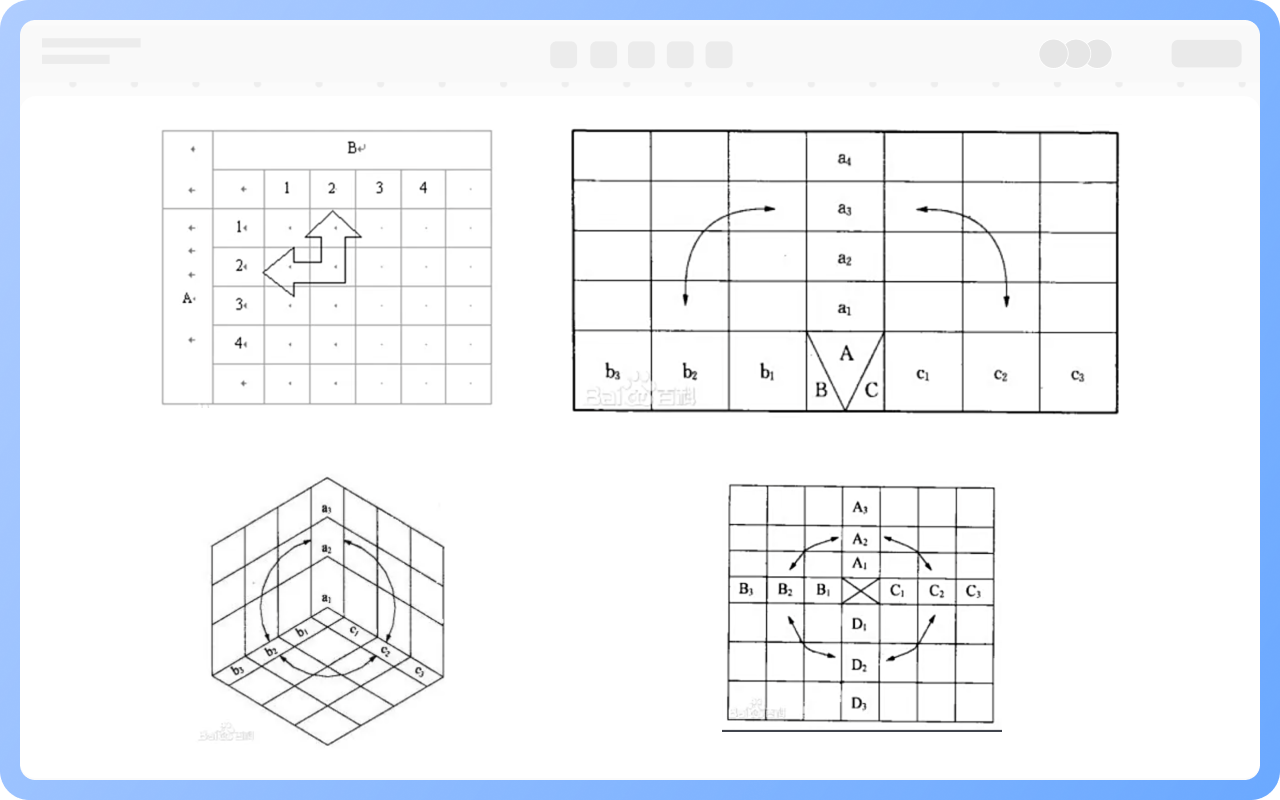
Types of Matrix Diagrams
Try for free
Types
Functions of Matrix Diagrams
Try for free
Functions
Advantages of Matrix Diagrams
Try for free
Advantages
Best Practices for Designing Matrix Diagrams
Try for free
Best
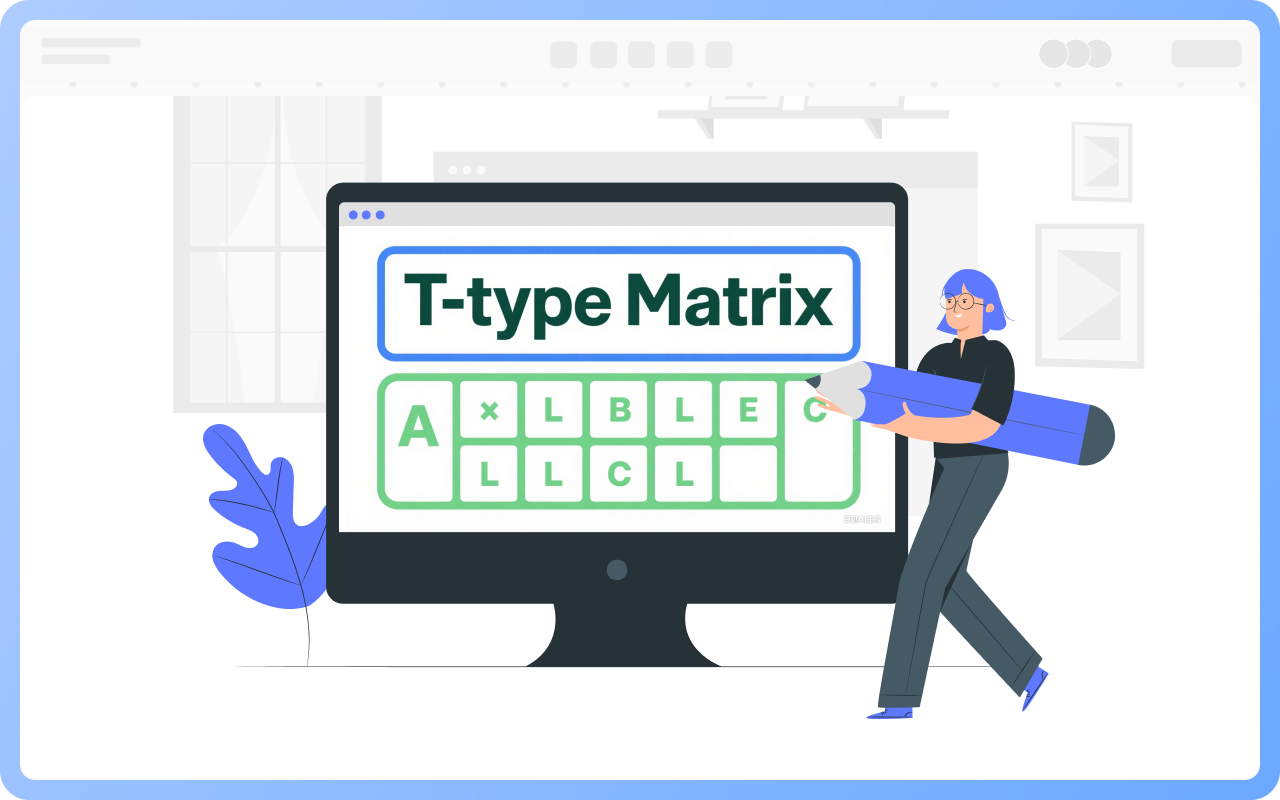
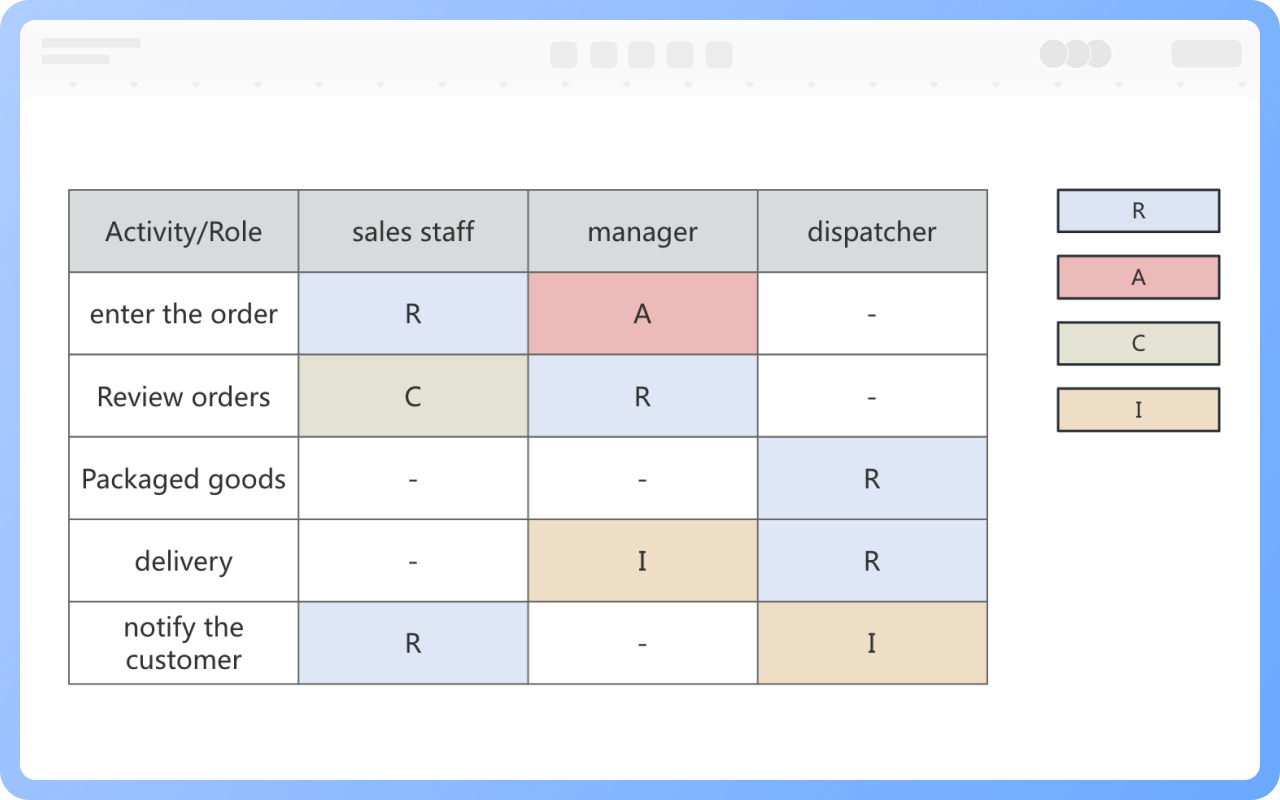
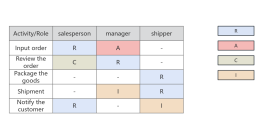
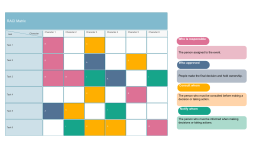
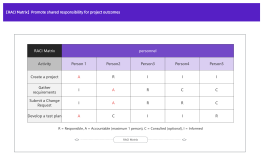
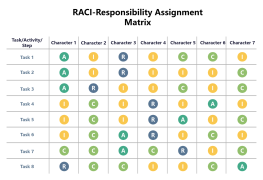
RACI Matrix
Try for free
RACI

ProcessOn Matrix Diagram Key Features

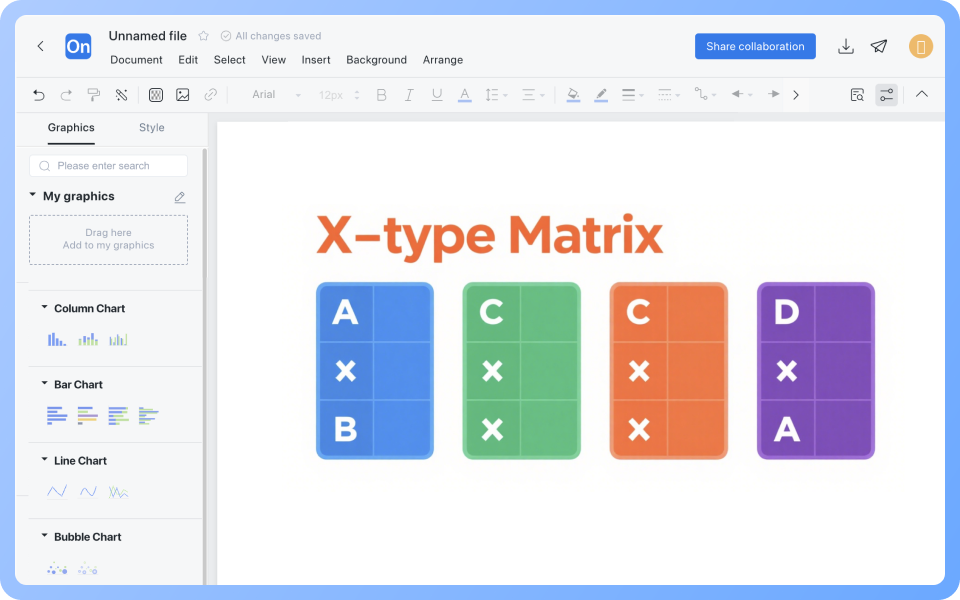
Online Collaboration

Supports real-time multi-user co-creation with shareable links for instant information transfer

Online Collaboration
One-Click AI Generation

Automatically generates graphics from text input and applies style enhancements

One-Click AI Generation
Personalized Style Customization

Prebuilt themes with full customization for personalized designs

Personalized Style Customization
Multiple Component Types

Supports icons, images, labels, LaTeX formulas, code blocks, links, attachments and more

Multiple Component Types
Multi-Format Compatibility

Export: PNG, VISIO, PDF, SVG | Import: VISIO, Mermaid

Multi-Format Compatibility
Cross-Device Sync

Real-time cloud storage, multi-device sync, version history, and secure data protection

Cross-Device Sync
Try for free

Matrix Diagram How to Draw?

Matrix DiagramHow to Draw?
1
Create a new blank flowchart, and in the graphics area, check the 'Table' type symbol under 'More Shapes'.
2
Drag the table element from the left side of the graphics area to the canvas, and set the number of rows and columns in the table.
3
Double-click the cell to fill in the analysis factors for the rows/columns (such as product, department, time, etc.).
4
Fill in data or symbols to indicate the corresponding relationship between row and column factors (such as values, levels, existence, etc.).
5
Select a cell, and the top toolbar allows you to set fill colors to highlight key points and increase readability.
6
Once the matrix diagram is completed, it can be downloaded or shared with others.
Try for free

Matrix Diagram Frequently asked questions

What is the difference between a matrix diagram and a quadrant diagram?

A matrix diagram is for multi-dimensional cross-analysis (e.g., product × defect cause) to show complex relationships. A quadrant diagram is a two-dimensional classification tool (e.g., 'importance-urgency' four quadrants) used for prioritization.

Does the Boston Matrix belong to a matrix diagram or a quadrant diagram?

Essentially, it is a quadrant diagram (dividing four types of business using market growth rate and market share), but it incorporates the multi-variable analysis logic of a matrix diagram.

What does 'dimension' mean in a matrix diagram?

Dimensions are the variables that make up the matrix (e.g., factors represented by rows and columns), and the more dimensions there are, the more complex the analysis (but usually no more than 4).

How to avoid information overload in a matrix diagram?

Limit the number of factors (no more than 5 per dimension), and use color/symbol grading annotations.

Are there templates or examples of matrix diagrams available for reference?

You can visit the ProcessOn template community, where there are numerous matrix diagram templates and examples available for free cloning and use.

How to export a matrix diagram to image or PDF format?

Click the 'Download' button in the upper right corner to export the matrix diagram in formats such as PNG, JPG, and PDF.

Try for free

Matrix Diagram Template Recommendations

Matrix Diagram Drawing Guide

Related Diagrams