

Register
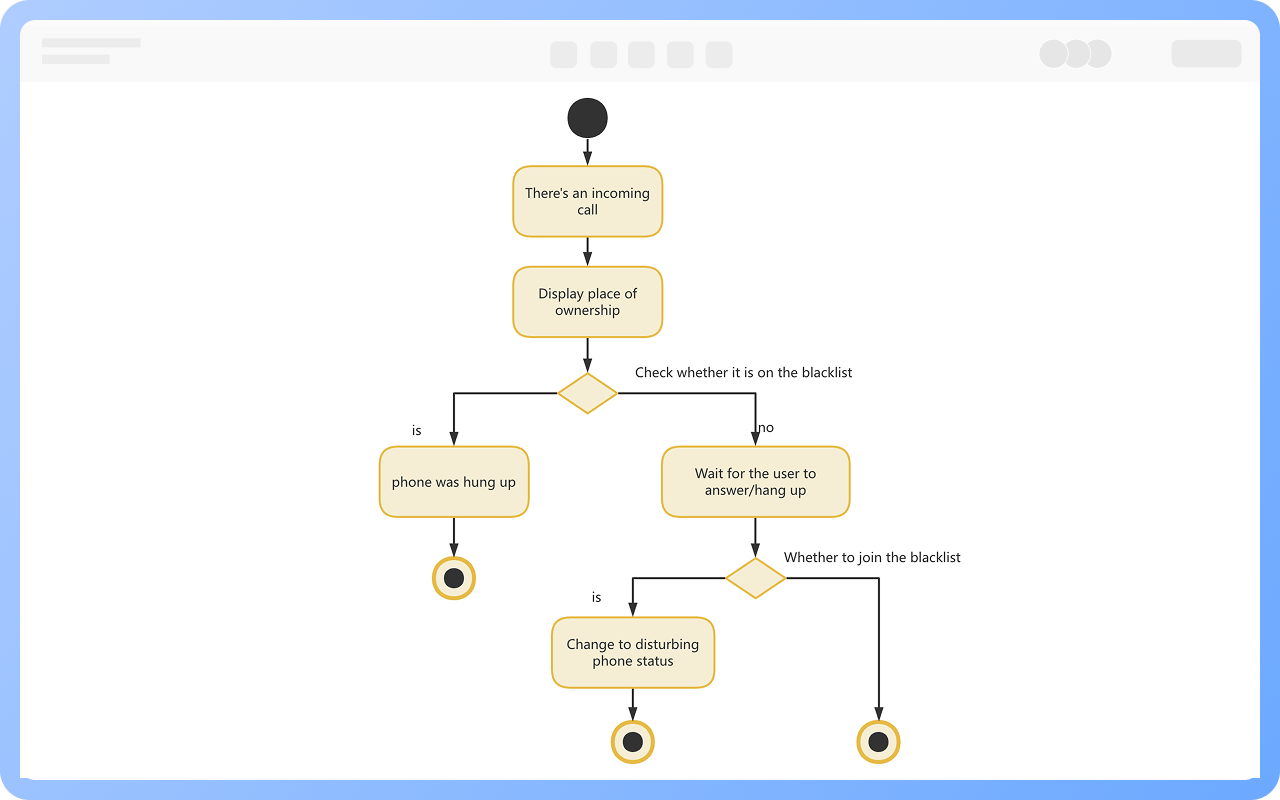
Process Type
Graphical expression
Mind Type
Structured expression
Note Type
Efficient expression

Free Online UML State Diagram Maker

Try for free
Free Online UML State Diagram Maker
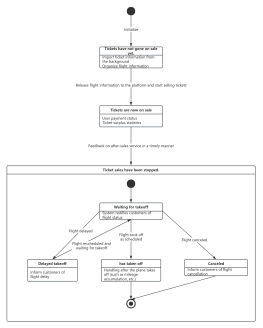
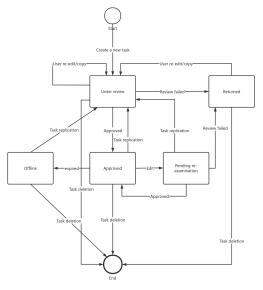
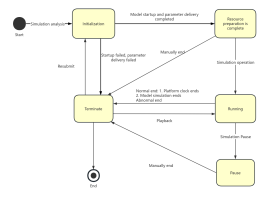
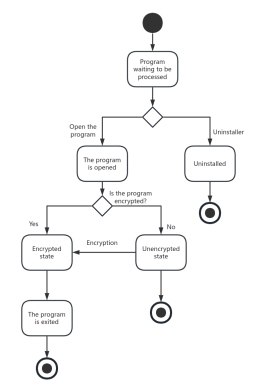
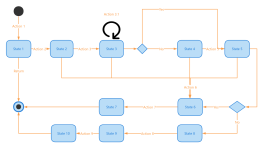
What is State Diagram
Try for free
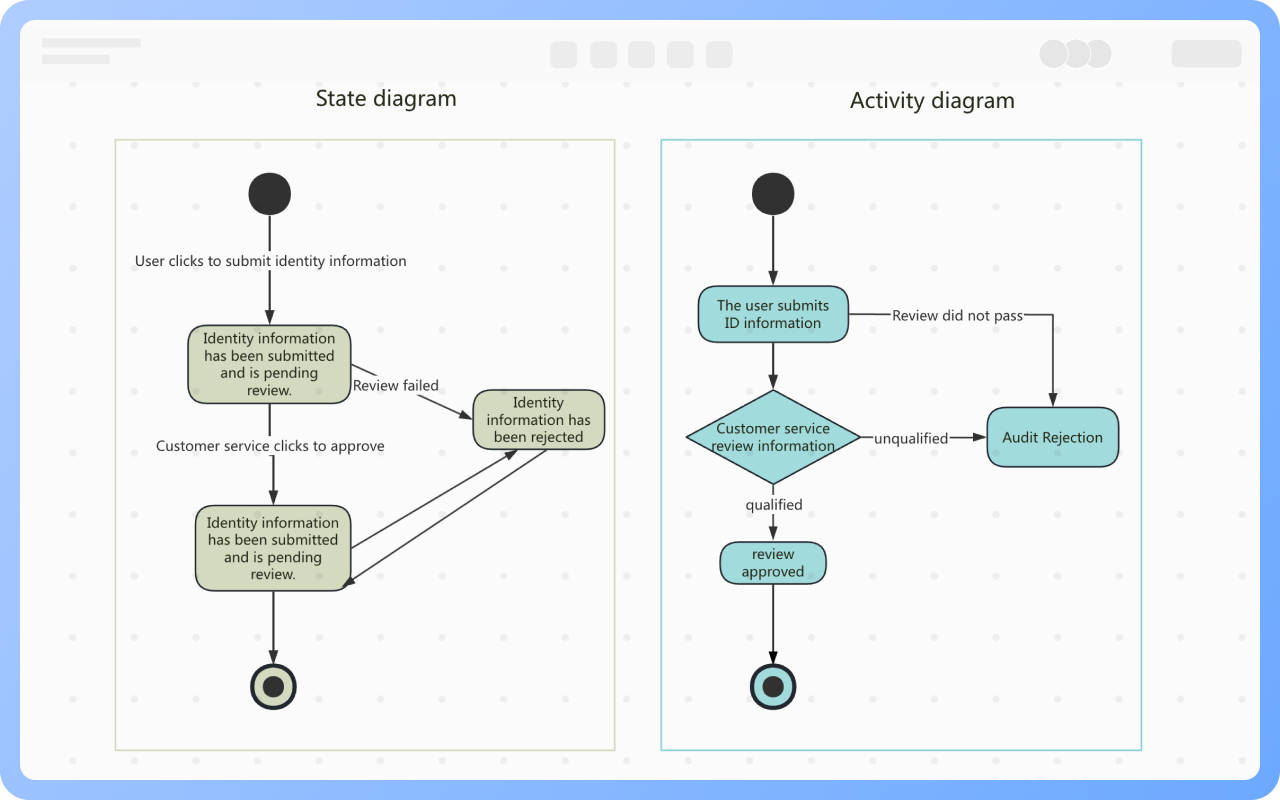
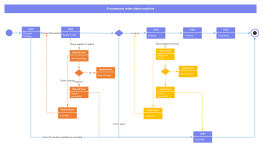
Difference between State Diagram and Activity Diagram
Try for free
Difference
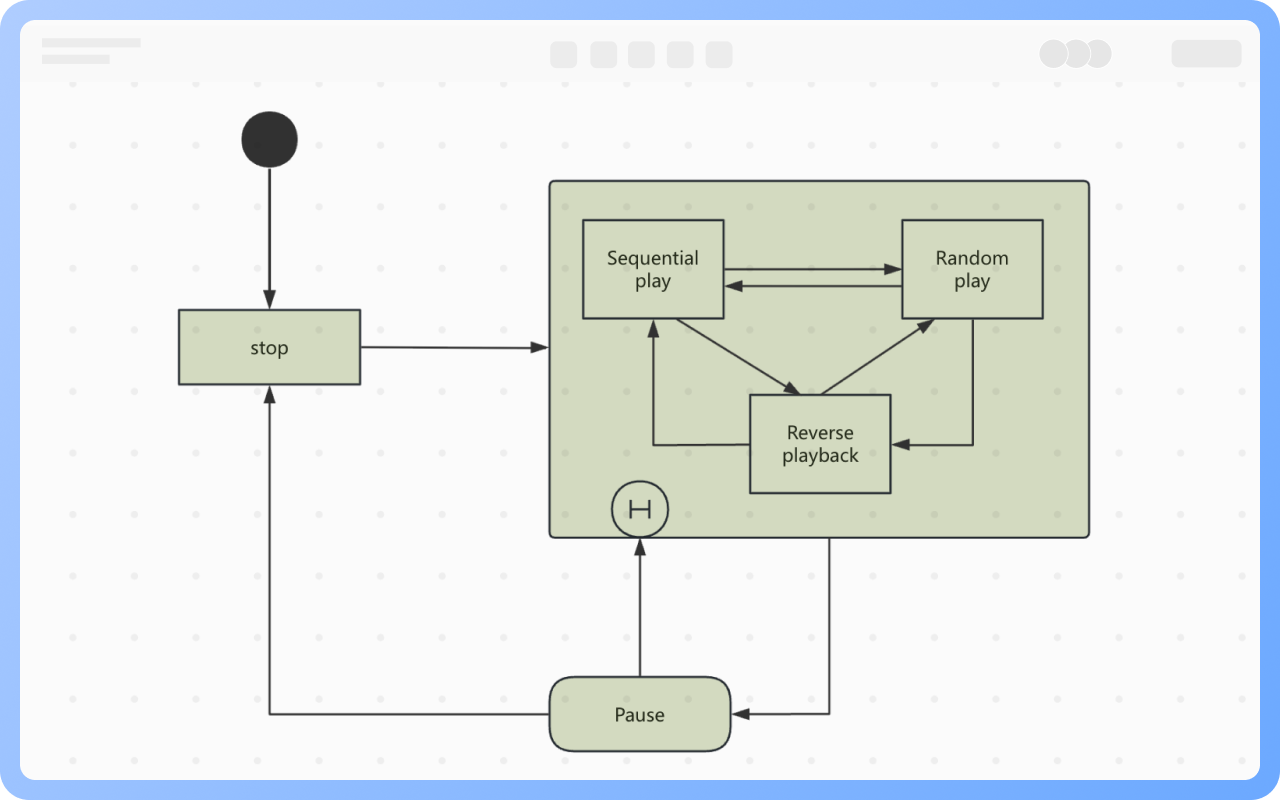
State Classification
Try for free
State
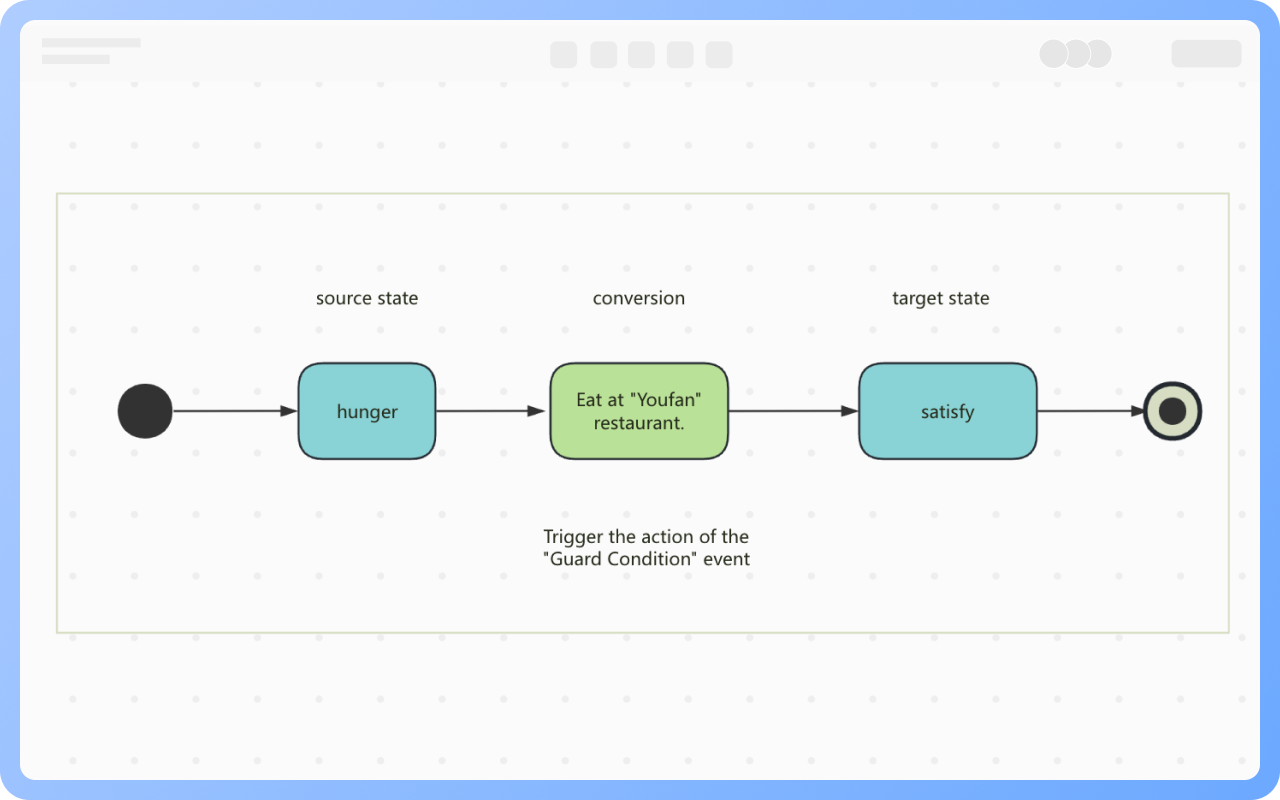
Transition Composition
Try for free
Transition
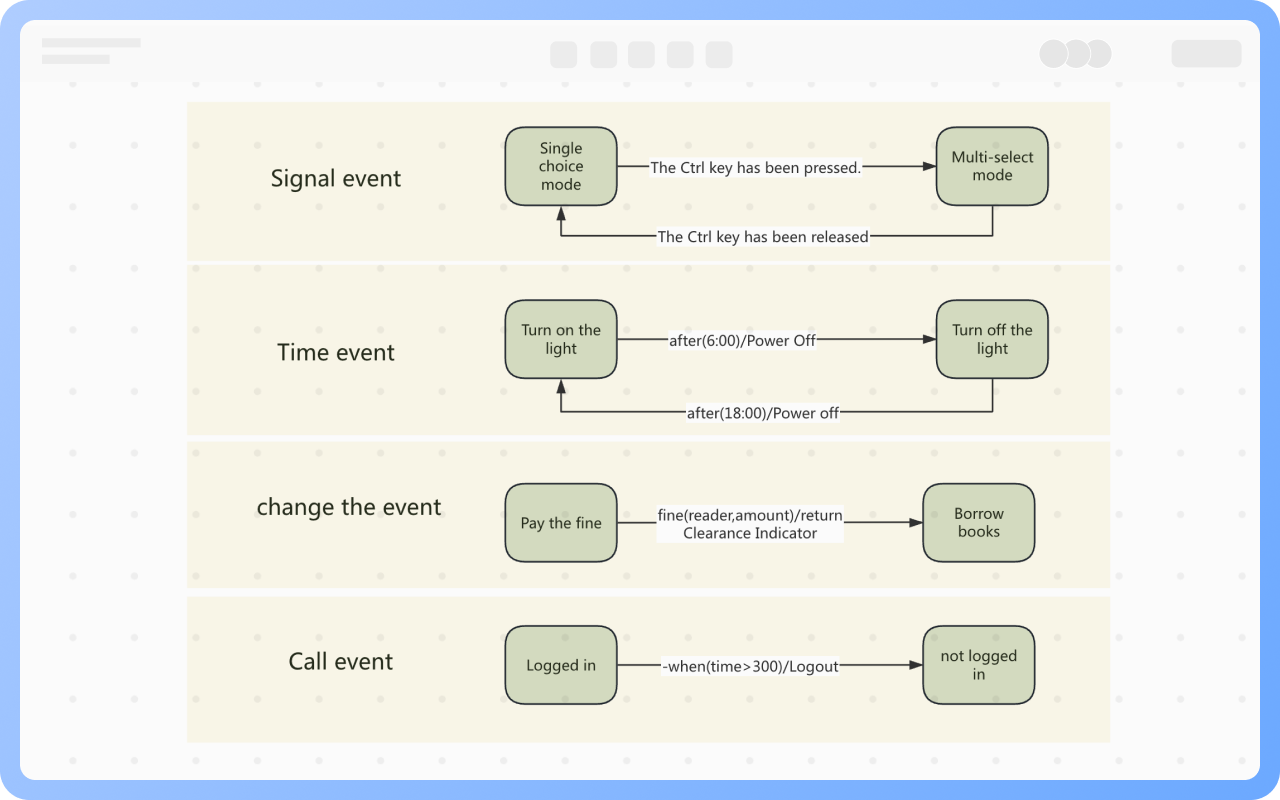
Types of Triggering Events
Try for free
Types
Application Scenarios for State Diagrams
Try for free
Application

ProcessOn State Diagram Key Features

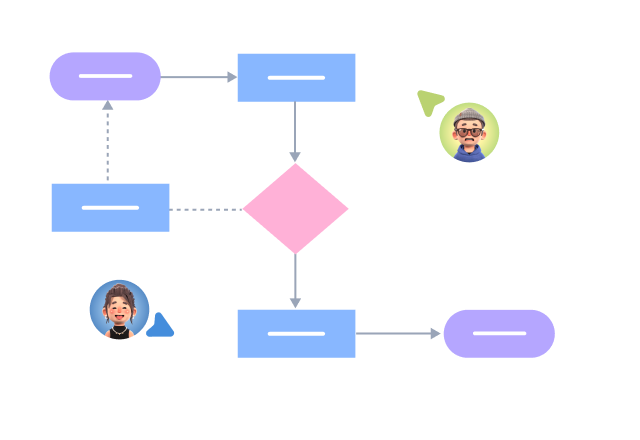
Online Collaboration

Supports real-time multi-user co-creation with shareable links for instant information transfer

Online Collaboration
One-Click AI Generation

Automatically generates graphics from text input and applies style enhancements

One-Click AI Generation
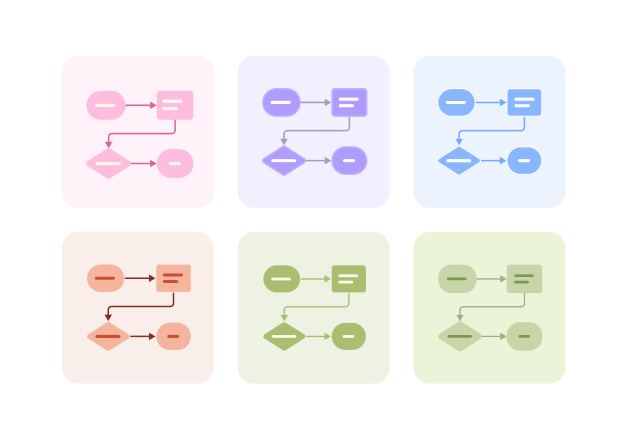
Personalized Style Customization

Prebuilt themes with full customization for personalized designs

Personalized Style Customization
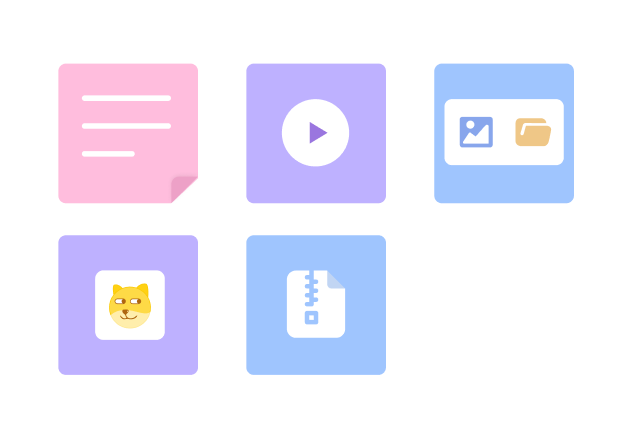
Multiple Component Types

Supports icons, images, labels, LaTeX formulas, code blocks, links, attachments and more

Multiple Component Types
Multi-Format Compatibility

Export: PNG, VISIO, PDF, SVG | Import: VISIO, Mermaid

Multi-Format Compatibility
Cross-Device Sync

Real-time cloud storage, multi-device sync, version history, and secure data protection

Cross-Device Sync
Try for free

State Diagram How to Draw?

State DiagramHow to Draw?
1
Before starting to draw, you need to sort out the states, transitions, and triggering events in the state diagram
2
Create a 'UML Diagram', or first create a 'Flowchart', then add the 'UML State Diagram/Activity Diagram' symbol to the drawing area
3
Select the 'State' icon from the left tool panel, drag it to the right drawing area, and label the state name
4
Add state transitions using a combination of 'lines' + 'arrows', and add triggering events, guard conditions, and actions
5
Create elements such as substates, history states, synchronization bars, and swimlanes as needed
6
Check and confirm that the diagram is correct, and thus, a professional state diagram is completed
Try for free

State Diagram Frequently asked questions

Must the initial state and final state be unique?

A state machine diagram has only one initial state and can have multiple final states.

What is the difference between sequential substates and concurrent substates?

Sequential substates: During the lifecycle of a composite state, only one substate can be active at a time, meaning that multiple substates are mutually exclusive and cannot exist simultaneously.

Concurrent substates: During the lifecycle of a composite state, multiple substates can exist simultaneously.

Are historical states and source states the same thing?

They are not the same. 
Historical states generally exist within composite states and are a type of pseudo-state, indicating that when the state transitions back to the composite state, it should be in the substate it was in when it last exited.

What is an internal transition?

An internal transition is a transition that does not cause a state change, represented as: event(parameter name)[guard condition]/action.
When we need to handle some events within a state without leaving it, an internal transition can be defined.

How should actions be represented in a state diagram?

The types of actions and related syntax can be described as follows:
(1) Assignment: target:=expression
(2) Call: opname(arg1,arg2)
(3) Create object: new Cname(arg1,arg2)
(4) Destroy object: object.destroy()
(5) Return value: return value
(6) Send message to object: sname(arg1,arg2)
(7) Self-terminate object: terminate
(8) Uninterruptible action: [described in language]

Can any action in a state diagram be considered dynamic?

Do not treat ordinary actions as states, such as: “clicking a button” is not a state.

Can a state diagram represent multiple objects?

A state diagram cannot directly represent the relationships between multiple objects. State diagrams are primarily used for modeling the behavior of a single object or a single class. If there are interactions between multiple objects, sequence diagrams, collaboration diagrams, or activity diagrams can be used.

Can an object have multiple state diagrams?

Yes. For complex systems, an object's behavior may be divided into multiple views or dimensions of state diagrams, and multiple sub-state diagrams can be embedded as composite state diagrams.

What is the difference between events and actions in a state diagram?

Events are triggers, referring to external signals that trigger state transitions, such as: a user clicking the “Submit” button;
Actions are reactions, referring to operations executed during state transitions or within states, such as: sending a confirmation email, timing, password verification.

Try for free

State Diagram Template Recommendations

State Diagram Drawing Guide

Related Diagrams