

Register
Process Type
Graphical expression
Mind Type
Structured expression
Note Type
Efficient expression

Online Drawing of Line-Functional Organization Structure Diagram

Try for free
Online Drawing of Line-Functional Organization Structure Diagram
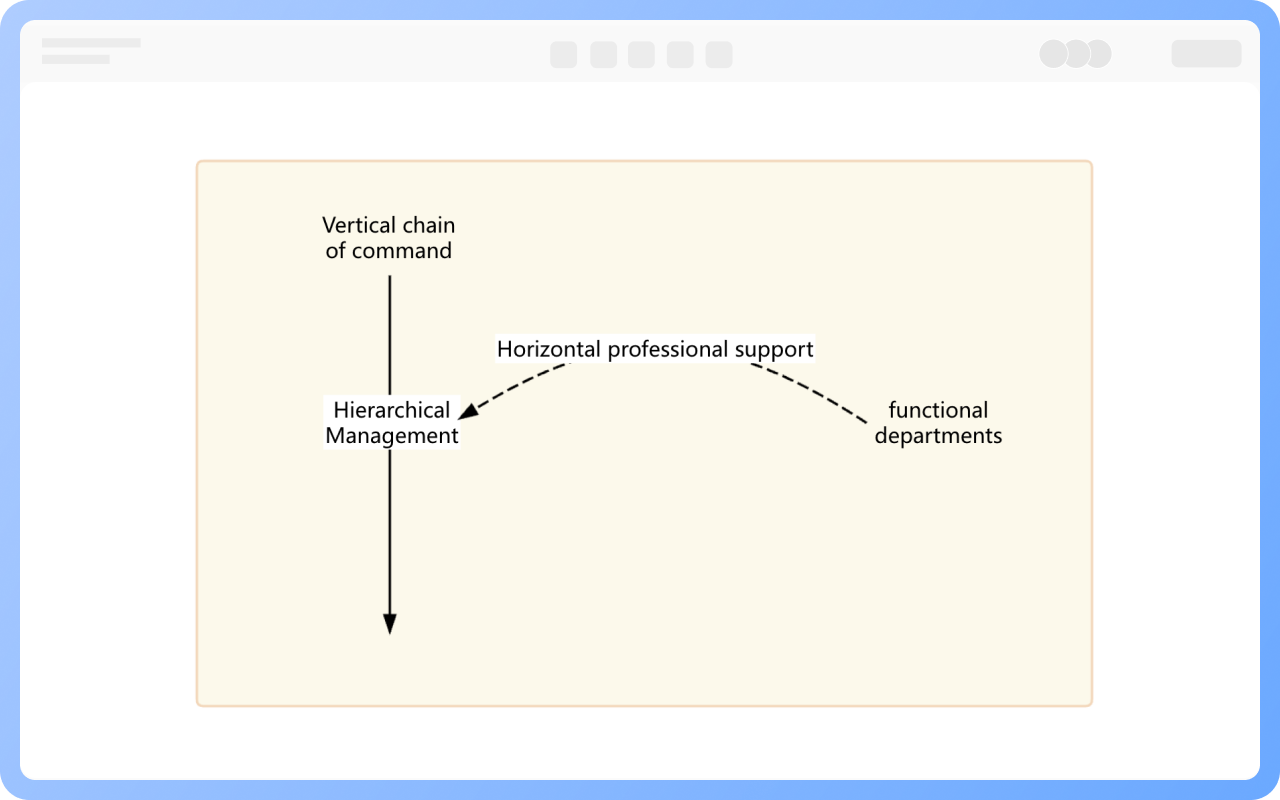
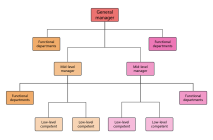
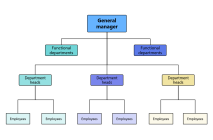
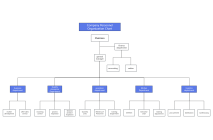
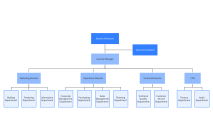
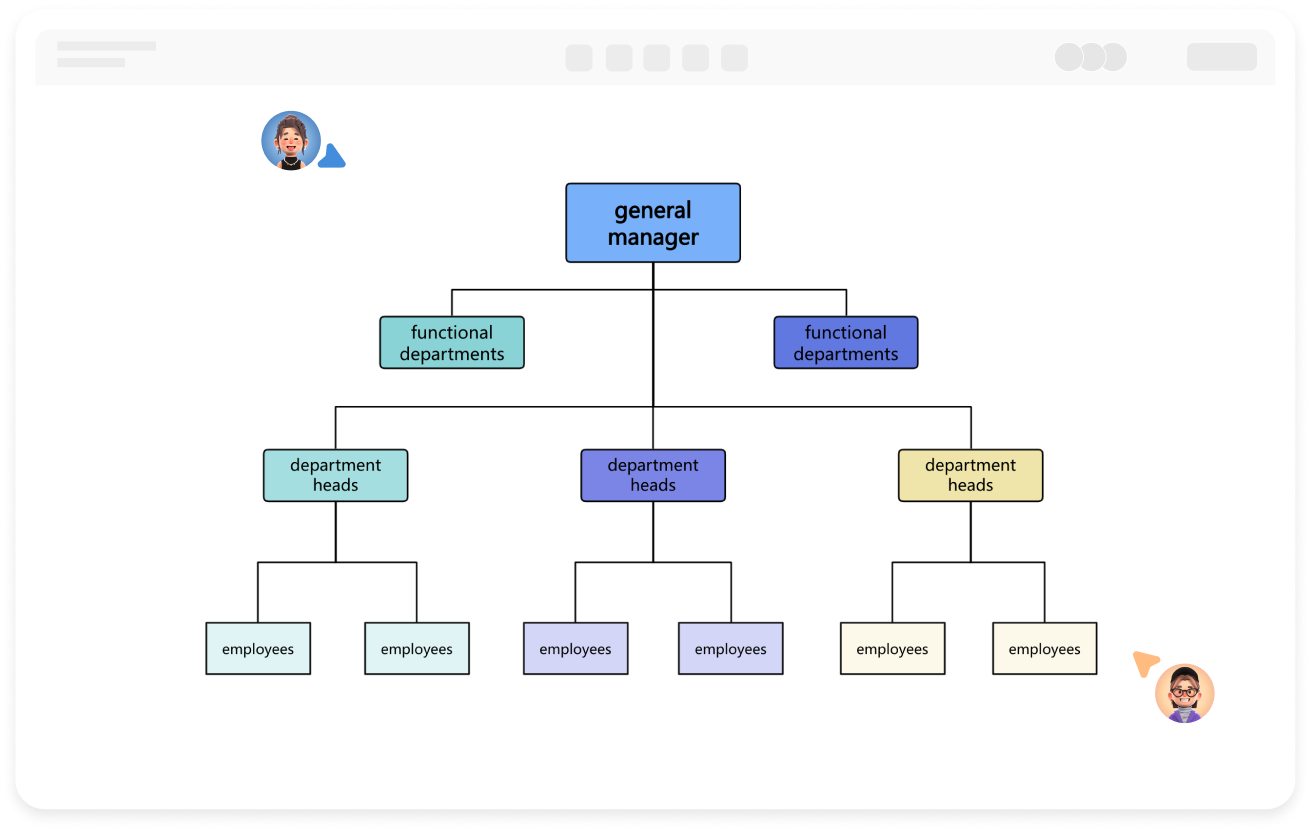
What is Line Functional Organizational Structure Diagram
Try for free
Characteristics of Line-functional Organizational Structure
Try for free
Characteristics
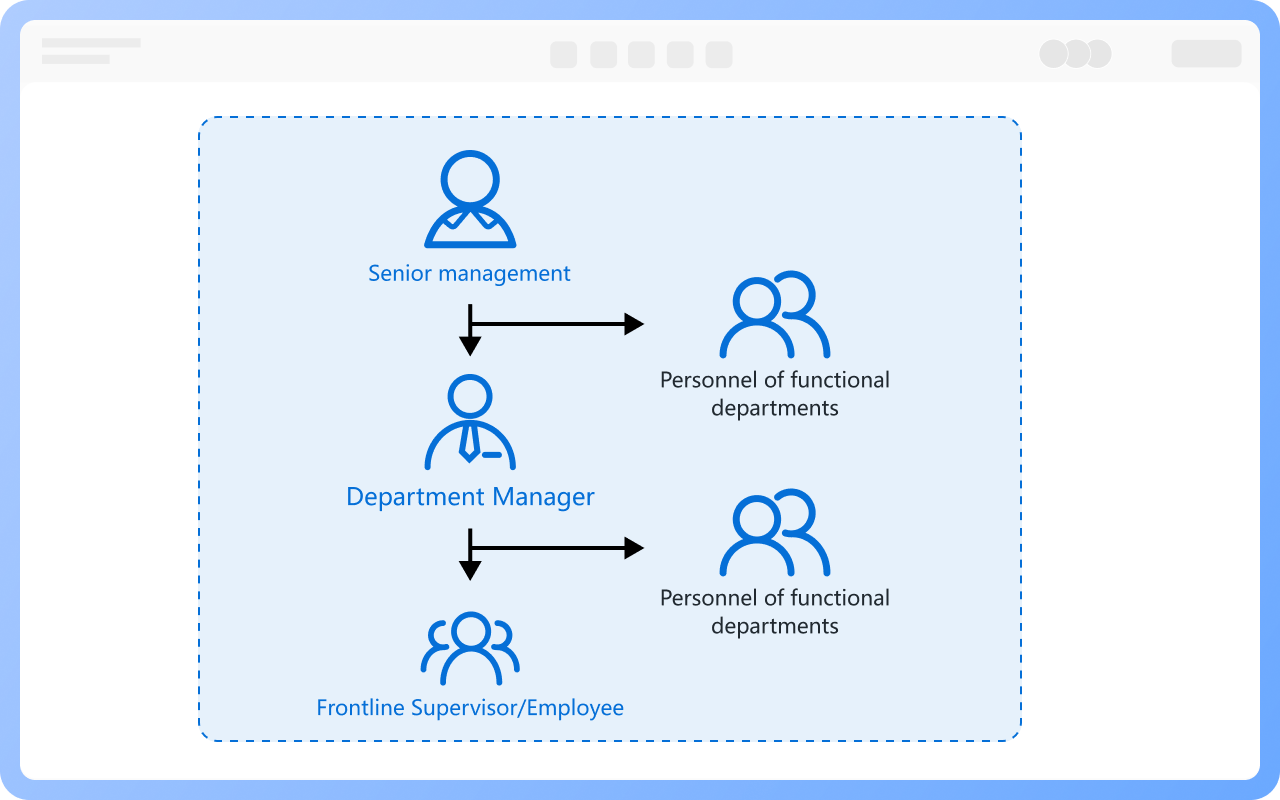
Operation Mode of Line-functional Organizational Structure
Try for free
Operation
Personnel Composition of Line-functional Organizational Structure
Try for free
Personnel
Advantages of Line-functional Organizational Structure
Try for free
Advantages
Disadvantages of a line-functional organizational structure
Try for free
Disadvantages

ProcessOn Line Functional Organizational Structure Diagram Key Features

Online Collaboration

Supports real-time multi-user co-creation with shareable links for instant information transfer

Online Collaboration
One-Click AI Generation

Automatically generates graphics from text input and applies style enhancements

One-Click AI Generation
Personalized Style Customization

Prebuilt themes with full customization for personalized designs

Personalized Style Customization
Multiple Component Types

Supports icons, images, labels, LaTeX formulas, code blocks, links, attachments and more

Multiple Component Types
Multi-Format Compatibility

Export: PNG, Xmind, PDF, SVG | Import: Xmind, Markdown

Multi-Format Compatibility
Cross-Device Sync

Real-time cloud storage, multi-device sync, version history, and secure data protection

Cross-Device Sync
Try for free

Line Functional Organizational Structure Diagram How to Draw?

Line Functional Organizational Structure DiagramHow to Draw?
1
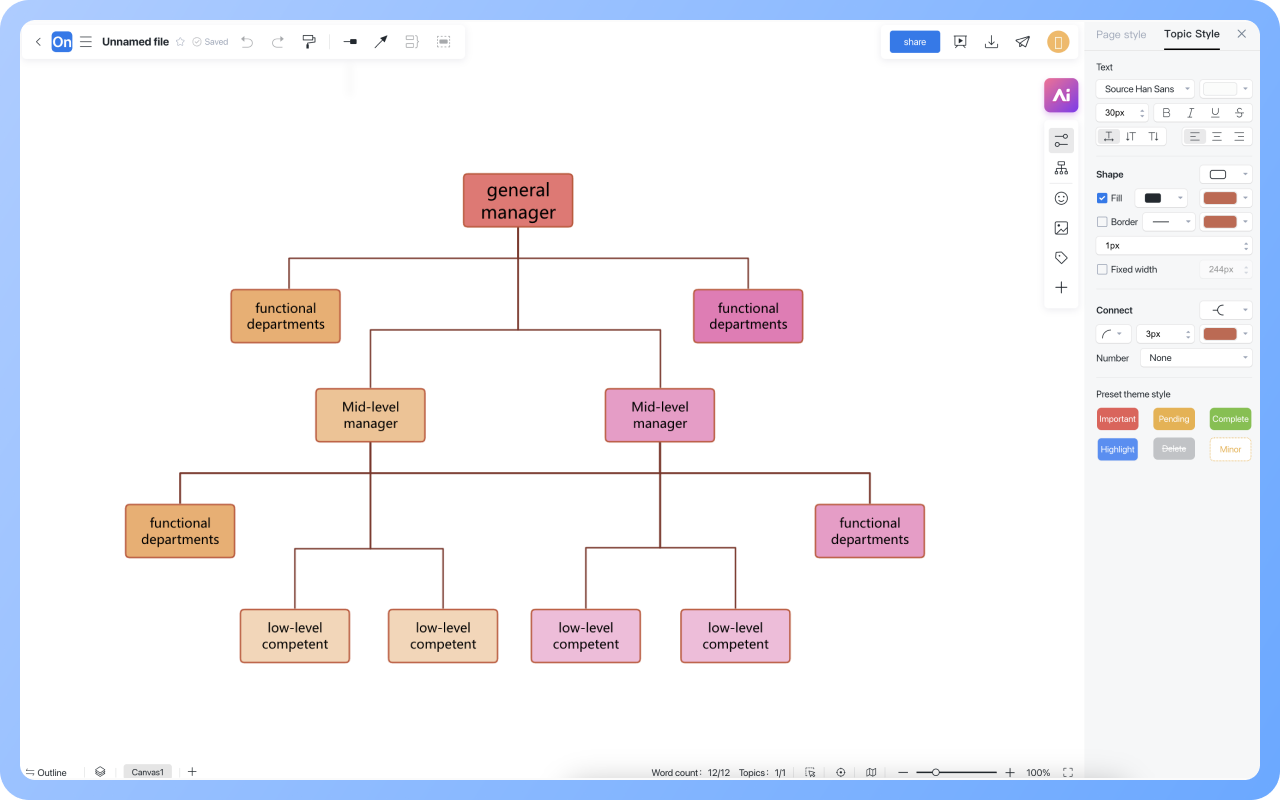
Create a new mind map, click on the structure in the right toolbar, and switch the mind map to an organizational chart.
2
Select the central topic, press the Enter key to add a branch topic, and press the Tab key to add a subtopic under the branch topic.
3
Double-click on a topic to enter the job title or department within the organization, such as General Manager, Marketing Department, Product Department, Human Resources Department, etc.
4
Select a topic to insert elements such as images or charts to enrich the organizational chart.
5
After creating the organizational chart, click the 'Export' button to choose to export as an image or PDF format. You can also set up a share link to share with others.
Try for free

Line Functional Organizational Structure Diagram Frequently asked questions

What is the difference between line departments and functional departments in a line-functional structure?

Line departments directly manage business (such as production, sales) and have decision-making authority; functional departments provide professional support (such as finance, HR) and do not have direct command authority.

How to improve the collaboration efficiency between line and functional departments?

Clarify collaboration processes (such as cross-department approval nodes), establish coordination positions (such as project managers), and use tools (such as flowcharts) to visualize collaboration paths.

Can functional departments intervene in the business decisions of line departments?

They cannot directly intervene but can indirectly influence decisions by providing professional advice (such as market analysis reports) and setting standards (such as budget rules).

Is the line-functional structure suitable for innovative businesses?

It is not suitable. Due to its multiple levels and strict processes, it tends to suppress flexibility and is more suitable for standardized, mature businesses (such as manufacturing).

How can a line-functional structure adapt to rapidly changing markets?

It can adapt by establishing agile teams (such as temporary project groups), reducing cross-department approval levels, and using digital tools to accelerate information transmission.

Can flowchart tools be used to draw a line-functional organizational structure diagram?

Yes. ProcessOn flowchart tools can be used to draw a line-functional organizational structure diagram.

When drawing a line-functional organizational structure diagram, how can different colors be used to distinguish department levels?

Mind mapping tools: Select the topic, and in the right toolbar style, different department levels can be set to different colors;
Flowchart tools: Select the shape, and in the top toolbar, different department levels can be set to different colors.

Try for free

Line Functional Organizational Structure Diagram Template Recommendations

Line Functional Organizational Structure Diagram Drawing Guide

Related Diagrams