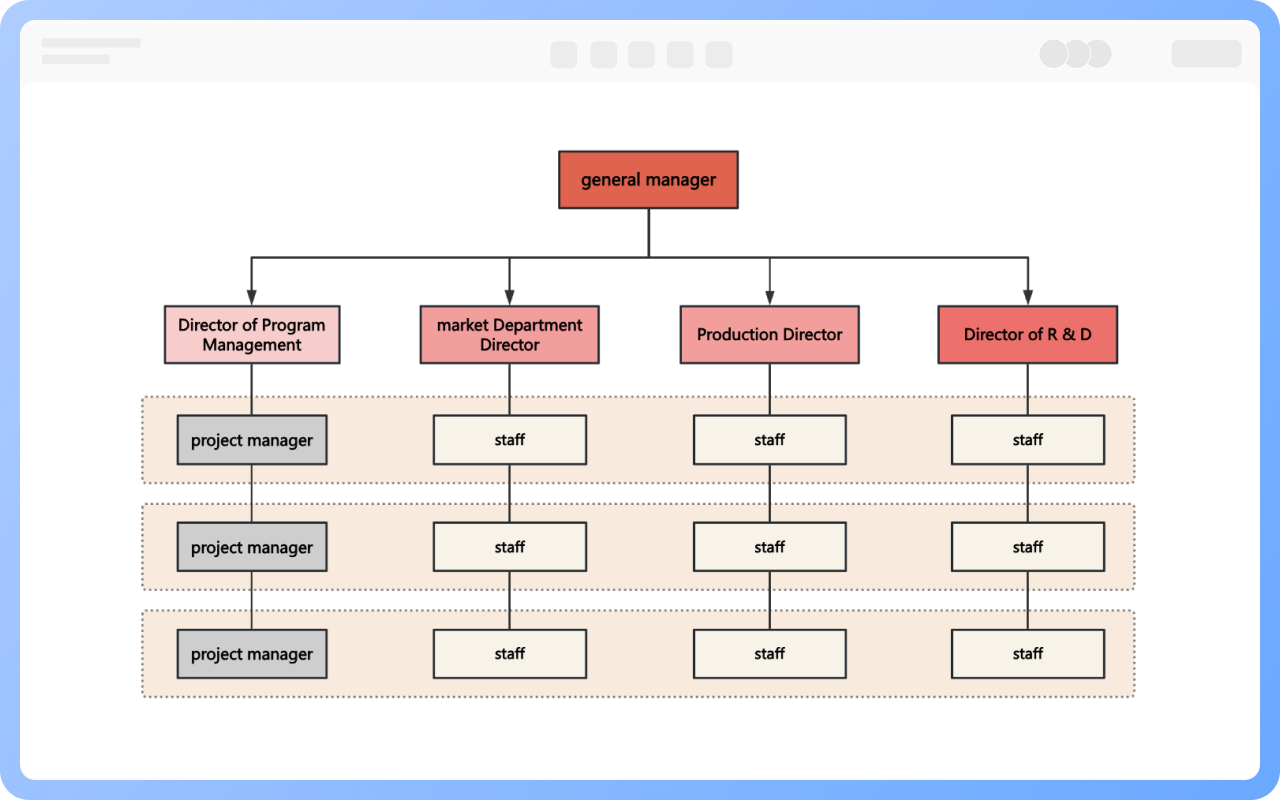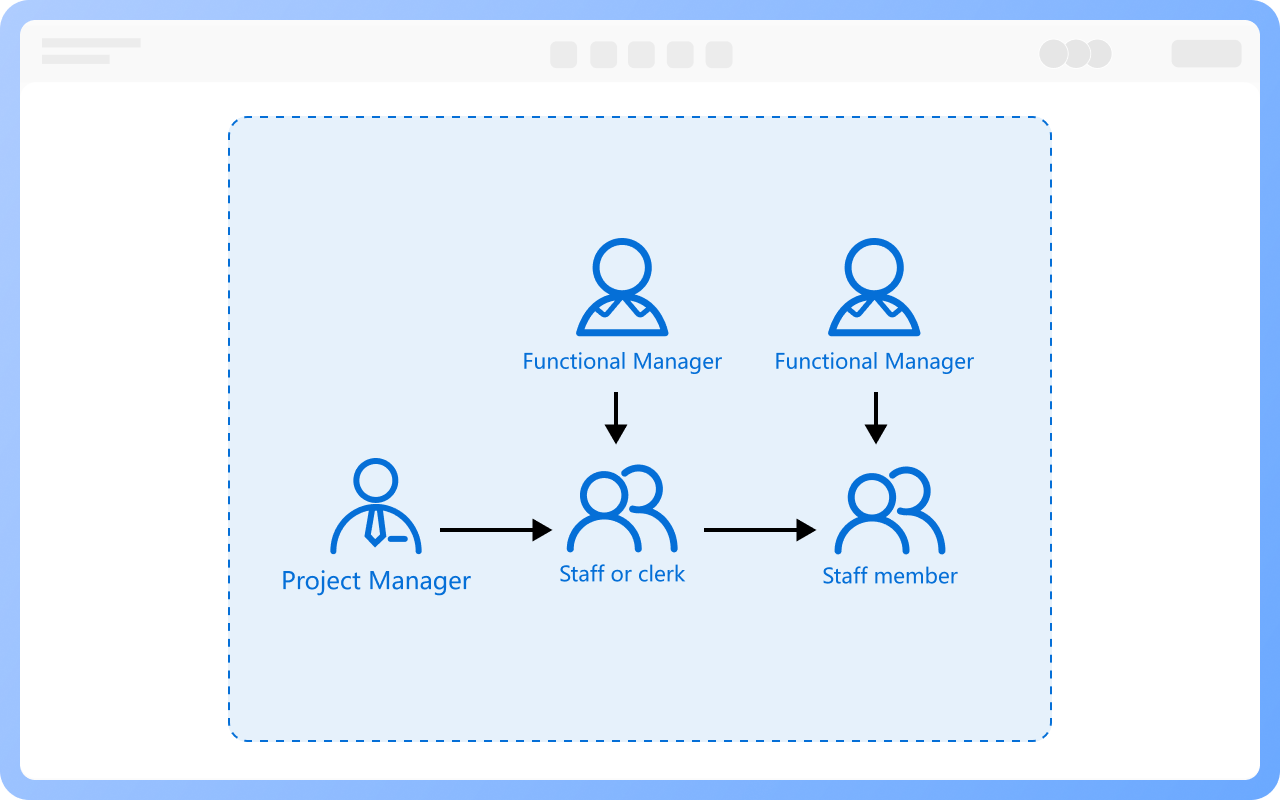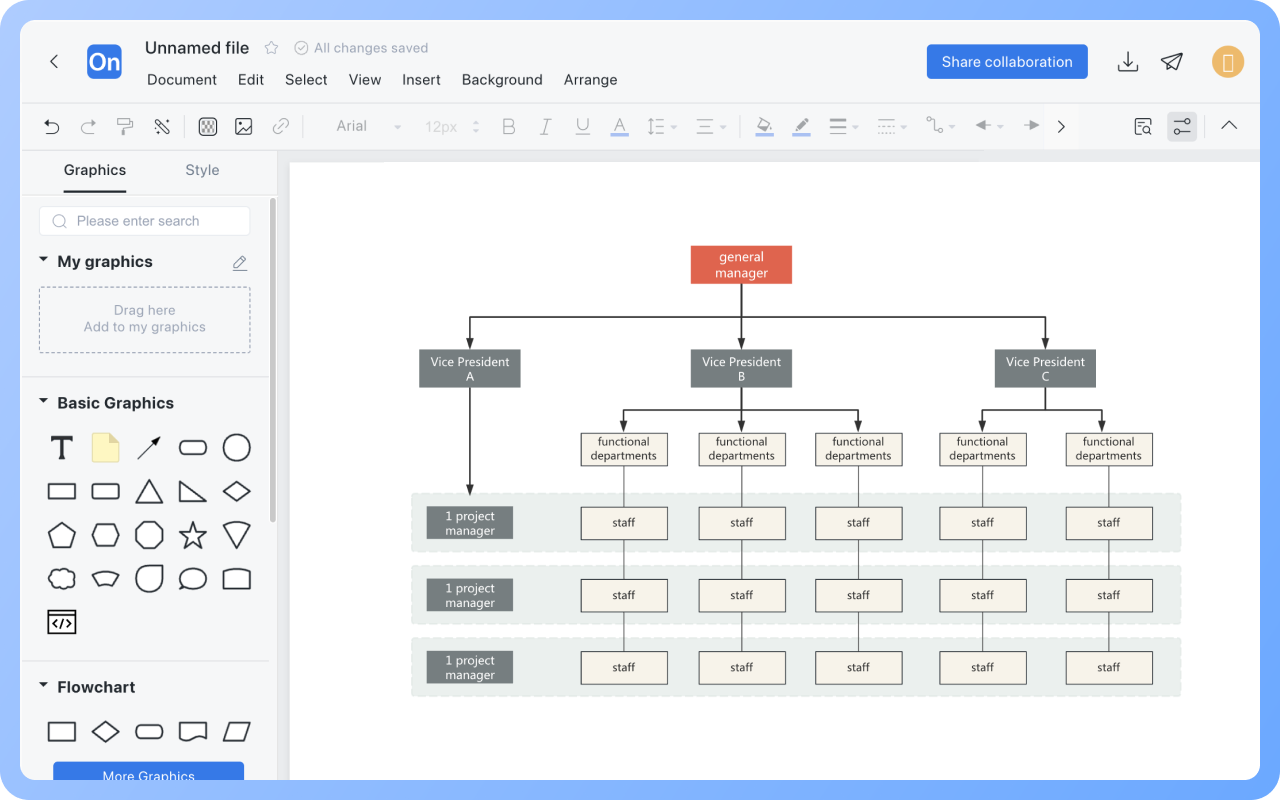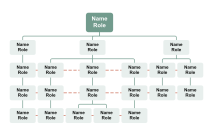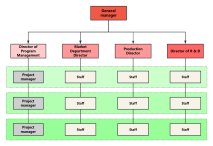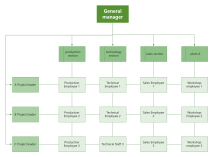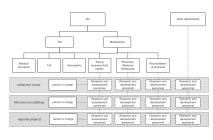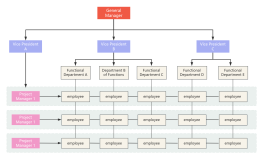
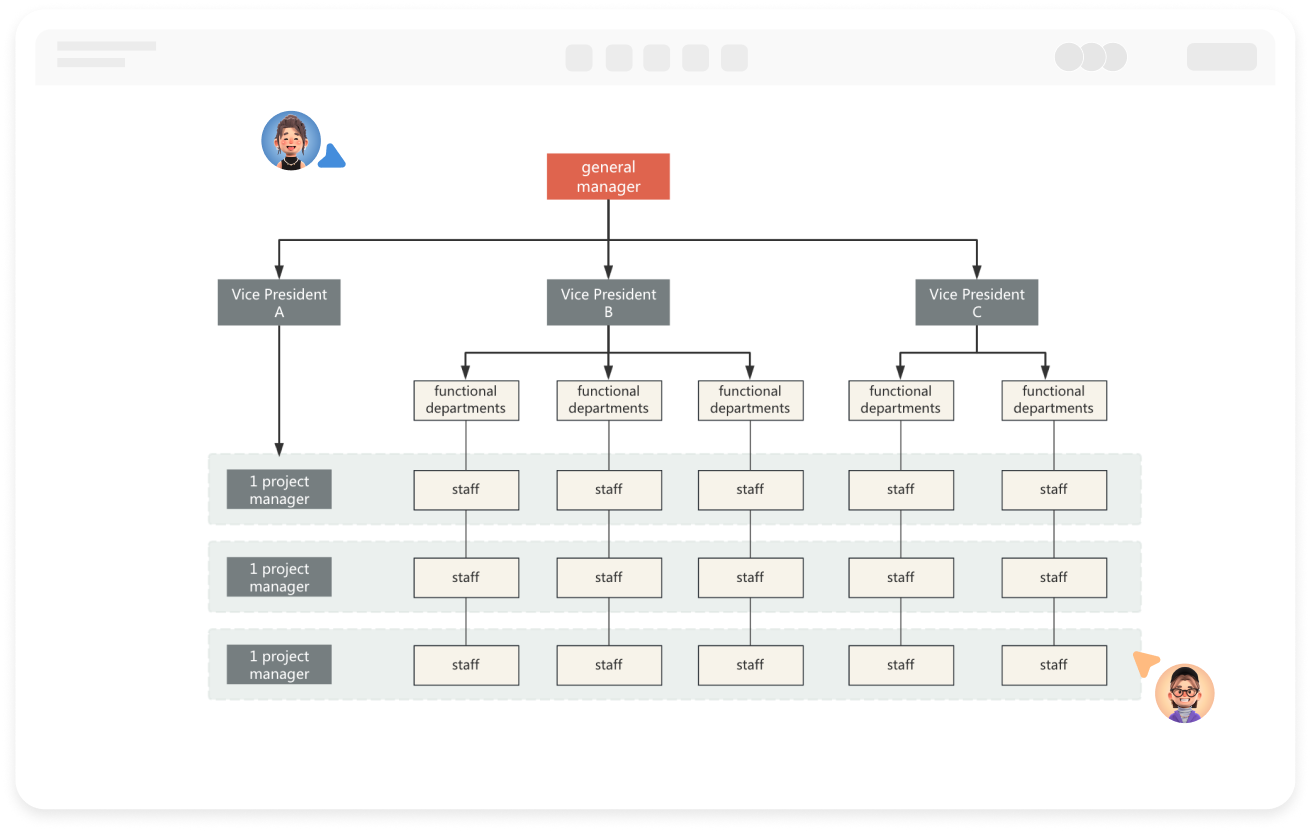


When a project is initiated, a project manager is appointed by senior management, and the project manager collaborates with functional departments to select personnel to form a project team. Members participate full-time during the project and return to their original departments after the project ends. For example, when an enterprise undertakes a new product development project, the project manager coordinates personnel from R&D, marketing, and production departments to jointly complete stages like requirement analysis, design, and testing. A dual communication mechanism must be established in operation: within the project team to synchronize progress through regular meetings, and within functional departments to enhance professional capabilities through technical training. Additionally, senior management needs to establish power distribution rules to balance the decision-making authority of project managers and functional managers, avoiding resource competition.
Process Type
Graphical expression
Mind Type
Structured expression
Note Type
Efficient expression
Treemap
Bracket Diagram
Default Mode