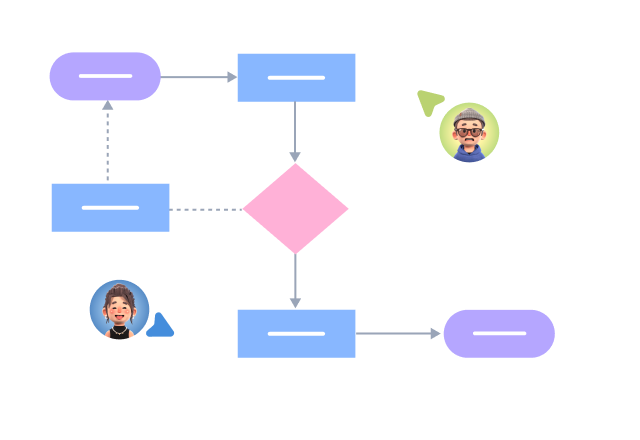


Supports real-time multi-user co-creation with shareable links for instant information transfer
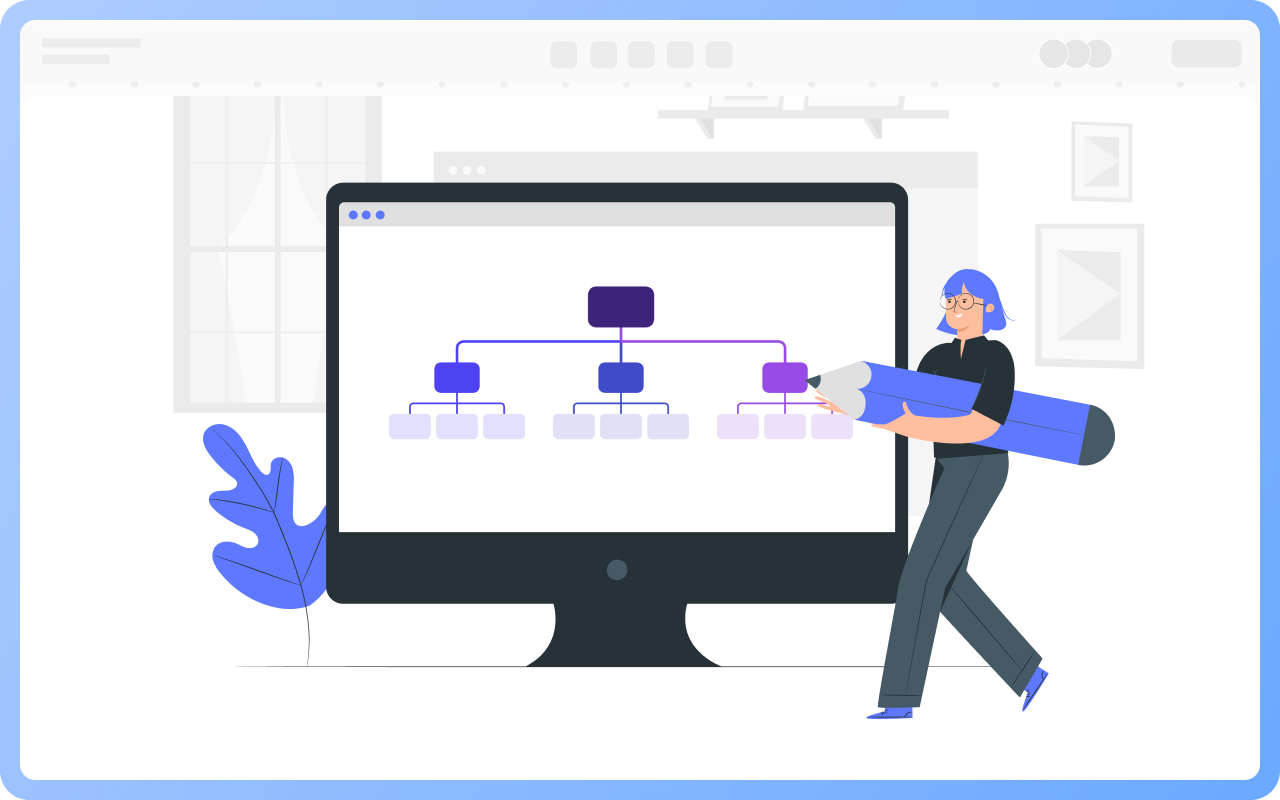
Automatically generates graphics from text input and applies style enhancements
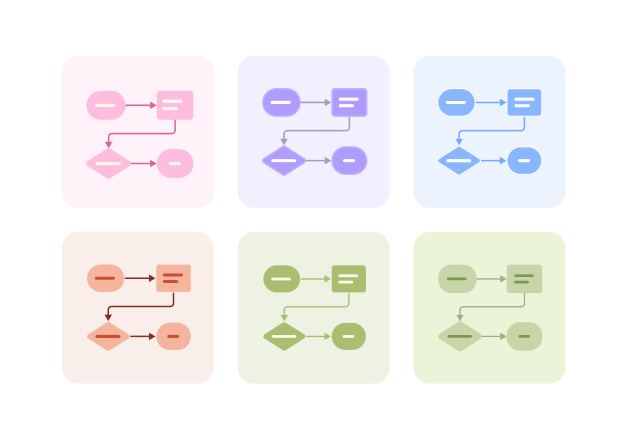
Prebuilt themes with full customization for personalized designs
Supports icons, images, labels, LaTeX formulas, code blocks, links, attachments and more
Export: PNG, Xmind, PDF, SVG | Import: Xmind, Markdown
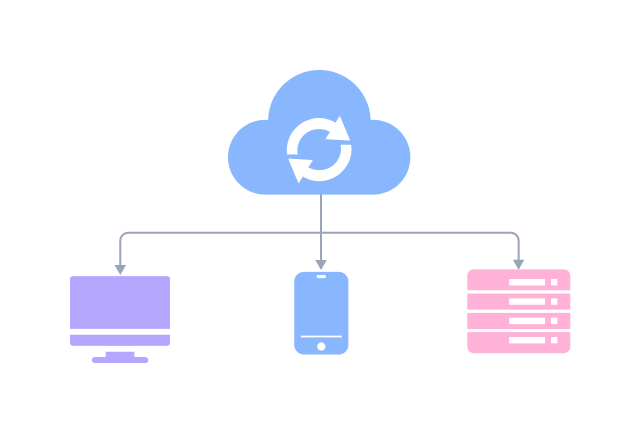
Real-time cloud storage, multi-device sync, version history, and secure data protection
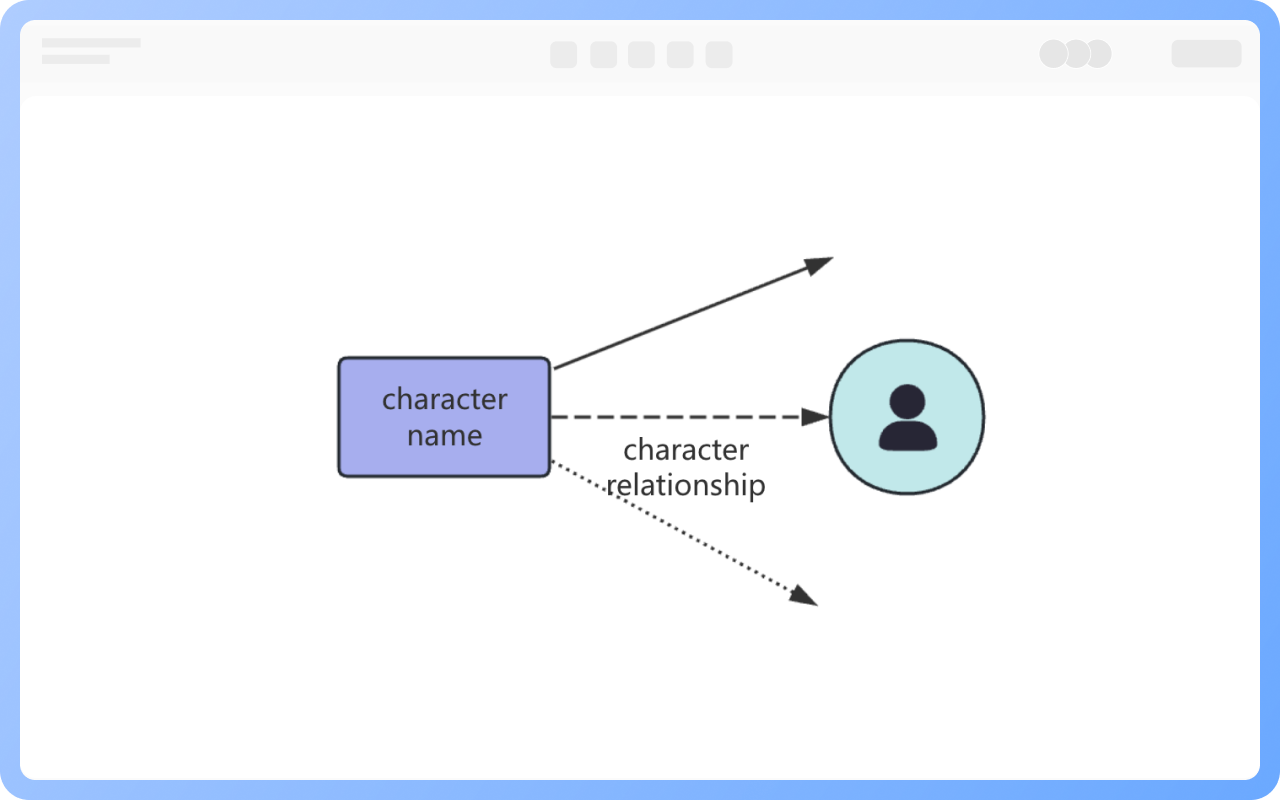
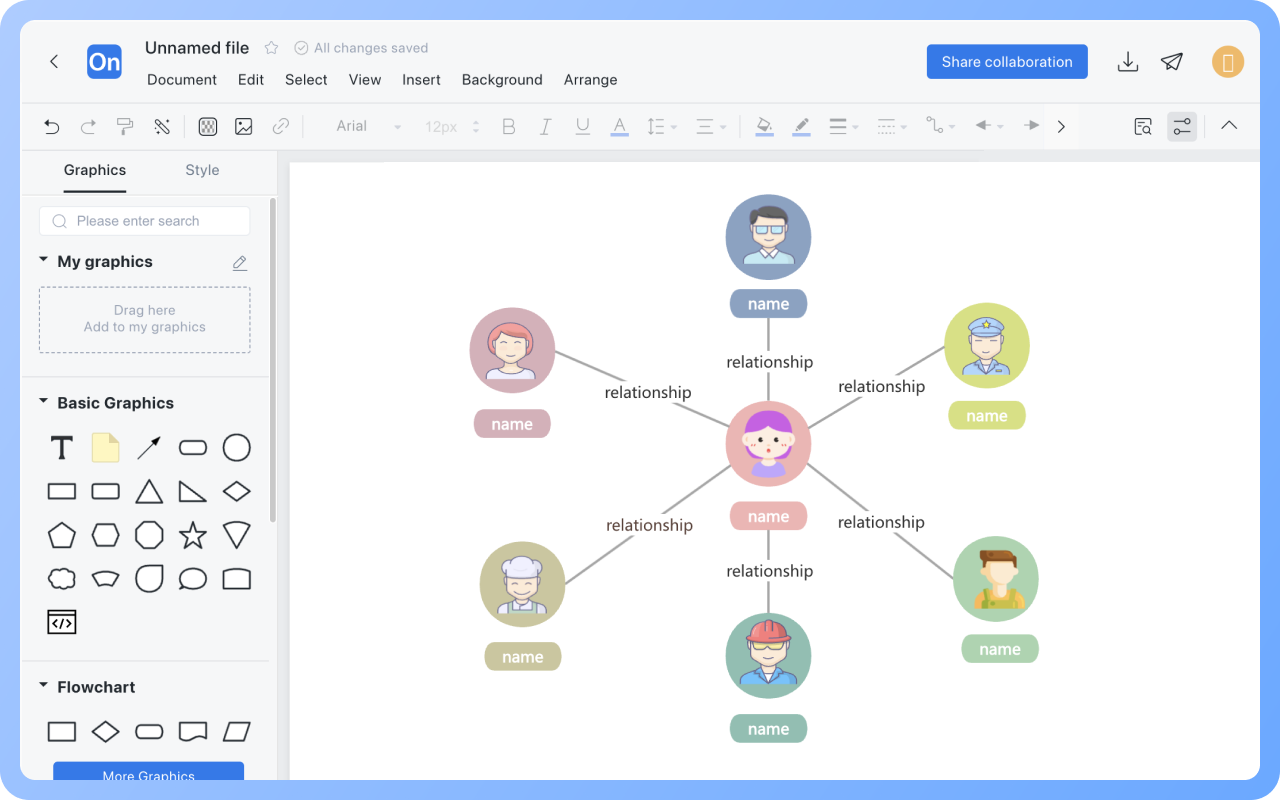
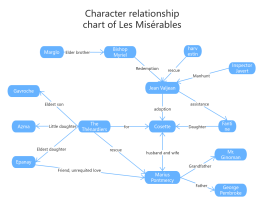
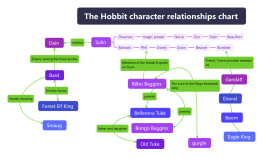
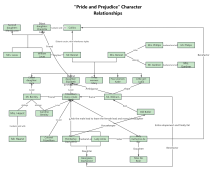
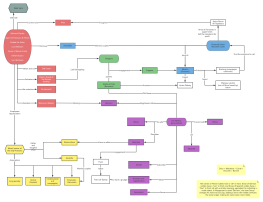
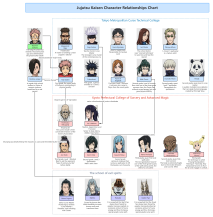
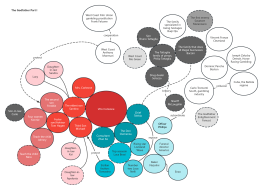
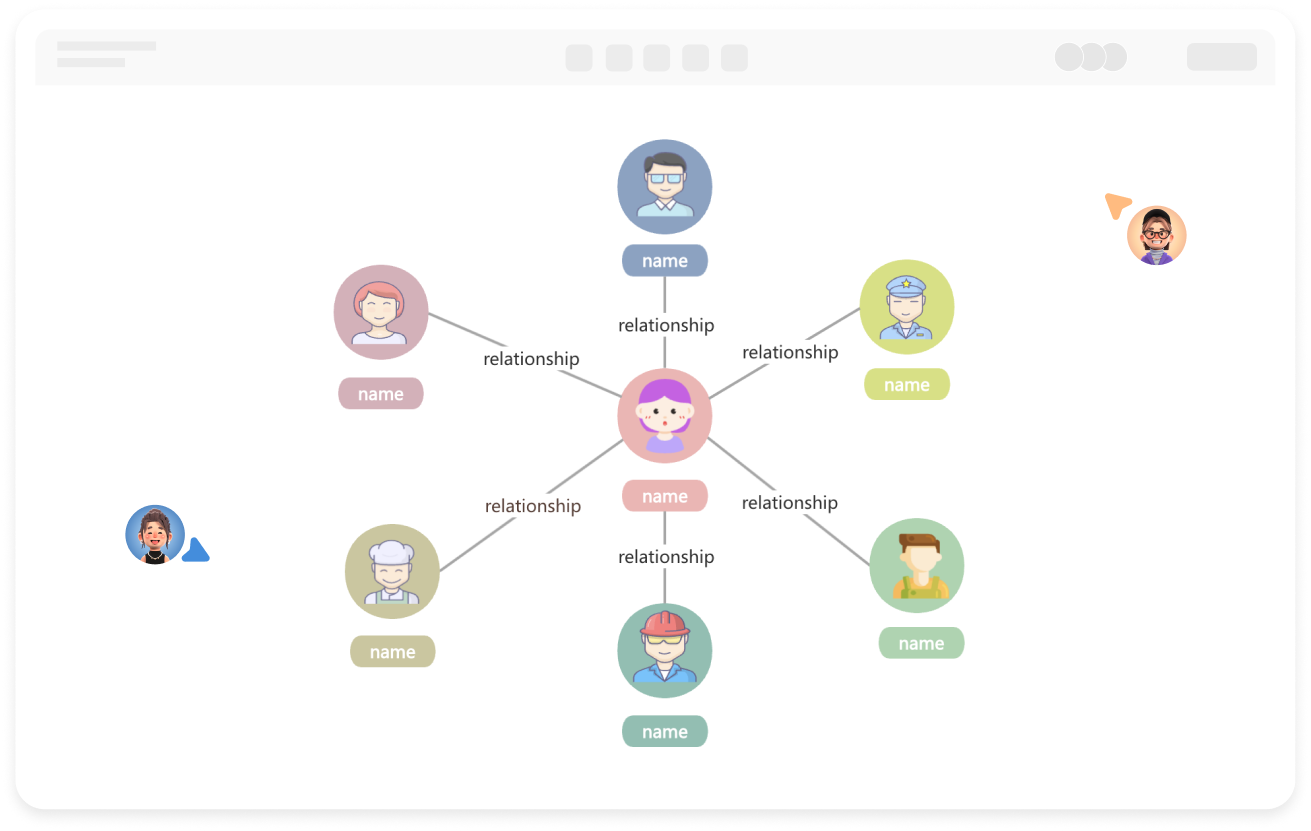
First, place the core characters in the center, then arrange them in layers according to the closeness of their relationships, reduce line crossings, and make the layout clearer.
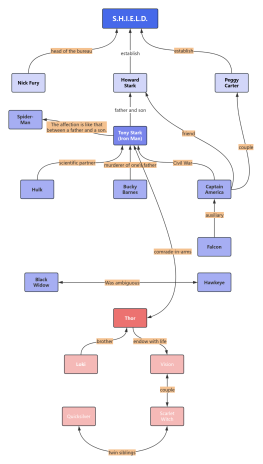
Annotate core and key relationships, such as family titles and areas of cooperation, to avoid being overly lengthy and ensure simplicity and clarity.
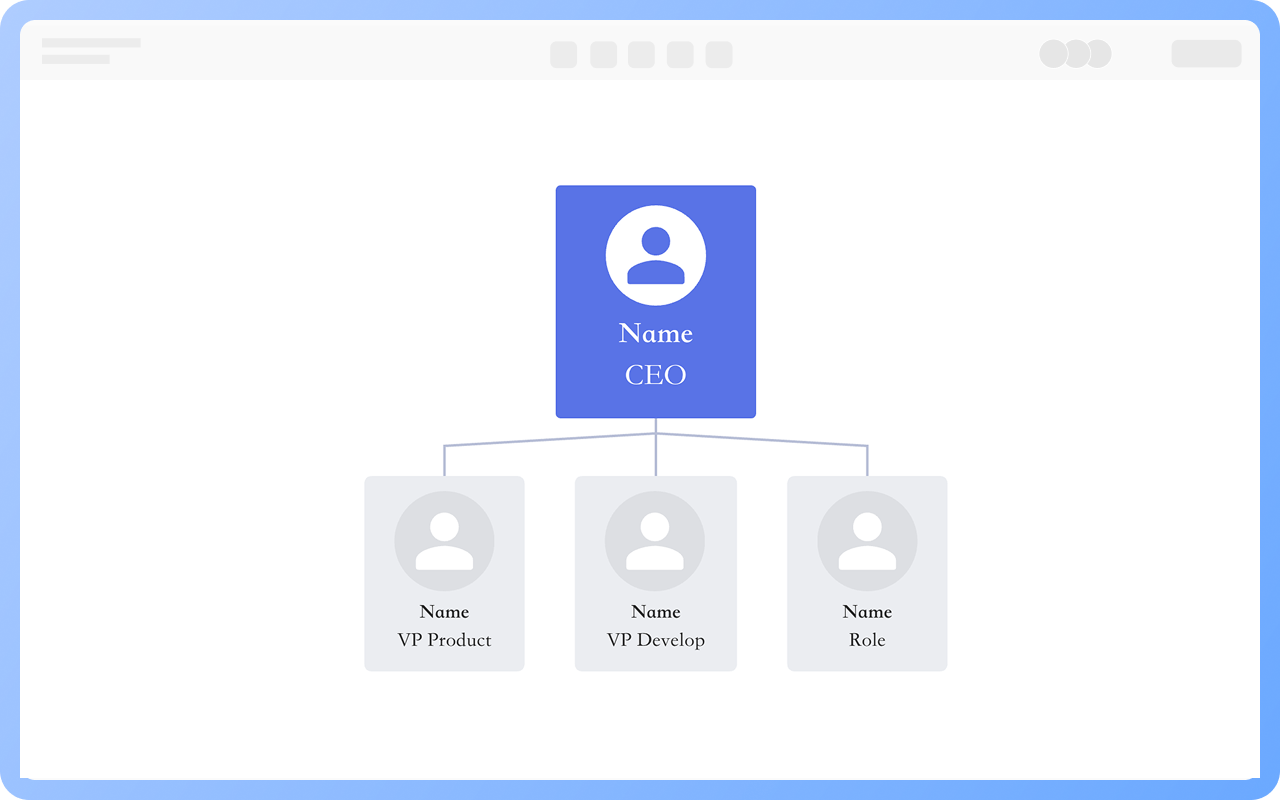
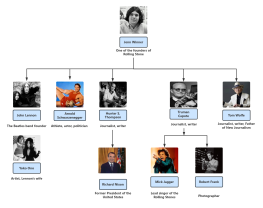
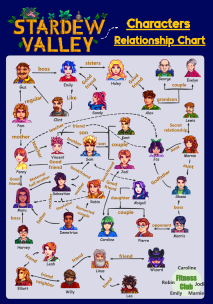
Group by categories, such as family by generation or social circles, then use different areas or colors to distinguish them and avoid a cluttered appearance.
You can use ProcessOn's collaborative editing feature, set editing permissions, communicate and coordinate before updating, and synchronize information promptly after updating.
Yes. You can use the ProcessOn mind mapping tool to draw a character relationship diagram.
Mind mapping tool: Select the theme, and in the right toolbar, you can set different department levels to different colors;
Flowchart tool: Select the shape, and in the top toolbar, you can set different department levels to different colors.