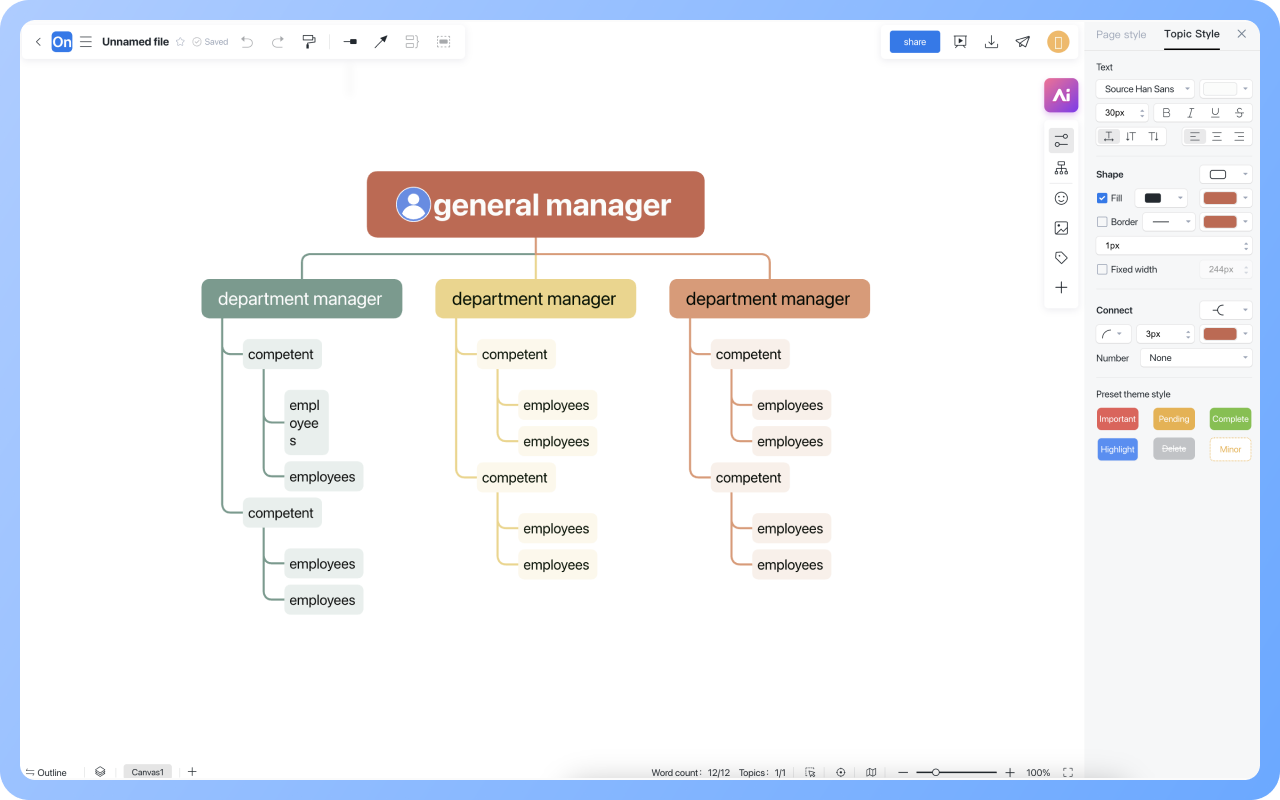


Supports real-time multi-user co-creation with shareable links for instant information transfer
Automatically generates graphics from text input and applies style enhancements
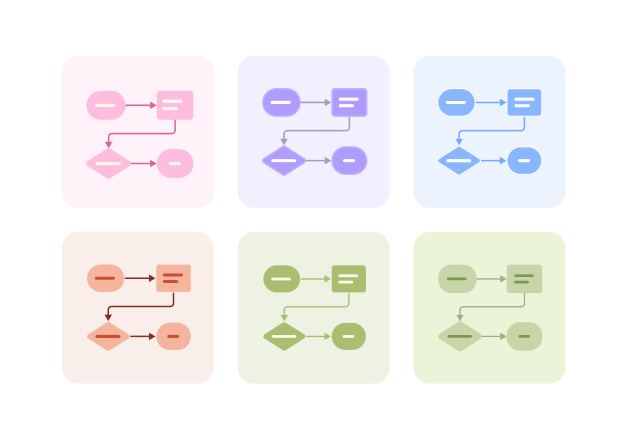
Prebuilt themes with full customization for personalized designs
Supports icons, images, labels, LaTeX formulas, code blocks, links, attachments and more
Export: PNG, Xmind, PDF, SVG | Import: Xmind, Markdown
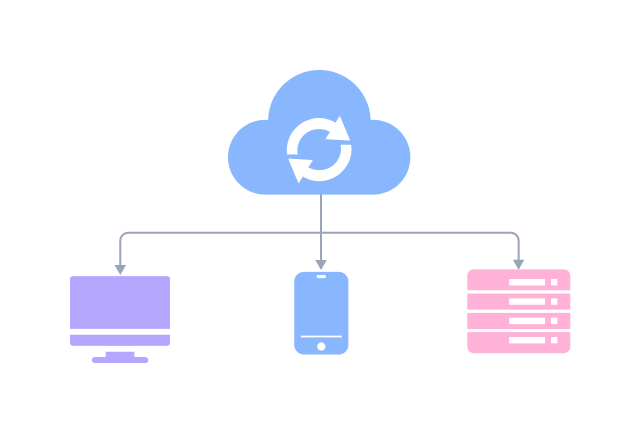
Real-time cloud storage, multi-device sync, version history, and secure data protection
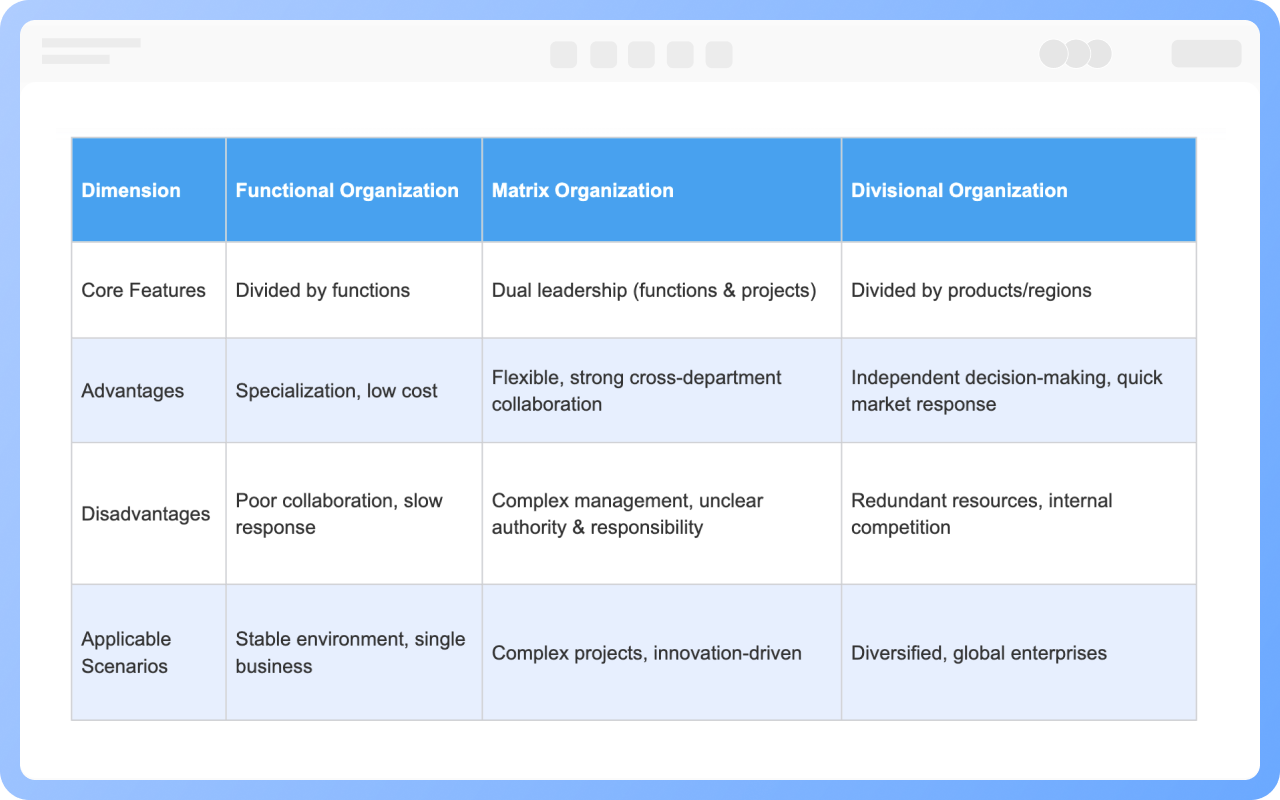
Establish cross-department communication mechanisms (such as regular joint meetings), clarify collaboration processes, or set up dedicated coordination roles (such as project managers) to break down barriers.
Simplify approval processes, delegate some decision-making power to department heads, or introduce digital tools (such as OA systems) to accelerate information flow.
Establish rapid response teams (such as temporary project groups), or enable frontline departments to make quick decisions by shortening the information transmission chain.
Startups are more suited to flat or matrix structures; functional structures may lead to slow responses due to too many layers, but their specialization advantages can be leveraged in the maturity phase.
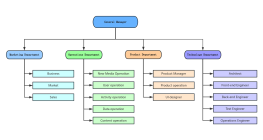
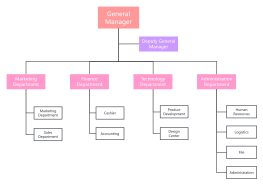
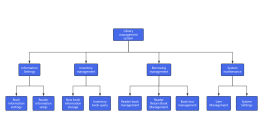
Yes. You can use ProcessOn flowchart tools to draw functional organization structure diagrams.
Mind mapping tools: Select the topic, and in the right toolbar style, you can set different department levels to different colors;
Flowchart tools: Select the shape, and in the top toolbar, you can set different department levels to different colors.