

Register
Process Type
Graphical expression
Mind Type
Structured expression
Note Type
Efficient expression

System architecture diagram design

Try for free
System architecture diagram design
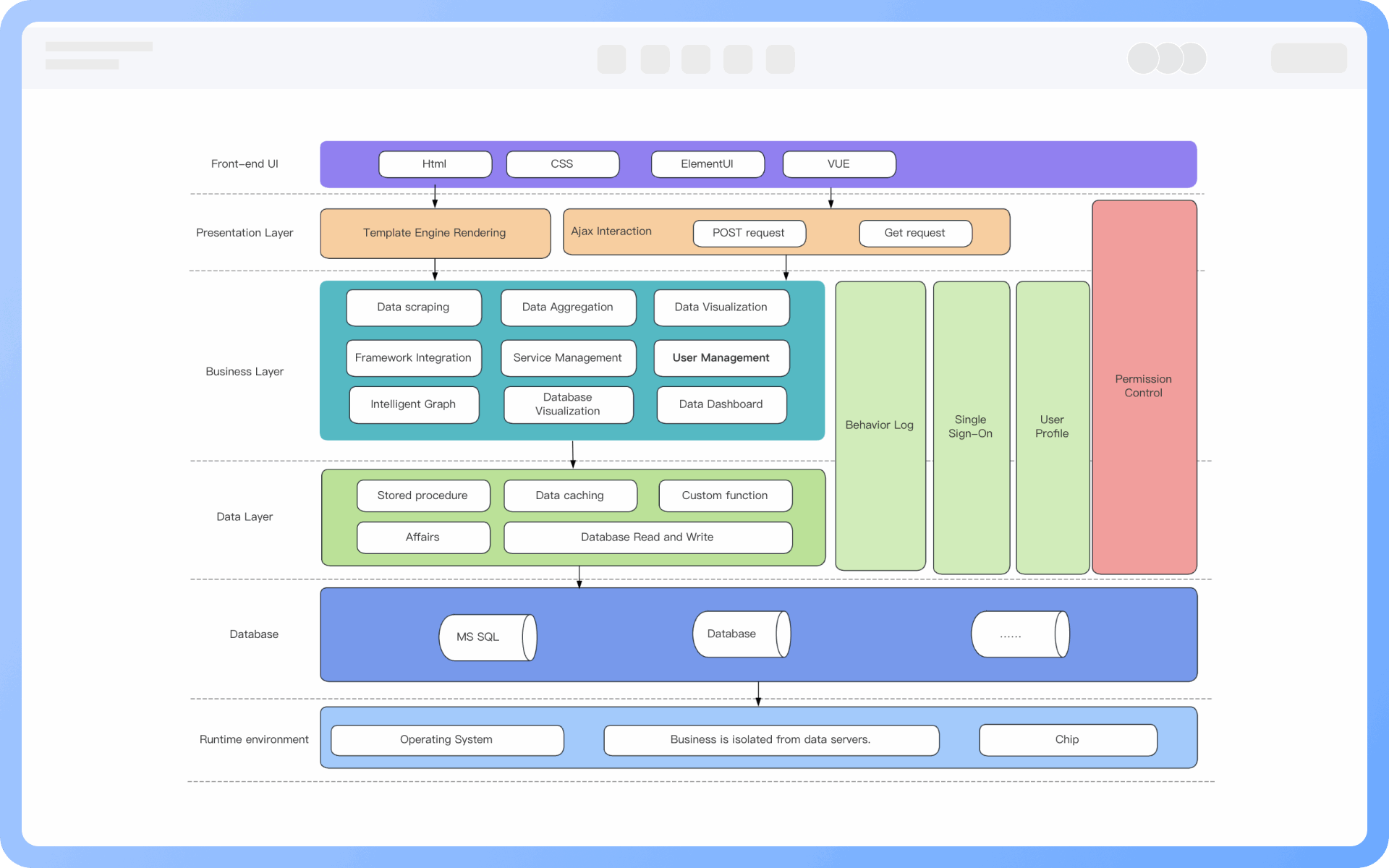
What is System Architecture Diagram
Try for free
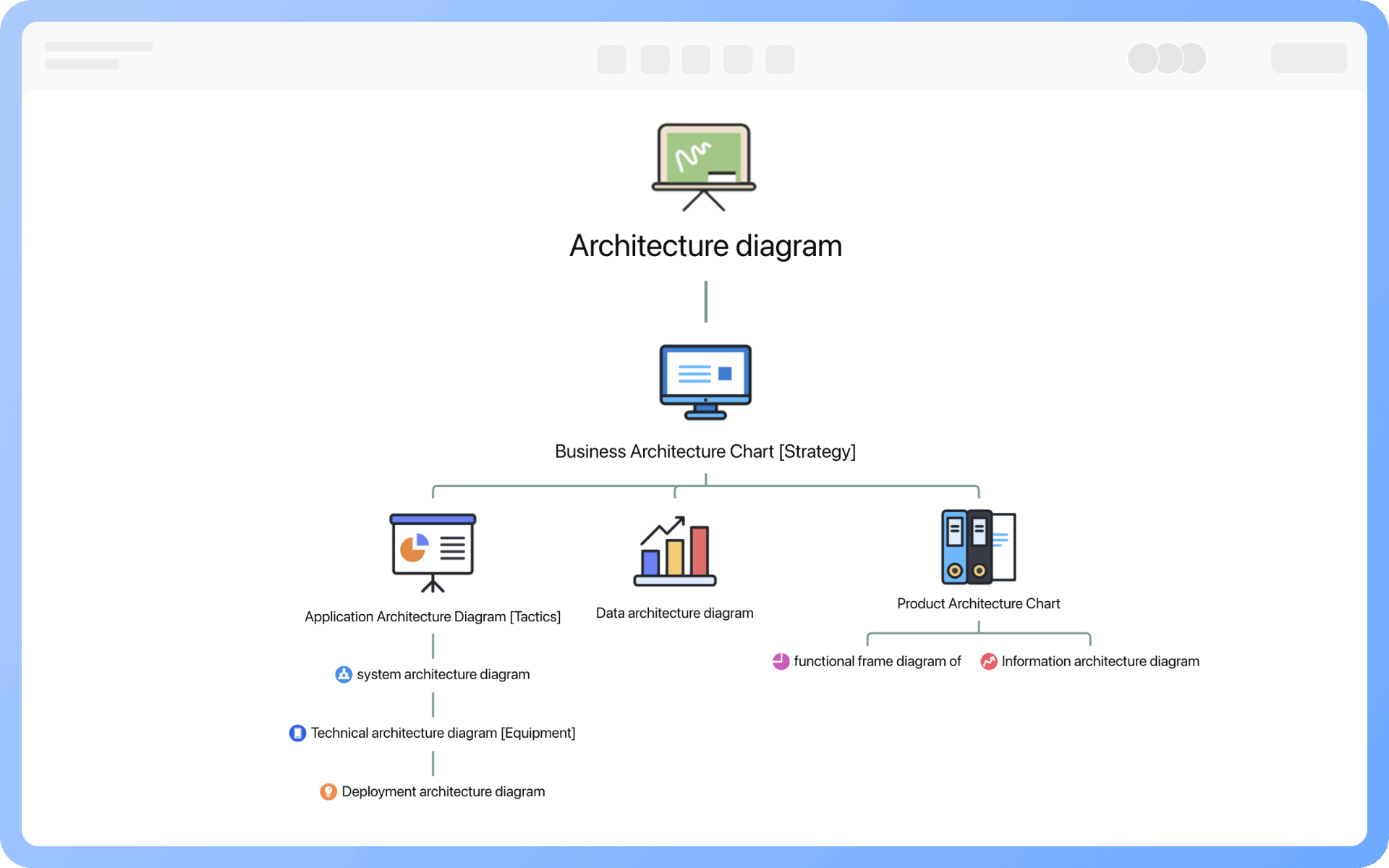
Detailed Classification of Architecture Diagrams
Try for free
Detailed
Common Elements of System Architecture Diagrams
Try for free
Common
Composition of System Architecture Diagrams
Try for free
Composition
Classification of System Architecture Diagrams
Try for free
Classification
Functions of System Architecture Diagrams
Try for free
Functions

ProcessOn System Architecture Diagram Key Features

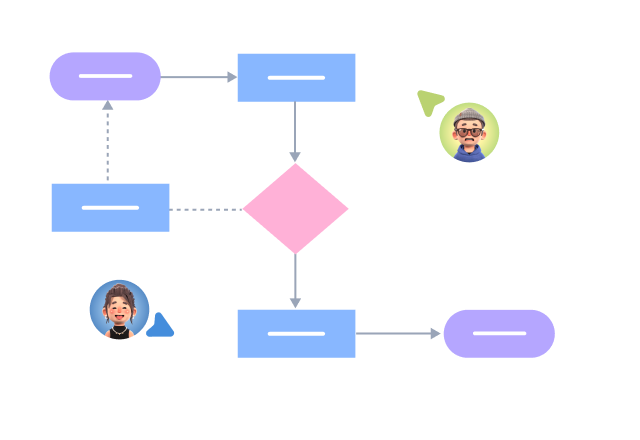
Online Collaboration

Supports real-time multi-user co-creation with shareable links for instant information transfer

Online Collaboration
One-Click AI Generation

Automatically generates graphics from text input and applies style enhancements

One-Click AI Generation
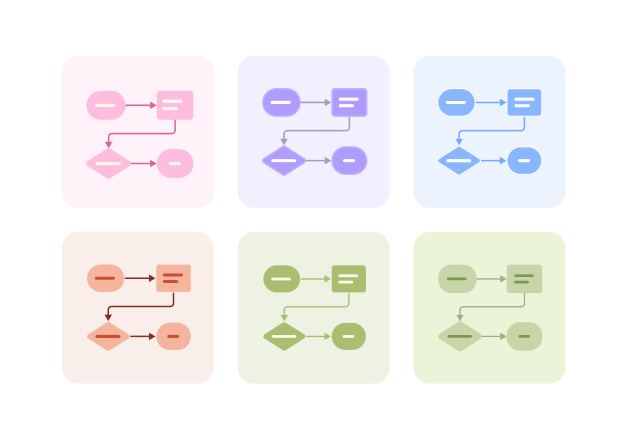
Personalized Style Customization

Prebuilt themes with full customization for personalized designs

Personalized Style Customization
Multiple Component Types

Supports icons, images, labels, LaTeX formulas, code blocks, links, attachments and more

Multiple Component Types
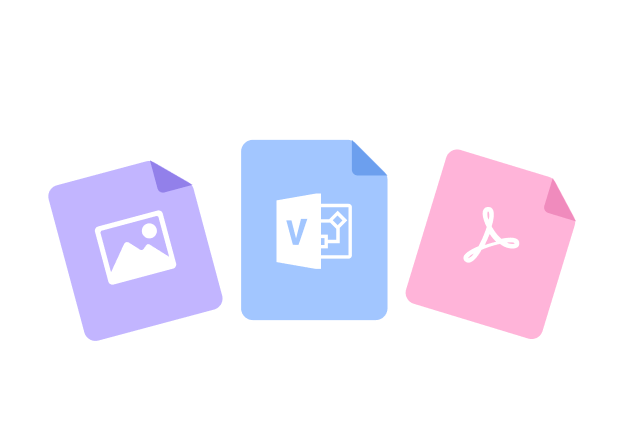
Multi-Format Compatibility

Export: PNG, VISIO, PDF, SVG | Import: VISIO, Mermaid

Multi-Format Compatibility
Cross-Device Sync

Real-time cloud storage, multi-device sync, version history, and secure data protection

Cross-Device Sync
Try for free

System Architecture Diagram How to Draw?

System Architecture DiagramHow to Draw?
1
Create a 'Architecture Diagram' or 'Flowchart', add 'UML Use Case Diagram' symbols to the drawing area, as 'Container' symbols will be used during the creation process
2
Create components: Organize system component elements, including hardware, software, data, network, etc., and add them to the drawing area
3
Layering: Drag container symbols to the canvas area, drag components of the same level into the same container, and name the system layers
4
Add relationships: Use lines + arrows to add interaction relationships between layers
5
Add notes: Add necessary notes to components and interactions to explain their function, type, or importance
6
Layout design: Use the distribute and align functions to quickly adjust component positions for layout, unify the colors of each level, and better display the overall structure and relationships between levels
7
Check and confirm that the diagram is correct, and thus a professional system architecture diagram is completed
Try for free

System Architecture Diagram Frequently asked questions

How to define the broad and narrow sense of a system architecture diagram?

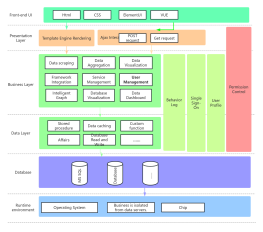
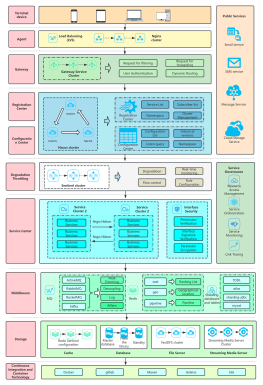
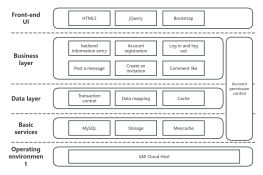
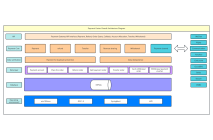
The system architecture diagram is a somewhat vague concept. In a narrow sense, it is one of the nine types of architecture diagrams, describing the various components, modules, subsystems of the system, and their interactions and communication methods, leaning more towards the physical composition and deployment method of the system. In a broad sense, a system architecture diagram can refer to any architecture diagram of a specific system, such as a CMS system product architecture diagram, which actually falls under the category of product architecture diagrams. A technical architecture diagram for a train ticket booking and refund system falls under the category of technical architecture diagrams. This page specifically refers to the narrow sense of a system architecture diagram.
What is the difference between a system architecture diagram and an application architecture diagram?

The core difference between application architecture and system architecture lies in the focus range and design level. An application architecture diagram focuses on the division of modules within the application, interaction methods, data flow, etc., leaning more towards the implementation of software functions and logic. In contrast, a system architecture diagram is more macro, focusing on the overall structure of the system, the relationships between various subsystems, hardware and software deployment, etc., leaning more towards the physical composition and deployment method of the system.

What is the difference between a system architecture diagram and a technical architecture diagram?

Compared to technical architecture, system architecture is a high-level description of 'what to do' and 'how to do it,' while technical architecture is a more detailed technical implementation description of 'how to do it.' If system architecture is analogous to the planning of Shenzhen City, then technical architecture is the planning of Nanshan District.

What content does a system architecture diagram mainly display?

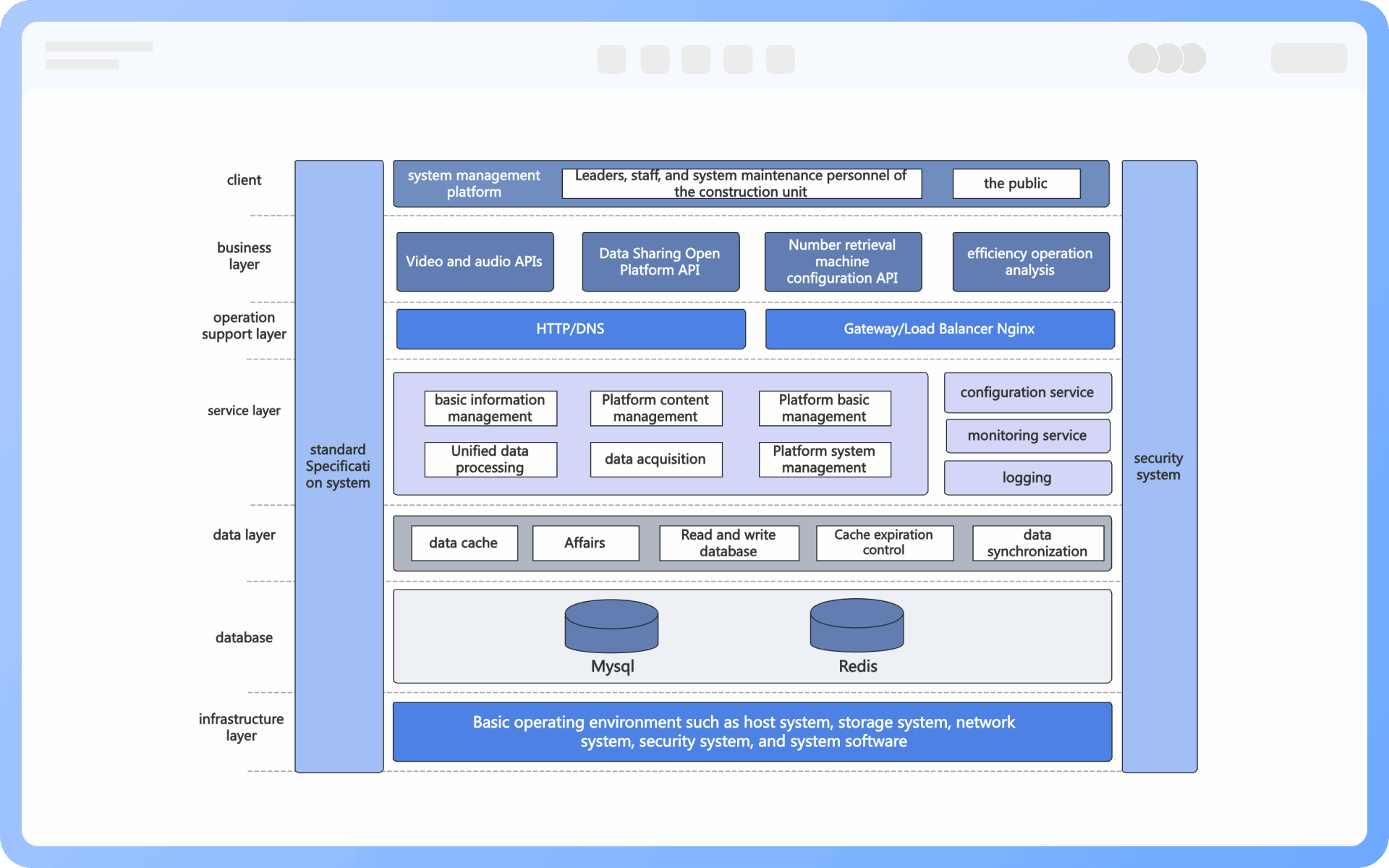
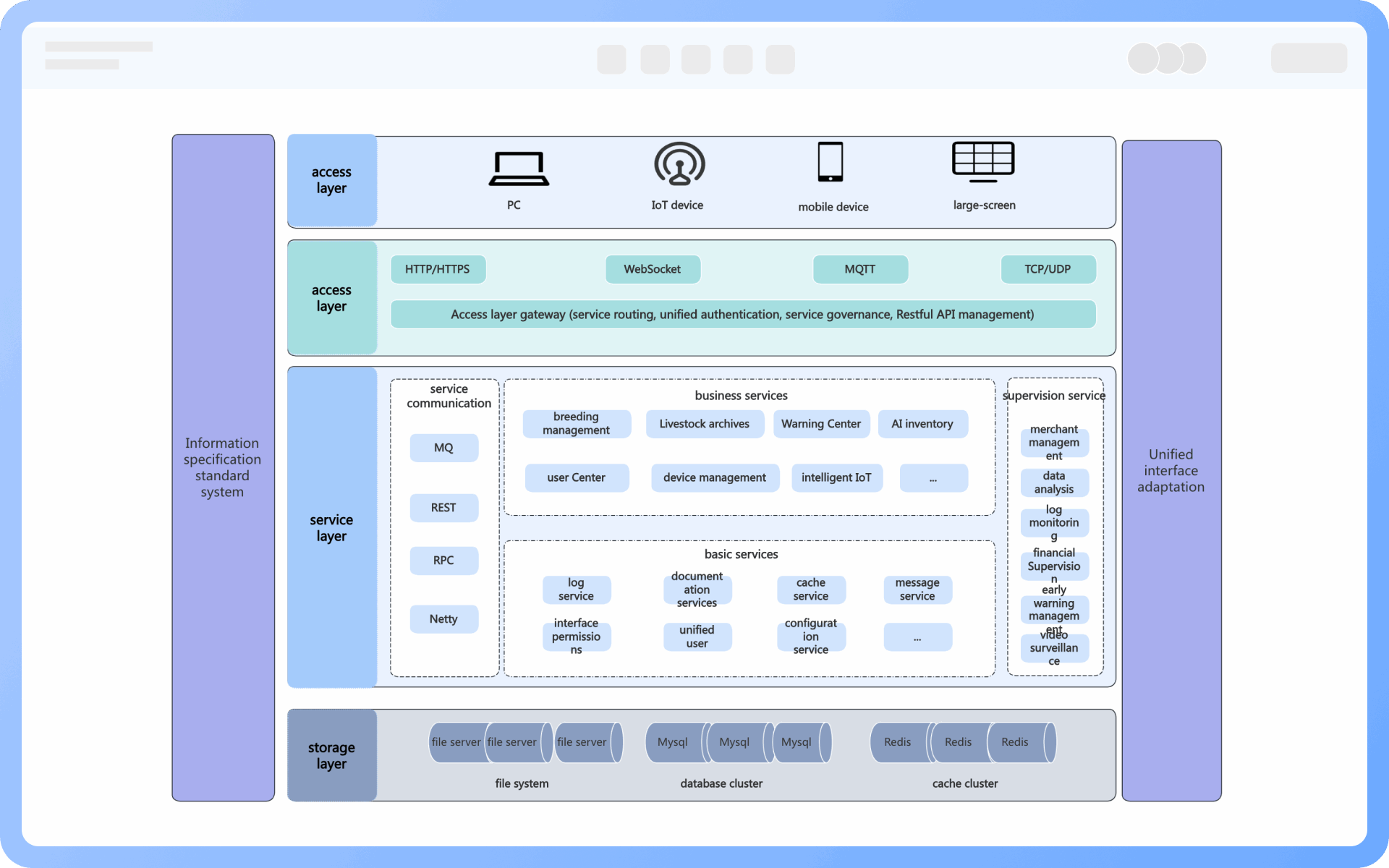
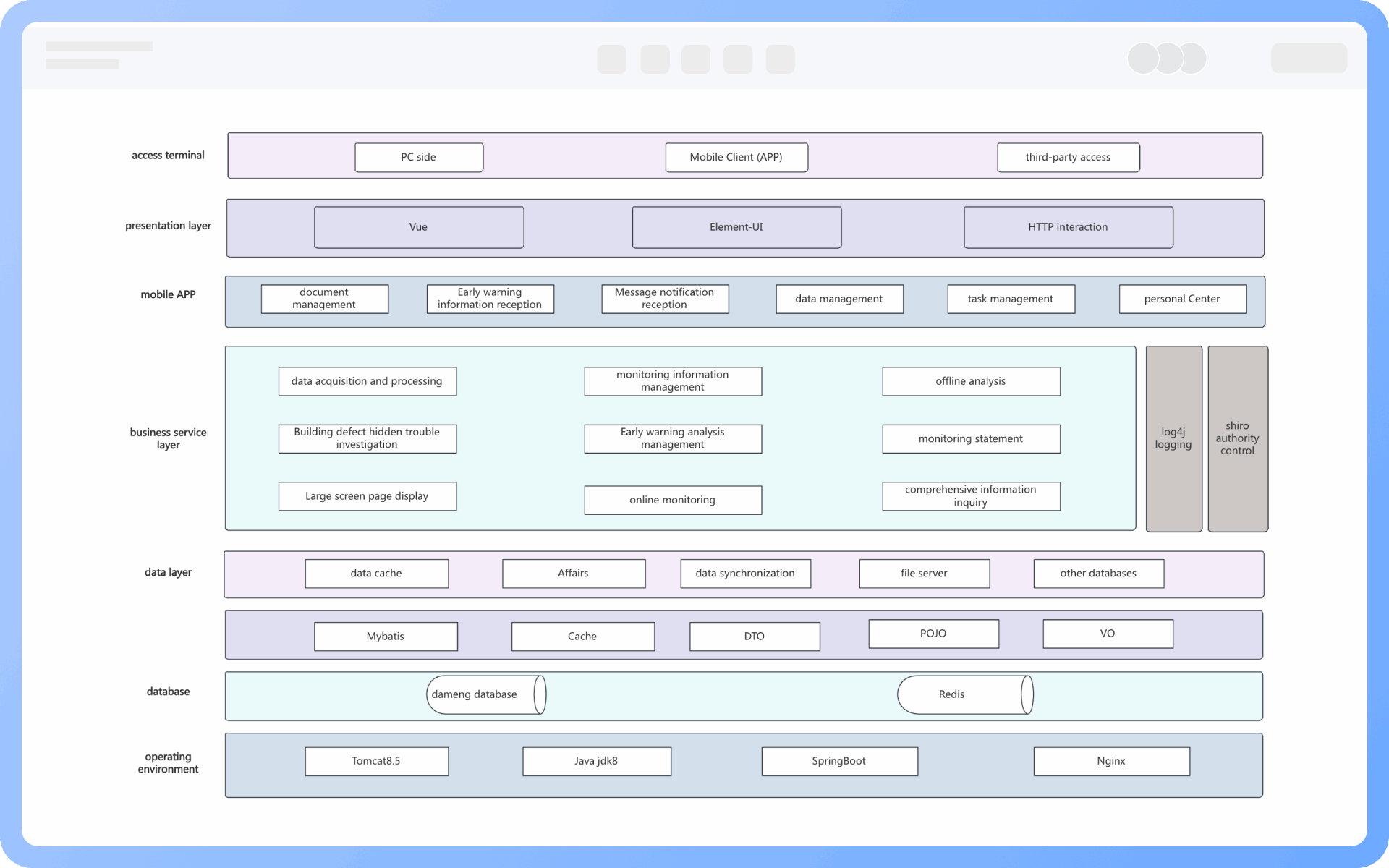
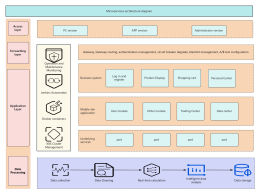
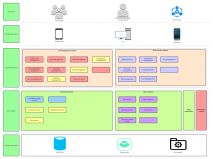
A system architecture diagram displays the overall structure of the system, including the main components, modules, relationships between services, data flow and communication methods, and the system deployment environment.

How to reflect interfaces and communication between systems?

By using arrows and annotations to clearly indicate data flow direction, communication protocols (such as HTTP, RPC, message queues), and whether it is synchronous or asynchronous, enhancing the readability and accuracy of the diagram.

Should deployment architecture be reflected in a system architecture diagram?

It depends on the actual situation. If focusing on the system's operating environment, node distribution, disaster recovery, and scalability, deployment architecture is necessary. Otherwise, a separate deployment diagram can be drawn.

Should the technology stack be marked in a system architecture diagram?

It is necessary to mark the key technology stack (such as databases, middleware, caching, service frameworks) to facilitate communication of technical solutions and planning.

How to express high availability and fault tolerance design in a system architecture diagram?

By marking load balancers, backup nodes, cluster architecture, failover mechanisms, etc., to showcase the system's stability and elasticity design.

Does a system architecture diagram include security design?

It is recommended to include security-related components, such as identity authentication, access management, firewalls, data encryption, etc., to highlight the system's security.

Try for free

System Architecture Diagram Template Recommendations

System Architecture Diagram Drawing Guide

Related Diagrams