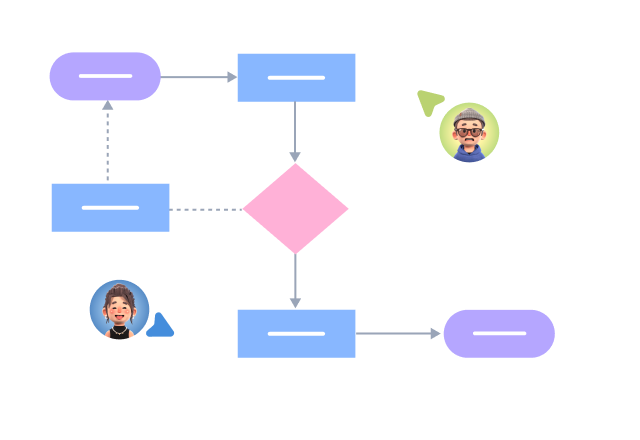


Supports real-time multi-user co-creation with shareable links for instant information transfer
Automatically generates graphics from text input and applies style enhancements
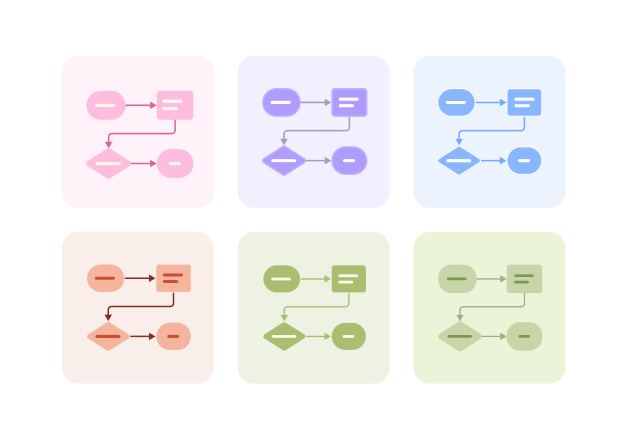
Prebuilt themes with full customization for personalized designs
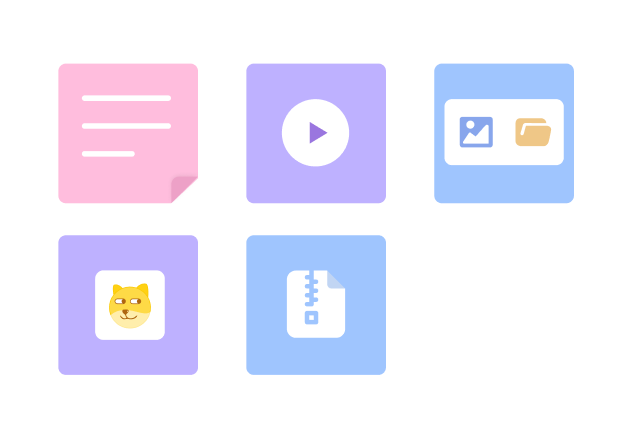
Supports icons, images, labels, LaTeX formulas, code blocks, links, attachments and more
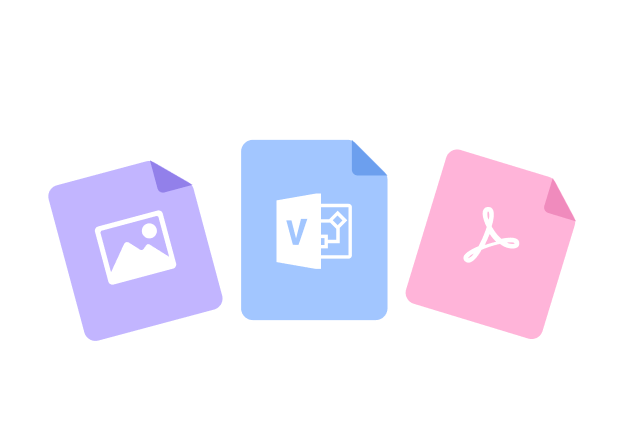
Export: PNG, VISIO, PDF, SVG | Import: VISIO, Mermaid
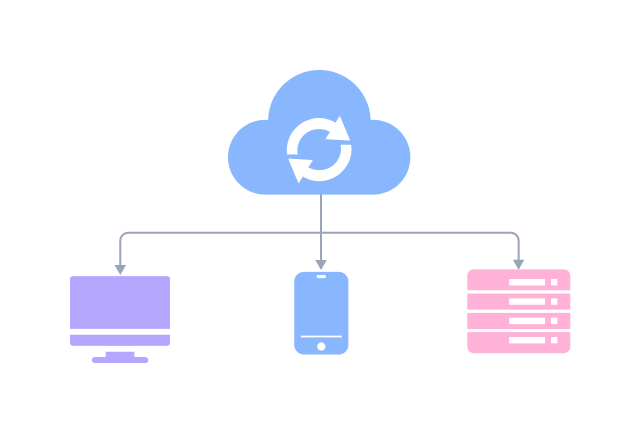
Real-time cloud storage, multi-device sync, version history, and secure data protection
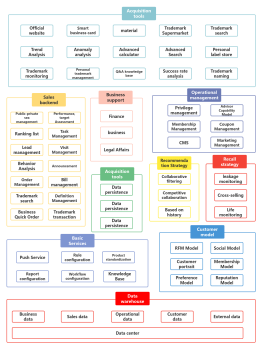
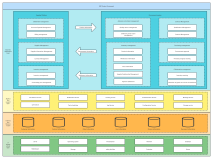
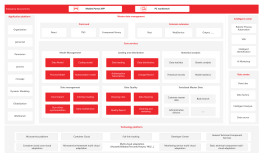
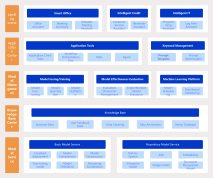
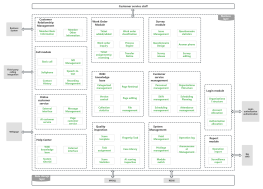
Product side: Based on the product strategy positioning, determine the user roles and needs of the product, and thus determine which ends the product has.
Functionality of each end: Derive the functions of the product side based on user needs.
Connecting business and technology: The product translates organizational structure and operational processes into levels, interactions, and functions, which technology then implements and presents as a user-visible information architecture.
Clarifying product boundaries: Present the product design concept, clarify the product boundaries, and its competitive and dependent relationships with others.
Developing a development plan: The product architecture is a subset of product planning, understanding the current implementation status of functions, pointing out future development directions, and helping us consider future scalability.
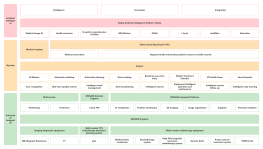
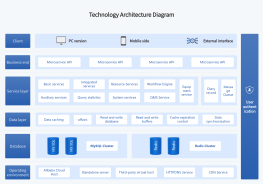
The product architecture diagram is the basis for guiding the technical architecture diagram. Therefore, the drawing sequence of the technical architecture diagram and the product architecture diagram is usually to have the product architecture diagram first, followed by the technical architecture diagram. The product architecture diagram mainly focuses on product functions, modules, and user interactions, while the technical architecture diagram focuses on the specific technical solutions, system components, and interaction methods required to realize these functions.
A product architecture diagram is usually drawn during the requirements analysis phase or early in the prototype design phase, with the purpose of determining the product's functional scope and module division, providing input for the prototype and technical architecture. When you start designing a systematic and complete requirement, if you skip the step of drawing a product architecture diagram and directly start drawing prototypes and writing PRDs, it is easy to encounter situations where you have to revise repeatedly or overturn a version of the requirement.
The product architecture diagram is mainly external-facing, aimed at customers, and is especially important for B-end products.
Yes. Different user roles (such as administrators, regular users, merchants) correspond to different functional modules. Clarifying roles helps in delineating module boundaries and permission logic.
Usually not. Interaction design belongs to the scope of interaction prototypes, while the product architecture diagram focuses on 'functionality and logical relationships,' rather than interface presentation.