

Register
Process Type
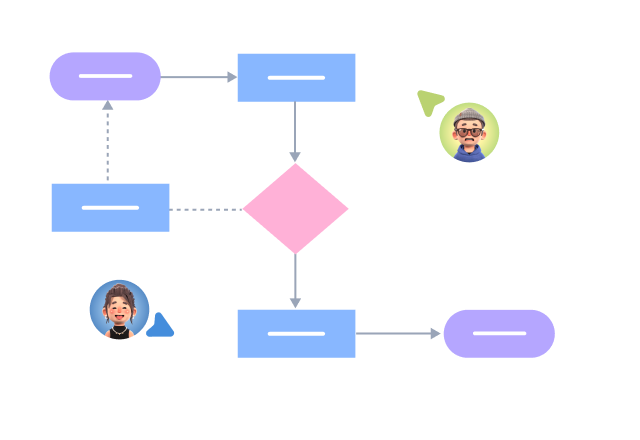
Graphical expression
Mind Type
Structured expression
Note Type
Efficient expression

Online Functional Architecture Diagram Drawing

Try for free
Online Functional Architecture Diagram Drawing
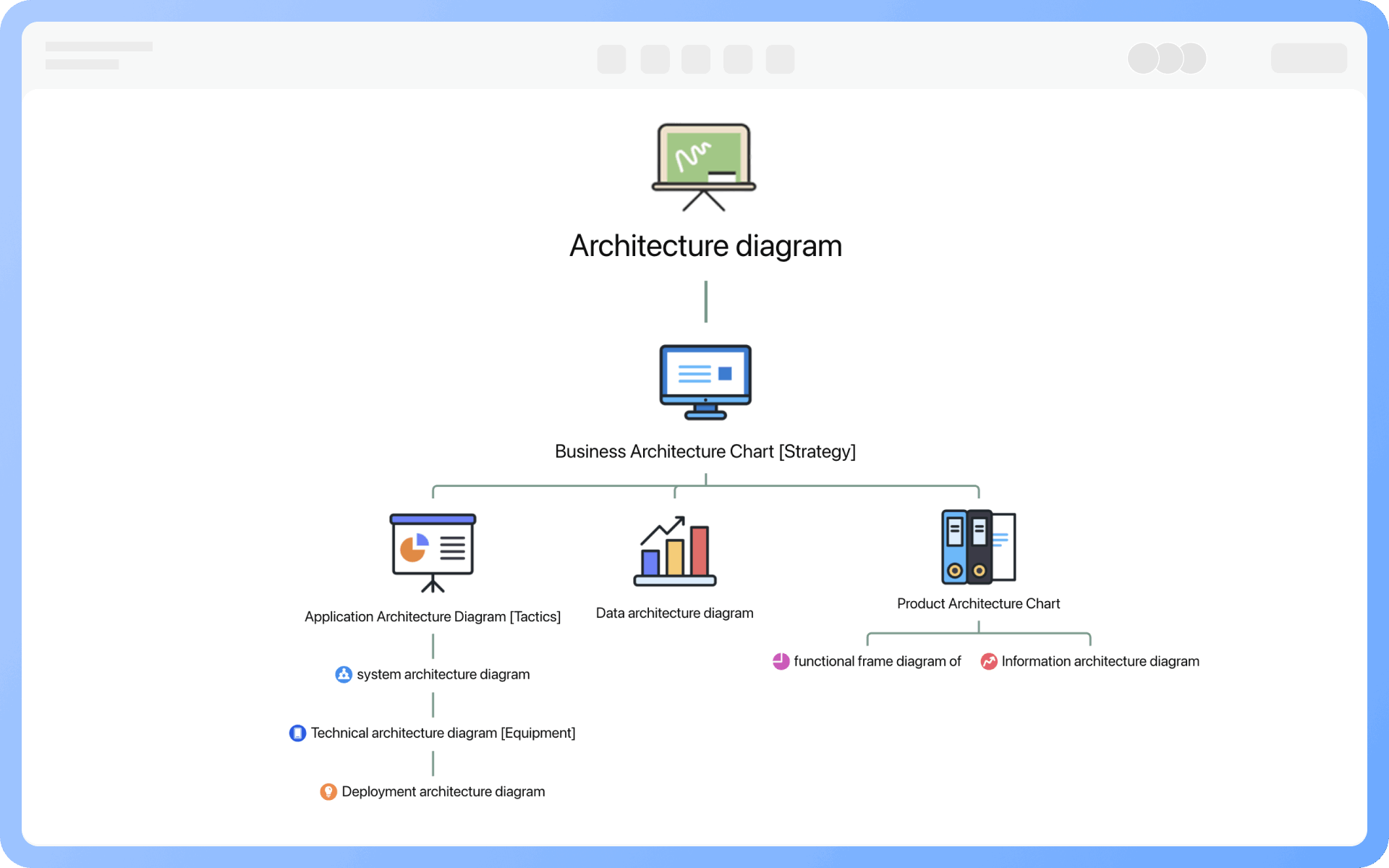
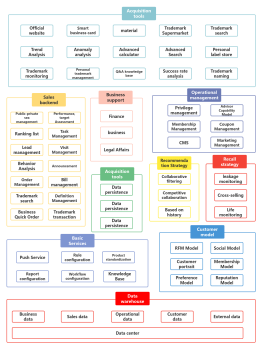
What is Functional Architecture Diagram
Try for free
Detailed Classification of Architecture Diagrams
Try for free
Detailed
Core of Functional Architecture Diagram
Try for free
Core
Granularity of Functional Architecture Diagram
Try for free
Granularity
Role of Functional Structure Diagram
Try for free
Role
Target Audience for Functional Architecture Diagram
Try for free
Target
Techniques for Drawing Functional Architecture Diagrams
Try for free
Techniques

ProcessOn Functional Architecture Diagram Key Features

Online Collaboration

Supports real-time multi-user co-creation with shareable links for instant information transfer

Online Collaboration
One-Click AI Generation

Automatically generates graphics from text input and applies style enhancements

One-Click AI Generation
Personalized Style Customization

Prebuilt themes with full customization for personalized designs

Personalized Style Customization
Multiple Component Types

Supports icons, images, labels, LaTeX formulas, code blocks, links, attachments and more

Multiple Component Types
Multi-Format Compatibility

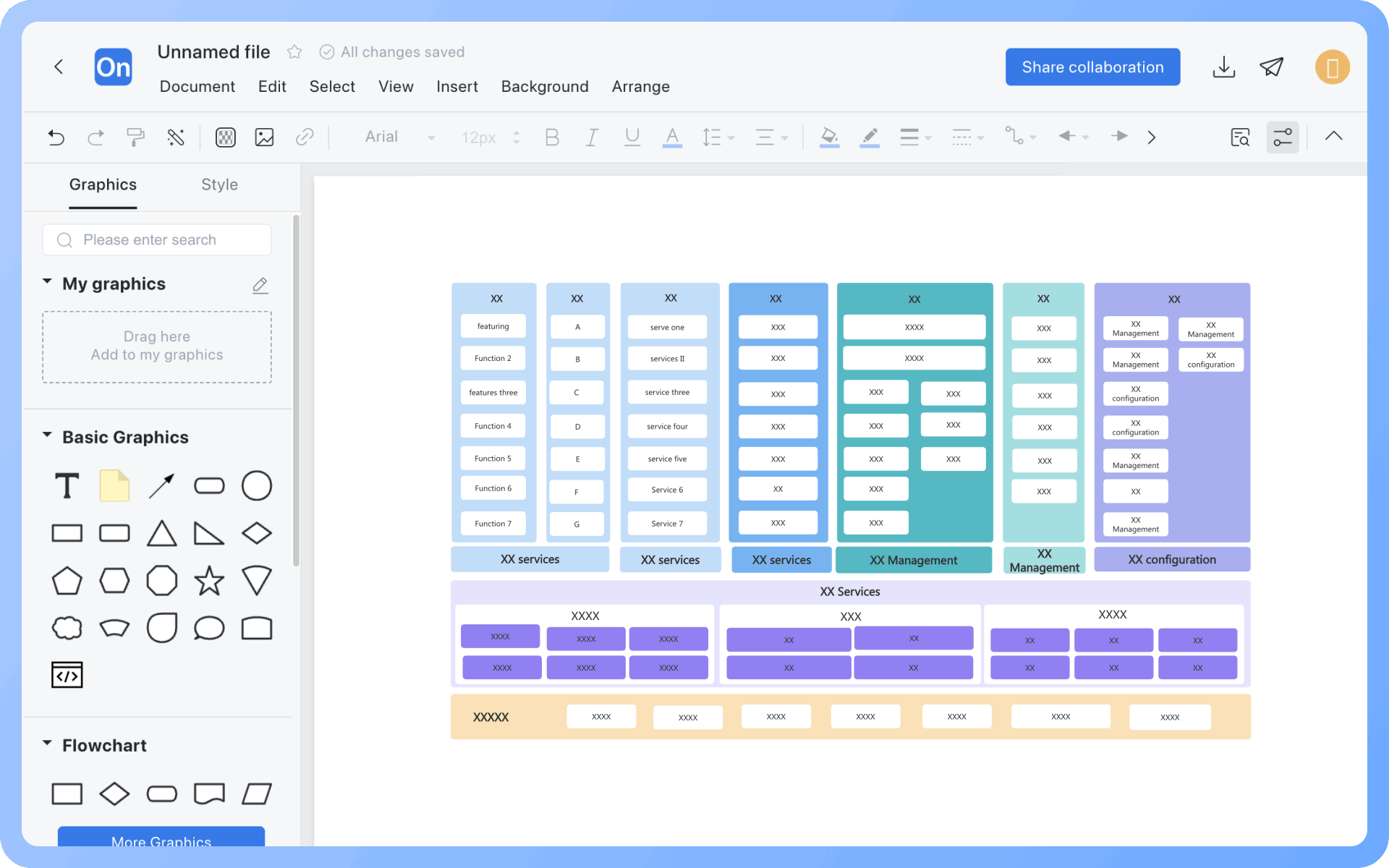
Export: PNG, VISIO, PDF, SVG | Import: VISIO, Mermaid

Multi-Format Compatibility
Cross-Device Sync

Real-time cloud storage, multi-device sync, version history, and secure data protection

Cross-Device Sync
Try for free

Functional Architecture Diagram How to Draw?

Functional Architecture DiagramHow to Draw?
1
Create a 'Architecture Diagram' or 'Flowchart', then add 'UML Use Case Diagram' symbols to the drawing area, as 'Container' symbols will be used during the creation process
2
Determine functions and boundaries: Break down the system into functional modules, generally controlling between 5-9
3
Draw functions: According to the sorted functional modules, drag graphic symbols from the drawing area to the drawing area
4
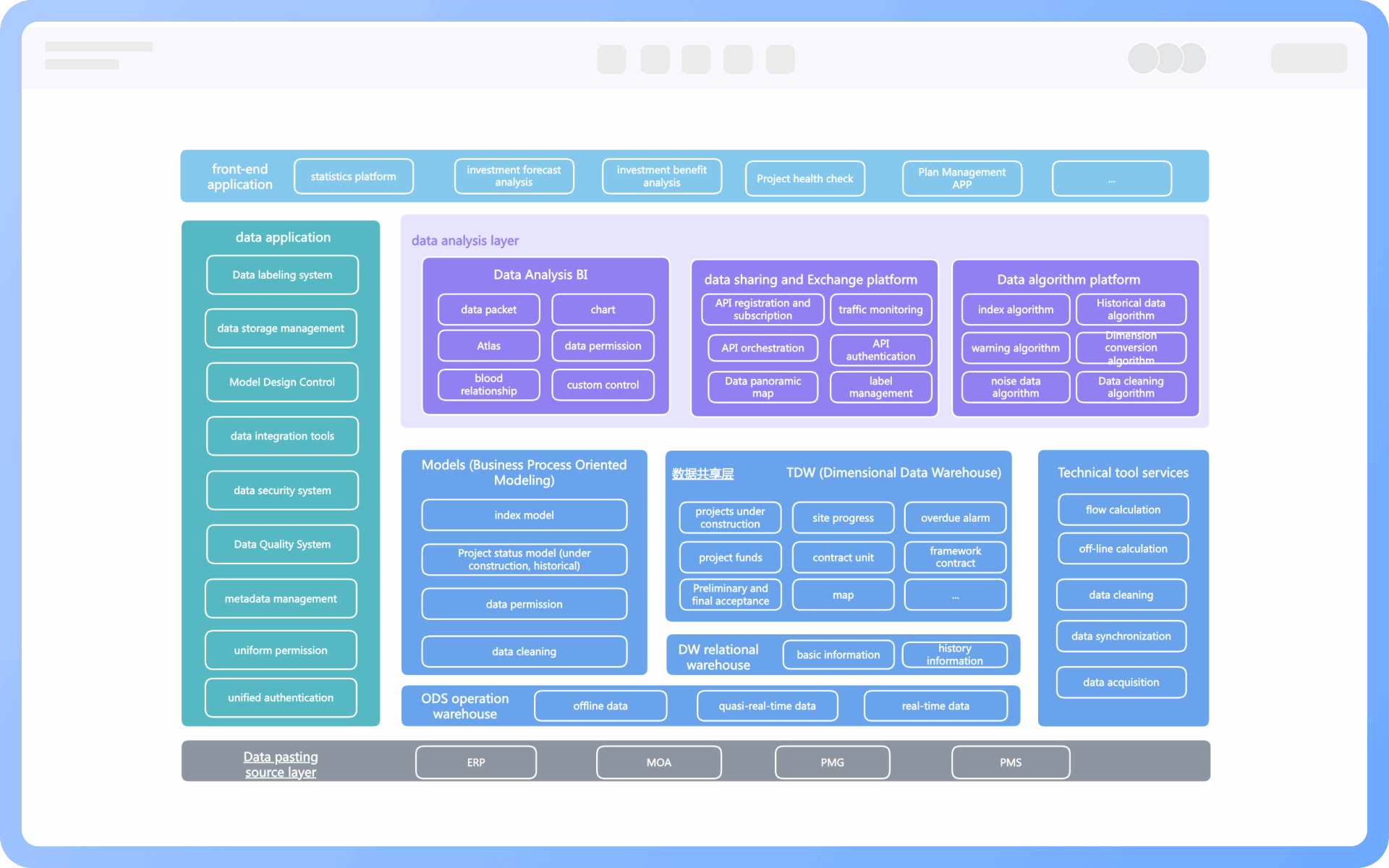
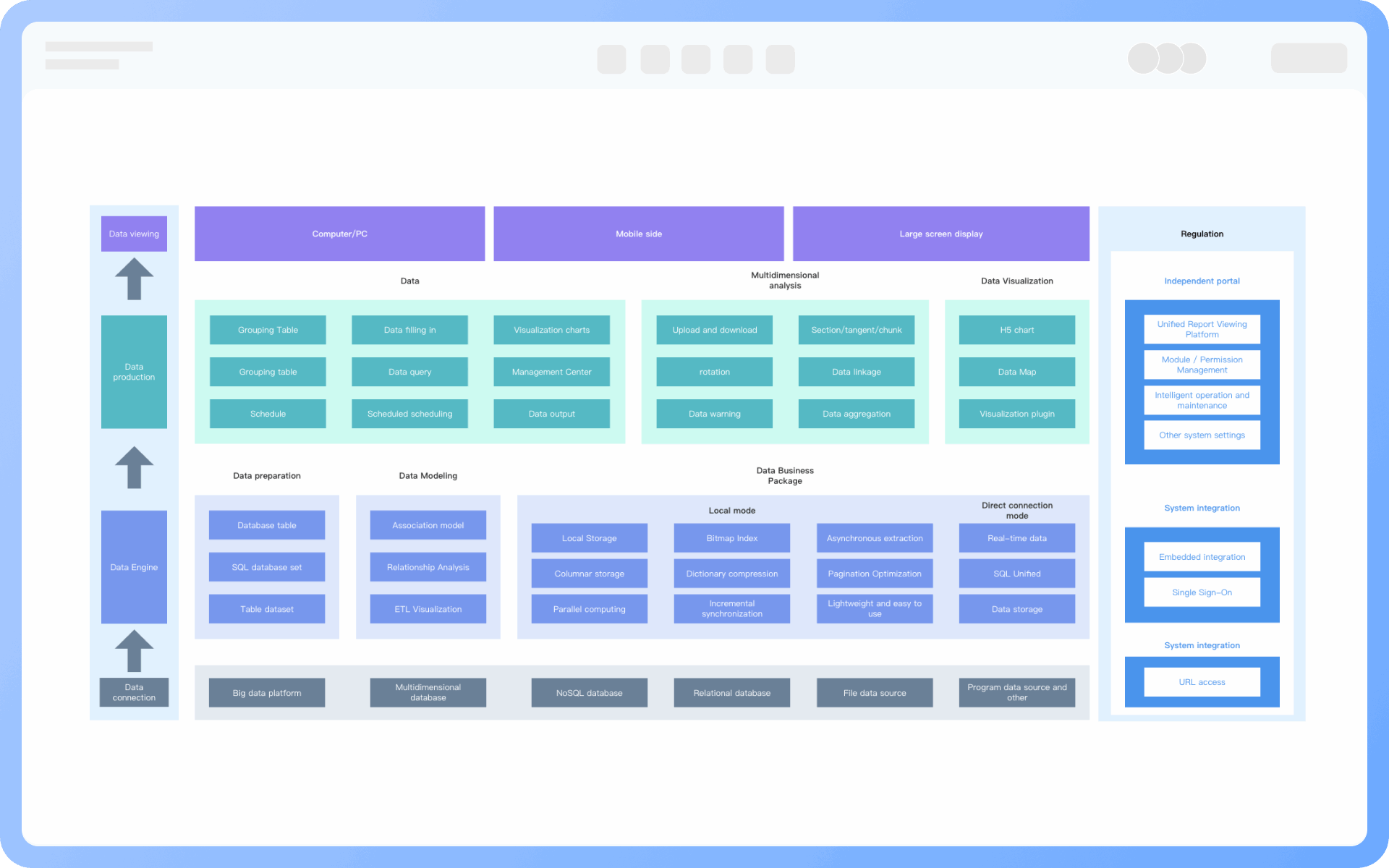
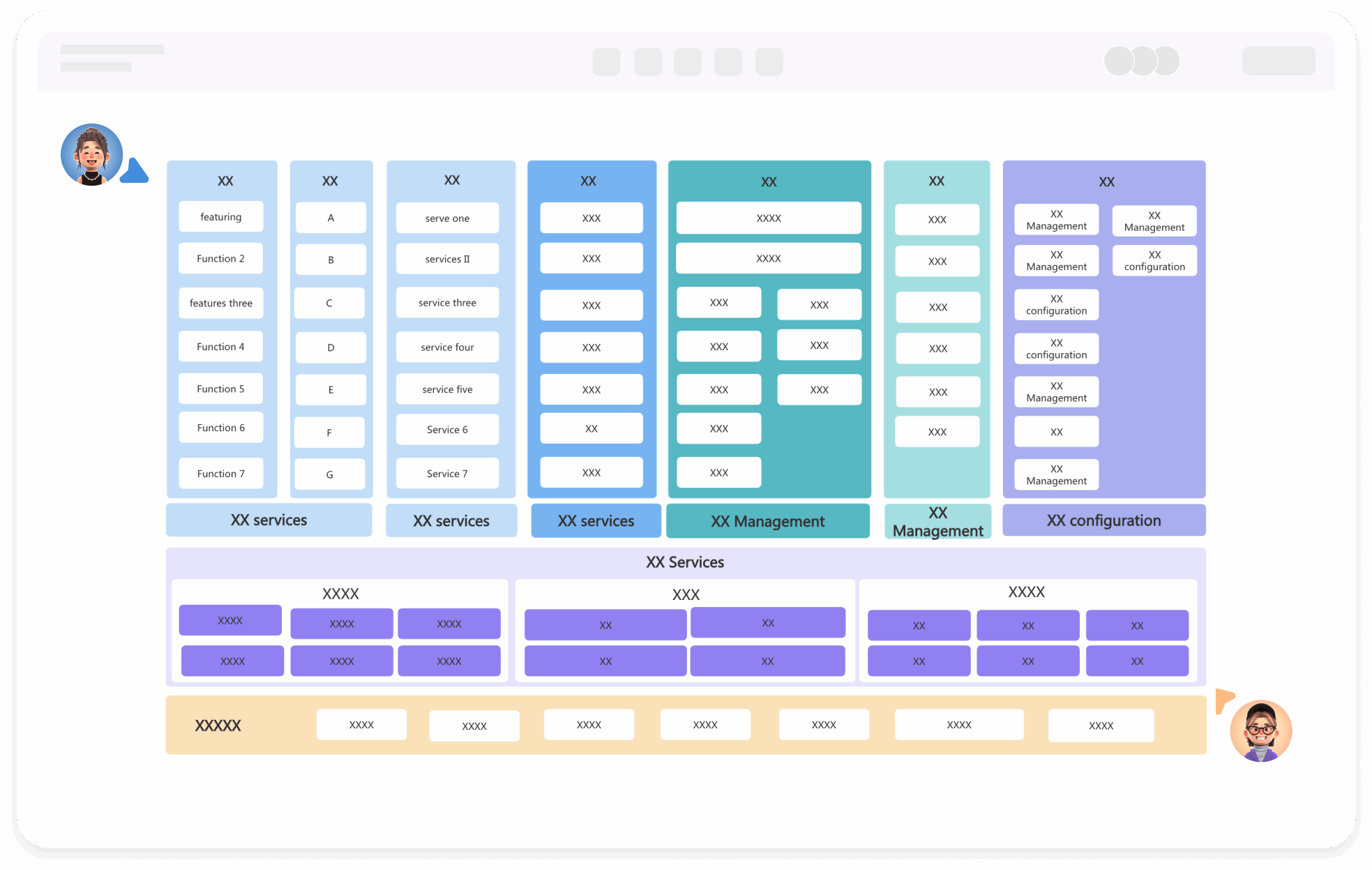
Layered arrangement: Vertically arrange by presentation, service, and data, and horizontally divide by business domain
5
Add relationships: Use straight lines + arrows to indicate the call relationships or dependency directions between modules
6
Add comments: Write brief explanations inside or below the module icons, key modules can expand with a detailed list of function points
7
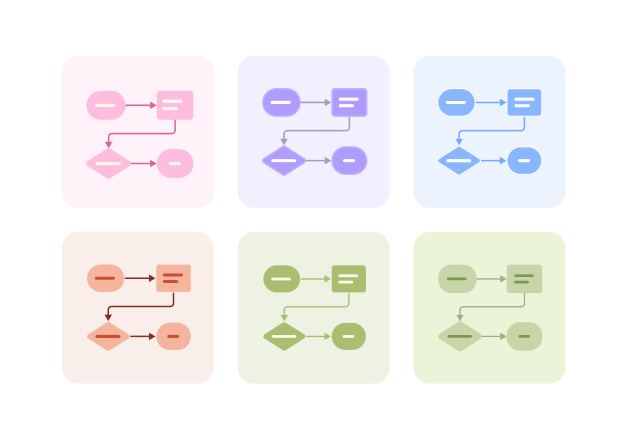
Optimize layout: Use different colors to identify different functional modules, making the graphics more aesthetically pleasing and the boundaries clearer
Try for free

Functional Architecture Diagram Frequently asked questions

What is the difference between functional architecture and information architecture?

A functional architecture diagram represents the required functions. It's like a car engine, showing which parts are needed, with each function being a part. Information architecture is a guide for assembling the parts, similar to an engine assembly manual.

What is the relationship between product architecture diagram, functional architecture diagram, and information architecture diagram?

The product structure diagram encompasses the product's functions and information, and can also indicate the logical transitions between functions. It can be simply expressed with a formula: product structure diagram = product functional structure diagram + product information architecture diagram.

What are the design principles for layering in a functional architecture diagram?

The design principles for layering in a functional architecture diagram involve dividing system functions into multiple levels based on logical relationships, with each level representing a functional module. Typically, a three-level structure is used: the first level is the system-level functional domain, the second level is sub-modules, and the third level is specific functional items, which can be flexibly expanded based on business complexity.

What do the arrows in a functional architecture diagram represent?

The arrows in a functional architecture diagram indicate the direction of data flow or the dependency relationship between functions.

What should a functional architecture diagram include?

A functional architecture diagram should include the layered structure of the system, the functional description of each layer, and the direction of data flow.

How should the color scheme be chosen for a functional architecture diagram?

The color scheme for a functional architecture diagram should be clear and concise, avoiding the use of too many colors.

What scenarios are functional architecture diagrams suitable for?

They are commonly used in product planning, requirement analysis, module breakdown, function review, communication, and collaboration. They are key tools for product managers, business analysts, and development teams to communicate.

What is the difference between a functional architecture diagram and a flowchart?

A functional architecture diagram shows the functional structure (what functions are there), while a flowchart shows the sequence of operations (how to use these functions to complete tasks).

How to draw a functional architecture diagram for a complex system?

It can be divided by business domain or system module, using partitioned management or layered structure (such as product end, operation end, backend end), supporting subsequent decomposition and evolution.

Try for free

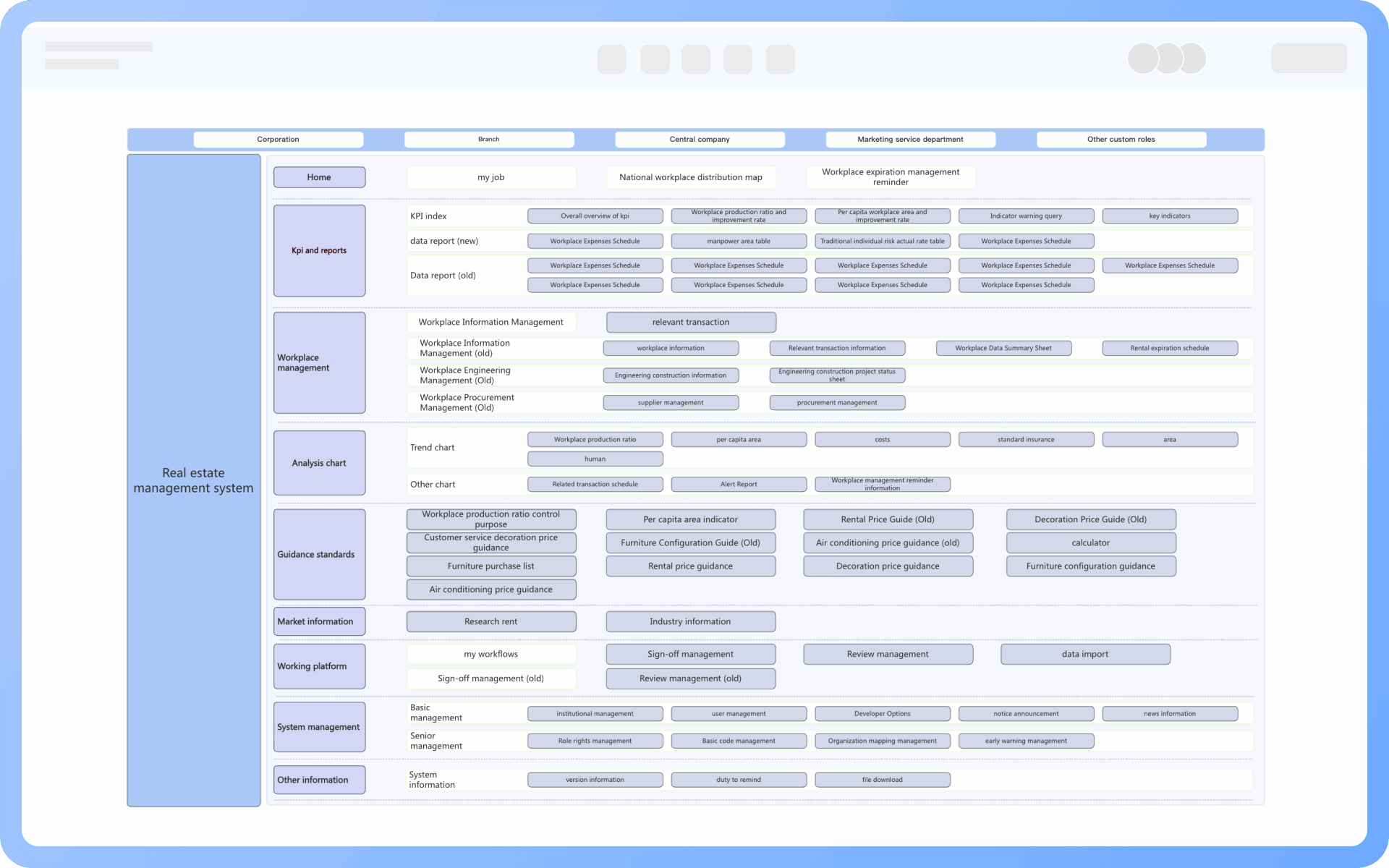
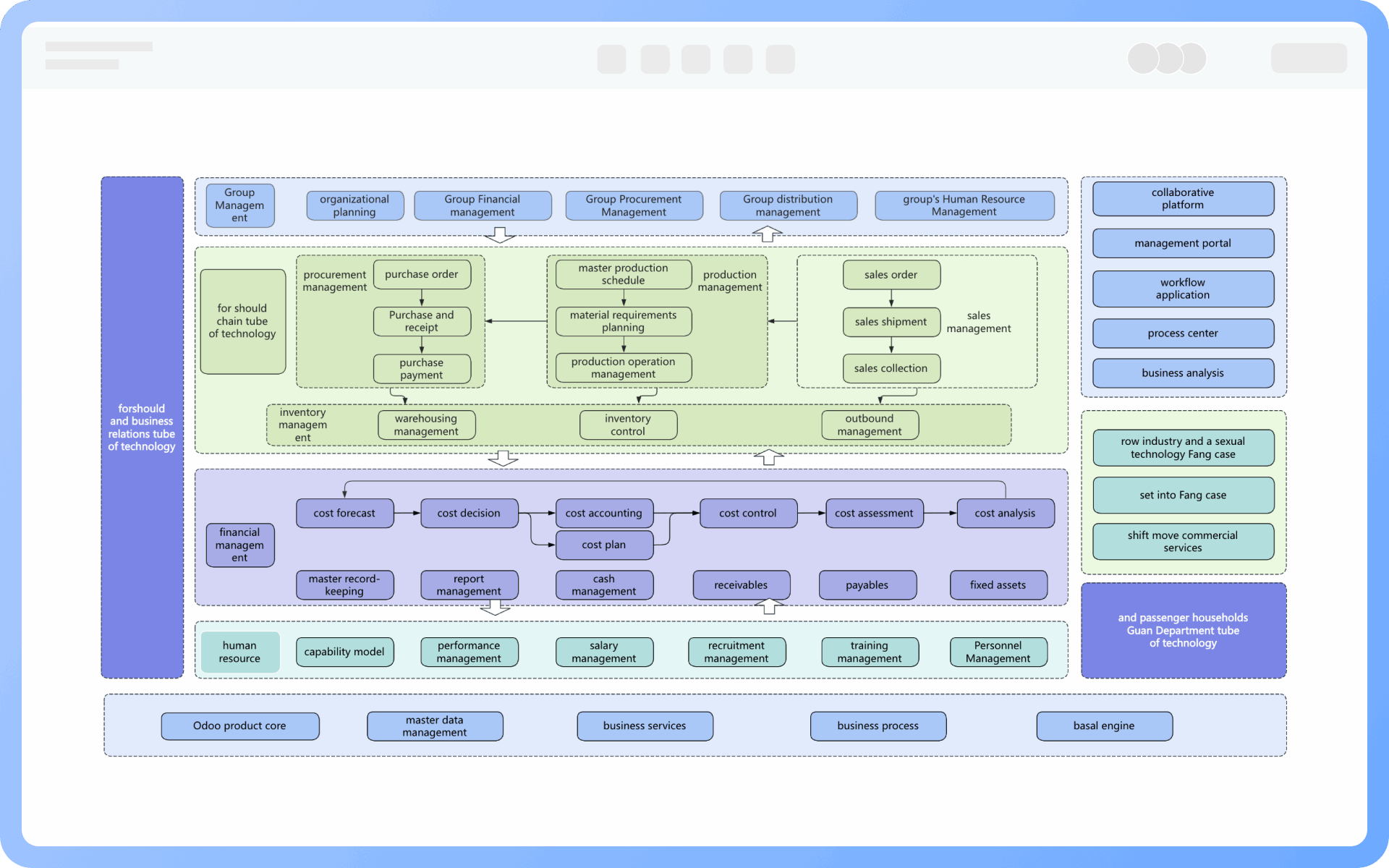
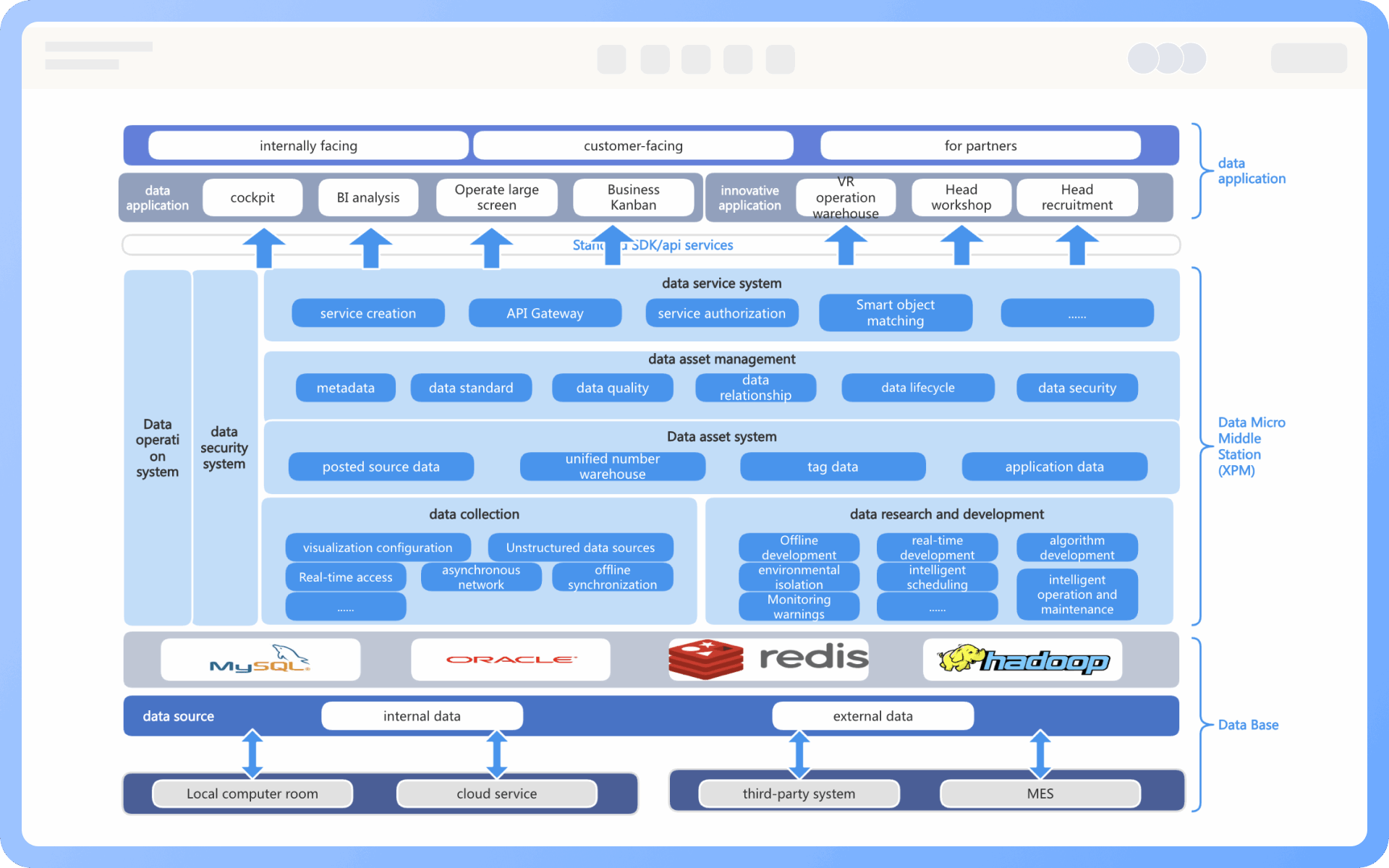
Functional Architecture Diagram Template Recommendations

Functional Architecture Diagram Drawing Guide

Related Diagrams