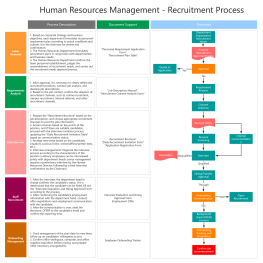
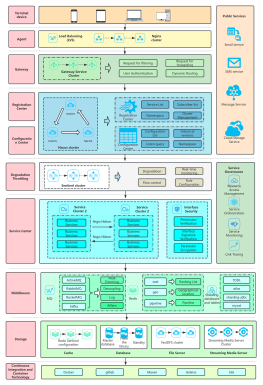
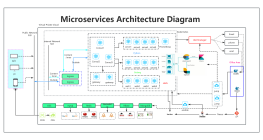
Process Type
Graphical expression
Mind Type
Structured expression
Note Type
Efficient expression
Treemap
Bracket Diagram

Default Mode





The biggest cost for startup teams is often not manpower or materials, but communication overhead. In the early days, teams are small, the pace is fast, and the business changes constantly — requirements, plans, goals, and flowcharts get passed back and forth across WeChat, documents, and spreadsheets. Scrambling to find materials right before meetings, chaotic versions of information, and misalignment among team members on project goals eat up huge amounts of time.
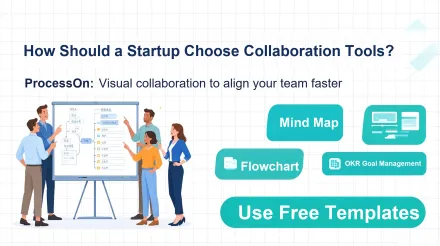
Many startup teams start out writing plans in documents and assigning tasks in spreadsheets, but documents are linear text that can hardly present business logic, organizational structure, and goal decomposition visually. When multiple people communicate, it's hard to see the full picture of the project at a glance. For a startup team collaboration tool, the key isn't more features — it's being lightweight, visual, and supporting real-time multi-user collaboration, lowering the team's onboarding cost. ProcessOn is exactly the online collaborative diagramming tool suited to the needs of early-stage teams.
According to the 2024 China SME Collaborative Management Research Report, over 57% of startups suffer from scattered information and misaligned goals, and about 42% of startup teams spend more than 4 hours per week just syncing information and checking document versions. Startup teams have limited resources, and wasting time on information alignment directly slows down product iteration.
Startup teams are different from mature large enterprises. When choosing a collaboration tool, they should focus on 4 core criteria:
1. Low barrier to entry: No lengthy training needed — new members can quickly understand the project logic;
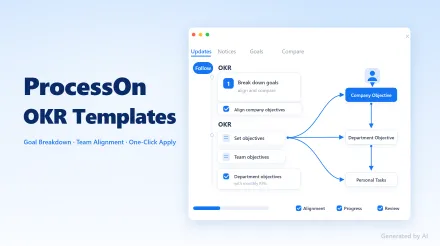
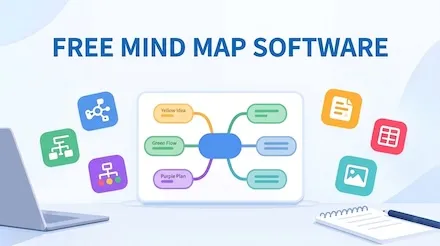
2. Visual expression: Mind maps, flowcharts, architecture diagrams, and OKR goal charts can all be drawn, turning scattered ideas into visual blueprints;
3. Real-time multi-user collaboration: Multiple people can edit and comment simultaneously, without endlessly emailing files back and forth;
4. Controllable cost: Small early-stage teams can try it at low cost and scale up as needed.
Many large collaboration suites are bloated with features — including OA, approval workflows, and attendance tracking modules that startup teams don't need yet — leading to high learning costs and expensive subscriptions. ProcessOn, by contrast, focuses on visual collaboration, matching the core needs of early-stage startup teams.
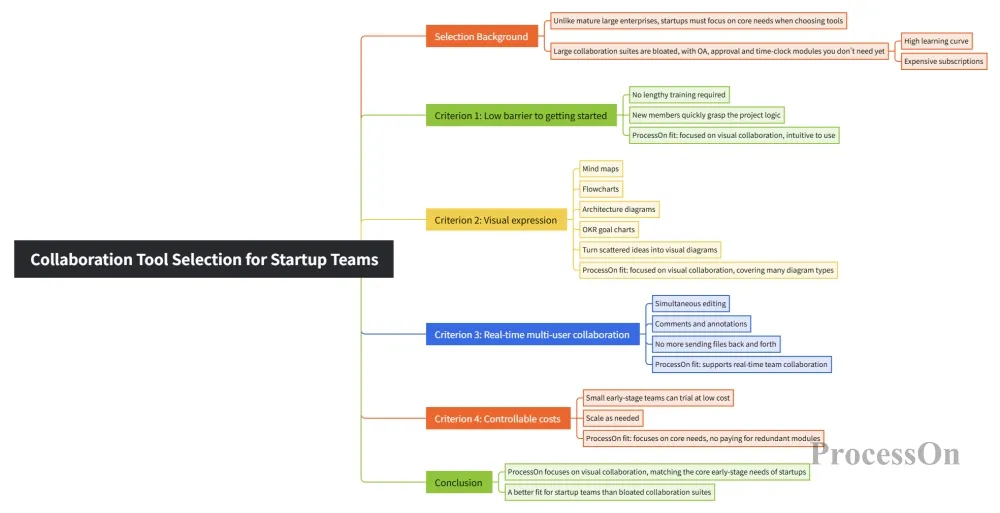
Collaboration tool selection for startup teams
All kinds of plans, from 0 to 1, can be built by finding ready-made templates in ProcessOn and editing them directly:
Teams don't need to build frameworks from scratch — just search for the right template and reuse it with one click, saving significant time on plan creation.
Team members can open the same canvas and co-edit online, add comments, and annotate revision suggestions. Whether it's an online remote meeting or an offline brainstorm, everyone sees the same, up-to-date version. No more repeatedly sending PDFs and images — avoiding version confusion.
ProcessOn is an online tool that works right in the browser, compatible with both Windows and Mac. Startup team members have different computer setups, so there's no need to install clients across the team. Diagrams can be exported in high resolution as PNG, PDF, or SVG — easy to drop into your BP, project documents, and weekly reports.
Canvases can be set with view and edit permissions. When pitching your BP externally or presenting business logic to investors, you can set read-only access; open edit permissions for internal team discussions. As the team grows, you can also create team spaces to manage project files in one place.
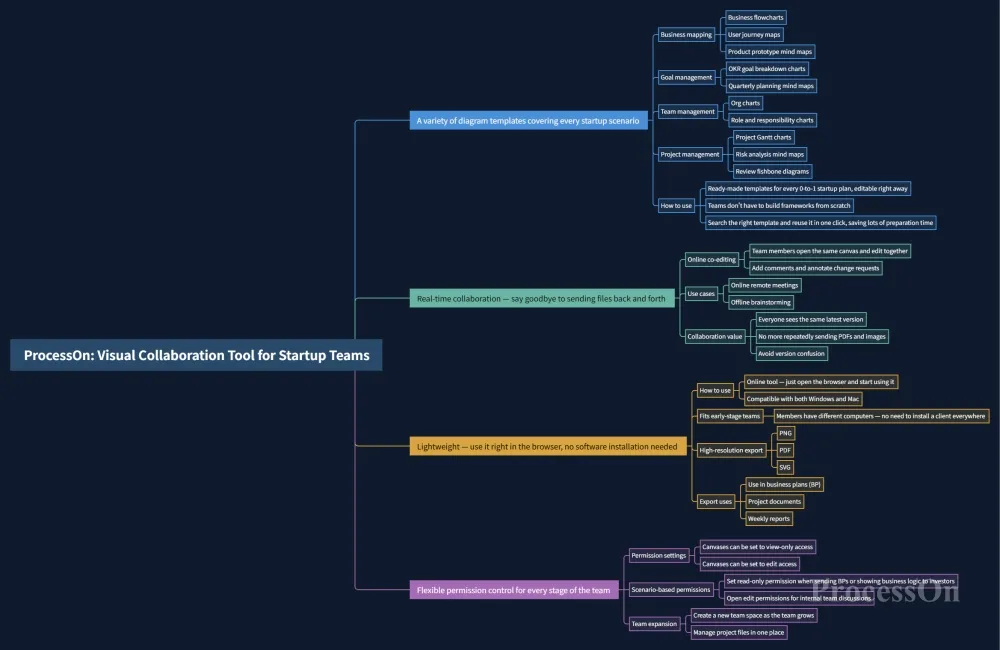
ProcessOn + Visual collaboration tool tailored for startup teams
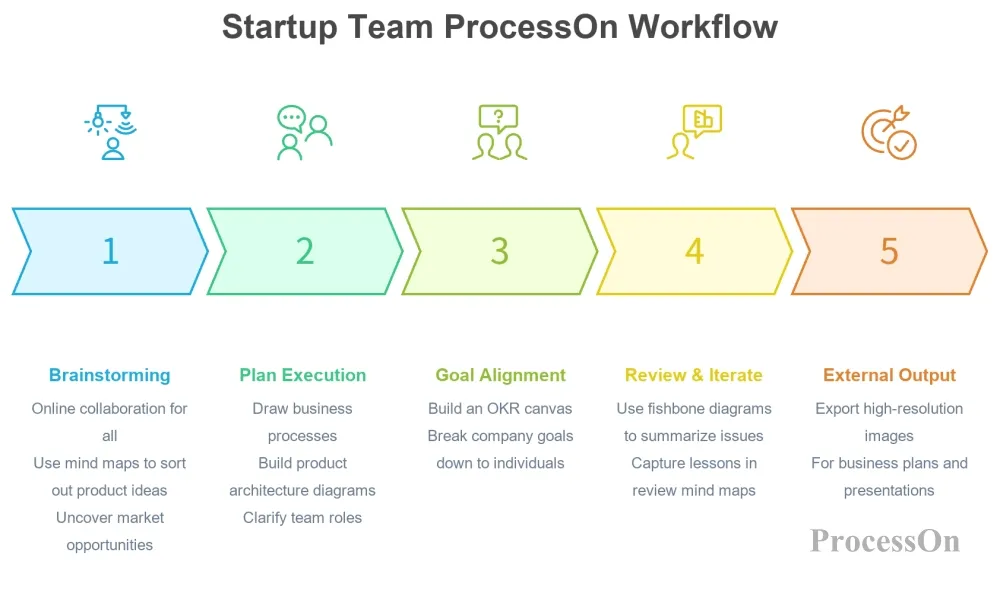
Typical workflow of startup teams using ProcessOn
When startup teams choose a tool, saving money, being lightweight, and avoiding bloat are what matter most. Compared with traditional heavyweight collaboration software with high annual fees and cluttered features, ProcessOn offers transparent pricing and exceptional value — a perfect fit for early-stage team budgets.
Team edition limited-time price: ¥189/person/year, billed by the number of people you actually need — no forced bundle packages, no hidden charges, no high minimum threshold.
Startup-friendly advantages: Free trial for individuals, small teams can subscribe with just a few seats, and scale up on demand — zero budget waste.
Startups compete on efficiency. A good collaboration tool isn't meant to add to your workload, but to help the team turn ideas into visuals, reduce communication costs, and keep everyone focused on the business itself.
For early-stage teams, there's no need to purchase a bulky, expensive enterprise collaboration system right off the bat. Start with ProcessOn to build a visual collaboration workspace, sort out your business, align goals, and accumulate team knowledge — achieving collaboration buy-in from 0 to 1 at low cost.
A: It works flexibly for startups of all sizes — small micro-teams of 1-10 people and growing teams of 10-50 people alike. It supports a free individual trial, and teams can pay per seat to scale up as needed — a great fit for the light-asset, low-cost office needs of early-stage startups.
A: The team edition offers fine-grained access control and supports multiple roles such as Owner, Admin, Editor, and Viewer. You can restrict whether members can edit, copy, or export canvases; for core project documents, you can set view-only access to protect the security of your startup's project materials and meet the confidentiality needs of core business.
A: The team edition supports creating an independent team space, where all team canvases are stored in the team folder, kept separate from personal files. You can organize them by project or business line, so new hires can browse historical documents directly and get up to speed on the business quickly.
A: When a member leaves, admins can reclaim ownership of all their files in the team space with one click. Team canvas resources are automatically retained in the team folder and won't be taken away by the employee's personal account. You can also remove the departing member's permissions with one click to prevent them from continuing to access internal project materials — solving the common startup pain points of knowledge gaps and data loss.
A: Yes. It supports real-time co-editing and online comments and annotations by team members, and all changes are automatically saved as historical versions. You can roll back and compare edits made at different times at any point — no more sending files back and forth, solving the problems of version confusion and out-of-sync information.