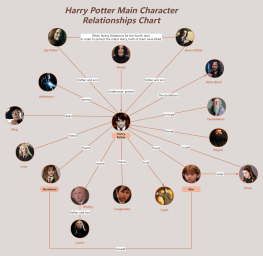
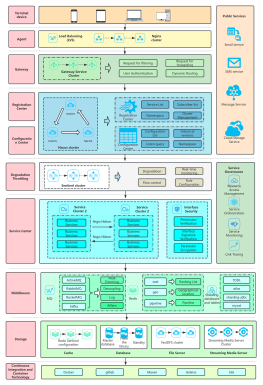
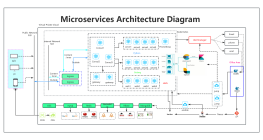
Process Type
Graphical expression
Mind Type
Structured expression
Note Type
Efficient expression
Treemap
Bracket Diagram

Default Mode





During university , the most valuable thing is not time, but attention. But this is precisely where college students are most likely to have problems—they listen in class and take notes, but when they review, they still don't know where the key points are; when writing a paper, they read dozens of papers, but when they turn off the computer, their minds are still a mess; during group discussions, everyone talks a lot, but after the meeting, no one remembers what was said.
These problems are essentially the same: information is fragmented, but your brain needs structure. Mind mapping is the fastest way to transform fragmented information into structured knowledge.
It's not about "drawing pictures," but a way of thinking. When you create a mind map of the key concepts in a course, you're actually doing three things: categorizing (which are the core concepts, and which are the details), layering (what are the relationships between the concepts), and connecting (what are the connections between different chapters). This process itself is deep learning—you don't need to memorize it, because you've already understood it while you're drawing it.
You might take tons of notes in class but fail to grasp the key points. If the teacher presents dozens of slides in a single lesson, copying them all down is essentially pointless. Instead, use mind maps to illustrate "which core concepts were covered in this lesson, and what are the key points under each concept"—one map covers the entire lesson, eliminating the need to flip through dozens of pages of notes when reviewing.
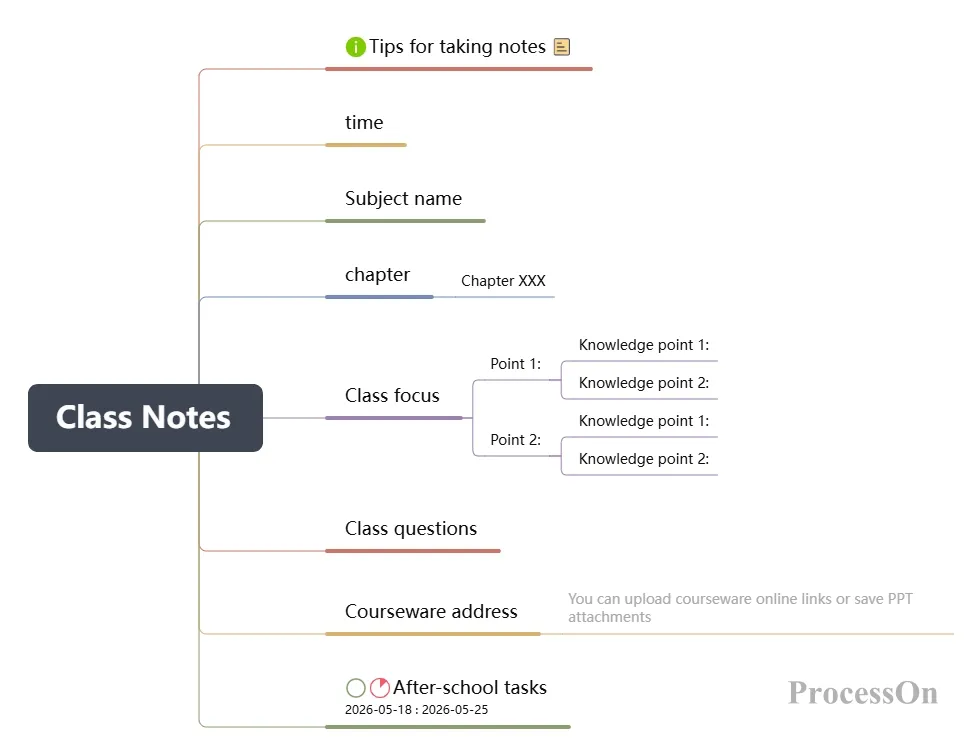
Final exam review is a nightmare with seven or eight courses piled up, leaving me unsure where to begin. Creating a mind map for each course makes it easy to see which chapters I've mastered and which require focused review. It's much faster to navigate through a map than to flip through a book.
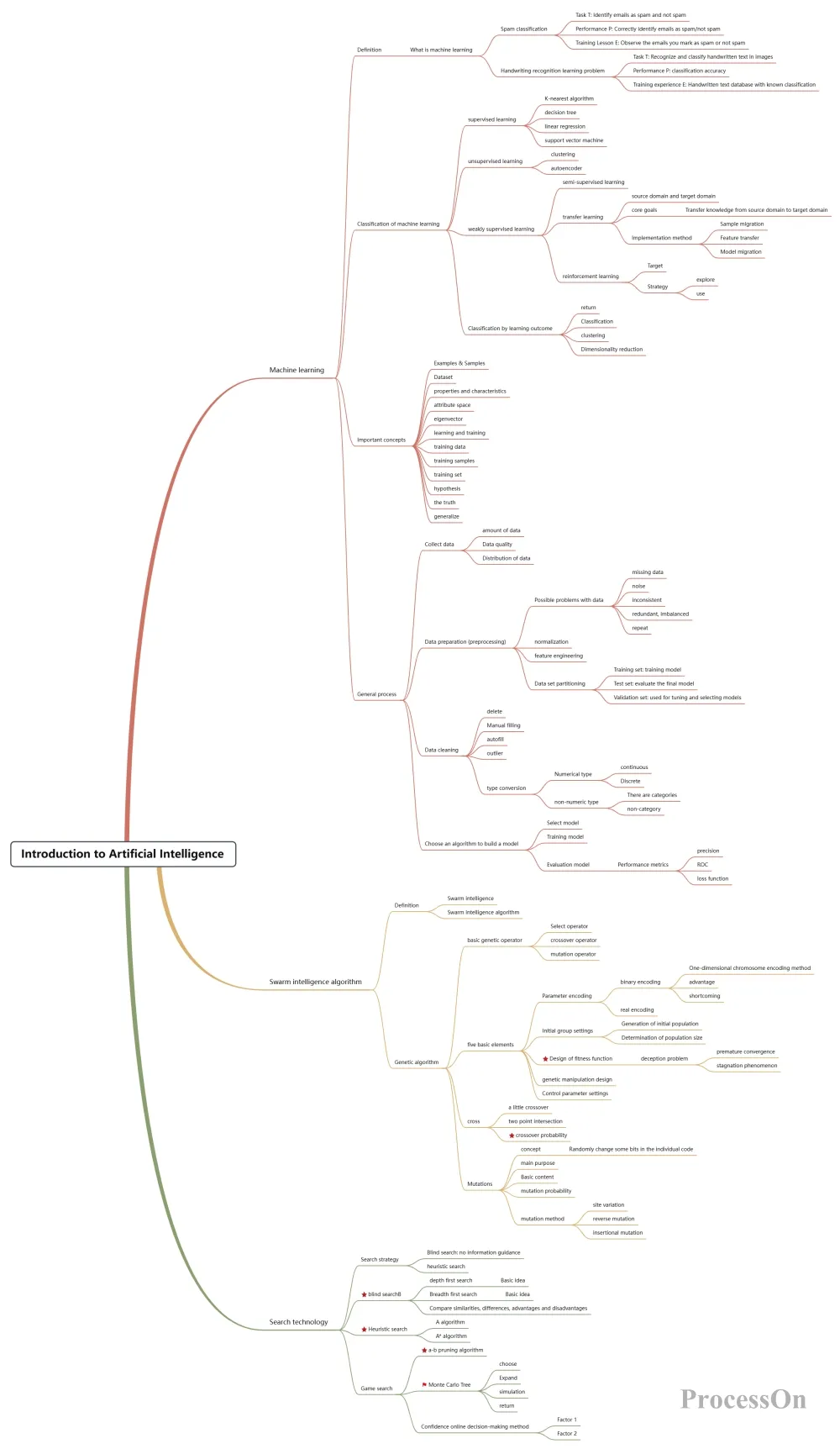
Introduction to Artificial Intelligence Final Exam Review Syllabus
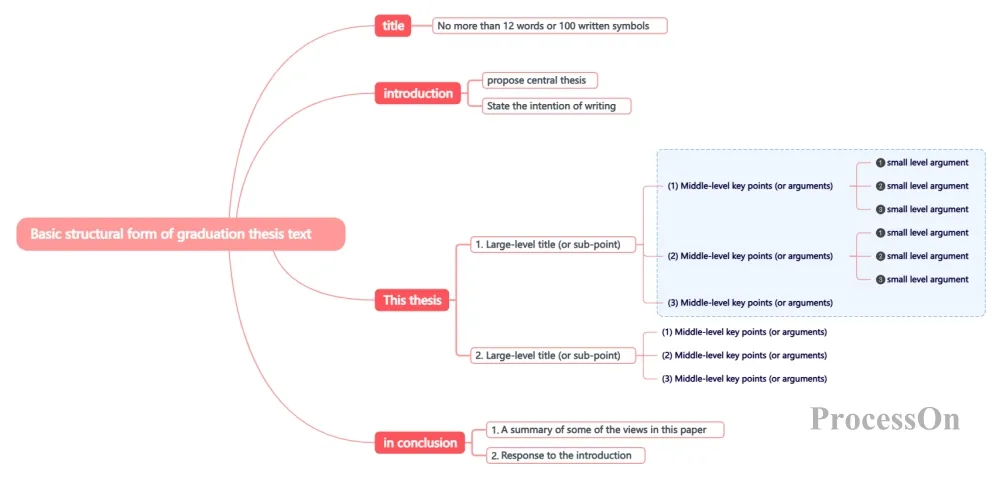
When writing papers or doing course projects, you may find yourself still confused even after reading a lot of literature. Using mind maps to organize the core viewpoints, research methods, and conclusions of the literature will naturally reveal the connections and differences between them on the map—the "research gaps" in a paper often lie in these connections.
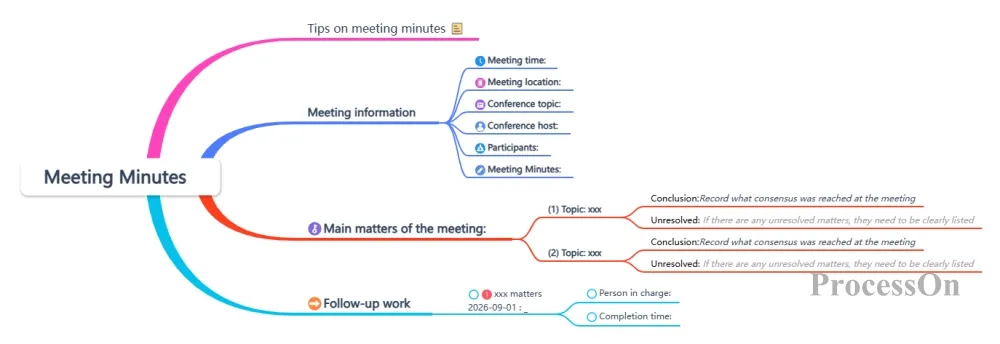
The group project involved two hours of discussion, with everyone talking past each other. The discussion results were recorded on the spot using a mind map, categorized, and tasks assigned – the meeting ended, and the output was complete.
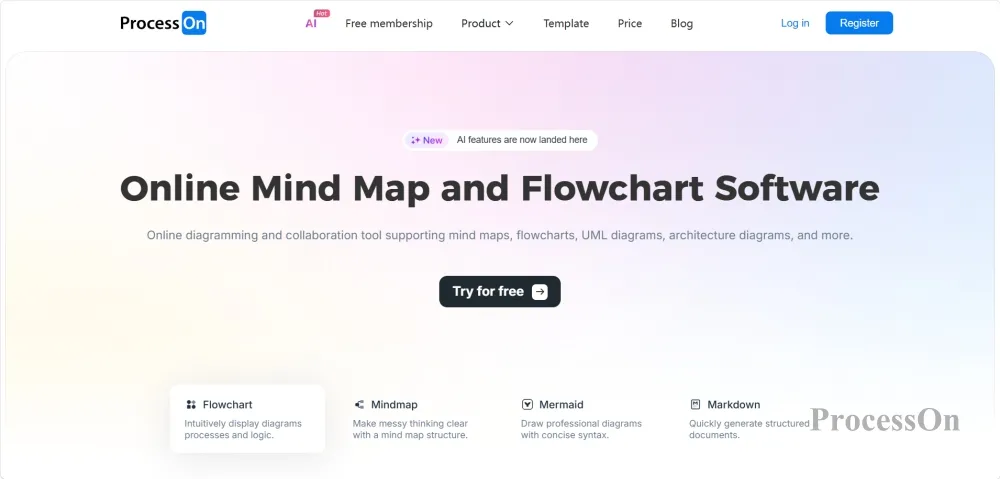
If you could only choose one mind mapping tool during your four years of university, ProcessOn would probably be the choice you won't regret.
It's more than just a mind mapping tool—flowcharts, ER diagrams, sequence diagrams, UML diagrams, Gantt charts, organizational charts, network topology diagrams…more than ten types of diagrams are supported on one platform. This means you don't need to switch back and forth between multiple tools: computer science majors draw flowcharts and ER diagrams, business and management majors draw organizational charts, and science and engineering majors draw experimental flowcharts—ProcessOn does it all with one account.
Features:
Comprehensive coverage of various chart types: ProcessOn can basically complete all the charts you need to draw throughout your four years of university. From mind maps for organizing course frameworks in your freshman year, to flowcharts for outlining experimental procedures in your sophomore year, to ER diagrams for database course projects in your junior year, to Gantt charts for scheduling your graduation project in your senior year—one tool for the entire university experience.
The template community boasts a vast collection of resources: with nearly a million templates ranging from "Advanced Mathematics Knowledge Framework" to " Economics Review Plan," from "Graduation Thesis Writing Process" to "Internet Product Business Model Canvas"—find a template, clone it with one click, and create your own mind map in just one minute.
mind maps in one click : Enter a topic, and AI will directly generate a complete framework for you, saving you the time of "staring blankly at a blank canvas".
Real-time collaboration among multiple people: When working in a group, several people can edit the same diagram at the same time, eliminating the need for "you finish drawing and send it to me, I revise it and then send it to you again".
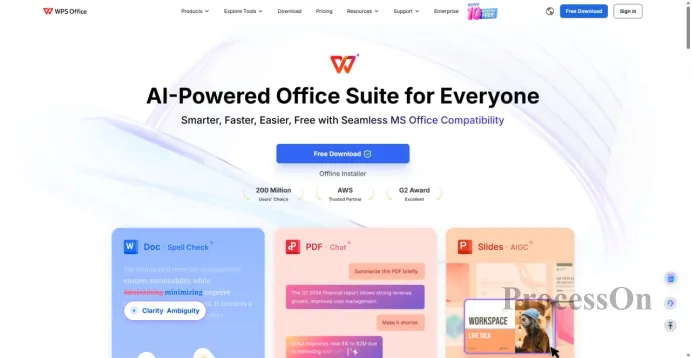
Image source: wps.com
WPS Mind Map is not a standalone software program, but rather a built-in feature module within the WPS Office suite, alongside Word, Spreadsheet, and Presentation. You can find the mind map entry point by opening the "Insert" tab in WPS Presentation; no additional plugins are required.
Features:
Ready to use within the document: The biggest advantage is its ease of use. Need to organize the structure halfway through writing a paper? Simply insert a mind map directly into WPS Writer. Need to organize the logic halfway through creating a PowerPoint presentation? Create a mind map directly in WPS Presentation. No need to switch software or export/import.
AI-generated mind maps: WPS AI supports one-click generation of mind maps based on existing documents, or you can directly input your requirements and let AI generate them—for example, when writing a paper, you can drag in a few thousand words of literature, and AI will automatically help you organize the core framework.
Seamless integration with documents/PPTs: Once the mind map is completed, it can be directly embedded into the paper or PPT without the need for screenshots, exporting, and then inserting—all operations are completed in the same software.
Rich theme styles: More than a dozen built-in theme templates with restrained color schemes, so exported images won't look out of place in papers or PPTs.
If you already use WPS to write papers and make PPTs, the mind mapping function is like a "bonus" feature—you don't need to learn a new software; it's an extra handy function in a familiar environment.
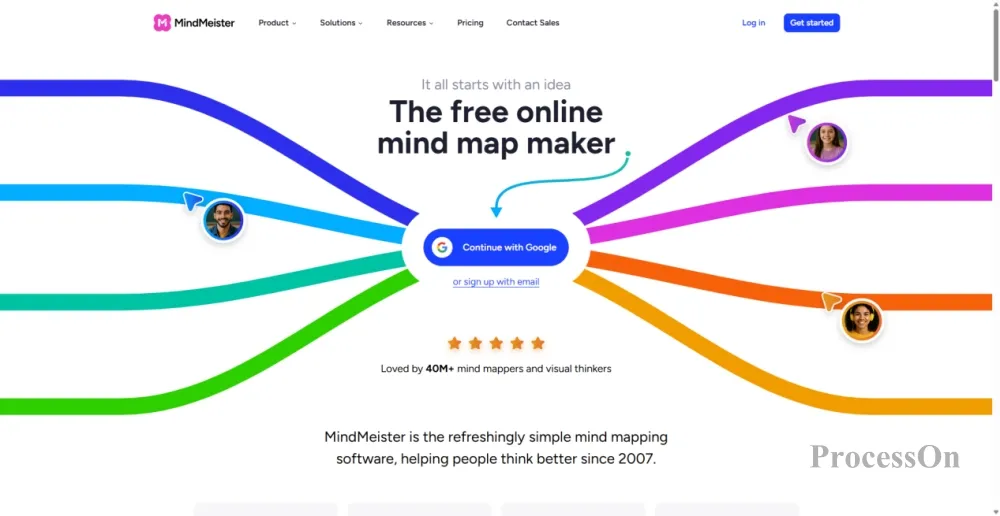
Image source: mindmeister.com
MindMeister is one of the oldest and most established mind mapping tools, having accumulated over 40 million users since its launch in 2007. It's a purely online mind mapping tool, focused on perfecting the art of mind mapping.
Features:
The ultimate mind mapping experience: Smooth and natural drag-and-drop operation, supporting multiple views such as expand/collapse branches, multiple images on the same canvas, and outline mode switching . Content organization is highly flexible—you can use mind map mode for divergent thinking, or switch to outline mode with a single click for linear organization.
AI-generated mind maps: Enter a topic or upload a file, and MindMeister's AI can generate a well-structured mind map for you in seconds .
Focus Mode and Presentation Mode: Focus Mode helps you block out distractions and focus on the current branch; Presentation Mode allows you to create a slideshow presentation directly within the mind map, eliminating the need to create a separate PowerPoint presentation .
Deep integration with MeisterTask: Nodes in mind maps can be directly converted into actionable tasks, seamlessly connecting "thinking" to "action" .
Supports all platforms: web pages, mobile phones, and tablets, allowing you to view and edit anytime, anywhere .
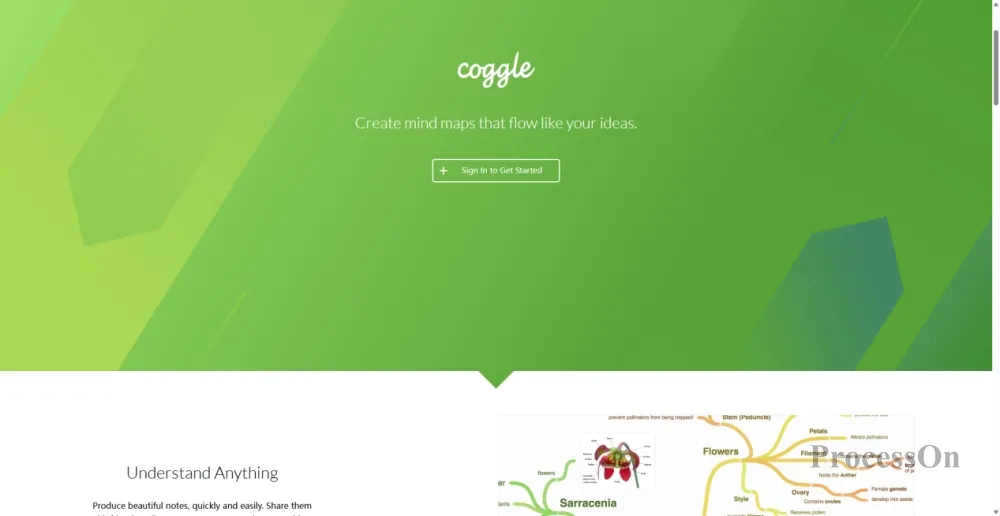
Image source: coggle.it
Coggle is a minimalist web-based mind mapping tool designed for ease of use and real-time collaboration. It requires no software installation; simply open a browser to use it .
Features:
Zero learning curve: The interface is extremely simple, with no complicated menus or buttons. Starting from the central theme, click the "+" button to add branches, and enter text—three steps to complete a mind map . Anyone can learn it in 30 seconds.
Completely free and unlimited: One of the most attractive aspects of Coggle for students is that the free version has no limit on the size of the mind map. You can draw mind maps of any size without worrying about exceeding the limit on the number of nodes or file size .
Real-time collaboration: Invite anyone to edit together via shared links; collaborators do not need to register accounts. During group discussions, several people can edit the same image online simultaneously, which is much more efficient than taking turns speaking.
Rich visual customization: Supports uploading images to nodes, adding icons, changing branch colors and connector styles . Mind maps can be made very intuitive.
Instant response: Keyboard shortcuts and click operations are extremely smooth, and typing generates branches instantly, so you won't be interrupted by complex menus.
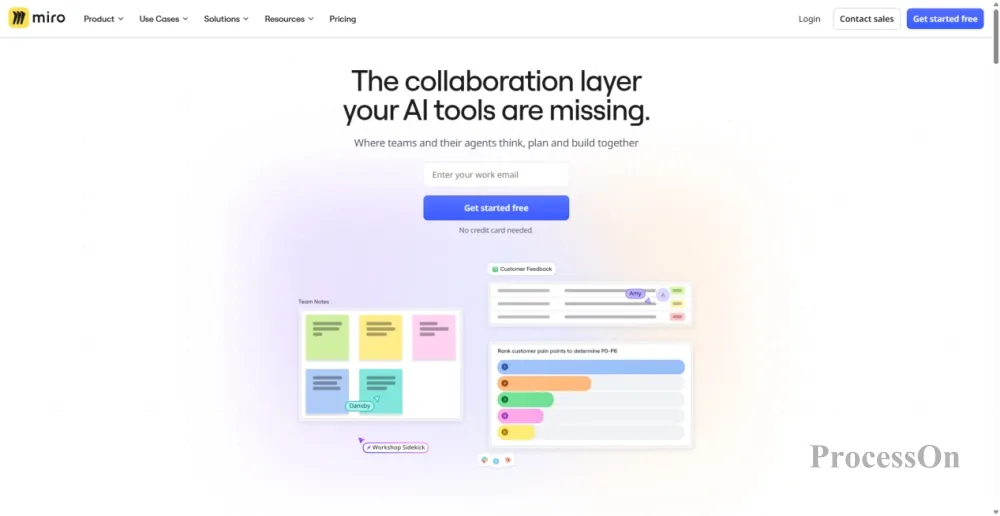
Image source: miro.com
Miro is an online collaborative whiteboard platform with over 100 million users worldwide. It's not a dedicated mind mapping software, but rather an infinite canvas on which you can put anything; mind mapping is just one of its capabilities.
Why do college students need Miro? Because the most time-consuming part of university life isn't individual study, but group collaboration. Several people huddled around one computer editing a PowerPoint presentation, taking turns sending files, and confirming tasks amidst a barrage of messages in a group chat—Miro solves all these inefficient scenarios with just one canvas.
Features:
leading real-time collaboration experience : Everyone works simultaneously on the same canvas—sticking to notes, drawing mind maps, voting, creating flowcharts—with cursors visible in real time, making it clear who is making changes and what. Group discussions allow for on-the-spot recording, categorization, and confirmation of tasks, resulting in outputs by the end of the meeting.
AI-Assisted Generation and Connection: Miro AI can automatically suggest connections and structures between ideas while you brainstorm. Input a central theme, and AI will help you generate a multi-branch mind map framework .
Extensive Educational Templates: Miro's template library includes a variety of commonly used templates for college students, such as user journey maps, concept maps, and project roadmaps. Create with a single click and quickly start group collaboration.
More than just mind maps: a single canvas can combine various elements such as mind maps, sticky notes, flowcharts, frames, images, and PDF annotations. When writing a literature review, place the literature mind map on the left and paste screenshots and annotations of the original text on the right—all the information is concentrated on one canvas.
Presentation mode and asynchronous collaboration: Presentation mode supports segmented display of the mind map structure ; the Talktrack feature can record explanatory videos with cursor indicators , which team members can view at different times without having to gather together for a meeting.
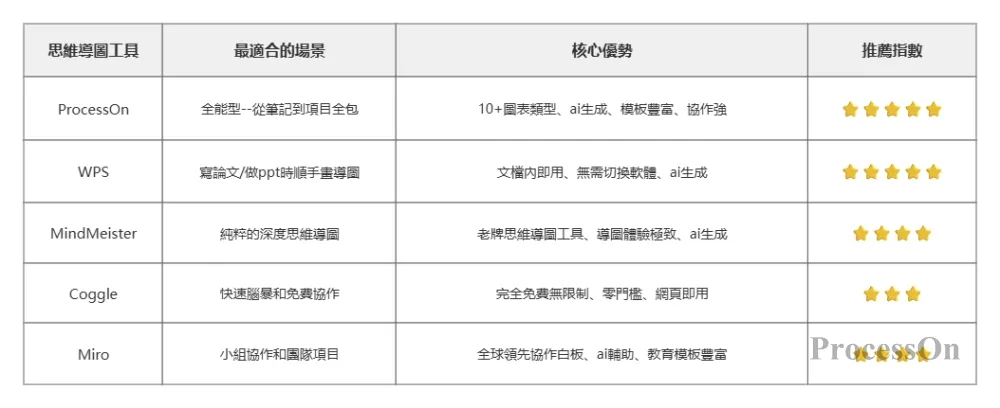
Selection Recommendations:
If you want to use one tool to cover all scenarios throughout your four years of university → ProcessOn (all-in-one tool, one tool for everything).
If you mainly use WPS for writing papers and making PPTs and don't want to install additional software → WPS (convenient and seamlessly integrated)
If you need a pure, user-friendly mind mapping tool → MindMeister (a classic proven by 40 million users)
If you need a completely free, easy-to-use, quick brainstorming tool → Coggle (open in your browser and use immediately, unlimited size).
If you need to frequently work on group projects with classmates → Miro ( better collaborative experience )
Q1: Can mind mapping really improve learning efficiency?
A: Yes, but only if you're actually "drawing" and not just "copying." The value of mind mapping isn't in how good the final image looks, but in the process of creating it—the forced categorization, layering, and connection you're made to do—a process that itself involves deep processing. Research shows that actively processing information results in a much higher retention rate than passively reading it.
Q2: Do all these tools require payment?
A: All the tools recommended above have free, student-friendly options. ProcessOn offers exclusive benefits for student certification; WPS mind mapping functionality is built into WPS Office; Coggle is completely free and unlimited for personal use; Miro has a dedicated free education plan; and the free version of MindMeister supports creating up to three mind maps.
Q3: What are the differences between the mind mapping tools in ProcessOn and WPS?
A: ProcessOn is a professional online diagramming platform that supports more than ten types of diagrams besides mind maps, including flowcharts, ER diagrams, sequence diagrams, and UML diagrams. It is suitable for students who need to create various professional diagrams. WPS Mind Map is a built-in function module in WPS Office. Its advantage is its convenience—it can be inserted at any time when writing papers or making PPTs without switching software.
Q4 : Is Miro suitable for personal use?
A: It's suitable, but a bit of an overkill. Miro's greatest strength is its real-time multi-user collaboration—several people can simultaneously draw on a whiteboard, post sticky notes, and vote. If you're using it individually, ProcessOn or MindMeister might be more efficient. But if you frequently do group assignments or course projects that require teamwork, Miro is currently the best option globally.
Q5 : Can it be used on both mobile phones and computers?
A: All five tools listed above support multi-platform use. ProcessOn and WPS have cross-platform clients ; Coggle browser is ready to use ; MindMeister and Miro both have web versions and cross-platform apps . You can view and edit your drawings on your computer anytime on your mobile phone.