Process Type
Graphical expression
Mind Type
Structured expression
Note Type
Efficient expression
Treemap
Bracket Diagram

Default Mode





If you're looking for a free mind mapping software , there are quite a few options available now.
From dedicated mind mapping tools to online whiteboards, office software, and comprehensive charting platforms, various free features are offered. However, many products, while providing a "free version," may actually have limitations in terms of file quantity, export format, AI limits, or collaboration capabilities.
Therefore, when choosing free mind mapping software, you shouldn't just look at whether there's a free version; you should also compare:
This article selects eight representative mind mapping and visualization tools for comparison: ProcessOn , MindMeister , Coggle, Mindomo , Miro, Lucidchart , Baidu Mind Map, and WPS Mind Map .
It's important to note that these products are not entirely positioned in the same way. Some are professional mind mapping software, some are online whiteboards, and others are comprehensive office or charting tools. Therefore, this article focuses more on their free mind mapping capabilities and the actual limitations of their free versions , rather than simply determining "which is the best."
When faced with " free mind mapping software ," people have different needs . Some are looking for mind maps that are completely free ; others want mind maps that can be created without limit ; still others are interested in free use and the ability to export to PDF.
Therefore, "free" can be judged from at least several dimensions :
Some software offers free packages that allow long-term use of basic functions; others offer trial periods, after which a subscription is required.
If you only occasionally create a mind map, the difference between the trial and free versions may not be significant. However, if you plan to organize learning materials, work projects, or a personal knowledge base over a long period, it's best to prioritize products that explicitly offer long-term free plans.
This is an important indicator for judging whether free mind mapping software is sufficient.
Many mind mapping tools are free to use, but the design of the free space is completely different.
If you're only creating one or two sets of course notes, these limitations won't have much of an impact. However, if you're planning to build a long-term mind map library, then you'll need to pay close attention.
After the mind map is completed, many people still need to:
Therefore, export capability is also an important indicator for free versions , and different software allows different formats in their free versions.
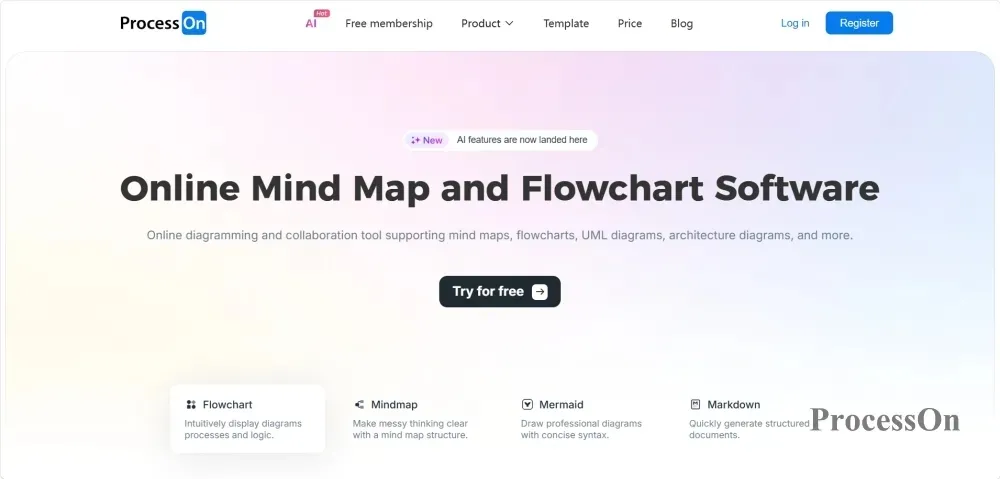
ProcessOn is an online visualization tool that offers a variety of graphic types, including mind maps, flowcharts, UML diagrams , ER diagrams, organizational charts, and Gantt charts.
Compared to dedicated mind mapping software, its features include: it can not only draw mind maps, but also create other professional charts on the same platform.
ProcessOn Free Version Offers:
ProcessOn free version supports basic capabilities such as mind map editors and flowchart editors , as well as various code editing capabilities such as Markdown, Mermaid, Plantuml , and LaTeX to meet diverse needs.
Suitable:
If your needs go beyond simply "drawing mind maps," but frequently require switching between different diagrams such as mind maps, flowcharts, UML diagrams, and ER diagrams , ProcessOn will be more convenient.
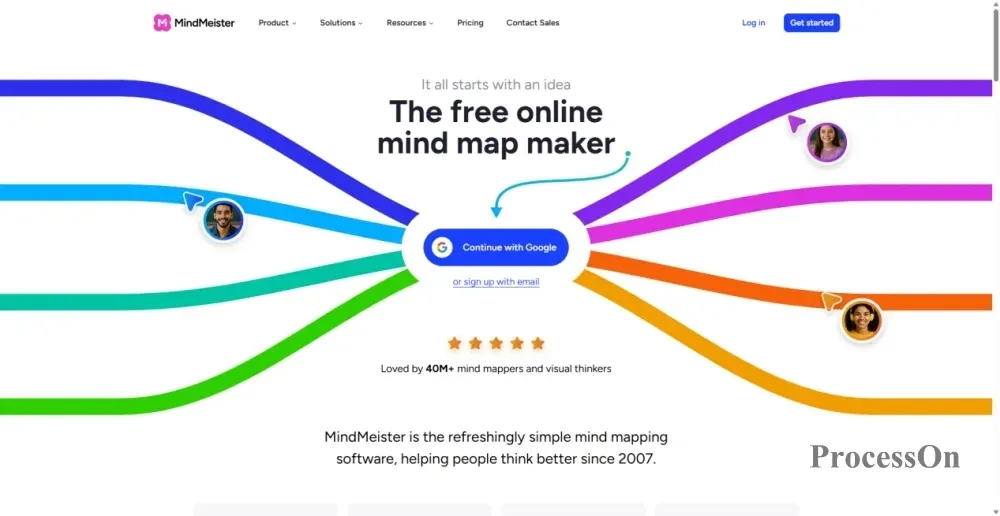
Image source: mindmeister.com
MindMeister is an online tool focused on mind mapping , with a more concentrated product positioning: helping users create, edit, share, and collaborate on mind maps.
The biggest limitation of the free version of MindMeister is that free accounts can only retain 3 mind maps. The official documentation also specifically states that if an account has more than 3 mind maps, only the 3 most recently created team mind maps will be accessible.
Therefore, MindMeister is more suitable for:
If you need to create dozens or even hundreds of mind maps over a long period, the 3-map limit in the free version becomes quite noticeable.
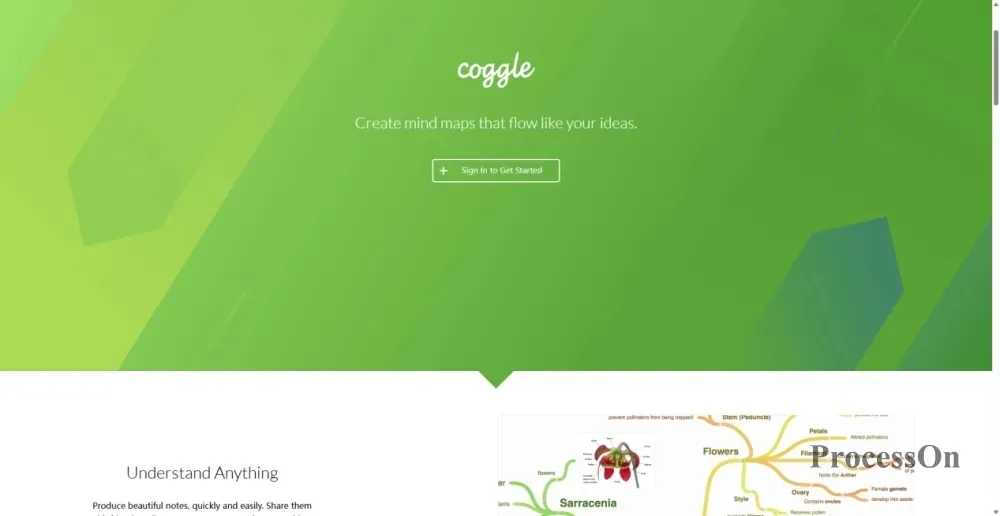
Image source: coggle.it
Coggle is a well-defined online mind mapping tool. Its interface is relatively simple, and its core functions revolve around mind mapping and concept mapping, making it easy to learn.
Coggle's free plan is quite unique:
Therefore, if you don't mind sharing your mind maps, Coggle's free version is quite lenient. However, if you need to store a large number of private mind maps, the free version still only offers three.
Suitable:
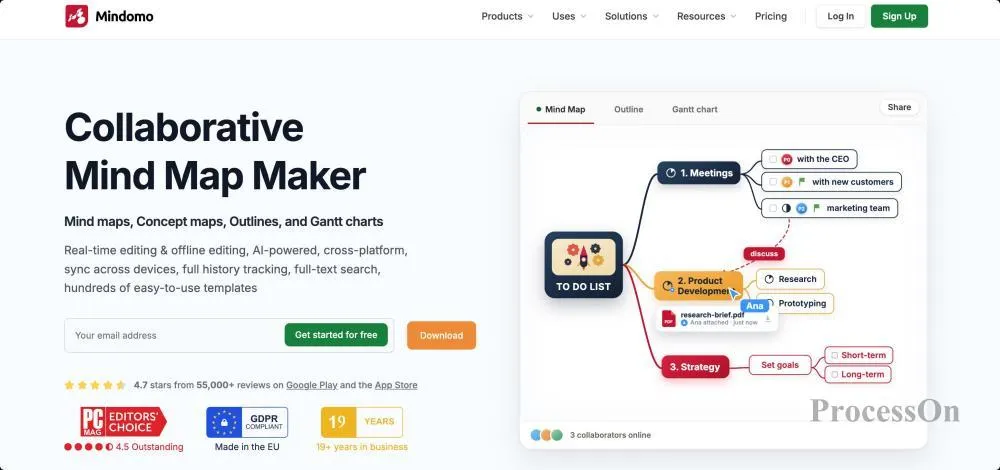
Image source: mindomo.com
Mindomo is a relatively complete mind mapping and knowledge organization tool. A free version is available.
credits in the free version of Mindomo are more suitable for experiencing features than for long-term use of AI.
Suitable:
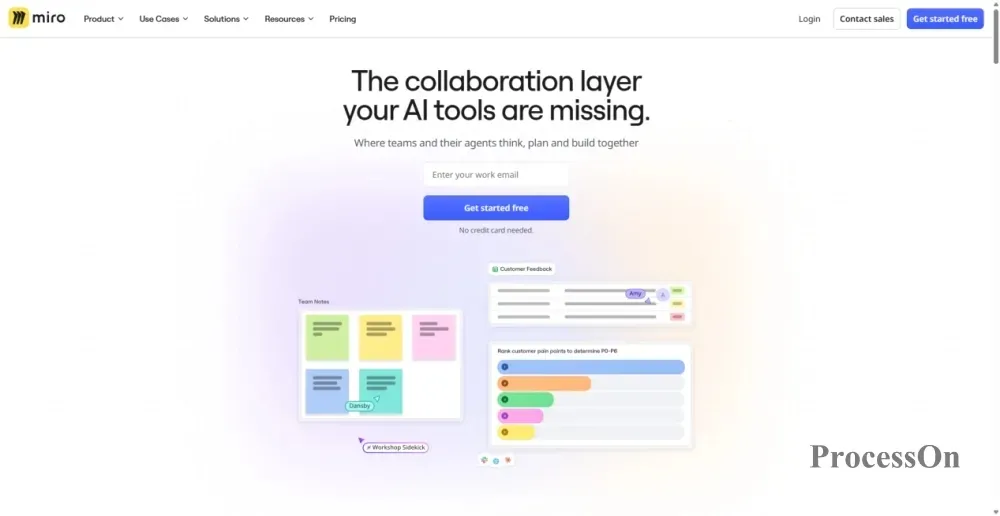
Image source: miro.com
Miro differs significantly from the previous tools . It is not a "mind mapping software" in the traditional sense, but rather an online collaborative whiteboard . Mind mapping is just one of Miro's many visualization capabilities.
Miro Free Version Offers:
If your main needs are: discussing with a group of people, using sticky notes, drawing mind maps, creating workflows, and organizing projects , then Miro is a good fit.
However, if it's just a person creating traditional mind maps, Miro's complete whiteboard capability may not be a necessity.
Suitable:
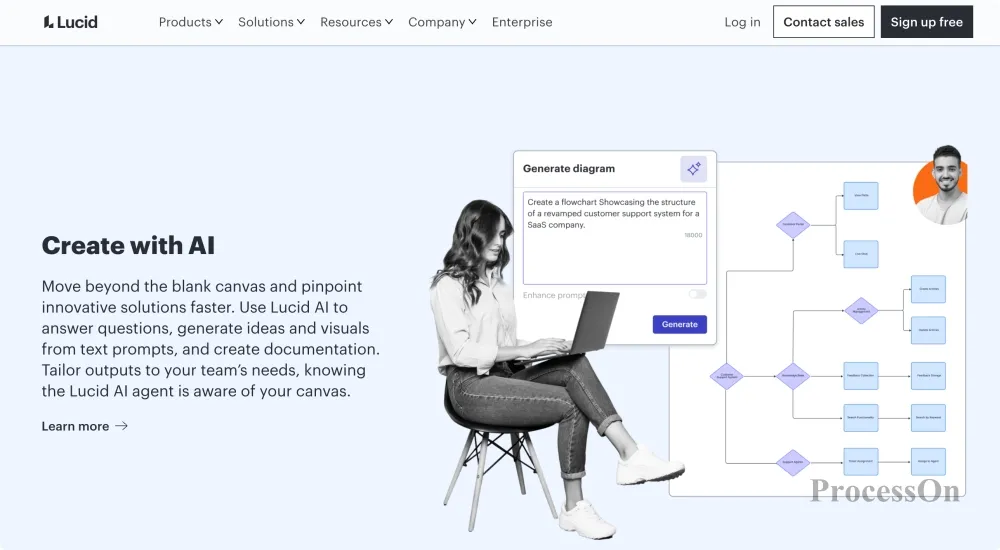
Image source: Lucidchart
Like ProcessOn , Lucidchart is not a pure mind mapping software. It leans more towards online charts, flowcharts, and visualizations.
Lucidchart Free Version Offers:
Suitable:

Image source: naotu.baidu.com
Baidu Mind Map is a lightweight online mind mapping tool . Its official page defines it as an online tool for creating, saving, and sharing mind maps . For users who simply want to quickly draw a mind map, Baidu Mind Map doesn't require learning many complex features.
Unlike other tools that use a "free + paid" model, Baidu Mind Map only offers a free version . Users can create mind maps without restrictions and export them in PNG, SVG, and Markdown formats.
It's important to note that while Baidu Mind Map can still be accessed and files can be created, the official announcement states that the service will be officially discontinued on March 31, 2026. Users are advised to pay close attention to official product updates and back up their files regularly to avoid data loss.
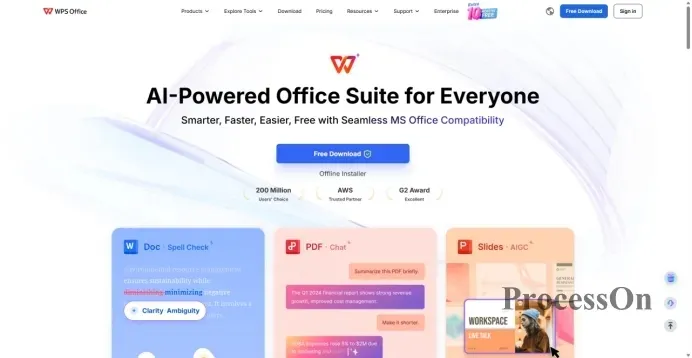
Image source: wps.com
The advantage of WPS Mind Map is that it's not a standalone mind mapping tool, but rather part of the WPS office ecosystem. For long-time WPS users , there's no need to learn another office software.
WPS Mind Mapping Free Version Offers:
WPS Mind Maps are suitable for:
If you are already using WPS, it is usually more convenient to use its built-in mind mapping function than to register for a separate mind mapping tool.
The advantages of different products are actually very obvious, so there is no need to simply rank them as "number one".
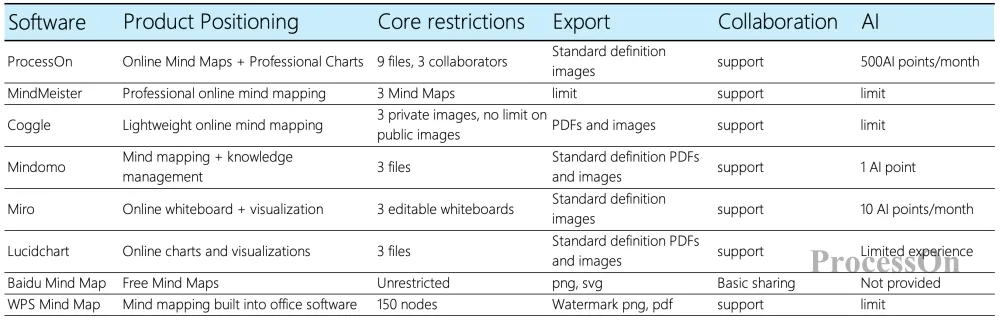
Comparison of Free Benefits Across 8 Mind Mapping Software Apps
Before making a choice, it's best to first determine your own needs.
If all you need is: "I want to draw a mind map for free," almost all of these tools can meet that need.
If the statement is: "I want to save many mind maps for free for a long time," then the focus should be on comparing the number of files and the limitations of private maps.
If the message is: "I want to create a mind map with multiple people," then the focus should be on the number of collaborators and editing permissions.
If the statement is: "I also need flowcharts, UML diagrams, ER diagrams, etc." , then you should consider comprehensive diagramming tools instead of just looking at professional mind mapping software.
Ultimately, there is no single best free mind mapping software, only tools that are more suitable for specific needs.
You could consider ProcessOn or Lucidchart , both of which are not limited to mind mapping.
If your work requires professional diagrams such as flowcharts, UML diagrams , ER diagrams, and architecture diagrams, then a comprehensive tool will be more practical.
You could consider MindMeister , Coggle, and Mindomo , as their core products all revolve around mind mapping .
You could consider: Miro, ProcessOn , and MindMeister , especially Miro, which is more suitable for multiple people to discuss together in an infinite canvas.
You can prioritize using: ProcessOn , WPS, Baidu Mind Map, and Mindomo . If you are just organizing course content, the free version is usually sufficient.
Companies to focus on include: ProcessOn , MindMeister , Mindomo , and Miro .
However, "supporting AI" and "free and unlimited use of AI" are two completely different concepts. For example, the free version of ProcessOn offers 500 AI credits per month; the free version of Mindomo offers 1 trial AI credit; and the free version of Miro also offers limited AI capabilities.
Before making a choice, it's usually more meaningful to clearly understand the free version's file count, export format, number of collaborators, and AI quota .
Therefore, if your goal is to find a mind mapping software that can be used for free in the long term, it is best not to just compare whether the product has a free version, but to see how much usage space the free version actually provides .
There is no absolute answer to this question because different products have different limitations.
If we simply compare the number of mind maps :
Therefore, for those who need to store multiple private mind maps long-term, ProcessOn 's nine files offer more space than products limited to three. However, this doesn't mean ProcessOn has an advantage in all its free benefits.
For example:
Therefore, instead of looking for a so-called "number one free version", it is better to choose according to your actual needs.
For the average user, the answer is usually: sufficient. The following scenarios typically do not require a membership: class notes; reading notes; exam preparation; knowledge organization; article outlines; simple project planning; personal goal planning; and organizing thoughts before meetings.
Those who are most likely to encounter limitations in the free version are usually heavy users :
The first type requires storing a large number of mind maps.
If you need to create dozens or even more mind maps a month, then the limitations of 3 or 9 maps will soon appear.
The second type: requires a large number of exports.
If you need high-definition PDF, PNG, PPT, Word, or other formats, you should pay special attention to which export formats are supported in the free version.
The third type: requires long-term team collaboration.
Capabilities such as multi-user editing, access control, team spaces, and version history are often more likely to lead to paid features than simply drawing mind maps.
The fourth type: Extensive use of AI
AI mind mapping is usually subject to limits on points, attempts, or quotas.
1. Are there any truly free mind mapping software programs?
Yes. ProcessOn , MindMeister , Coggle, Mindomo , Miro, Lucidchart , Baidu Mind Map, and WPS Mind Map all offer free access. However, "free" usually refers to basic functionality and does not mean that all features, file limits, export formats, or AI capabilities are unlimited.
2. Can free mind mapping software export PDFs?
Some software supports free PDF export, but the specific format and resolution vary. For example, Coggle's free version supports PDF and image downloads, while Mindomo 's free version has a relatively limited range of export formats; PDF, PNG, and other formats are paid features. Free export benefits may vary between products; it's recommended to check the official version description before use.
3. Which free mind mapping software is suitable for students?
Students may prioritize ProcessOn , WPS Mind Map, Baidu Mind Map, and Mindomo .
If your primary use is for class notes, exam review, and knowledge organization, basic mind mapping features are usually sufficient. If you also need flowcharts, timelines, or other graphs, you can choose a more comprehensive tool. If you mainly use WPS Office, then using WPS Mind Map will be more convenient.
4. Which free mind mapping software supports multi-user collaboration?
Miro, ProcessOn , MindMeister , Coggle, Mindomo , Lucidchart , and WPS all offer varying degrees of collaboration capabilities.
Miro is more geared towards multi-user online whiteboards and brainstorming; MindMeister and Coggle focus more on mind map collaboration; while ProcessOn supports online collaboration of mind maps and other professional charts.
It's important to note that "supports multi-user collaboration" does not mean that the free version allows for an unlimited number of collaborative users; the specific number of users usually depends on the product's free plan.
5. Which free mind mapping software supports AI?
Currently, products such as ProcessOn , MindMeister , Mindomo , and Miro all offer AI-related capabilities, but their free quotas and usage methods differ.
For example, ProcessOn's free version currently offers 500 AI Credits per month; Mindomo's free version offers 1 AI Credit; and Miro's free plan also offers limited AI capabilities.
If your primary goal is to use AI to automatically generate mind maps, in addition to checking whether AI is supported, you should also compare how many times you can use it for free each month and what tasks the AI can perform.
6. What are the differences between free and paid mind mapping software?
The free version can usually complete basic tasks such as creating, editing, and sharing, but may limit the number of files, storage space, export format, high-resolution images, number of collaborators, permission management, templates, and AI usage quota.
Therefore, if you only create mind maps occasionally, the free version is usually sufficient; if you need to save a large number of files for a long time, collaborate with teams, or make extensive use of AI, you may need the paid version.
 Following the tutorial to try
Free to use ProcessOn
Following the tutorial to try
Free to use ProcessOn