Process Type
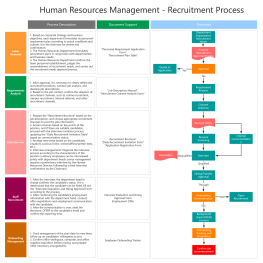
Graphical expression
Mind Type
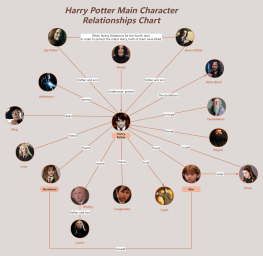
Structured expression
Note Type
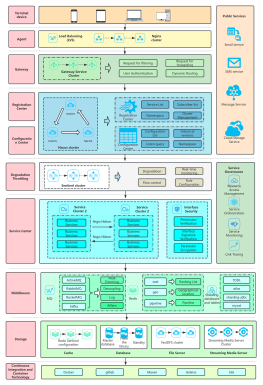
Efficient expression
Treemap
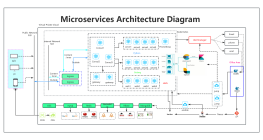
Bracket Diagram

Default Mode





In the process of product design and optimization, we often find ourselves in a dilemma: we think we understand users very well, but the features we create are not used by users; we refine the interface repeatedly, but users can't find the entry point; we carefully design the process, but users churn halfway through. Why is this?
Because we lack a tool that truly allows us to see the entire user experience from their perspective. That tool is the User Journey Map.
User journey mapping is a tool for visualizing the interaction process between users and products or services. It takes the user's perspective and, in a storytelling style, clearly depicts the detailed experience of a user as they complete a task or achieve a goal.
You can think of it as a "user experience map"—the horizontal axis represents time, and the vertical axis represents the user's actions, thoughts, and emotions. Through this map, the team can intuitively see: when, what, what, how, and what problems the user encountered.
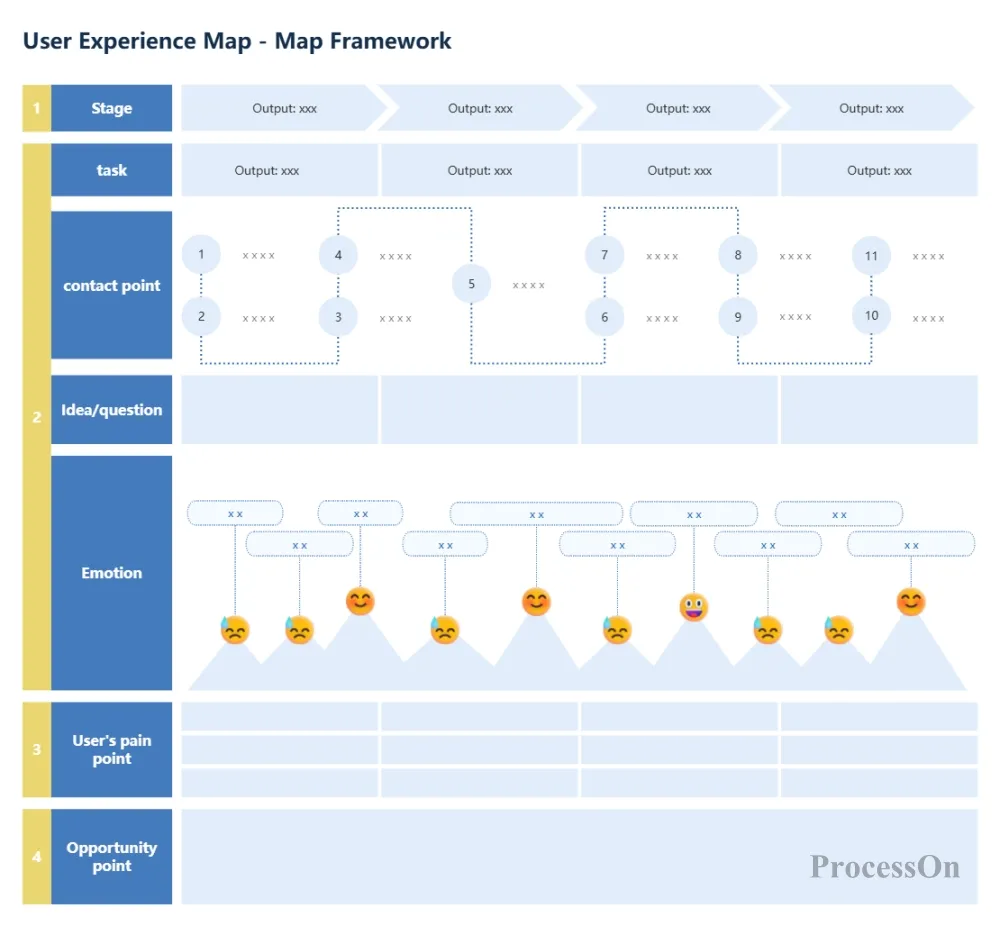
Many beginners easily confuse these two concepts. Simply put:
User Flow : Focuses on the list of steps a user takes to achieve a goal within an application. It does not involve emotions, and each action leads to a specific result. It is functional and logical.
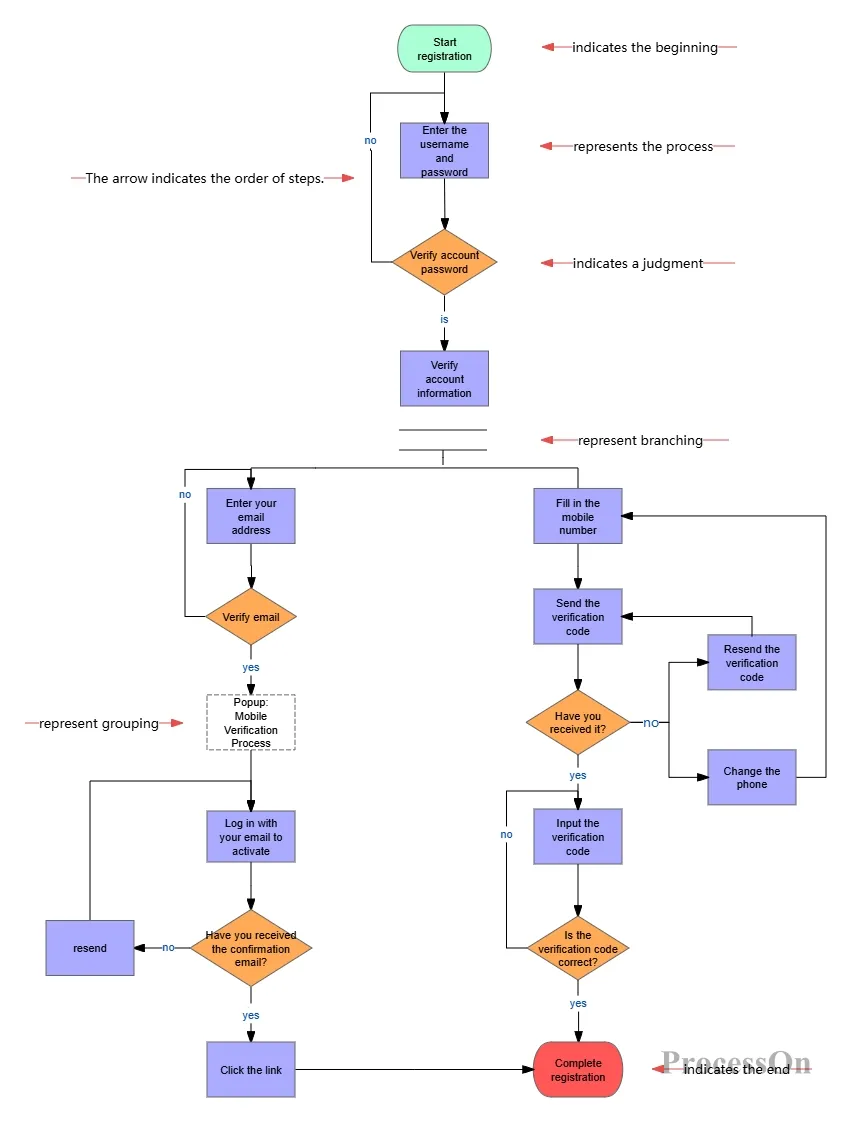
Website User Registration Flowchart
User Journey Map : Beyond behavioral steps, it focuses on users' feelings, expectations, and problems—everything is related to emotions. It is experiential and empathetic.
For example, a user flow diagram tells you "the user clicks the login button → enters their username and password → clicks confirm → is redirected to the homepage"; while a user journey diagram tells you "the user worries about whether they have remembered the password correctly when clicking login, feels frustrated when they can't see the verification code clearly while entering it, and feels relieved after successfully logging in."
A complete user journey map typically includes the following core elements:
The journey needs to clearly define who is using the product—including basic user information (such as age and occupation), core needs, behavioral motivations, and typical characteristics. Only by identifying the role can the subsequent journey be focused and authentic.
This defines the specific context in which the user is situated and the ultimate goal they hope to achieve through this experience. The scenario might be "shopping on their phone at home after get off work," and the goal might be "quickly buying a suitable pair of running shoes." This sets the boundaries and direction for the journey.
Divide the user's entire journey from start to finish into several meaningful logical segments, such as the five stages commonly seen in e-commerce: "awareness—consideration—purchase—service—loyalty." This segmentation helps the team understand how users' focus changes at different stages.
It describes what the user did at each stage, such as "opening the app to search for products," "reading reviews," and "clicking to buy." These actions form the basic framework of the journey map, arranged in chronological order.
These are all the points where users interact with a product or service, including websites, app interfaces, customer service hotlines, physical stores, and advertisements. Listing these touchpoints provides a clear picture of where users connect with the brand.
Recording users' innermost thoughts, questions, or expectations at every moment, such as "Is this the lowest price?" or "Can it be delivered tomorrow?", is key to understanding users' true needs.
Visualize the user's emotional fluctuations throughout the journey—excitement, confusion, frustration, and surprise. The peaks and troughs of emotion often provide direct clues to discovering pain points and opportunities.
These are the obstacles, problems, or areas of dissatisfaction users encounter during the experience, such as "slow loading," "unable to find the return option," or "poor customer service." Pain points are the starting point for improvement.
This involves brainstorming with the team after identifying pain points to arrive at improvement directions or innovative solutions, such as "optimizing the search algorithm," "adding a return guidance pop-up," or "providing 24-hour online customer service." Opportunities translate research into action.
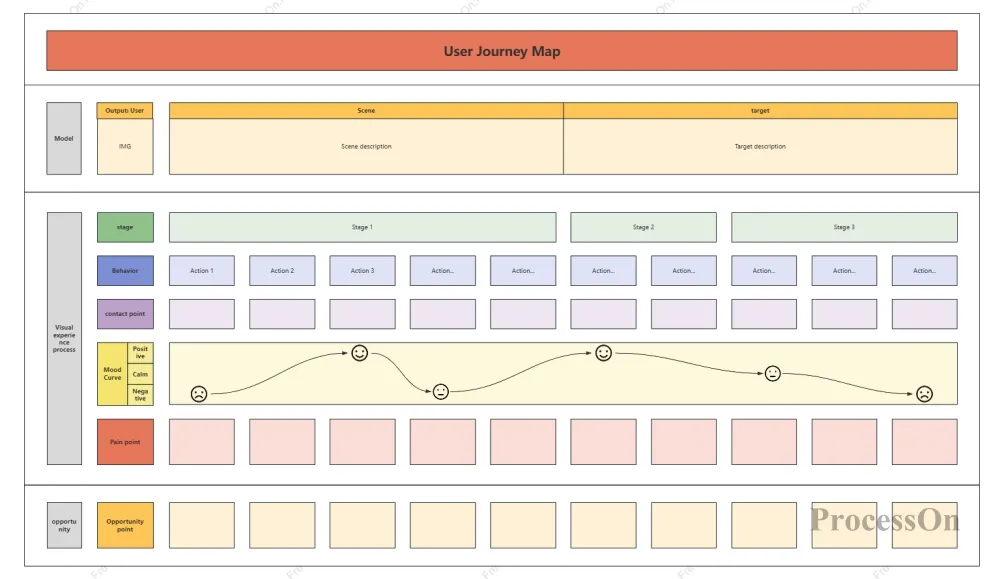
User journey map - User experience map
Next is the hands-on exercise. Follow these steps to create a user journey map from scratch:
Before you begin, ask yourself: What problem do you want to solve with this diagram? Is it to optimize existing processes? Discover new needs? Or pinpoint conversion drop-off points?
At the same time, identify the core user roles. For example: "A 28-year-old working mother who shops online 3 times a week, focusing on cost-effectiveness and delivery speed." It is recommended that each image focus on 1-2 core roles to avoid overly complex content.
The quality of user journey maps depends on the authenticity of the data. Information can be collected in the following ways:
Qualitative data: user interviews, customer service records, user feedback
Quantitative data: website analytics, behavioral logs, conversion rate data
Direct observation: user testing, on-site observation
The five common stages in e-commerce scenarios are: awareness—consideration—purchase—service—loyalty.
Within each stage, analyze the specific user behaviors and actions. Arrange them chronologically from left to right.
Below each action, add the following:
Touchpoints: Through what channels or functions do users complete this action?
Thought: What is the user thinking right now?
Emotions: Use an emotion curve to indicate the user's feelings (happiness, confusion, frustration, etc.).
Pain points: What problems did users encounter?
Based on the identified pain points, we will consider directions for improvement. These opportunities will become important inputs for subsequent product iterations.
Use the drawing tool ProcessOn to visualize the above content. Once completed, invite team members to discuss and continuously iterate for optimization.
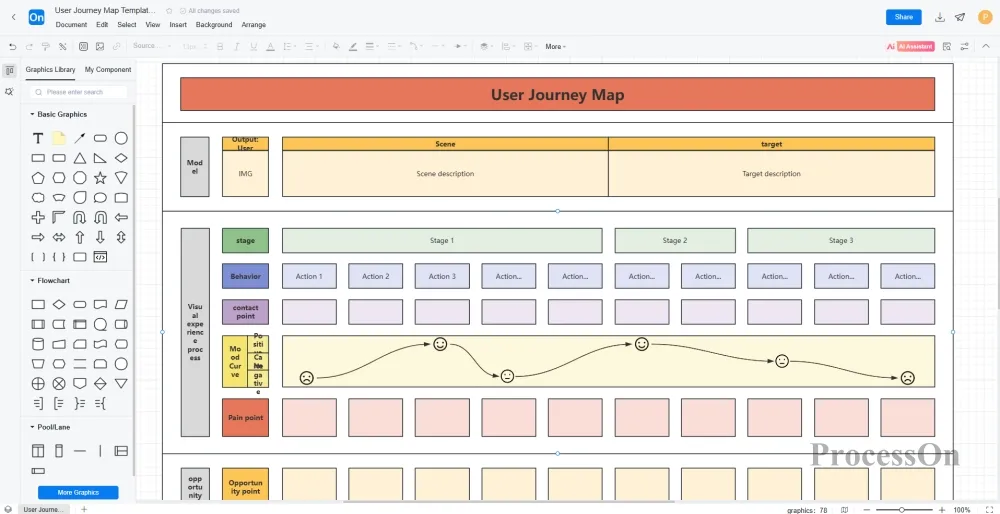
The ProcessOn template community has a large number of user journey diagram templates posted by users, which can be used to learn from case studies or to use templates.
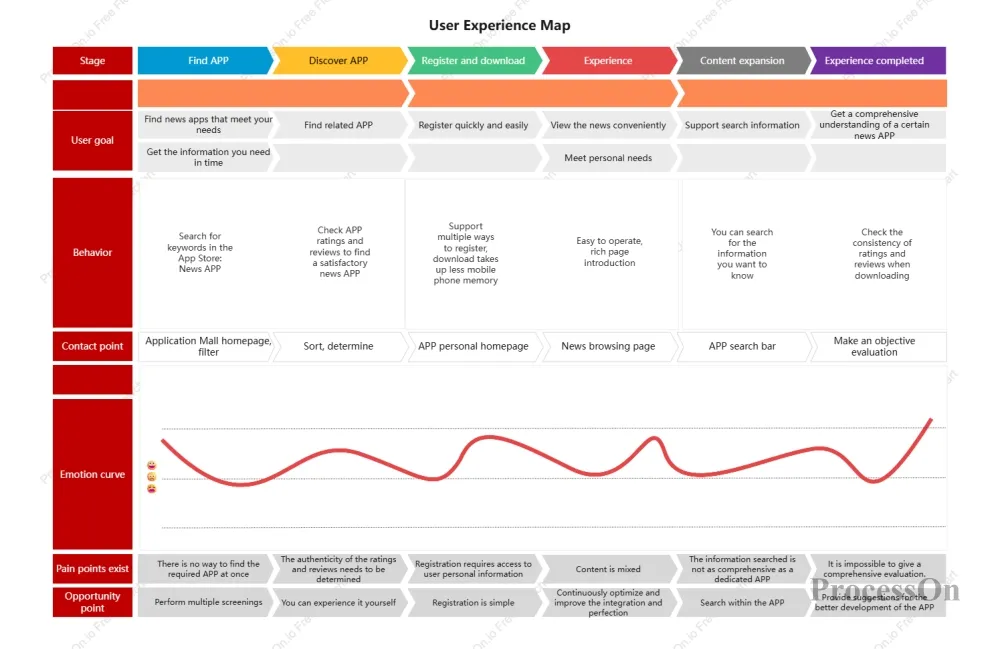
User Experience Map-News Products
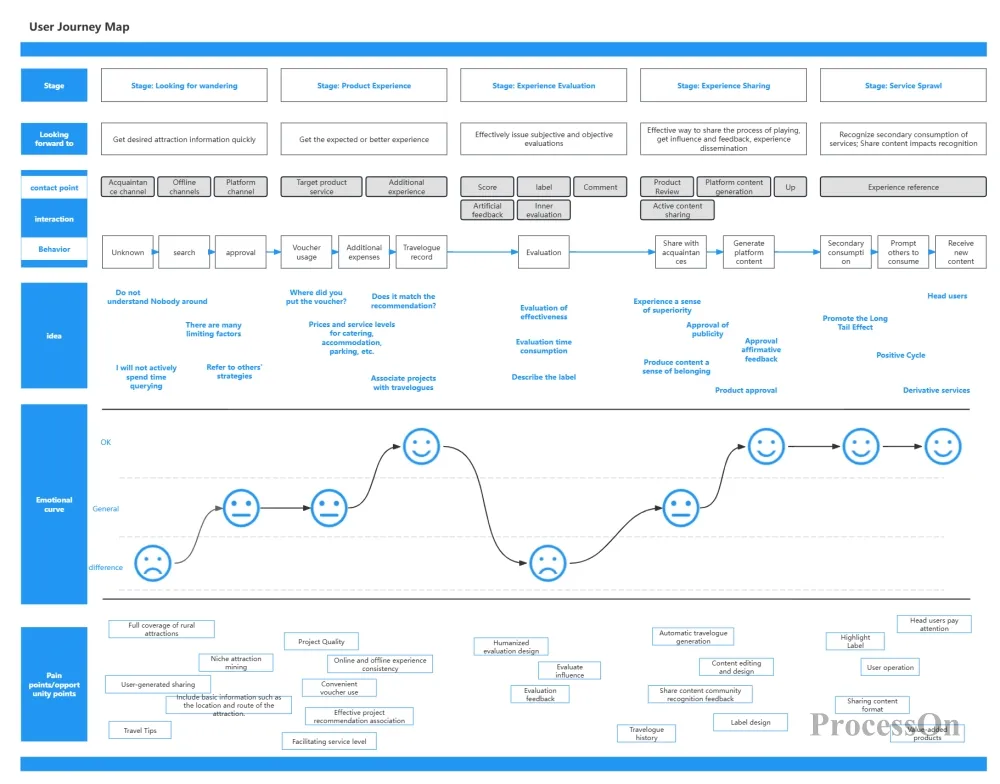
User Journey Map-Travel Products
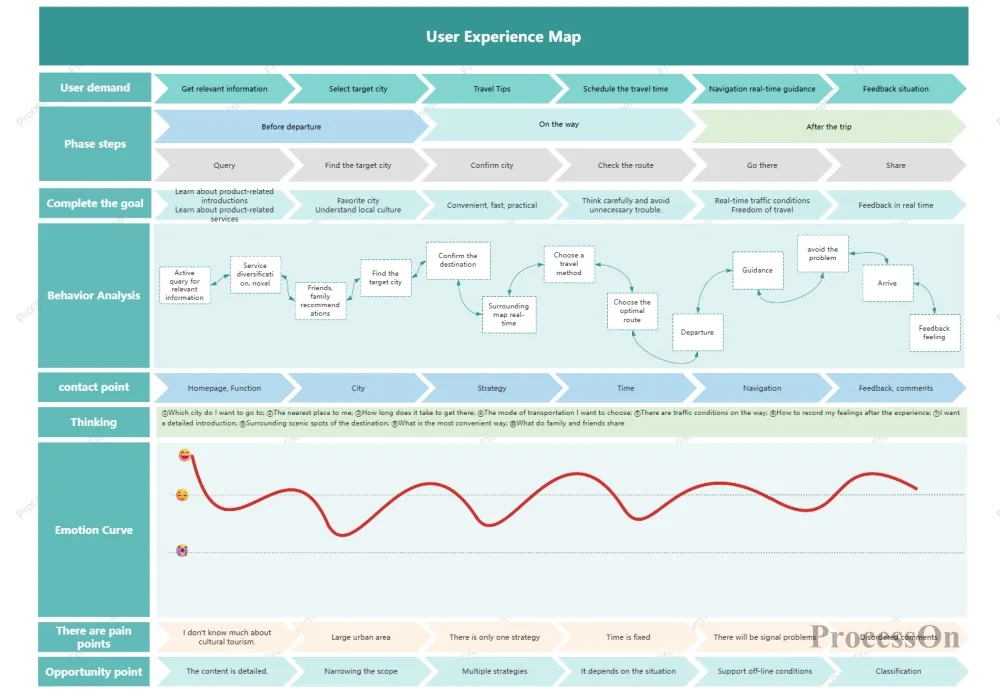
User Experience Map-Tourism Products
The user journey map is more than just a chart; it's a crucial tool for teams to build "user consensus." It helps product managers, designers, developers, and operations staff communicate around the same "user story," breaking down functional barriers and enabling truly user-centric collaborative work.
ProcessOn offers a wealth of user journey map templates and AI-assisted generation features. You can create journey map frameworks with a single click, quickly add elements such as user roles, touchpoints, and emotion curves, and support real-time collaborative editing by your team. Whether you want to streamline existing processes or plan entirely new experiences, you can find efficient tools to support you here.