Process Type
Graphical expression
Mind Type
Structured expression
Note Type
Efficient expression
Treemap
Bracket Diagram

Default Mode





Front-end development utilizes web technologies such as HTML, CSS, and JavaScript to build web pages or application interfaces that users can directly interact with. Its core goal is to provide a smooth, responsive, and visually friendly user experience while ensuring functional integrity. In 2026, front-end development has evolved from "handwritten code" to a new human-machine collaborative model of "AI-assisted generation + human review and control".
By 2026, front-end development had long surpassed its original roles of "image slicing" and "page creation," evolving into a comprehensive discipline that integrates engineering, intelligence, performance optimization, and user experience architecture. System-level languages, represented by Rust, are reshaping the underlying logic of the entire front-end toolchain at an unprecedented pace.
Meanwhile, AI is no longer just an auxiliary tool that adds value, but a core productivity engine deeply integrated into the developer workflow. According to a 2026 Stack Overflow developer survey, AI programming tools have received extremely high praise and widespread adoption in front-end development and full-stack development scenarios. The front-end development workflow has evolved from "handwritten code" to a new paradigm of "AI generation + human review".
In this era of change and opportunity, mastering the right tools is more important than ever. They are not only powerful tools for improving individual efficiency, but also the cornerstone of teamwork, project quality, and future competitiveness. This article will review the core tools that front-end developers must master in 2026, covering IDEs and editors, AI programming assistants, version control, team collaboration, and visualization .
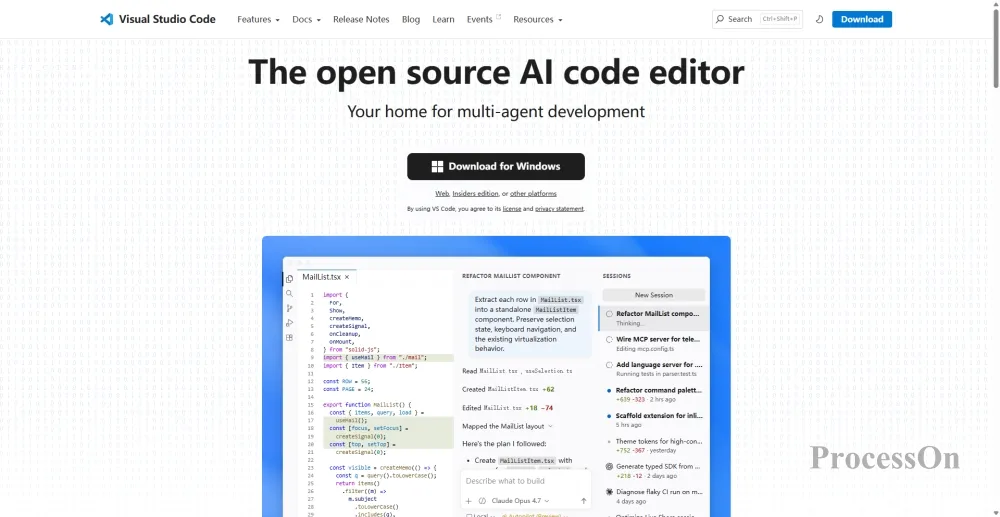
Visual Studio Code is the world's most popular lightweight code editor, known for its rich plugin ecosystem and fast startup speed.
VSCode remains the editor of choice for the vast majority of front-end developers in 2026. It is lightweight and flexible, starts up quickly, and has an extremely rich plugin ecosystem, covering almost all front-end development scenarios—from ESLint code inspection and Prettier formatting to GitLens code tracing and Live Server real-time preview, it has everything.
In 2026, VS Code continues to evolve in terms of AI integration. Combined with GitHub's Copilot Agent mode, VS Code offers powerful multi-step coding assistance, achieving an efficient AI programming experience within a mature plugin ecosystem. For small to medium-sized projects and individual developers, VS Code remains the most cost-effective and easiest-to-learn choice. More importantly, VS Code's plugin marketplace covers the entire toolchain from code inspection to deployment. Whether connecting to GitHub for version control or working with next-generation build tools like Rspack, VS Code can quickly expand its capabilities through plugins.
Applicable scenarios: Various front-end project development, especially suitable for small and medium-sized projects and rapid iteration scenarios.
Core advantages: Free and open source, world's leading plugin ecosystem, comprehensive cross-platform support, and fast startup speed.
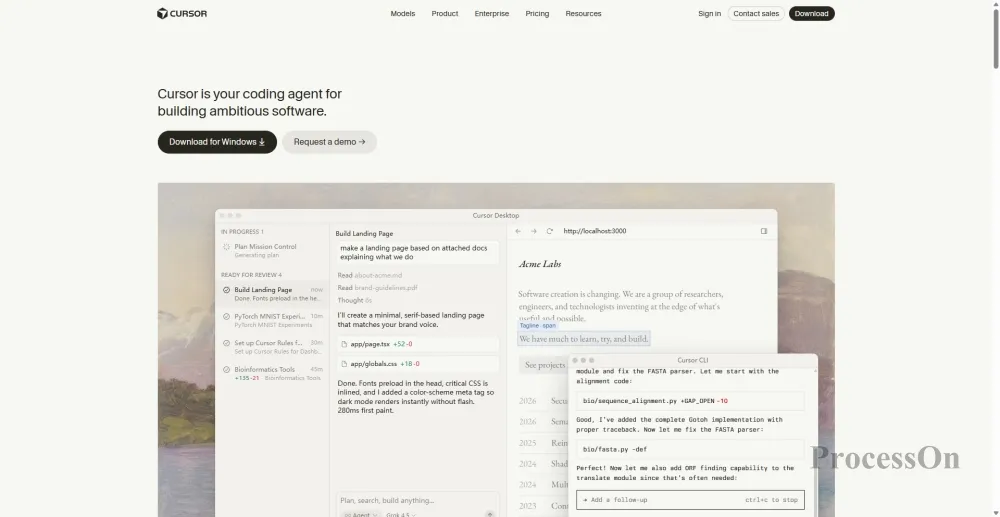
By 2026, AI programming tools had evolved from "aiding code writing" to "project-level development assistants." The AI-native IDE, deeply modified from Cursor's underlying structure, remains the preferred choice for many front-end and full-stack developers worldwide.
Cursor's core advantage lies in its deep overhaul of the VSCode underlying layer, resulting in a remarkably smooth experience for code completion and multi-file editing with Composer. It's more than just a code completion tool; it's an "AI partner" that understands the entire project context. Its pioneering Composer mode supports simultaneous modification across files, demonstrating excellent cross-file accuracy in front-end projects using server-side rendering frameworks like Next.js or Nuxt.js.
Applicable scenarios: daily coding, code refactoring, and batch modification across files.
Git is the absolute standard for version control, and GitHub is the world's largest code hosting and collaboration platform.
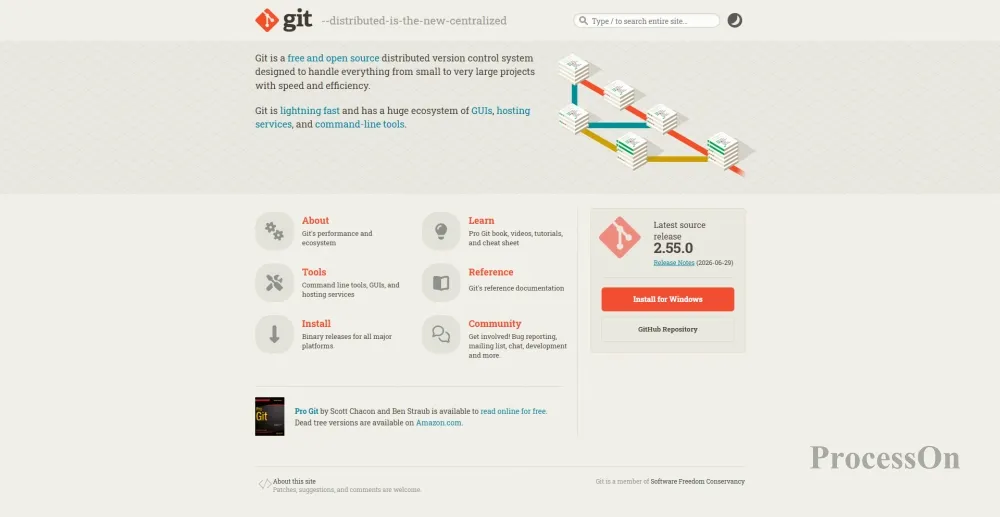
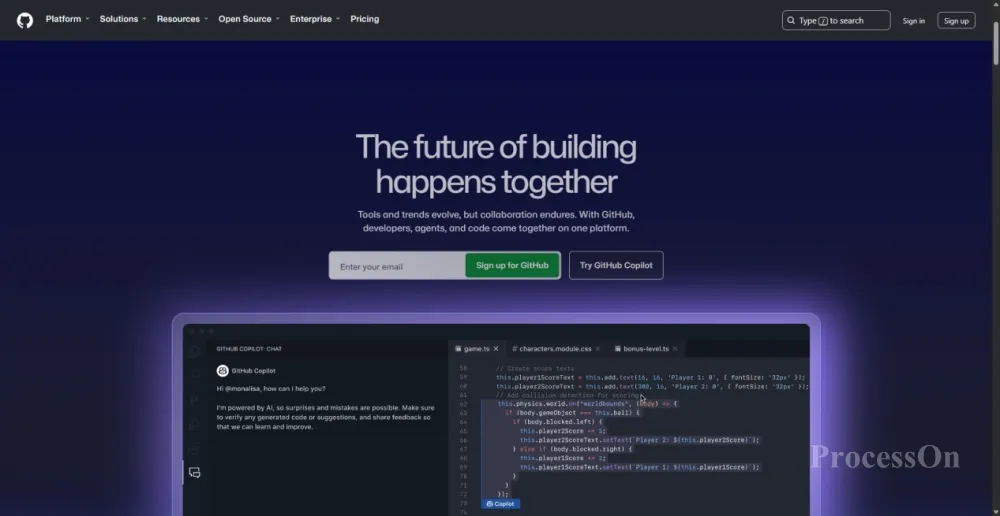
Regardless of how the front-end tool ecosystem changes, Git remains the cornerstone of version control. Every front-end developer must master the basic Git operations: clone, commit, push, pull, branch, merge, and rebase.
GitHub will remain a core hub for front-end team collaboration in 2026 , with its core values including:
Code hosting: Secure and reliable cloud-based code repositories
Pull Request Workflow: A Standard Process for Team Collaboration and Code Review
GitHub Actions: Automates CI/CD pipelines, supporting automated builds, tests, and deployments.
GitHub Copilot (optional): AI code completion, seamlessly integrated with VSCode
Applicable scenarios: Version management and team collaboration for all front-end projects.
Git and GitHub are essential infrastructure for front-end development—regardless of the framework and tools used, version control remains the cornerstone of collaboration.
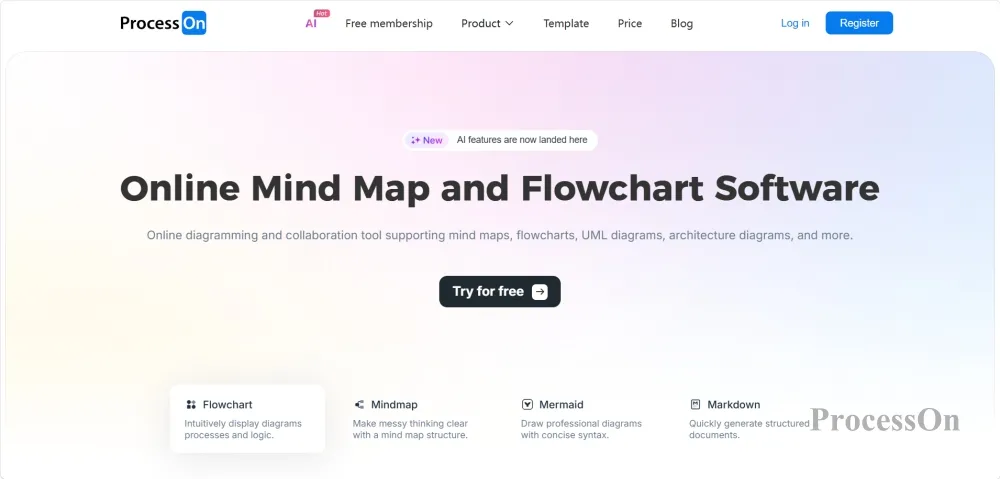
ProcessOn is a one-stop online diagramming and collaboration platform that covers the entire front-end development process, including requirements gathering, architecture design, project management, and technical documentation.
Front-end development is never a solitary endeavor. From requirements analysis to prototype design, from UI flowcharts to technical architecture diagrams, from project scheduling to team debriefing—every step requires clear visual communication. ProcessOn is a one-stop professional online diagramming and collaboration platform designed to meet this need.
What can ProcessOn do throughout the entire front-end development process?
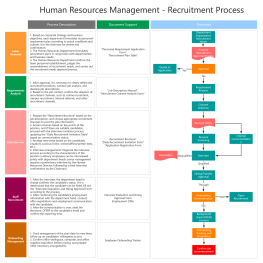
During the requirements and design phase: Product managers and front-end engineers can use ProcessOn's mind maps to organize product functional architecture and user stories, and use flowcharts to draw user operation paths and business logic. The ProcessOn template community provides ready-made templates such as "Software Development UI Design Flowchart" and "General Front-end UI Flowchart," which can be cloned and used with one click.
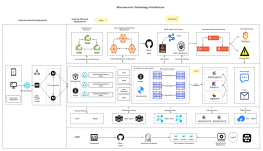
During the architecture design phase, front-end architects can use system architecture diagrams and UML diagrams (such as class diagrams, sequence diagrams, and use case diagrams) to design the technical architecture, component relationships, and module division of the front-end application. ProcessOn's AI generation function can even be done "speaking"—simply input the requirements, and AI can instantly generate professional-grade sequence diagrams. For example, inputting "user login process" will generate a sequence diagram showing the interaction process between the user, front-end, back-end services, and database.
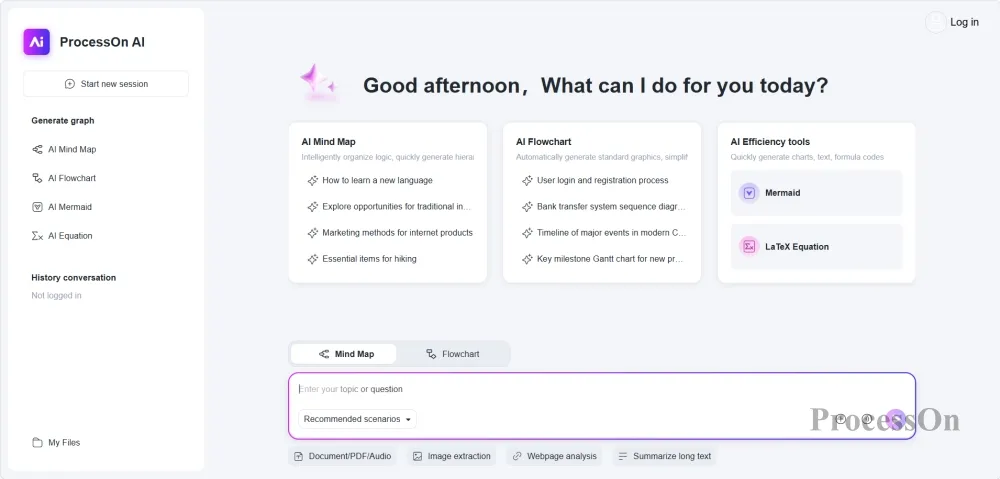
Project Management Phase: Use Gantt charts to plan iteration schedules and milestones for front-end projects, and Kanban boards to track task progress. ProcessOn supports real-time collaboration among multiple team members, allowing them to collaboratively edit the same project planning chart and ensure information synchronization.
Technical documentation and debriefing: Use mind maps to organize the front-end technology stack and knowledge system, and use flowcharts to document the team's code review process and release specifications.
ProcessOn's core advantages:
Extensive template library: covering dozens of front-end scenario templates such as front-end development flowcharts and cross-functional flowcharts .
Multiple chart types supported: mind map, flowchart, architecture diagram, prototype diagram, UML, network topology diagram, Gantt chart, BPMN, etc.
AI-powered: Simply enter keywords to generate professional charts, significantly lowering the barrier to chart creation .
Team collaboration: Supports real-time online collaboration and version management for multiple users, enabling efficient synchronization for remote teams .
Applicable scenarios: front-end project requirements analysis, architecture design, project management, and technical documentation compilation.
ProcessOn is the shortest path for front-end teams to transform "ideas" into "visual solutions"—whether it's drawing flowcharts, designing architectures, or scheduling projects, a picture is worth a thousand words.
Q1: What tools should novice front-end developers start learning in 2026?
A: I recommend starting with three tools: ① VSCode – free, lightweight, with a rich plugin ecosystem, and the lowest learning curve; ② Git + GitHub – master the basics of version control, an essential skill for team collaboration; ③ ProcessOn – learn to use flowcharts and mind maps to organize project logic and architecture. After building a solid foundation, gradually try AI programming tools such as Cursor.
Q2 : What can ProcessOn do in front-end development? What are the differences between Figma and ProcessOn?
A: The two tools have different focuses and are complementary. Figma is a professional UI design tool, suitable for creating detailed visual designs and interactive prototypes, outputting "what the interface looks like." ProcessOn is a professional tool for creating structured diagrams such as flowcharts, mind maps, architecture diagrams, and UML diagrams, outputting "how the logic works, how the system is built, and how the project is managed." In the entire front-end development process: Figma is used for UI design drafts, while ProcessOn is used for requirements gathering (mind maps), technical architecture (architecture diagrams), project scheduling (Gantt charts), and process documentation (flowcharts).
Q3 : Will AI application generation tools like v0 and Bolt.new replace front-end developers?
A: It won't replace existing tools, but it will change the way we work. The value of tools like v0 and Bolt.new lies in "quickly turning ideas into runnable code," significantly shortening the time from prototype to MVP. However, for production-level projects, front-end developers still need to perform code reviews, performance optimizations, architecture design, security measures, and user experience refinement. AI tools are efficiency multipliers, not replacements—front-end developers who know how to use AI tools will have a significant efficiency advantage over those who don't.
Q4 : What new skills must front-end developers master in 2026?
A: I suggest focusing on three areas: ① Master AI-assisted development tools ( such as Cursor) to become an "AI efficiency expert" in your team; ② Master visual collaboration tools (such as ProcessOn) to improve cross-team communication and documentation capabilities; ③ Pay attention to the Rust toolchain ecosystem (such as Rspack) to understand the principles and advantages of next-generation build tools.