Process Type
Graphical expression
Mind Type
Structured expression
Note Type
Efficient expression
Treemap
Bracket Diagram

Default Mode





The work of operations staff is very broad, ranging from initial brainstorming and planning, to copywriting, event page design, poster production, short video editing, team collaboration, social media posting, and data analysis. Almost every step requires the use of different software.
However, operations staff do not need to master dozens of tools simultaneously. The truly efficient approach is to select a few complementary software programs based on their workflow, forming a stable operational toolchain.
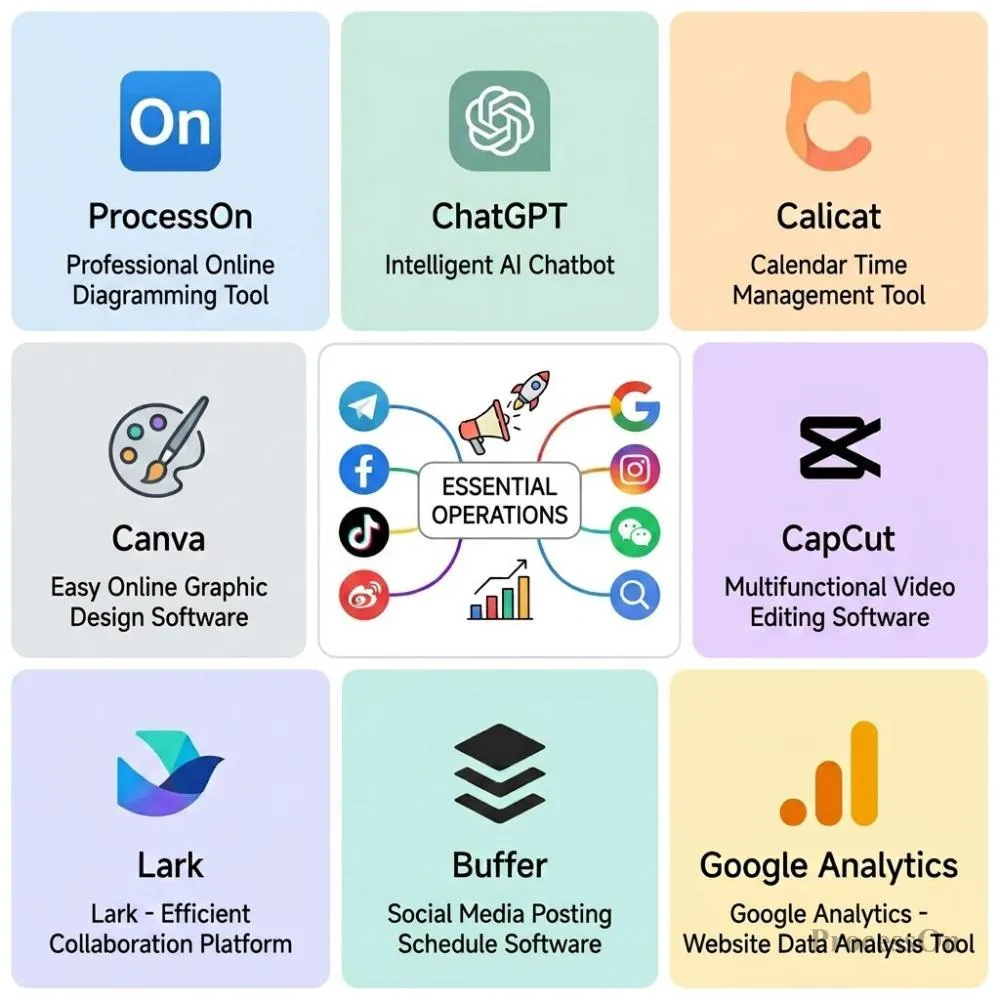
This article selects eight software programs suitable for operations personnel, covering scenarios such as brainstorming, AI content creation, prototyping, visual design, video production, team collaboration, social media operations, and data analysis. It includes both commonly used domestic tools and mature overseas products, allowing you to choose according to your specific job responsibilities.
Operational work often doesn't begin with "starting execution," but rather with an idea.
For example, preparing a marketing campaign requires considering the campaign objectives, target users, campaign mechanics, promotion channels, content arrangement, execution process, and data metrics. If you write all of this down in long paragraphs from the start, it's easy to end up with a disorganized and unclear structure.
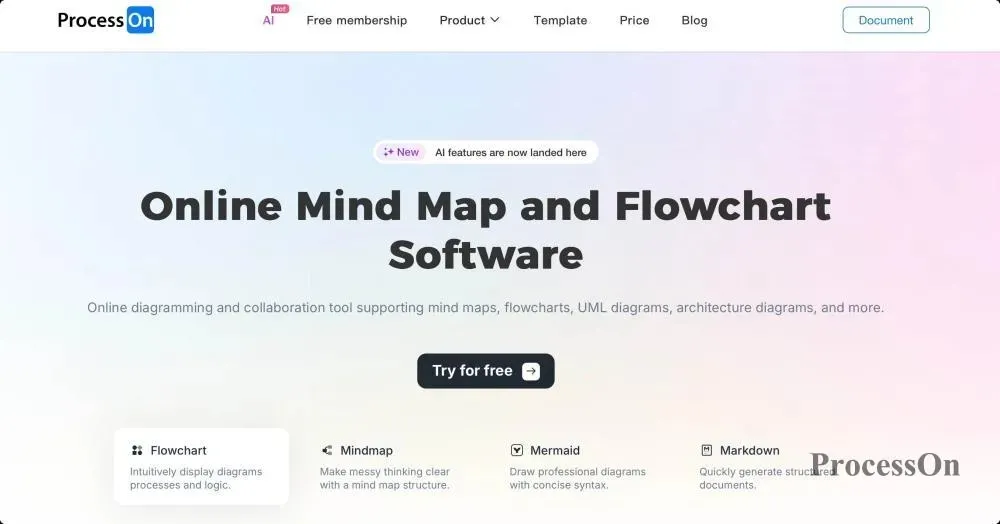
At this point, ProcessOn mind mapping is very suitable for initial brainstorming and solution organization.
ProcessOn is an online drawing and collaboration tool that supports various chart types, including mind maps, flowcharts, organizational charts, fishbone diagrams, timelines, and Gantt charts. For operations personnel, they can first use mind maps to organize ideas, and then choose other chart types to further refine their plans based on different operational scenarios.
For example, when planning a marketing campaign, you can first outline: Marketing Campaign → Campaign Objectives → User Analysis → Campaign Format → Content Planning → Promotion Channels → Execution Plan → Data Metrics .
If you need to outline the user engagement path, you can create a flowchart; if you need to analyze why the activity was not effective, you can use a fishbone diagram; if you need to schedule activity milestones, you can use a timeline or Gantt chart.
ProcessOn has now incorporated AI capabilities, enabling the generation of AI mind maps, AI flowcharts, and other content. For operations personnel, the greatest value of AI lies in reducing the time spent organizing ideas from a "blank canvas."
However, ProcessOn 's core value remains structured thinking and visual expression. AI can help generate and organize content, but the final operational strategy still needs to be determined by operations personnel based on business objectives.
ProcessOn offers a free version that provides basic drawing and collaboration capabilities free of charge indefinitely. The current free version includes 9 personal files, up to 3 collaborators, and supports templates from the template community; some advanced export options, file count improvements, and advanced features require an upgrade to the paid version.
Therefore, if it is only used for daily brainstorming, simple activity planning and mind mapping, the free version can meet the needs of many individual operators.
Suitable for operations personnel who "think things through first".
If your work frequently involves event planning, content planning, growth strategies, or brainstorming, ProcessOn can serve as the starting point for your entire operations workflow.
ChatGPT
Operations staff deal with a lot of written work every day : promotional slogans, article titles, WeChat official account content, Xiaohongshu topics, advertising copy, video scripts, product introductions... These tasks seem simple, but they are often very time-consuming to complete.
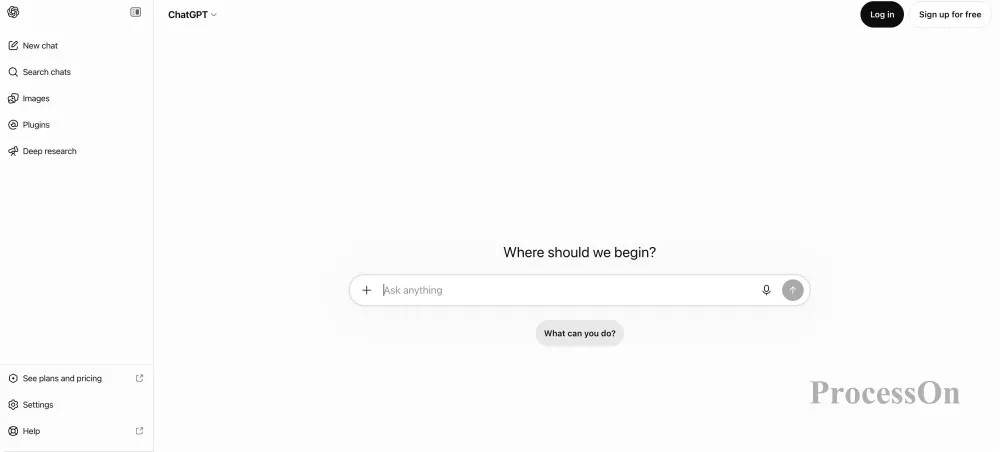
ChatGPT is better suited to be an AI content assistant in operational work. For example, it can be used to: generate marketing campaign copy , provide content topics , write initial article drafts , optimize titles , create short video scripts , rewrite copy in different styles , extract user feedback , organize competitor information , and assist in the development of marketing plans .
ChatGPT's advantage is not simply "helping you write articles," but rather its ability to participate in the entire process of operations staff, from ideation and creation to revision.
For example, you can first use ProcessOn to outline the complete structure of an event, and then hand over the event goals, target audience, and event gameplay to ChatGPT to generate event promotional copy, WeChat official account articles, and short video scripts, respectively.
This makes the division of labor between the two tools very clear: ProcessOn is responsible for structured thinking, and ChatGPT is responsible for content creation.
ChatGPT is an AI tool with core capabilities including natural language dialogue, content generation, document and image analysis, web search, data analysis, and image generation. Specific features and usage limits for free users will vary depending on the product version and timeframe.
ChatGPT offers a free version. Free users can use features such as chat, web search, file and image upload, data analysis, GPT usage, and image generation, but advanced models and some features have usage limits; once the limit is reached, users need to wait for the limit to reset or upgrade to a paid plan.
Therefore, for operations staff who occasionally need AI to assist in copywriting, the free version can already be used as a daily tool; if they use AI extensively for content creation every day, they can consider the paid version.
Suitable for operations personnel who "need to produce a lot of content".
In particular, content operations, new media operations, marketing operations, and overseas marketing personnel can use ChatGPT as a daily AI content assistant.
Once the operational plan is finalized, it often needs to be further implemented in web pages, event pages, or product features.
For example, if you've planned a "new user discount event," besides defining the event rules, you also need to tell the product and design teams: What modules will the page have? Where will users enter from? How will they claim the discount? Where will they be redirected to after clicking? What will be displayed after the event ends?
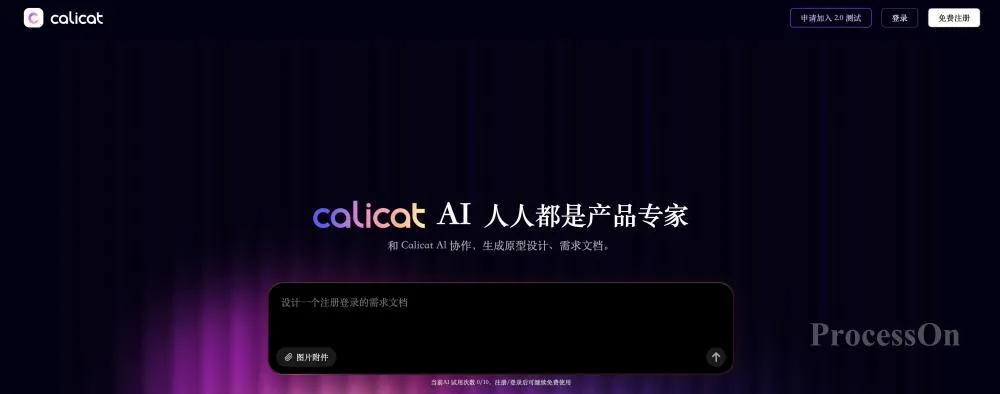
Relying solely on text descriptions often leads to high communication costs , making Calicat a better solution for this stage. It integrates prototyping, requirements documentation, and task management into a single workspace, while also providing an AI design assistant that can discuss requirements, generate wireframes and prototypes using natural language, and further produce requirements documents.
You can first determine the activity plan in ProcessOn : activity entry point → activity rules → user participation → reward collection → coupon usage , and then specify the pages and interactions in Calicat .
Calicat 's AI capabilities are a crucial feature. The AI design assistant can: generate wireframes based on requirements , create page prototypes , modify existing prototypes , generate requirement documents from prototypes , assist in product requirement discussions , and create requirement cards . In other words, it's not simply a "prototyping tool," but rather aims to connect requirements, prototypes, and tasks.
Calicat has now entered a paid phase, but still offers free credits.
Currently, each user can earn 500 free points per month. These free points reset automatically each month and cannot be accumulated. If the AI usage is high, additional points packages can be purchased. The officially announced points packages currently include 1000 points for 29 yuan, 2500 points for 59 yuan, and 5000 points for 99 yuan.
It is important to note that Calicat's current AI capabilities primarily utilize a credit system, where AI requests consume credits based on the actual amount of model usage.
Suitable for operations personnel who need to communicate with product, design, and R&D teams.
If you're only doing content operations, you might not need Calicat ; but if you frequently plan event pages, product features, or need to participate in product requirements, then its value will be very obvious.
Canva
Operations staff often need to create various visual materials, but not every operations staff member is a professional designer.
There are many needs for WeChat official account covers, Xiaohongshu images, event posters, advertising materials, banners, PPTs, and infographics. If you have to find a designer to handle it every time, the efficiency and communication costs will be relatively high . Canva's core advantage is that it enables non-professional designers to quickly complete the production of visual content.
Canva offers a large number of templates, allowing operators to directly select a suitable template and then replace the text, images, and other design elements.
Canva AI can currently help users generate and modify designs through dialogue, and also offers AI writing and image generation capabilities. However, the free version has limited usage and advanced capabilities, while paid plans offer greater usage and more advanced features.
Canva offers a free version that provides access to a wide range of basic design features, as well as some templates and resources.
If you require more advanced templates, materials, branding tools, and a higher AI usage limit, you will need to upgrade to the paid version.
For operations staff, if the main task is to create simple social media images, article covers, and basic promotional materials, the free version can meet their basic needs.
Suitable for operations personnel who lack professional design skills but frequently need to create their own marketing materials.
CapCut
Beyond images, video has become an important content production method for operations personnel. Whether it's Douyin, WeChat Channels, Xiaohongshu, or product promotion and brand marketing, continuous video production is essential.
CapCut is well-suited for the "quick content creation" needs of operations personnel. It can be used for: short video editing , video subtitles , voice-over , music and sound effects , video covers , product promotional videos , event videos , and social media videos . Compared to professional video post-production software, CapCut is more suitable for rapidly producing everyday content.
CapCut currently offers a rich set of AI creation capabilities , supporting functions such as AI text editing, marketing video editing, AI music, intelligent keying, intelligent color correction, AI frame interpolation, voice separation, and image quality enhancement.
For operations staff, AI capabilities can reduce some repetitive video production work, such as quickly generating videos from text content and automatically processing visuals and audio.
CapCut offers free usage and also has a membership system.
Basic editing, common editing functions, and some materials are available for free; however, some advanced materials, membership features, and some AI capabilities require membership or other paid benefits.
Therefore, if you only occasionally make short videos, the free version can meet your basic needs; if you need to frequently produce commercial content, you can consider a membership based on your actual usage.
Suitable for content operations, short video operations, and new media operations personnel. If your work involves platforms such as Douyin, Xiaohongshu, and WeChat Video Accounts, CapCut is a basic tool worth mastering.
Lark
Operational work is rarely done by one person . A complete marketing campaign may require the joint participation of multiple teams, including operations, product, design, R&D, and sales.
Therefore, in addition to personal productivity tools, a collaborative tool is also needed to help the team synchronize information, assign tasks, and advance projects.
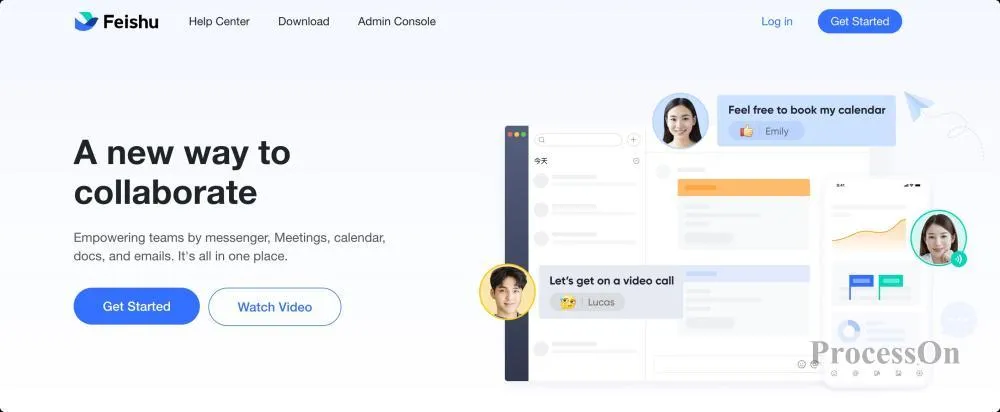
Lark can be used for: online documents , multidimensional tables , project management , event scheduling , task tracking , team communication , meetings , knowledge bases , and data sharing .
For example, you can create an activity execution table in Lark to manage tasks, responsible persons, deadlines, and completion status in a unified manner.
Lark's AI capabilities include intelligent meeting minutes, knowledge Q&A, AI intelligent companion, and AI application building.
Lark AI members receive access to AI capabilities such as intelligent meeting minutes, Q&A, Lark AIly , and Lark Smart Connect, and can use these features according to their AI quota.
Lark itself offers a free version, and the official current positioning of the free series is a basic team collaboration version, which includes features such as instant messaging, cloud documents, video conferencing, spreadsheets, and free email.
If businesses require more advanced management, storage, conferencing, or AI capabilities, they can choose a paid version based on team size and usage needs.
Suitable for operations teams that require collaboration among multiple people.
If you're not in charge of a single-person project, but rather need to coordinate product, design, sales, or R&D, then Lark is more valuable than a simple personal productivity software.
Buffer
After the content is created, it still needs to be published. If you're only managing one social media account, manually publishing isn't too difficult . However, if you're managing multiple overseas social media accounts simultaneously, repeatedly logging in, creating content, and scheduling publishing times every day becomes extremely tedious.
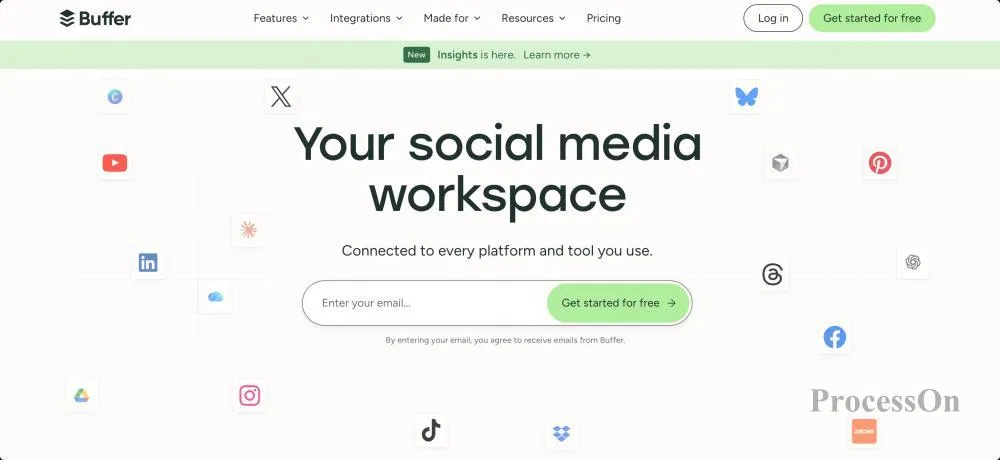
Buffer primarily addresses the issues of social media content management and publishing scheduling , and currently supports connections to multiple social platforms including Facebook, Instagram, TikTok, LinkedIn, Threads, YouTube Shorts, Pinterest, and X.
Operations staff can use Buffer to: develop content release plans , schedule social media content in advance , manage multiple social media accounts , create content calendars , view release performance , and manage social media interactions .
Buffer offers an AI assistant that helps operations staff generate and optimize social media content, such as creating posts based on a simple idea, adjusting copy, generating headlines, and reusing existing content.
Buffer offers a free version. Currently, the free version can connect to up to 3 social media channels, with each channel retaining up to 10 pieces of content to be published. It also provides features such as content scheduling, AI Assistant, and basic Insights.
If you require unlimited scheduling, more advanced data analytics, more team members, and collaboration features, you'll need to upgrade to a paid plan.
Suitable for personnel responsible for overseas social media operations.
If the primary focus is on operating domestic platforms, Buffer's value is limited; however, if it is responsible for overseas channels such as LinkedIn, Instagram, Facebook, and X, it will significantly reduce daily posting and scheduling work.

Google Analytics
The final step in operations is to assess the results.
How many users did an article bring in? How many conversions did an event generate? Which channel brought in more users? What did users do after entering the website? These questions cannot be answered by intuition alone; they require data.
Google Analytics is a commonly used data analysis tool for websites and apps, helping operators understand user sources, website traffic, user behavior, and conversion rates.
Common analytics metrics include: website traffic , user sources , traffic channels , page performance , user behavior , conversion data , user acquisition , user retention , and marketing campaign effectiveness .
Google Analytics is also continuously incorporating intelligent analytics and machine learning capabilities to help users discover trends and anomalies in their data.
However, unlike ChatGPT, Canva, or Calicat , Google Analytics' AI is not used to "generate content," but rather for data insights and analytical support. Therefore, it is more suitable as a "data brain" for operational work.
Google Analytics offers a free standard version.
Google officially defines standard Google Analytics 4 as the free version, suitable for the data analysis needs of general websites and apps. Large enterprises can upgrade to Google Analytics 360 for greater capabilities in data collection, storage, and query export.
For the vast majority of small and medium-sized websites and individually operated projects, the standard version is sufficient.
Suitable for website operators, growth operators, and digital marketers.
If your work requires using data to assess the effectiveness of content, channels, and campaigns, then Google Analytics should be an important part of your operational toolchain.
Not all operations staff need to use all eight software programs; they can choose a combination based on their job responsibilities.
Content Operations
Recommended: ProcessOn + ChatGPT + Canva + CapCut
ProcessOn was responsible for topic brainstorming and content structure, ChatGPT assisted with copywriting and script creation, Canva was responsible for images, and CapCut was responsible for video.
Event Operations
Recommended: ProcessOn + ChatGPT + Calicat + Canva + Lark
First, ProcessOn was used to develop the event plan, then ChatGPT was used to assist with the copywriting, Calicat was responsible for the event page and prototype, Canva was used to create promotional materials, and Lark was responsible for the team's execution.
Product Operations
Recommended: ProcessOn + Calicat + ChatGPT + Lark
ProcessOn is responsible for sorting out user and business requirements, Calicat transforms requirements into prototypes and requirement documents, ChatGPT assists in organizing content, and Lark is responsible for project collaboration.
Overseas social media operations
Recommended: ChatGPT + Canva + CapCut + Buffer + Google Analytics
ChatGPT is responsible for content creation, Canva for visual assets, CapCut for video production, Buffer for multi-platform publishing and scheduling, and Google Analytics for website traffic and conversion analysis.
What operations staff really need is not "the more software the better", but to let different tools each be responsible for a specific task.
1. Brainstorming and planning
Use ProcessOn to first structure your ideas and solutions.
2. Content Creation
Use ChatGPT to help you create headlines, copy, articles, and video scripts.
3. Prototype Planning
If you're dealing with event pages, product features, or user flows, you can use Calicat .
4. Visual Production
Images and posters were created using Canva, and videos were created using CapCut.
5. Team Execution
For projects involving multiple people, Lark can be used for document, task, and project management.
6. Social media posts
If you are in charge of overseas social media, you can use Buffer for content scheduling and publishing.
7. Data Analysis
After the website went live, we used Google Analytics to analyze traffic, user behavior, and conversion rates.
This ultimately forms a complete operational workflow: ProcessOn → ChatGPT → Calicat → Canva/CapCut → Lark → Buffer → Google Analytics . From the perspective of the complete operational process, these correspond to: thinking it through → writing it down → planning it out → creating content → launching it → collaborative execution → analyzing data → continuous optimization .
Therefore, instead of collecting dozens of so-called "operational tools," it's better to choose a few software programs that you actually use every day, based on your own job role.
If you're just starting to build your operations toolchain, you can start with ProcessOn , ChatGPT, Canva, and CapCut; if your work involves event pages and product requirements, then add Calicat ; if you need team collaboration, overseas social media operations, or website data analysis, you can further add Lark, Buffer, and Google Analytics.
The ultimate goal of a truly suitable toolchain is not to make operations staff spend more time learning software, but to reduce repetitive work, improve execution efficiency, and leave more time for user insights, content creation, and operational strategies themselves.
1. What software do operations personnel commonly use?
The software commonly used by operations personnel mainly includes types such as solution planning, content creation, design, video production, team collaboration, social media management, and data analysis.
For example, ProcessOn is suitable for brainstorming and operational planning, ChatGPT is suitable for AI-assisted content creation, Canva is suitable for creating posters and social media images, CapCut is suitable for short video production, Calicat is suitable for event pages and prototyping, Lark is suitable for team collaboration, Buffer is suitable for overseas social media management, and Google Analytics is suitable for website traffic and user data analysis.
2. When operations staff are planning events, how should they choose between ProcessOn and Calicat ?
These two software programs address problems at different stages.
ProcessOn is better suited for early brainstorming and planning, and can use mind maps, flowcharts and other methods to organize activity goals, users, gameplay, channels and execution processes.
Calicat is better suited for later prototyping and requirements planning, as it can further transform established activity plans into page prototypes and product requirements.
In short: ProcessOn is responsible for "thinking out how to do it," while Calicat is responsible for "how to make it look." If an event involves a complete online page, the two tools can even be used together.
3. What AI-powered operational tools are available? Which ones are most worth using?
AI is now widely used in different aspects of operations, but the AI capabilities of different tools have different focuses.
ChatGPT is better suited for copywriting, topic selection, scripting, content rewriting, and operational plan discussions; ProcessOn can help generate structured content such as mind maps and flowcharts; Calicat is more geared towards AI prototyping and requirement design; Canva can use AI to help generate and modify visual content; and CapCut provides video creation capabilities such as AI-generated final cuts and intelligent keying.
If you primarily focus on content operations, ChatGPT is a good option; if you need to plan campaigns, ProcessOn is a good choice ; and if you frequently work on product and event pages, Calicat is a good option .
4. What software is best for event operations?
Event operations typically involve several stages, including event planning, content creation, page layout, promotional material production, and team execution. Therefore, a single software program often cannot cover all the needs.
A practical combination is: ProcessOn + ChatGPT + Calicat + Canva + Lark.
You can first use ProcessOn to sort out the activity goals, users, gameplay and execution process, then use ChatGPT to create the activity copy, use Calicat to plan the activity page and prototype, use Canva to create promotional posters, and finally use Lark to assign tasks and facilitate team collaboration.
5. Which software should be chosen for content operation and new media operation?
Content operations and new media operations typically require handling topic selection, copywriting, images, and videos simultaneously, making the following combination of tools suitable for them: ProcessOn + ChatGPT + Canva + CapCut
ProcessOn can be used for topic brainstorming and content structure organization, ChatGPT for title, article and script creation, Canva for creating article covers and social media images, and CapCut for creating short videos.
If you are operating multiple overseas social media accounts at the same time, you can also add Buffer to schedule and publish content.
 Following the tutorial to try
Free to use ProcessOn
Following the tutorial to try
Free to use ProcessOn