Process Type
Graphical expression
Mind Type
Structured expression
Note Type
Efficient expression
Treemap
Bracket Diagram

Default Mode





With the development of artificial intelligence technology, the way flowcharts are created is changing. In the past, users needed to manually select graphics, drag nodes, adjust connecting lines, and then spend a lot of time optimizing the layout. A simple flowchart might take tens of minutes, while complex business processes and system architecture diagrams even required the participation of professionals in the design.
Today, more and more flowchart tools are incorporating generative AI capabilities. Users only need to input a natural language description, such as:
“Create an e-commerce order processing workflow, including user order placement, payment, inventory check, logistics and delivery, and after-sales service.”AI can automatically understand requirements, generate basic process structures, and help users complete node layout, content organization, and graphical optimization. AI flowchart tools not only lower the barrier to entry but also enable product managers, business managers, developers, teachers, and students to visualize information more quickly.
However, different AI flowchart software programs have significantly different target audiences. Some tools excel at enterprise collaboration, some are suitable for quickly generating simple processes, and some are more suitable for technical personnel.
This article will provide a comprehensive evaluation of mainstream AI flowchart tools from multiple dimensions, including AI generation capabilities, graphics support range, editing experience, collaboration capabilities, and applicable scenarios .
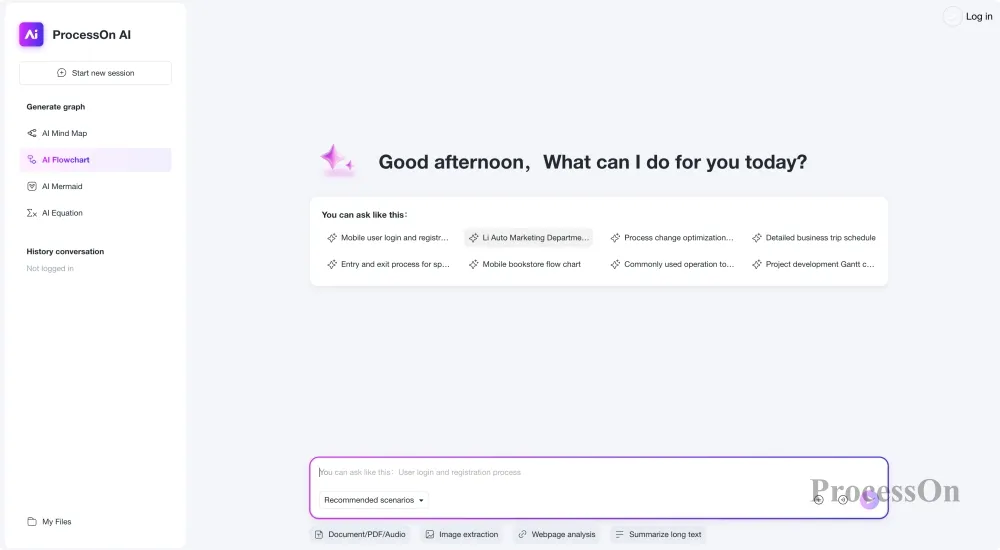
ProcessOn is an online visual collaboration tool that supports various graphic types such as flowcharts, mind maps, UML diagrams, ER diagrams, and architecture diagrams. It is also one of the few platforms that simultaneously covers AI generation and professional graphic editing. Unlike some AI tools that only focus on "generating an image," ProcessOn AI emphasizes the complete process from input requirements to the final editable file.
ProcessOn AI allows users to quickly generate flowchart structures by describing their requirements in natural language. For example, user input:
“Draw a software development lifecycle process, including requirements analysis, product design, development and testing, deployment and post-launch maintenance.”AI can automatically analyze content and generate: process nodes, node relationships, process direction, and basic layout. The generated flowchart can still be edited, including: modifying node text, adjusting process logic, adding judgment conditions, and changing the theme style. This is very important for real-world work scenarios because enterprise processes usually need to be modified continuously, rather than being generated once and used directly.
ProcessOn 's key advantages is that it is not only an AI flowchart tool, but also a comprehensive graphics platform.
In addition to flowcharts, it also supports: mind maps, UML diagrams, ER diagrams, BPMN business process diagrams, architecture diagrams, network topology diagrams, Gantt charts, timelines, swimlane diagrams, and fishbone diagrams. Therefore, it is more suitable for users who need to conduct long-term knowledge organization and business visualization. For example:
ProcessOn uses an online editing method similar to Office software, allowing users to adjust graphics by dragging and dropping. Key features:
For enterprise teams, flowcharts are not just one-time presentation documents, but also long-term knowledge assets, making online collaboration capabilities extremely important.
ProcessOn AI is better suited for: product managers, project managers, software developers, business managers, teachers, and students.
If your needs go beyond simply "generating a flowchart," and you want AI to help complete a full, visualized workflow, ProcessOn is a worthwhile option to consider.

Experience address
Lucidchart is a globally renowned online flowchart tool with high brand recognition in the enterprise market, widely used in IT architecture design, business process management, project planning, and team collaboration. Lucidchart AI's core capability is helping users quickly create diagrams using natural language. Users can input their requirements, such as:
“Create a customer service process that includes customer submission of issues, customer service processing, issue resolution, and feedback.”AI can generate basic process structures based on descriptions and help users optimize layouts and content.
Lucidchart has extensive experience in enterprise process management, so its AI functions mainly revolve around: automatically generating charts, optimizing process structures, and improving creation efficiency.
In addition, it has a wealth of enterprise templates, such as business process diagrams, network architecture diagrams, software architecture diagrams, and organizational structure diagrams.
Lucidchart 's strengths is its enterprise collaboration capabilities. It supports multi-user online editing, access control, team file management, and integration with Google Workspace and the Microsoft ecosystem. For large enterprises, this mature collaboration system is a key reason for choosing Lucidchart .
Lucidchart is its relatively high price, and its advanced features are geared more towards enterprise users.
Experience address
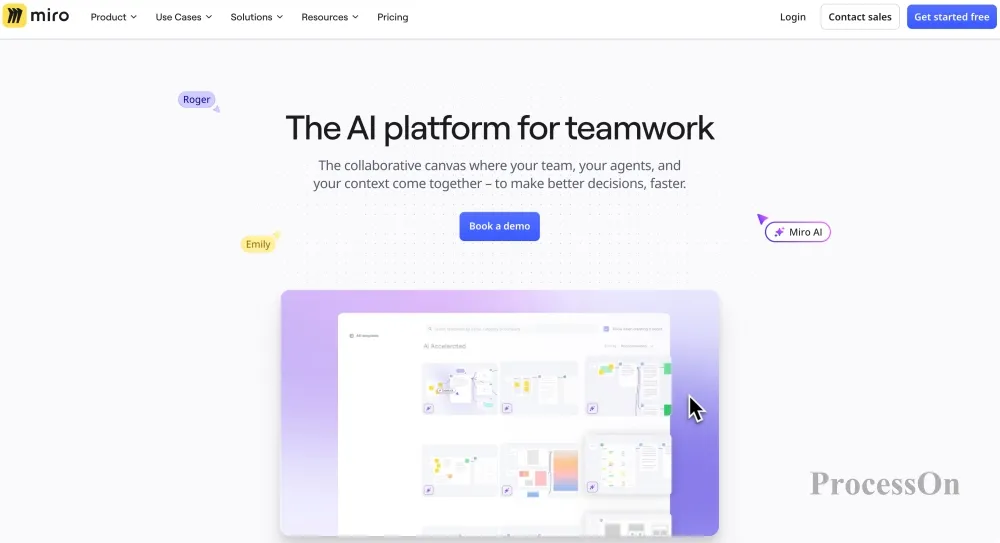
Miro is a visual collaboration platform centered around online whiteboards and team collaboration, primarily used for brainstorming, project planning, user experience design, and team knowledge organization. Compared to more professional graphics platforms like Lucidchart and ProcessOn , Miro is positioned more as a "collaborative space." It not only focuses on graphic creation but also emphasizes team members discussing, editing, and accumulating information around the same canvas.
Miro AI allows users to quickly generate and organize visual content using natural language. For example:
"Create an e-commerce product launch process, including market research, product design, development and testing, launch promotion and performance analysis."Miro AI can generate basic process structures based on descriptions and help users quickly organize task relationships. For scenarios requiring rapid idea organization and facilitating team discussions, Miro AI can effectively reduce information processing costs.
Miro's most distinctive feature is its open collaborative experience. It offers a workflow similar to an infinite canvas, allowing teams to complete tasks in the same space: product planning, user journey analysis, creative brainstorming, project management, and strategic planning.
Compared to traditional flowchart tools, Miro's advantage lies in real-time multi-user collaboration, comment feedback, and information integration, rather than in the detailed drawing of complex diagrams.
However, because Miro is more of a whiteboard collaboration tool, it has certain limitations in professional diagramming, such as complex UML diagrams, ER data models, large system architecture diagrams, and standardized enterprise process models. For professional-level process modeling or technical architecture design, specialized flowchart tools would be more suitable.
Miro AI is better suited for: product managers to conduct requirements analysis and product planning, designers to create user flow and experience maps, remote teams to conduct online collaboration, and enterprise teams to take meeting minutes and organize knowledge.
If the goal is to quickly transform scattered ideas into structured content and support team discussions, Miro AI is an excellent choice.
Experience address
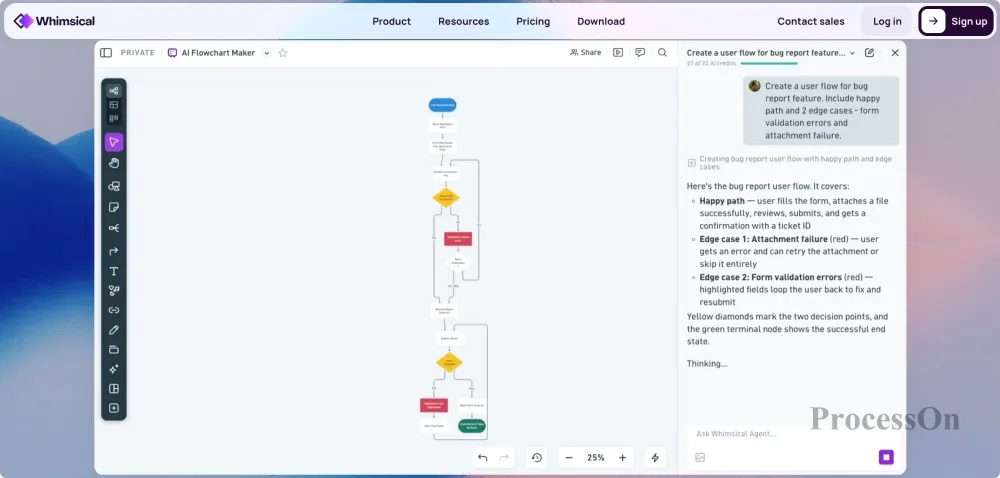
Whimsical is an online visualization tool that emphasizes a simple user experience, primarily used for creating flowcharts, wireframes, mind maps, and user workflows. Compared to more comprehensive platforms like Lucidchart and ProcessOn , Whimsical is positioned as a lightweight platform. It aims to enable users to quickly organize their ideas, rather than spending a lot of time learning complex features.
Whimsical AI allows users to quickly generate basic graphics from text descriptions. For example:
“Create a user registration process that includes visiting the website, filling in information, verifying email, and completing registration.”AI can automatically generate corresponding process nodes and help users quickly organize the structure. For simple business processes, product design processes, and user experience processes, Whimsical AI can significantly improve production efficiency.
Whimsical's most notable feature is its clean and simple interface. It reduces complex toolbars and advanced settings, allowing users to quickly complete tasks such as process streamlining, product planning, user journey design, and page logic organization. This design is ideal for product managers, designers, and startup teams.
However, due to its lightweight design, it has limitations in handling complex professional diagrams, such as advanced UML diagrams, large system architecture diagrams, and complex enterprise process models. For processing highly technical diagrams, a more comprehensive tool would be more suitable.
Whimsical AI is better suited for: product managers to quickly organize requirements, UX designers to design user processes, and startup teams to brainstorm.
If your goal is to quickly create a clear and aesthetically pleasing flowchart, Whimsical is a good choice.
Experience address
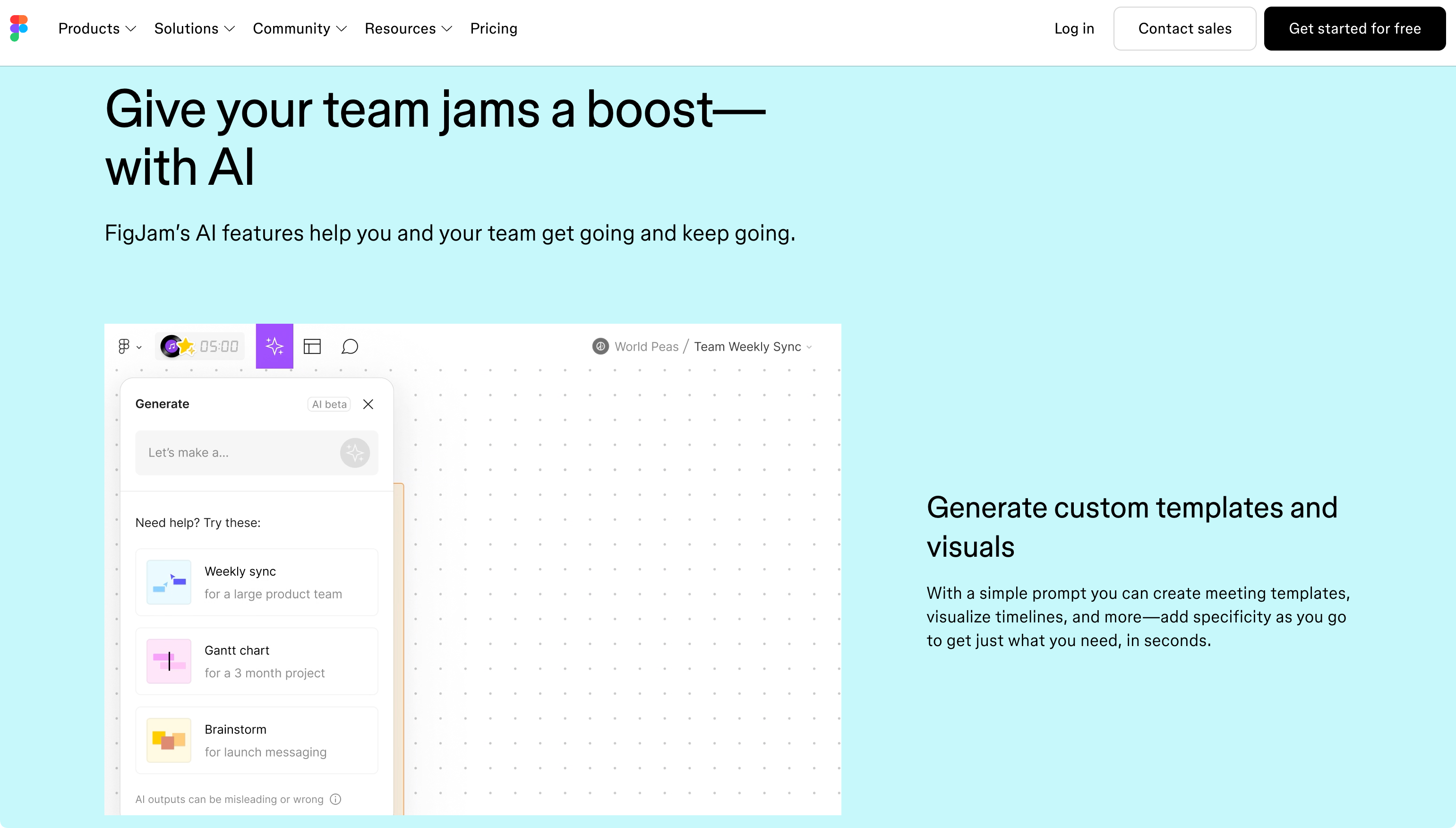
FigJam is an online collaborative whiteboard product launched by the design tool Figma. FigJam 's core user group is UI/UX design teams, so it focuses more on design process, user experience and team discussion.
FigJam AI can help teams quickly generate: user flows, product plans, mind maps, and brainstorming content. For example, a design team can input:
"Create a mobile application user registration experience process."AI can quickly generate basic user workflows to help teams engage in discussions.
FigJam 's advantage lies in its integration with the Figma ecosystem, allowing design teams to quickly switch between Figma design drafts, FigJam flowcharts, and user research materials.
FigJam a very natural user experience for internet product design teams .
FigJam is more of a design collaboration tool than a professional flowchart software. If users need UML modeling, database ER diagrams, software architecture design, or enterprise process management, then tools like ProcessOn and Lucidchart would be more suitable.
Experience address
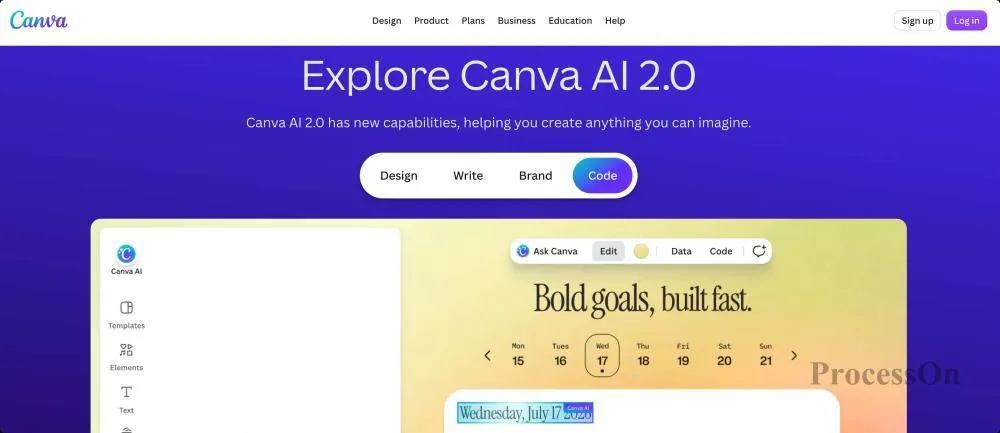
Canva is a globally popular online design platform that has been continuously incorporating AI design capabilities in recent years. Compared to professional flowchart software, Canva's advantage lies not in complex process modeling, but in quickly creating aesthetically pleasing visual content.
Canva AI can help users generate: infographics, simple flowcharts, presentation visuals, and marketing materials. For example:
"Create a flowchart for the company's recruitment process."Canva can generate flowchart templates with visual design effects.
Canva's biggest advantage is its simplicity. Users don't need to learn complex graphics tools to quickly create content suitable for display through template selection, drag-and-drop editing, and style adjustments.
Therefore, it is ideal for: marketers, teachers, content creators, and non-professional design users.
Canva prioritizes "aesthetics" over "professionalism." Compared to professional flowchart tools, it has limited ability to express complex logic, fewer professional graphic types, and insufficient support for technical charts.
Canva is convenient for creating visual flowcharts; however, it is recommended to choose a professional tool for business processes or software design.
Experience address
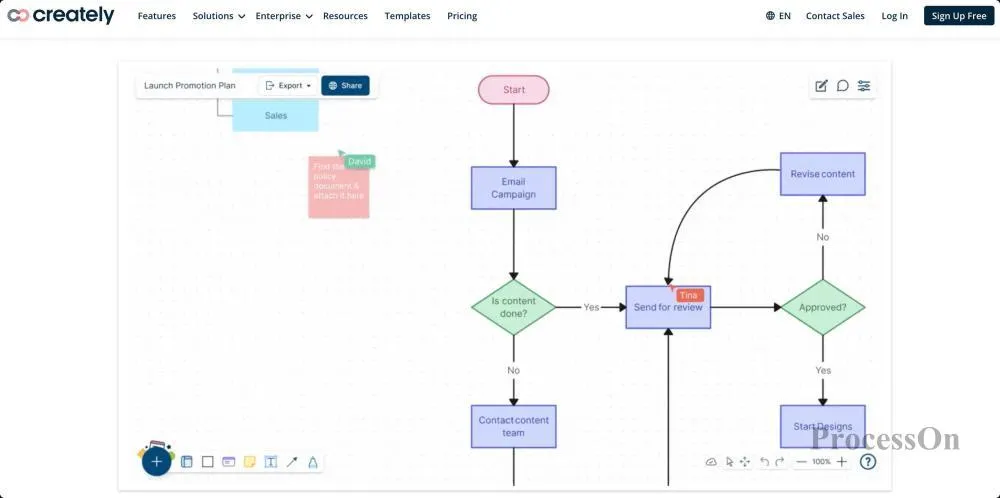
Creately is an online diagramming and collaboration tool for enterprise users. It supports flowcharts, architecture diagrams, mind maps, data models, and project planning diagrams.
Creately AI can help users generate chart structures, node content, and basic layouts based on natural language. Its goal is to lower the barrier to creating complex visual documents. For example:
"Create a software project management process."AI can help generate an initial framework, which users can then adjust.
Creately is characterized by its rich variety of graphic types, numerous enterprise templates, and support for team collaboration, making it suitable for enterprises that need to manage processes and organize knowledge.
Compared to well-known products like ProcessOn and Lucidchart , Creately has relatively lower market recognition. Users looking for software with a mature ecosystem typically prioritize platforms with stronger brand influence.
Experience address
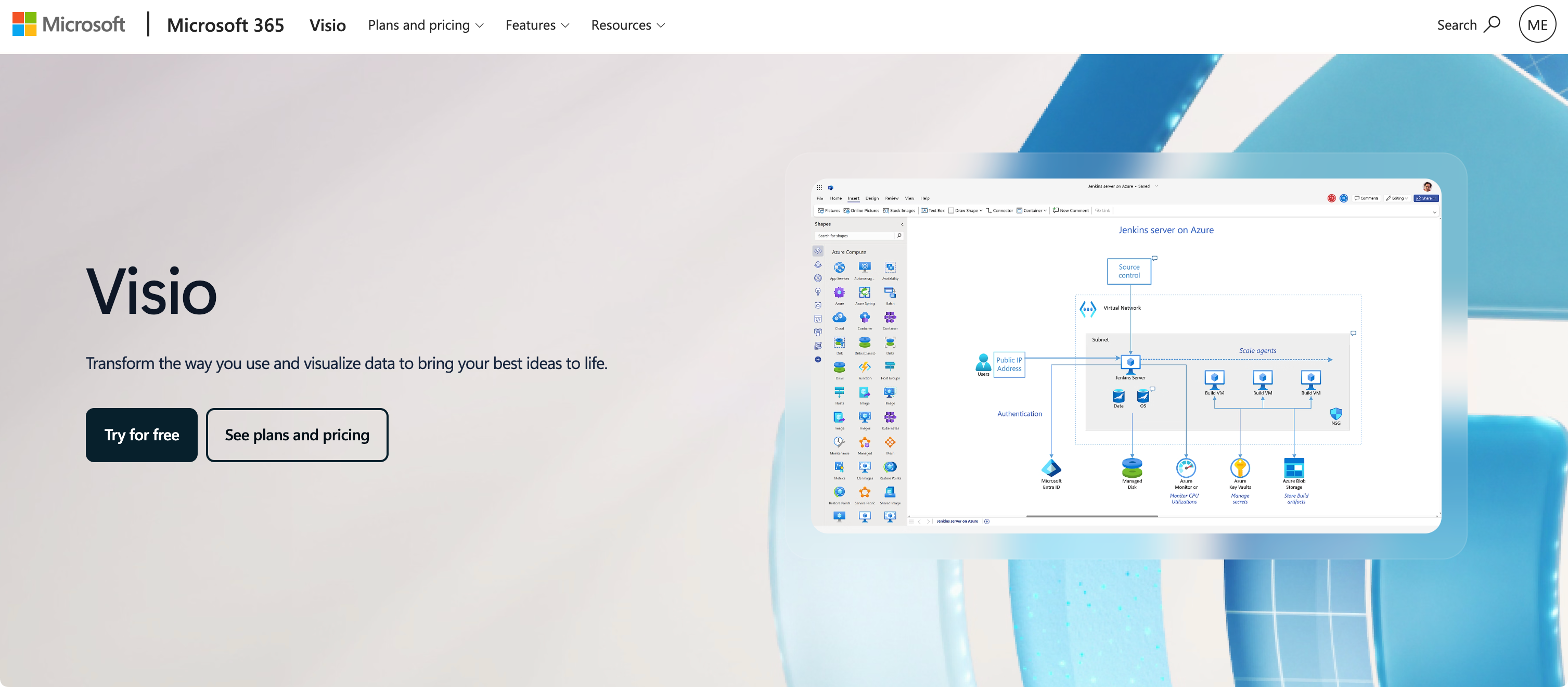
Microsoft Visio is a classic flowchart software from Microsoft, long used in enterprise IT, business processes, and engineering design. With the development of the Microsoft Copilot ecosystem, Visio has gradually incorporated AI-assisted capabilities.
Visio AI primarily helps users: quickly create diagrams, optimize process structures, and generate visual content based on data. For enterprise users already using Microsoft 365, Visio's ecosystem advantages are very significant.
Visio has accumulated a large collection of professional diagrams over the years: flowcharts, network diagrams, engineering diagrams, organizational charts, and architecture diagrams. Visio remains highly regarded, especially within large enterprises.
Visio's main problems are: a high learning curve, a high barrier to entry, and a high price for advanced features. For ordinary individual users or those who want to quickly generate flowcharts online, it is not the most lightweight option.
Experience address
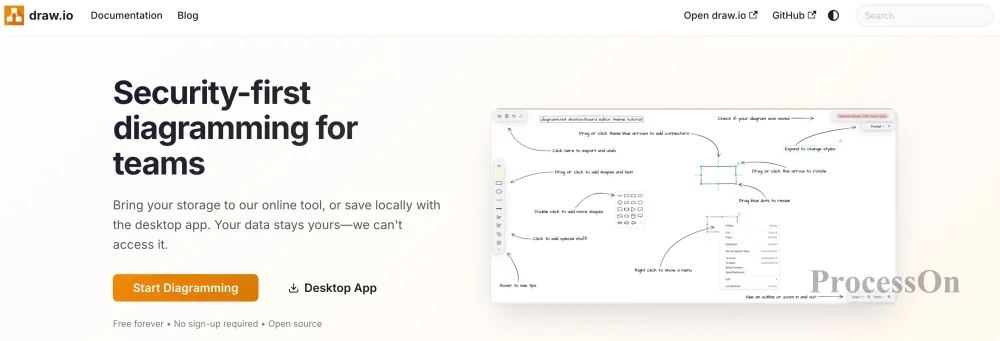
diagrams.net (formerly draw.io) is a well-known free online drawing tool. Although it is not currently the leading product among AI flowchart tools, it remains an important choice for many users when creating flowcharts due to its long-established user base and brand influence.
draw.io supports: flowcharts, UML diagrams, network topology diagrams, architecture diagrams, and database models.
Its biggest advantages are: it's free, open source, can be used without registration, and supports local file saving.
Compared to next-generation AI flowchart tools, draw.io's AI capabilities are relatively limited. Users typically need to: manually create nodes, adjust the layout themselves, and maintain the process logic themselves.
Therefore, it is more suitable for: technical personnel who are familiar with flowchart drawing, and users who need free tools.
If you want to generate a flowchart directly from a single sentence, tools like ProcessOn AI and Lucidchart AI are more convenient.
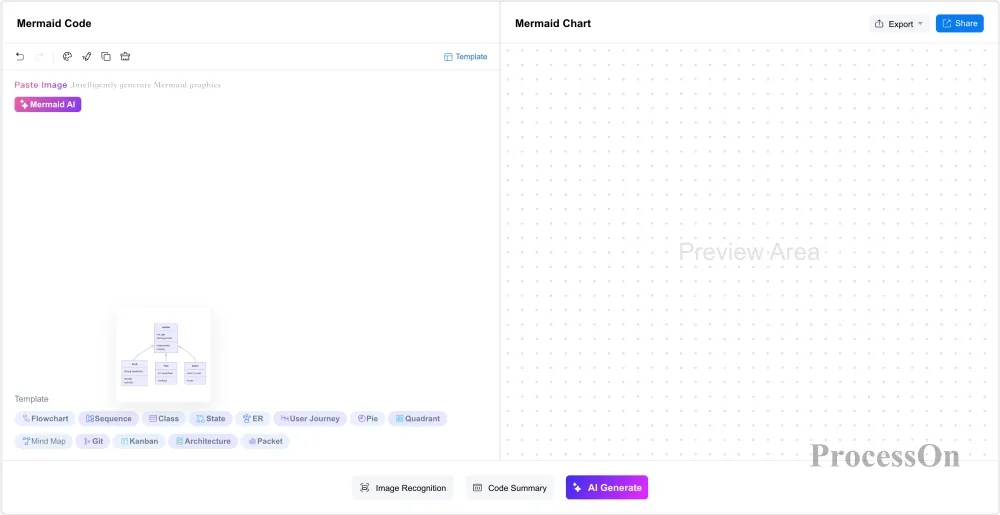
Mermaid is a tool for generating charts from text and code. It is widely used in GitHub, Markdown documents, technical blogs, and software project documentation.
Mermaid itself offers powerful AI capabilities and supports intelligent image recognition, generating Mermaid codes based on natural language. For example, user input:
"Generate a user login flowchart."AI can generate:
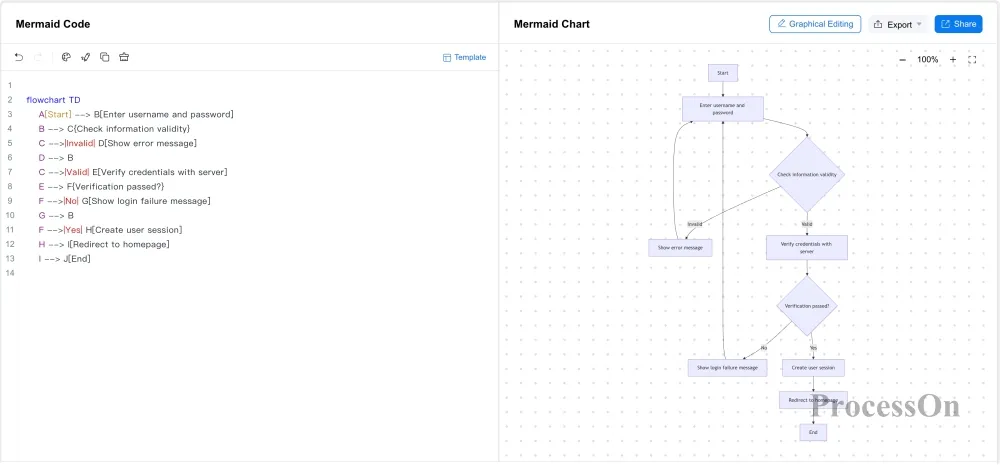
Mermaid generates user login flowchart
Mermaid's greatest value lies in its code-based management, convenient version control, and suitability for development processes.
For ordinary users: they need to understand the syntax, have limited visual editing skills, and also need to optimize the style through graphical editing.
Different users have different needs for flowchart tools, and there is no absolutely best product.
If you need AI-generated content that also supports professional editing
Recommendation: ProcessOn AI
Suitable for needs such as: AI generation; various professional graphics; online collaboration; and long-term file management.
If you are a corporate team
Recommended: Lucidchart / ProcessOn / Microsoft Visio
Enterprise users are typically more concerned with: access control; team collaboration; file management; and data security.
If you are a product manager or designer
Recommended: ProcessOn / Miro / Whimsical / FigJam
These tools are better suited for: product processes; user journeys; requirements analysis; and creative discussions.
If you are a programmer
Recommended: ProcessOn / Mermaid / draw.io
Developers typically need: UML; system architecture; data model; technical documentation.
Q1: Will AI flowchart tools replace traditional flowchart software in the future?
In the short term, AI flowchart tools will not completely replace traditional flowchart software, but will become an important auxiliary tool in the process of process design.
Traditional flowchart software still has advantages in professional drawing, complex graphic editing, team collaboration, and enterprise-level applications, such as professional scenarios like UML, ER diagrams, BPMN, and system architecture diagrams.
The greatest value of AI flowchart tools lies in lowering the barrier to entry. Users only need to input text descriptions, and AI can quickly generate a process framework, which can then be manually adjusted and refined.
The future development trend is more likely to be a combination of "AI generation + human editing + professional drawing" rather than completely replacing traditional tools.
Q2: Who are the AI flowchart tools suitable for?
AI flowchart tools are suitable for users who need to quickly organize information and express complex logic, including:
Product Manager: Quickly draw product process, user journey, and requirements analysis diagrams;
Project Manager: Outline project plans, workflows, and task relationships;
Programmers and technicians: design system architecture, business processes, and technical solutions;
Teachers and students: Create course knowledge structure diagrams;
Corporate Team: Conducting meetings, business planning, and process optimization.
Compared to traditional drawing methods, AI flowchart tools can help non-professional users complete visual representations more quickly.
Q3: Are the flowcharts generated by AI accurate? Do they need to be manually adjusted?
AI-generated flowcharts can quickly complete structural design, but they usually still require manual review and optimization.
For simple scenarios, such as user registration processes, project execution processes, product development processes, and business approval processes, AI can usually generate relatively accurate initial drafts.
However, for complex business processes, technical architectures, or internal enterprise procedures, AI may not be able to fully understand the hidden logic, requiring users to further adjust the node relationships, judgment conditions, and technical terminology.
Therefore, AI flowcharts are more suitable as a "tool for quickly creating initial drafts" rather than a complete replacement for human design.
Q4: What capabilities should you look for when choosing an AI flowchart tool?
When choosing an AI flowchart tool, you shouldn't just focus on whether it supports AI generation; you also need to consider other factors:
AI-generated quality: Whether it can accurately understand the needs of natural language;
Supported diagram types: Whether it supports multiple diagrams such as flowcharts, mind maps, UML diagrams, and ER diagrams;
Editing capabilities: How easily can the generated code be modified and optimized?
Template resources: Does it provide a wide range of industry templates?
Collaboration capabilities: Does it support multi-person online editing and sharing?
Data security: Enterprise users need to pay attention to data storage and privacy protection.
An excellent AI flowchart tool should possess both AI efficiency and professional drawing capabilities.
AI makes flowchart creation simpler, but a tool truly suitable for the workplace needs to not only be able to generate flowcharts with a single click, but also support subsequent editing, various professional graphics, team collaboration, template accumulation, and long-term knowledge management.
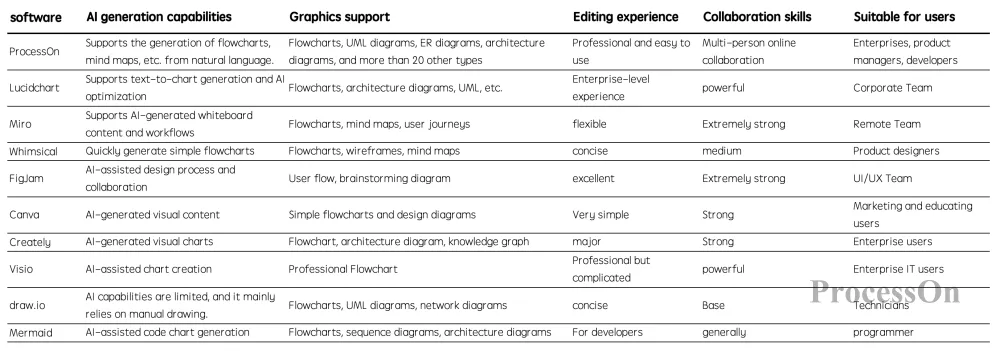
Comparison chart of the capabilities of 10 AI flowchart software programs
If your only requirement is to quickly generate simple flowcharts, tools such as Whimsical and Canva can meet your needs.
If you need to handle complex scenarios such as business processes, product design, software development, and system architecture simultaneously, choosing a platform that supports AI generation and professional editing capabilities will be more efficient.
Considering its overall AI capabilities, graphical coverage, collaborative experience, and usage cost, ProcessOn AI is one of the most comprehensive AI flowchart solutions currently available for individual users and enterprise teams.