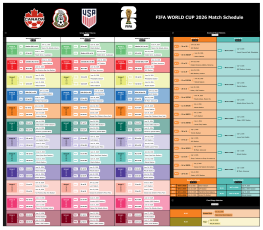
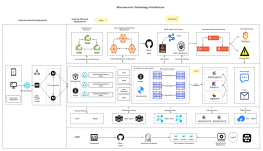
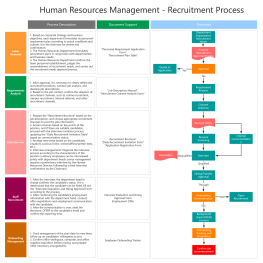
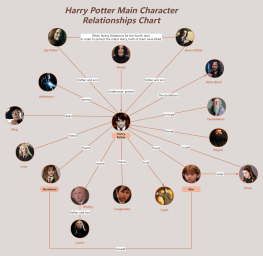
Process Type
Graphical expression
Mind Type
Structured expression
Note Type
Efficient expression
Treemap
Bracket Diagram

Default Mode





In today's fast-paced workplace, flowcharts have become a core tool for streamlining complex logic, optimizing collaborative processes, and improving decision-making efficiency. However, traditional flowcharting methods often face pain points such as "time-consuming creation from scratch," "high barriers to information extraction," "difficulty in adapting to multilingual scenarios," and "unprofessional visual presentation." ProcessOn's newly upgraded AI-powered flowchart tool redefines flowchart design efficiency standards through four core capabilities: intelligent generation, content parsing, multilingual support, and one-click beautification, helping users achieve a leap from "manual drawing" to "AI-driven creation."
Use cases
1. For non-professional users, the complex and diverse types of charts, such as flowcharts, UML diagrams , and Gantt charts, can often feel overwhelming. In such cases, ProcessOn AI can help users easily describe their needs and generate professional-looking charts for learning and reference .
2. In project management, numerous stages and tasks are involved from project initiation to completion, such as project planning, task allocation, and progress tracking. Traditionally, manually drawing flowcharts is not only time-consuming and laborious but also prone to omissions or errors. However, using flowchart AI features allows for the rapid and accurate creation of project flowcharts, Gantt charts, and other chart frameworks, followed by manual modification of details, saving time on chart creation.
AI solutions
Select the type of diagram to generate (flowchart/organizational chart/UML diagram/Gantt chart/timeline, etc. ), describe the requirements in the input box (e.g., "generate an e-commerce order processing flowchart, including payment, logistics, and after-sales links"), and the AI will automatically identify key information and generate a visual chart with a clear structure and complete nodes.

Use cases
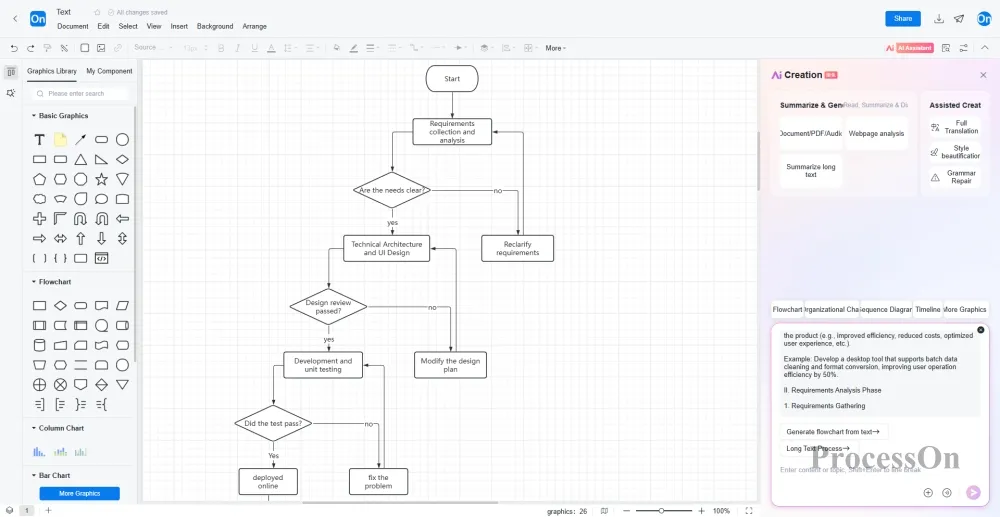
1. In our work, we often need to gather information from various sources and organize it into structured flowcharts. Manually extracting key process steps from long documents, meeting recordings, or web pages is time-consuming and prone to omissions . AI-powered tools can be used to recognize and analyze text content, generating editable flowcharts .
AI solutions
Intelligent summary and analysis: Upload documents, PDFs, web links or audio files, and AI will automatically extract core process nodes and generate standardized flowcharts (such as converting product requirement documents into development task flowcharts).
Use cases
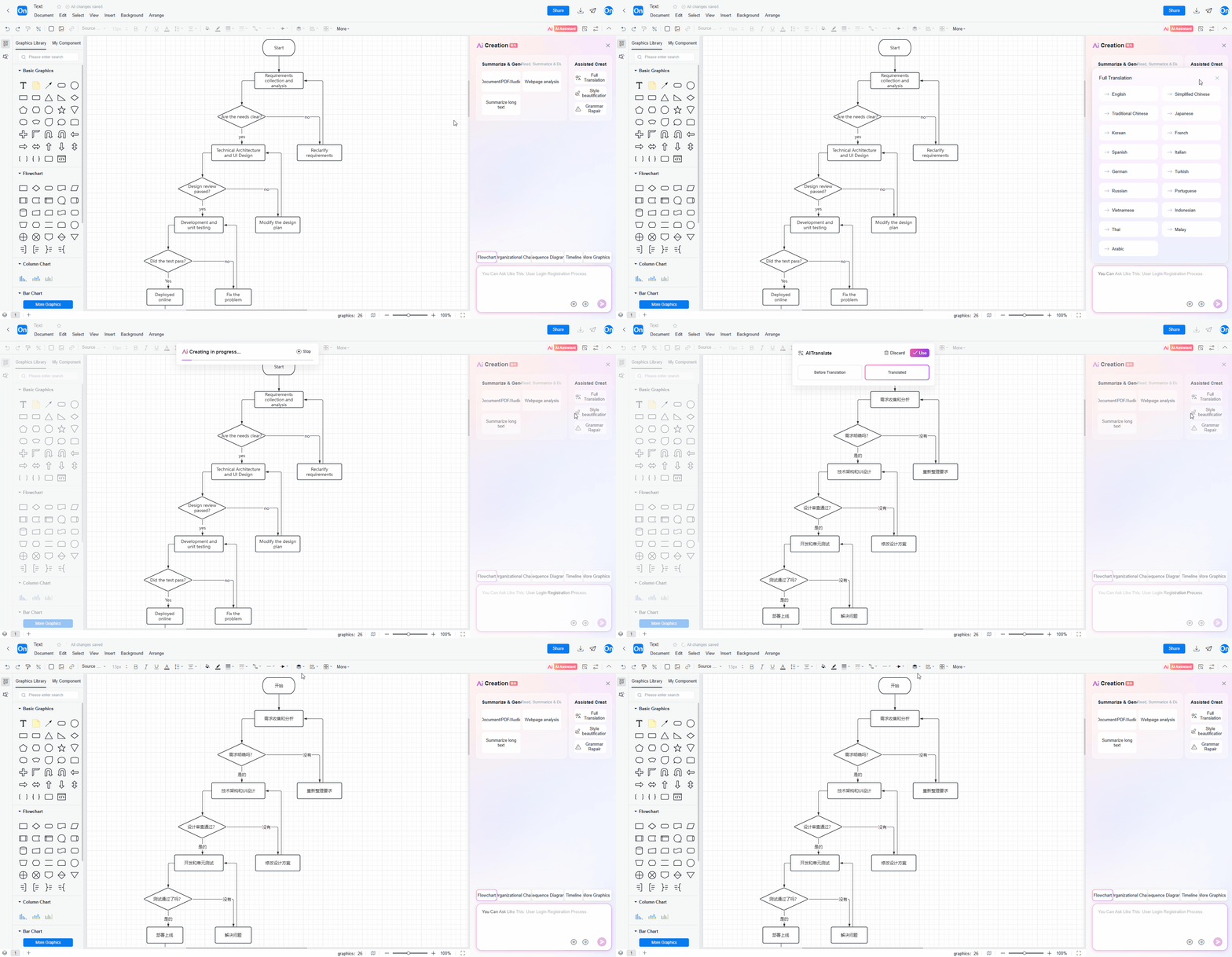
in multinational teams , flowcharts in different languages may be used for communication and collaborative editing , requiring repeated translation and adjustments . Using AI translation functions, flowcharts can be translated into commonly used languages with a single click, allowing for further editing and modifications, thus improving the efficiency of multinational collaboration.
AI solutions
of charts : You can select a part of the content to translate or translate the whole text directly in the flowchart editor. It supports mutual translation between 17 languages including Chinese, English, French, and German . It can also check and fix the grammar of the text in the chart with one click.
One-click export of multi-language versions: The same flowchart can be batch generated in different languages to ensure consistent understanding by the global team.
Application scenarios
Manually adjusting flowchart colors, fonts, and alignment is time-consuming and produces inconsistent results. Users without a design background often struggle to create visually appealing charts . With AI's intelligent style enhancement feature, you only need to fill in the text, and AI will generate flowcharts with various color schemes for you to choose from.
AI solutions
One-click intelligent beautification: After completing the flowchart draft, click the AI " Style Beautification" button, and AI will automatically generate multiple color schemes such as business style, technology style, and minimalist style to choose from .
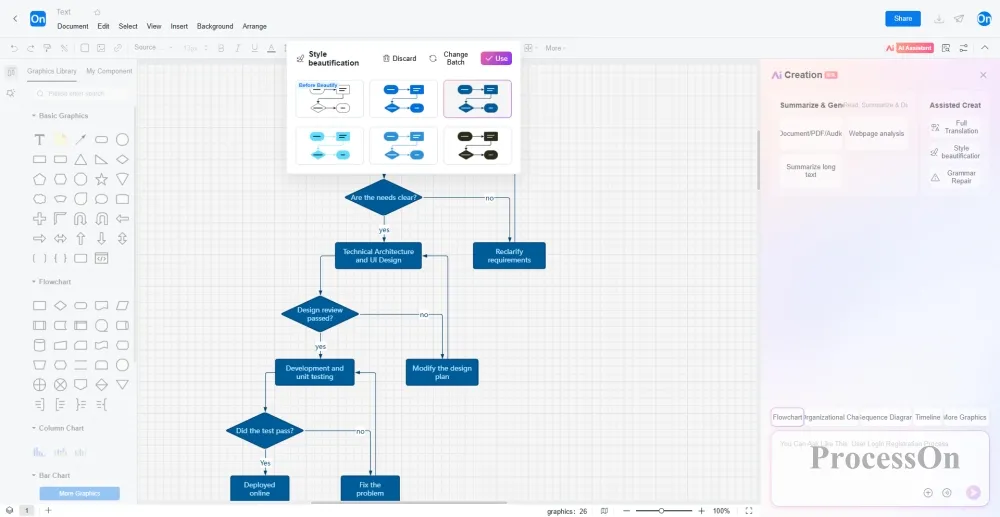
The emergence of AI has transformed flowchart drawing from a skill exclusive to professionals into a highly efficient tool that everyone can easily master. It significantly reduces the time-consuming process of traditional drawing methods to instantaneous generation in seconds, ensuring that urgent tasks are no longer delayed due to drawing issues and that cross-language collaboration is no longer hampered by translation and redrawing.
ProcessOn's AI-powered flowchart tool doesn't simply replace manual drawing; rather, it liberates users from repetitive tasks through end-to-end intelligent processing—from requirement understanding and information extraction to language adaptation and visual presentation—allowing them to focus on process optimization and innovative thinking. Whether it's urgent tasks, cross-team collaboration, or global communication, AI can become your "invisible drawing assistant," helping to achieve an exponential leap in productivity.