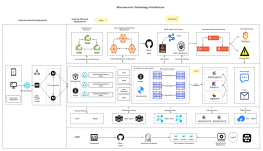
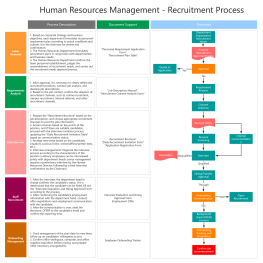
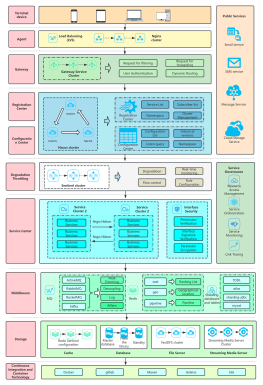
Process Type
Graphical expression
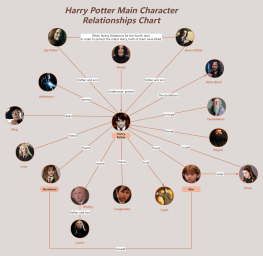
Mind Type
Structured expression
Note Type
Efficient expression
Treemap
Bracket Diagram

Default Mode





Project management can be complex in many ways—cross-departmental coordination, resource allocation, progress tracking, risk management, stakeholder communication… If any link in the chain goes wrong, the project can go off track. But it can also be simple—deliver the right things to the right people at the right time, and do them the right way.
The reality is that most projects don't fail because "things are too difficult," but because of "information asymmetry." When requirements change, only the product manager knows; when schedules are delayed, only the developers know; when risks emerge, only the project manager knows. Information is constantly lost in transmission, and decisions are constantly delayed while waiting.
In 2026, project management tools will no longer be just efficiency tools for "drawing Gantt charts and building Kanban boards"—AI agents are becoming new members of project teams. They can automatically assign tasks, monitor progress, identify risks, generate reports, and even directly perform repetitive tasks. Project management is shifting from "people chasing tasks" to "AI helping you chase tasks."
This article addresses the real pain points of enterprise project management and recommends six project management tools that are most worth paying attention to in 2026—covering six major scenarios: agile development, cross-functional collaboration, lightweight task management, visual workflow, enterprise-level portfolio management, and visual collaboration.
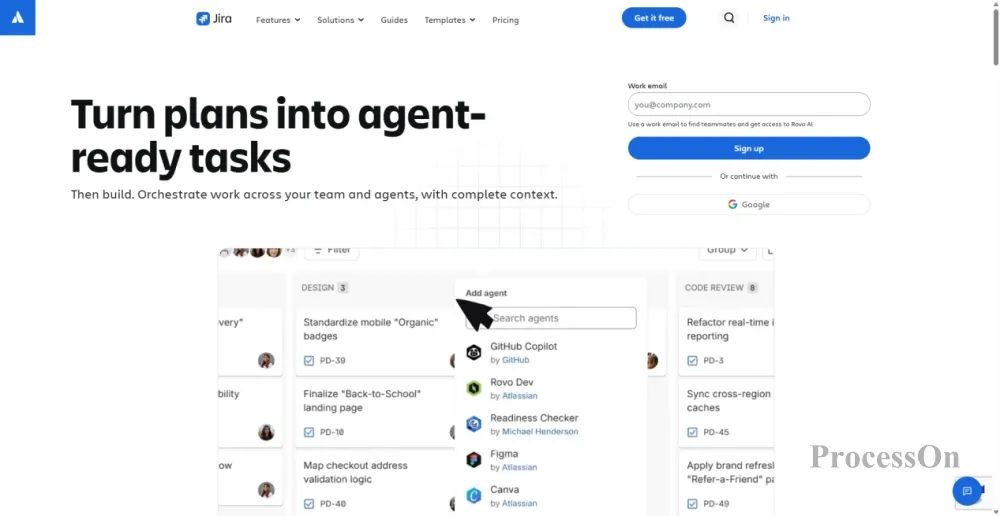
Image source: atlassian.com
Atlassian's flagship project management platform, the standard tool for agile development for software development teams worldwide.
If you ask any software engineer, "What does your company use to manage projects?", nine times out of ten the answer will be Jira. In the software development field, Jira's position is almost unshakeable—it deeply integrates the Scrum and Kanban methodologies, covering the entire software development lifecycle from requirements management, sprint planning, defect tracking to version release.
Jira's core capabilities cover the entire chain from demand to delivery:
AI Agent Collaboration: Delivery Agents can automate repetitive coordination tasks such as health checks, stand-up meeting summaries, and stakeholder updates. You simply describe your team's workflow in natural language, and Rovo will automatically generate a complete project space containing workflows, views, and initial tasks.
The core views have been completely redesigned: work item loading speed is improved by 45%, list and search speed by 48%, and Kanban and to-do list loading speed by 22%. The new List view merges the original list view and All Work view, and supports natural language search and hierarchical viewing.
Capacity planning and formula fields: A new Capacity view has been added to intuitively display the team's workload allocation—who is overloaded and who has spare capacity. The formula field supports describing the calculation logic in natural language, and AI automatically generates the formulas.
AI coding agent integration: You can directly assign jobs to coding agents such as Claude Code, Cursor, and GitHub Copilot within Jira.
Jira for Slack: Use @Jira hints in Slack to directly transform conversations into structured specifications and work items.
Applicable scenarios: Medium to large software R&D teams, agile development practitioners, and projects that require detailed defect tracking and quality management.
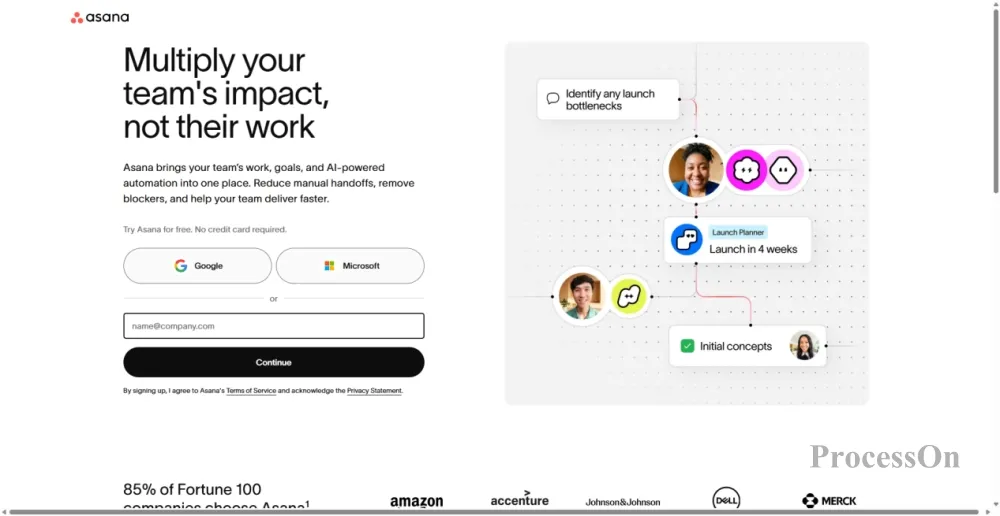
Image source: asana.com
A general-purpose work management platform with task management at its core, covering all departments across the company.
If Jira is "for R&D use only," Asana is "company-wide." From marketing to operations, from product to HR, Asana is widely used for managing various cross-functional workflows. Its core advantages lie in its user-friendly interface, ease of use, and rich templates—any team can build a workflow tailored to their needs within 30 minutes.
Core competencies:
AI Teammate: You can choose from pre-built AI colleagues in the AI Teammate Gallery, or you can build your own (no coding required). They cover work scenarios in multiple departments such as marketing, operations, and IT.
AI Connectors: Deeply integrated with mainstream AI tools such as Claude, ChatGPT, and Gemini. Within a single AI conversation, you can directly create structured projects, assign tasks, monitor progress, and flag risks.
Time and Budget Management: The Timesheets and Budgets plugin provides real-time visualization of project health—accurately track project time, monitor costs and potential revenue using billing rates, and optimize project planning with AI suggestions.
AI Studio: Build and deploy AI workflows without coding—from automatically assigning roles when tasks are converted into projects, to automatically routing work based on more complex rule logic.
Applicable scenarios: Various projects requiring cross-departmental collaboration, marketing campaign management, operational process standardization, and comprehensive work management for startups.
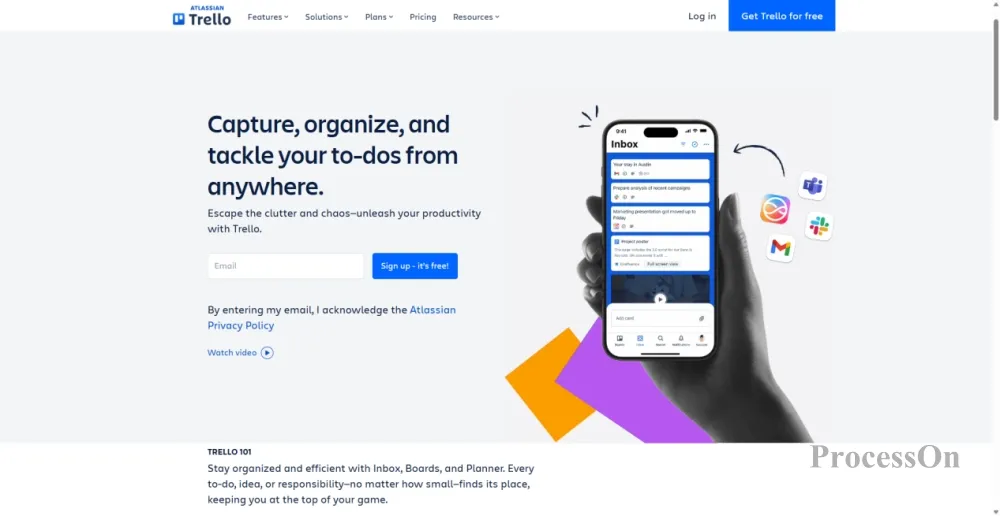
Image source: trello.com
Trello is a lightweight task management tool centered around Kanban boards and organized by cards, known for its ease of use and high level of visualization.
Trello is one of the world's most well-known Kanban tools. Its core concept is extremely simple—Board, List, and Card. A card represents a task and can be dragged and dropped into different lists to indicate status transitions. This intuitive drag-and-drop operation makes Trello virtually inaccessible.
Core competencies:
AI-generated Kanban boards: Describe your goal in natural language (e.g., "plan a team building activity" or "plan a product launch"), and Trello automatically generates structured Kanban boards containing lists and cards. Templates are generic; AI-generated boards are personalized.
AI-generated checklist: With a single click on a card, AI automatically generates a step-by-step checklist based on the title and description. It can be edited, sorted, or regenerated.
AI-recommended focus time: After connecting to your calendar, open any card, and Trello will automatically find available time and recommend focused periods. With active scheduling enabled, Trello will check cards expiring within the next five days daily and automatically reserve time for you.
Card Merge: Drag one card onto another, and AI will automatically merge the title, description, attachments, tags, and custom fields.
Automatically set the deadline from the title: Enter "Submit report by Friday" in the card title, and AI will automatically recognize it and set the deadline to Friday.
AI-generated card cover images: Describe the image you want, and AI will generate it directly.
Applicable scenarios: personal task management, small team collaboration, project management for beginners, and visual workflow tracking.
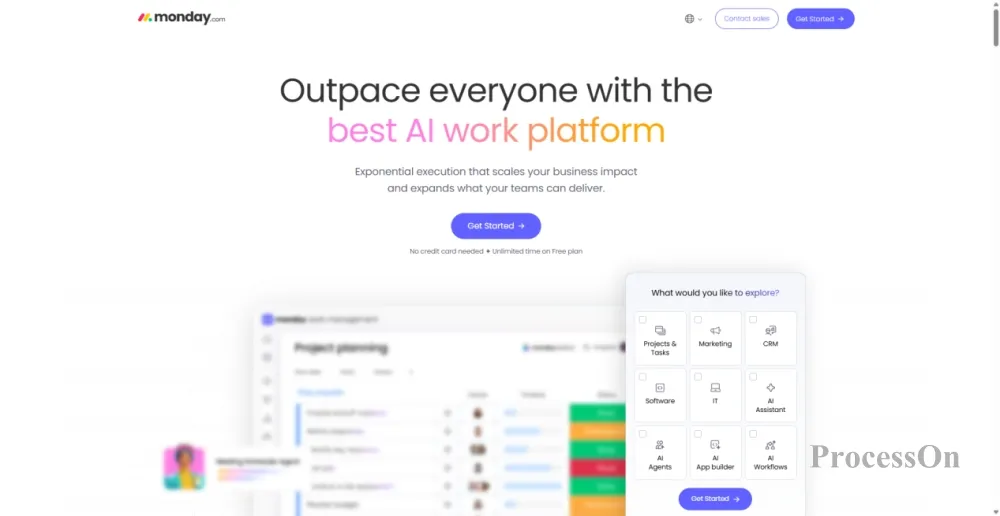
Image source: monday.com
A project management platform with a highly visual working OS at its core, supporting custom workflows.
Monday.com underwent a rebranding in 2026, upgrading from a "project management tool" to an "AI-powered work platform." Its core advantage lies in its highly visual interface—colorful Kanban boards, intuitive drag-and-drop interaction, and over 20 customizable column types (progress, timeline, formulas, etc.). Whether you're managing projects, CRM, HR, or tracking budgets, you can build everything on a single platform.
Core competencies:
Native AI Agent: Functions cover common enterprise scenarios such as drafting marketing plans, screening sales leads, routing customer service work orders, generating business reports, executing project workflows, and handling budget approvals. The agent operates under human supervision and fully complies with the platform's security mechanisms and access control.
One-click connection to external AI: Supports one-click connection to mainstream AI platforms such as Claude, ChatGPT, Copilot, and Gemini. Users can access various large language models through the AI Platform Gateway.
Automation Templates: Offers 200+ automation templates based on the "if this, then that" pattern. Monday AI can automatically recommend automation rules based on the Kanban board structure.
Mobile Restructuring: The mobile experience has been fully upgraded, integrating the Sidekick assistant and intelligent agent management into a unified interface, allowing project leaders to coordinate work anytime, anywhere.
Suitable scenarios: Teams that seek a visual experience, small to medium-sized teams that require highly customizable workflows, and cross-departmental collaborative projects.
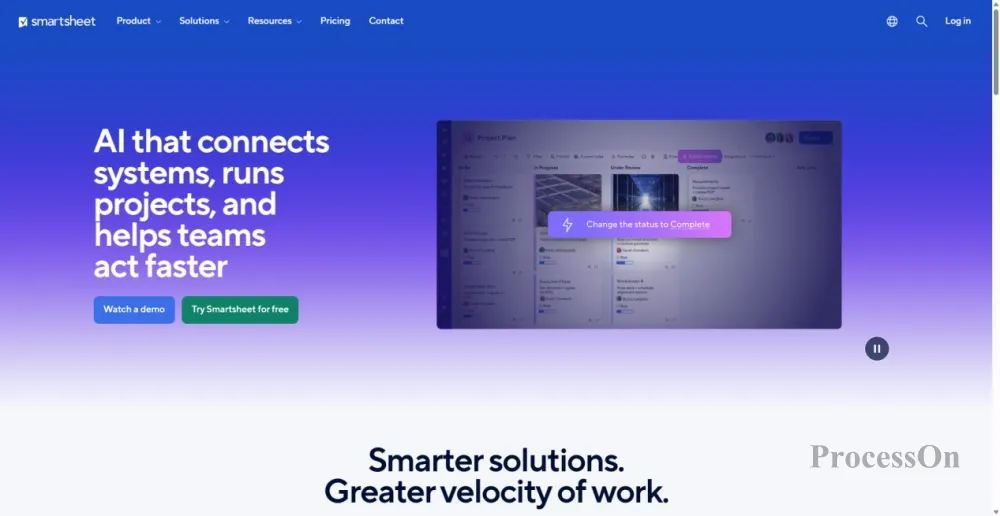
Image source: smartsheet.com
A powerful work platform with spreadsheets as its underlying logic, designed for enterprise-level project portfolio management.
Smartsheet stands out among project management tools—its interface resembles Excel, but its functionality far surpasses it. For teams already accustomed to managing projects with Excel, Smartsheet has virtually no learning curve, yet it offers enterprise-grade features such as automated workflows, real-time collaboration, dashboards, and AI capabilities.
Core competencies:
Portfolios (project portfolio management): Provides standardized templates and automated project creation, significantly reducing manual setup time. A centralized project list and summary allow teams to track progress, prioritize effectively, and keep management informed. Requests can be transformed into actionable project plans in minutes.
Scenario Planning: Test different paths in a dedicated space, compare alternatives, make decisions, and then apply them to the actual plan. You can easily adjust resources, change timelines, and compare different options.
AI Assistant Integration: Through direct integration with mainstream AI assistants such as Claude via MCP Server, you can use natural language to query project lists—ask "which tasks are overdue" or "which projects are at risk," and the AI will provide the answers directly.
Multiple Views: Offers various views including tables, dashboards, timelines, and Gantt charts. Users can choose the most comfortable viewing method based on their work habits.
Applicable scenarios: Enterprise-level PMOs, teams that need to manage multiple parallel projects, teams that are accustomed to using Excel to manage projects, and industries with strong compliance requirements.
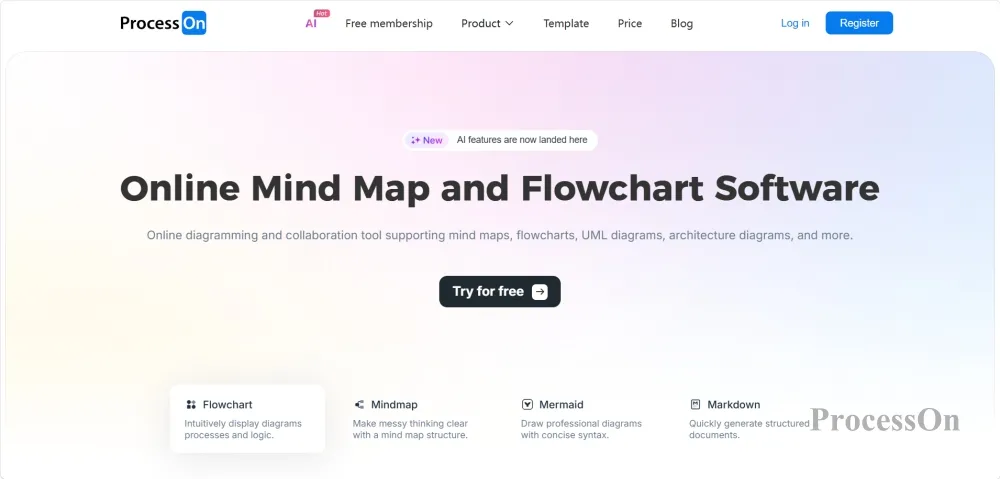
A one-stop online diagramming and collaboration platform that covers visualization needs such as Gantt charts, flowcharts, mind maps, and timelines throughout the entire project management process.
There's a severely underestimated aspect of project management: visualization. Requirements gathering requires mind maps, process design requires flowcharts, schedule planning requires Gantt charts, and architecture design requires architecture diagrams. If these charts are scattered across different tools, the information becomes inconsistent.
ProcessOn was created to solve this problem—it's a platform that covers all the chart types needed for project management. In 2026, ProcessOn fully upgraded its AI capabilities, supporting one-click generation of Gantt charts, flowcharts, mind maps, and other charts.
Core competencies:
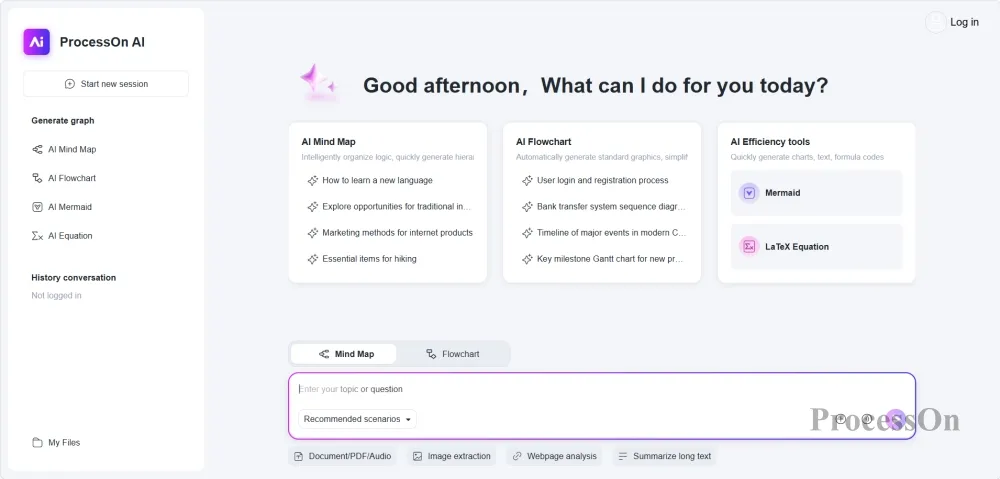
AI-powered one-click Gantt chart generation: This is ProcessOn's most popular feature among project managers. Simply describe your project requirements in natural language, and AI will generate a well-structured, time-sensitive, and task-specific Gantt chart within 10 seconds. AI automatically identifies task content, adds project tasks, and allows you to associate tasks with responsible parties, set deadlines, and priorities. What used to take half an hour to create a Gantt chart now takes only 10 seconds.
AI-generated mind maps: Generate mind maps from a single sentence, automatically breaking them down into multi-layered structures such as goals, strategies, and execution nodes. Suitable for initial requirements gathering and brainstorming in the early stages of a project.
AI-generated flowcharts: Automatically generate flowcharts and swimlane diagrams from text descriptions. Suitable for business process design and project execution path planning.
Massive Template Library: The ProcessOn template community boasts nearly a million template resources, covering various scenarios such as Gantt charts for software projects, product development plans, and graduation thesis progress. Find a suitable template and clone it with one click—no need to start from scratch.
Full coverage of multiple chart types: Supports dozens of chart types including flowcharts, mind maps, Gantt charts, fishbone diagrams, swimlane diagrams, UML diagrams, organizational charts, and timelines.
Cloud storage and team collaboration: All files are automatically stored in the cloud, supporting multi-device synchronization, and team members can collaborate and edit in real time. Historical versions are traceable, so you no longer need to worry about accidental changes or loss.
Applicable scenarios: Project planning and scheduling, requirements analysis and brainstorming, process design and optimization, project reporting and document compilation.
Q1: How should I choose between Jira and Asana?
A: Jira is suitable for software development teams—it deeply supports Scrum/Kanban, defect tracking, and version control, making it the "industry standard" for development projects. Asana is suitable for cross-functional collaboration—it can be used by various departments such as marketing, operations, HR, and product, and has a more user-friendly interface that is easier to learn. Key selection criteria: If the team is primarily composed of developers, choose Jira; if the team spans multiple departments, choose Asana.
Q2: What is the difference between Trello and Monday.com?
A: Trello is a lightweight Kanban tool—minimalist, intuitive, and easy to learn, suitable for individual task management and small team collaboration. Monday.com is a more powerful work OS—supporting custom columns, automation, AI agents, and other advanced features, suitable for medium to large teams with complex workflows. Simply put: Trello is "good enough," while Monday.com is "all you need."
Q3: How is Smartsheet different from other tools?
A: The core difference with Smartsheet lies in its underlying spreadsheet-style logic. For teams already accustomed to managing projects with Excel, the learning curve for Smartsheet is virtually zero. At the same time, it offers enterprise-level features—portfolio management, scenario planning, resource management, etc.—making it the best transitional choice for Excel users migrating to professional project management tools.
Q4: What is the relationship between ProcessOn and other project management tools?
A: ProcessOn is not a replacement for Jira/Asana/Trello, but rather a complement to them. Jira/Asana/Trello handles "task management"—who does what and when. ProcessOn handles "visualization"—using Gantt charts to show the overall project, flowcharts to outline business processes, and mind maps to organize requirements. They are used together: manage tasks in Jira, and create diagrams in ProcessOn—each has its own function and they do not replace each other.
Q5: What will be the biggest change in project management tools in 2026?
A: AI agents have evolved from "auxiliary tools" to "team members." Jira's AI Agent can be assigned tasks and track progress; Asana's AI Teammate is directly embedded in workflows and automates multi-step tasks; Monday.com's AI agent can draft proposals, filter leads, and execute workflows; Trello's AI features cover Kanban board generation, checklists, and focus time recommendations. Project management is shifting from "people chasing tasks" to "AI helping you chase tasks."
Q6: Which tool should a small team start with?
A: I recommend starting with Trello—it's free, intuitive, and has no learning curve, making it suitable for small teams of 2-10 people. When your team grows to 10 or more people and requires more complex permission management and workflows, you can consider upgrading to Asana or Monday.com. If you need to manage software development projects, choose Jira directly. ProcessOn, as a visualization tool, can be used in conjunction with any of the above—use Trello to manage tasks and ProcessOn to create Gantt charts and flowcharts.