Process Type
Graphical expression
Mind Type
Structured expression
Note Type
Efficient expression
Treemap
Bracket Diagram

Default Mode





Years of university is a journey of information overload—5-8 courses per semester, each course with dozens of PPT slides and hundreds of textbook pages, plus literature reading, group projects, thesis writing, certification exam preparation... Information keeps pouring in, but what really stays in your mind is often very little.
The root cause of many students' "hard work but low efficiency" is not that they don't work hard enough, but that they haven't used the right tools.
Today in 2026, the learning tools available to college students have undergone a qualitative change—notes are no longer fragments scattered in textbooks and mobile phone memos, but a "second brain" that can be linked in two directions; literature management is no longer a manual task of sorting dozens of PDFs, but an automated process of one-click capture and one-click citation; review is no longer an ineffective cycle of repeatedly flipping through books but not being able to remember, but precise memorization based on spaced repetition algorithms.
Tools won't learn for you, but good tools can maximize the return on every minute you spend learning.
selects six essential learning tools for college students in 2026 from six dimensions: knowledge visualization , note management, literature management, memory enhancement, and AI assistant—all of which are available for free or at a low cost to students.
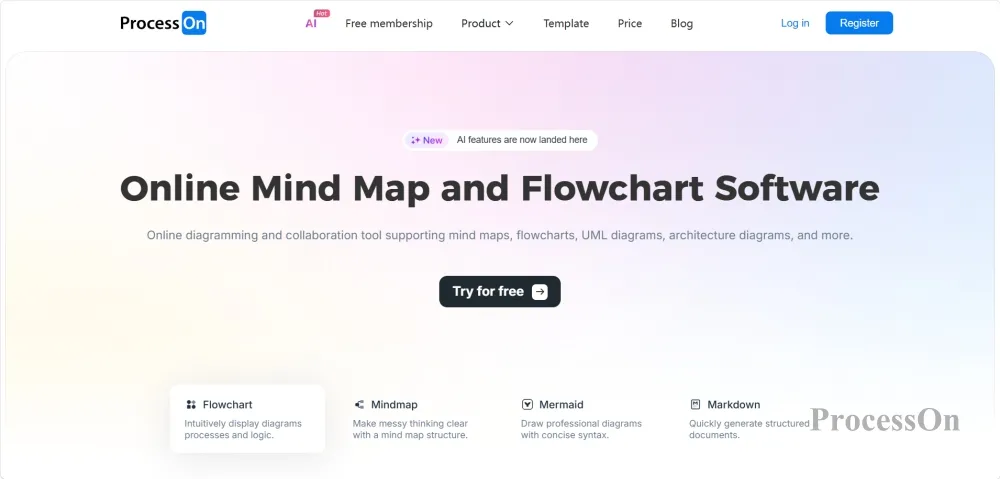
ProcessOn is a one-stop online diagramming and collaboration platform that supports dozens of diagram types, including mind maps, flowcharts, UML diagrams, sequence diagrams, ER diagrams, and technology roadmaps . It can be used directly in a browser.
In university studies, much knowledge cannot be clearly understood through text alone—course frameworks, knowledge systems, paper structures, project planning, experimental procedures… A diagram is more effective than a thousand words. ProcessOn was created precisely for this purpose.
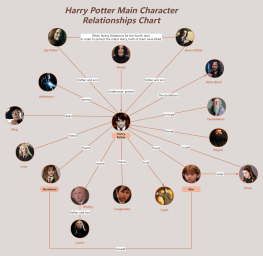
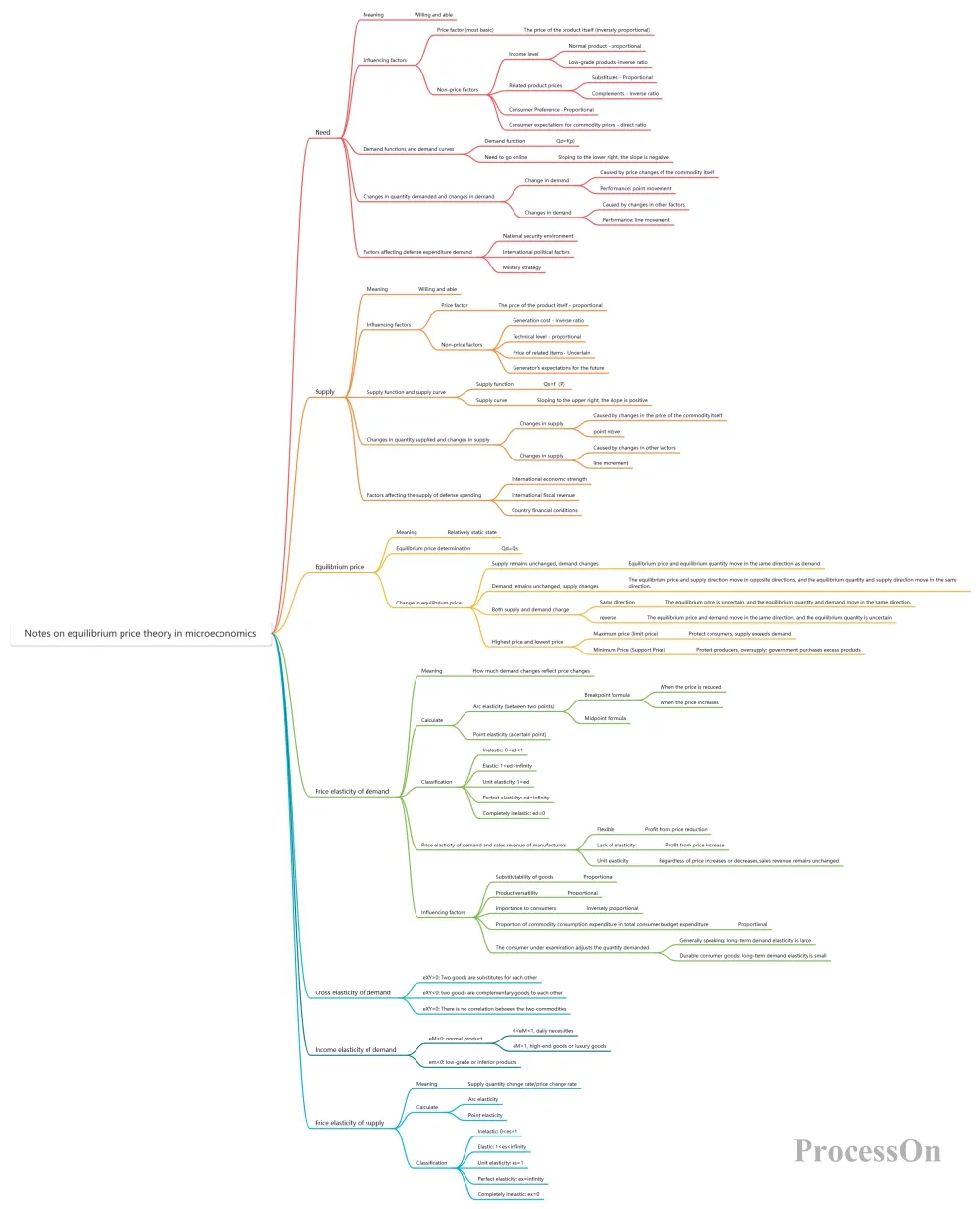
Mind Mapping – Knowledge Organization: At the beginning of each semester, use a mind map to draw out all the knowledge points of a course – main headings → chapters → sections → key concepts. Continuously supplement the map throughout the semester, and during final review, use a single map to cover the entire semester's content.
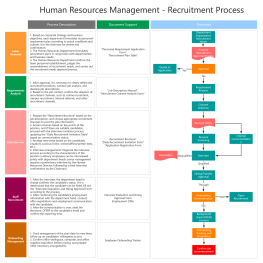
Flowcharts – Clarifying Logic: Algorithms in computer science, experimental procedures in biology , and more can all be clearly illustrated using flowcharts. ProcessOn provides standard flowchart symbols (rectangle = operation, diamond = decision, arrow = flow direction), generating a professional flowchart in minutes.
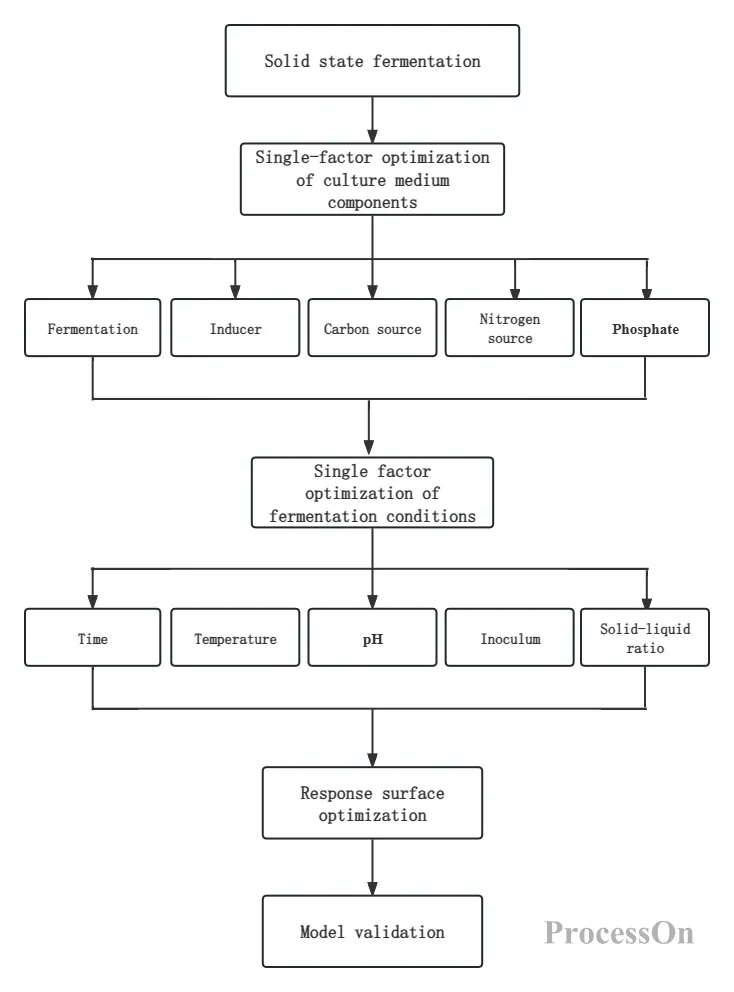
Optimization steps for biological experiments
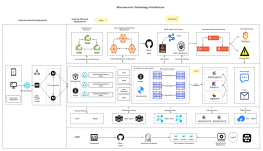
Technology Roadmap – Research Path : When writing a graduation thesis or conducting research projects, use a technology roadmap to demonstrate the research logic, methodology, key steps, and implementation plan , clearly presenting the complete research path "from problem identification to conclusion . "
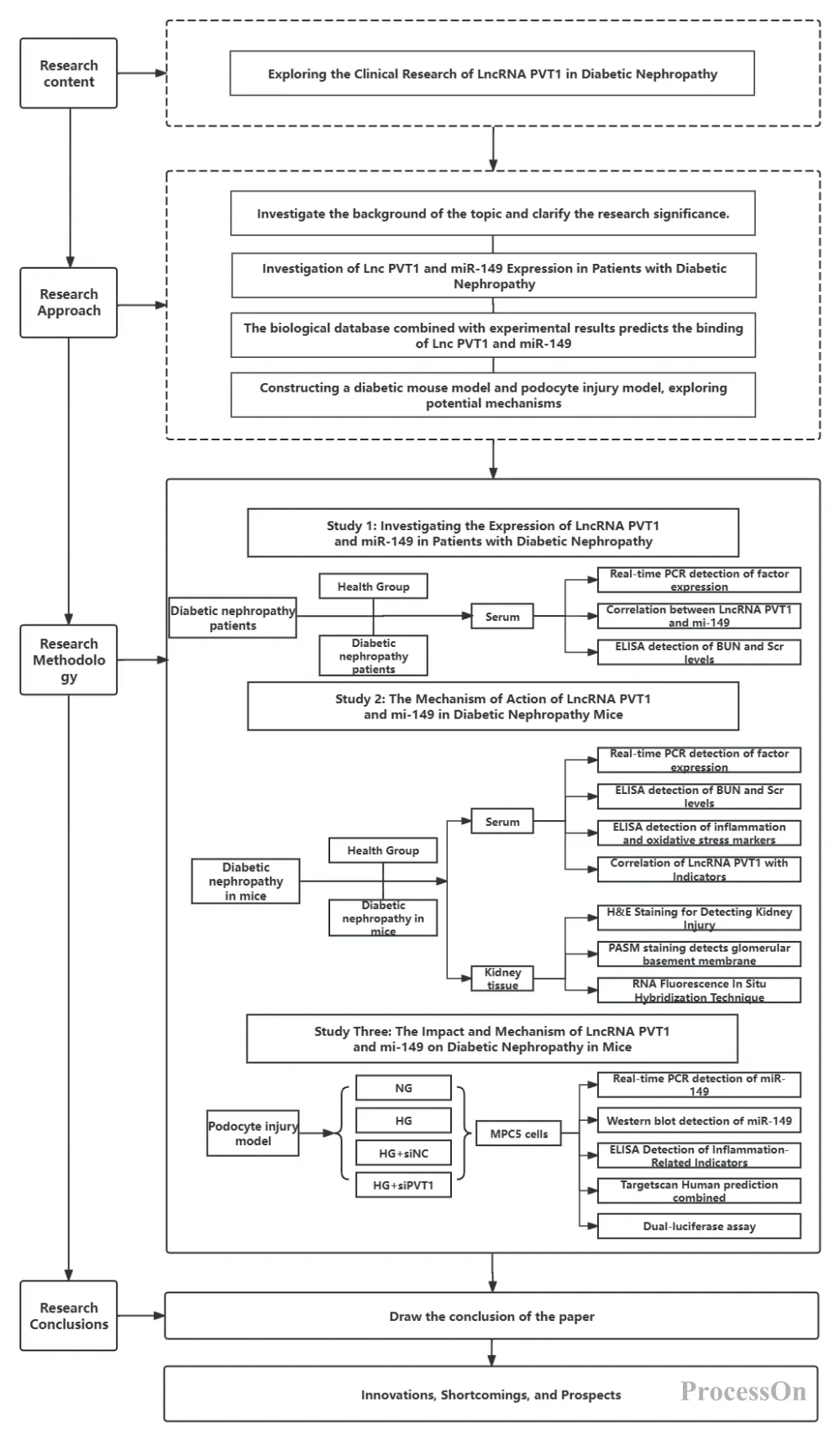
Medical Research Technology Roadmap
AI-generated diagrams: ProcessOn supports one-click generation of mind maps , flowcharts, UML diagrams, etc. - Input a requirement description (such as "framework of advanced mathematics knowledge points"), and AI will automatically break it down into a hierarchical structure.
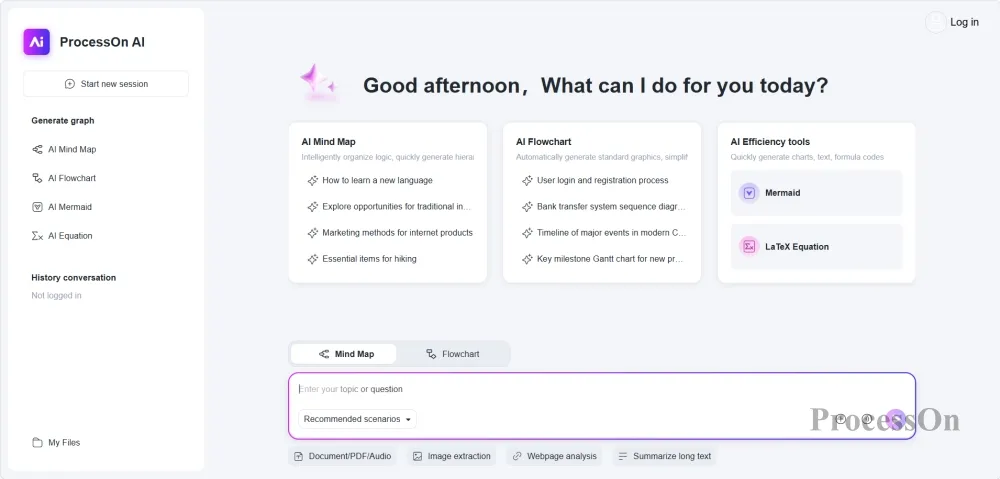
Extensive Template Library: ProcessOn boasts a large collection of Chinese templates covering categories such as learning, technology, and management. Want to create a study plan for your postgraduate entrance exam? Simply find a template, clone it, and modify it—no need to start from scratch.
Cloud-based collaboration: All charts are stored in the cloud and can be accessed and edited anytime, anywhere on computers, mobile phones, and tablets. Multiple people can edit a single chart simultaneously in a group project, with real-time synchronization.
Student benefits: The free version is sufficient for daily use. Support the student discount program to unlock more benefits.
ProcessOn helps you turn "unclear knowledge" into "understandable diagrams"—a mind map organizes the entire course, and a flowchart explains complex logic.
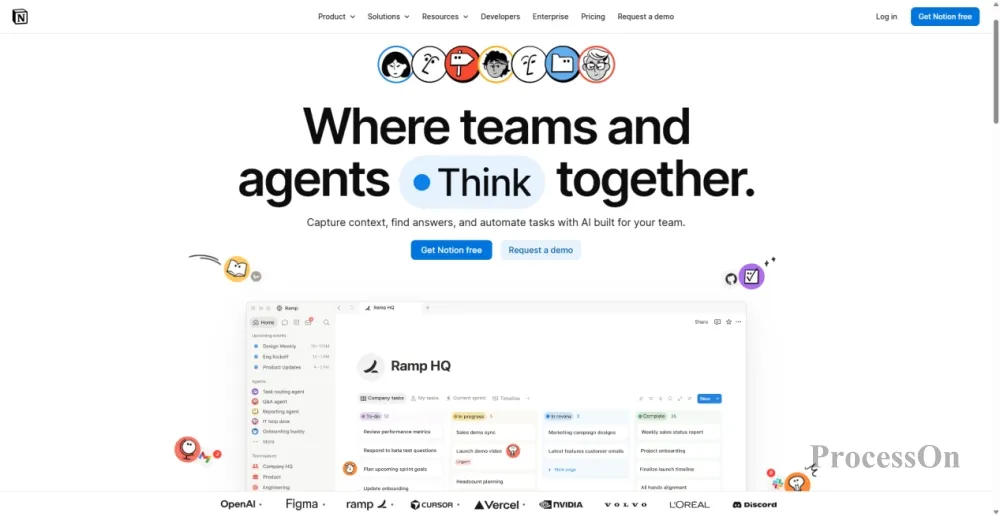
Image source: notion.com
Notion is an "all-in-one knowledge management system" that can build timetables, note libraries, assignment tracking, and project management.
Notion is like a digital Swiss Army knife; it can do everything. Its greatest value lies in bringing together all the scattered information from four years of university in one place.
Course Management: Create a separate page for each course, including the course syllabus, courseware links, assignment deadlines, and exam dates. At the end of the semester, all course materials are fully archived, eliminating the need to search through three apps for notes from six months ago when reviewing.
Note-taking system: Use the /database command to create an associated note database, quickly create note pages using templates before each class, and spend 5 minutes supplementing and improving them after class.
Assignments and Deadlines Tracking: Create an "Assignments Tracking" database where each record includes the course name, assignment details, deadline, and completion status. A calendar view lets you see at a glance how many deadlines you have this week.
Team Collaboration: Notion's collaboration features are very mature. Team projects can share a single page, where members can claim tasks and update progress in real time, eliminating the need for sending and receiving files back and forth or merging versions.
Student benefits: After authenticating with your school email address (.edu or .edu.cn), you can unlock the Personal Pro plan for free.
Notion is the "information control center" for four years of university—courses, notes, assignments, and projects are all packed into one tool.
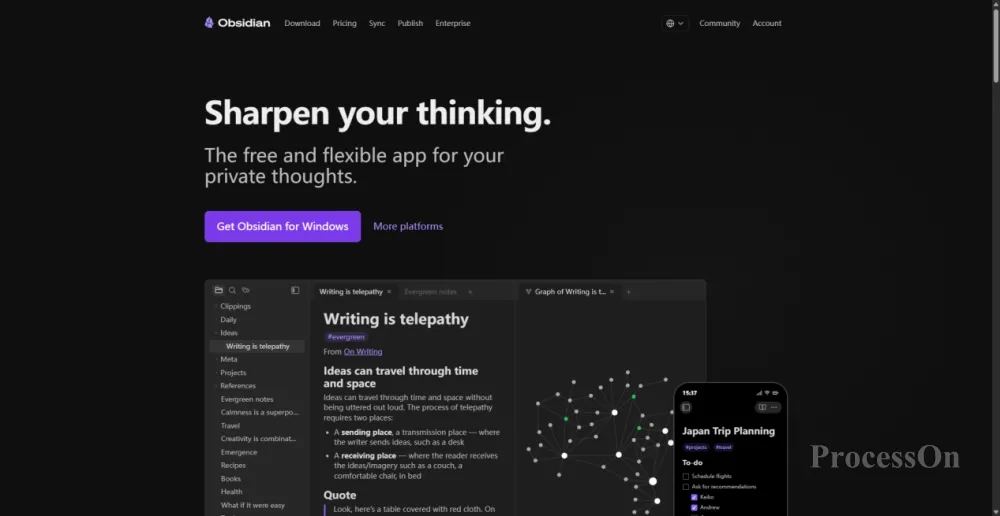
Image source: obsidian.md
Obsidian is a note-taking software based on local Markdown files that helps you build connections between knowledge through bidirectional links and knowledge graphs.
If Notion is a "Swiss Army knife," then Obsidian is a "scalpel"—it focuses on one thing: helping you discover the connections between pieces of knowledge.
Two-way linking: Typing "[[Data Structures]]" in the notes will automatically create a link to the "Data Structures" notes. Your first-year "Data Structures" notes and your third-year "Operating Systems" notes can be cross-referenced. When reviewing operating systems, you can jump to the trees and queues you learned back then with a single click.
Knowledge Graph (Graph View): Obsidian automatically generates a network graph showing the relationships between all notes. The connections between hundreds of notes are visualized, clearly showing how "Operating System" connects to "Data Structures," "Computer Organization," and "Database"—making the cross-course knowledge system readily apparent.
Local storage: All notes are plain text files in Markdown format, stored locally on your computer. No need to worry about cloud service outages, privacy leaks, or access without an internet connection—even if your internet connection drops halfway through writing your graduation thesis? Obsidian will still work.
Plugin ecosystem: The community has a rich variety of plugins—installing the Spaced Repetition plugin can turn notes into spaced repetitive cards; installing the Dataview plugin can create dynamic tables and lists; installing the Excalidraw plugin can draw directly in notes.
Student benefits: Completely free for personal use, with no functional limitations.
Obsidian helps you turn "notes you've taken" into "usable knowledge"—over four years, it creates a constantly growing knowledge network that belongs to you.
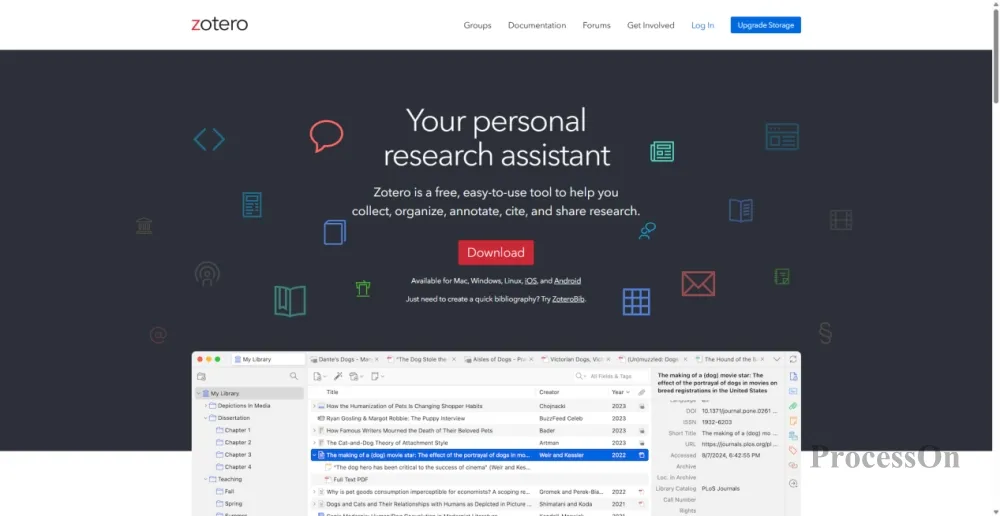
Image source: zotero.org
Zotero is a free and open-source citation management tool that supports one-click retrieval, automatic citation, and team collaboration.
What's the most painful thing about writing a paper? It's not the inability to write content, but organizing the references—dozens of references have to be manually entered, sorted, and formatted one by one, and each time the citation format is changed, the entire process has to be rearranged. Zotero has turned this manual task into an automated process.
One-click literature retrieval: After installing the Zotero browser plugin, open the paper page on CNKI, Google Scholar, or Web of Science, and click the plugin icon to save the literature information and full-text PDF with one click. No need to manually enter the title, author, journal, or year—everything is automatically retrieved.
Literature categorization and annotation: Create categorized folders by course, research direction, or thesis topic. Read PDFs directly within Zotero, highlight, annotate, and take notes; all content is linked to literature entries.
Automatic Citation Generation: After installing the Zotero plugin in Word or WPS, click "Insert Citation" while writing, select the corresponding reference, and Zotero will automatically generate compliant citations. A reference list at the end of the document is generated with one click, and the format is automatically adjusted to any standard such as GB/T 7714, APA, or MLA.
Team sharing: Group projects can create shared document repositories, which members can maintain and cite together.
Student benefits: Free and open source, the basic version provides 300MB of cloud storage. Combined with the school library's resources, it can be used at virtually no cost.
Zotero transforms literature management from a "manual task" into an "automated one"—you just need to read the literature and write the paper, and leave the rest to it.
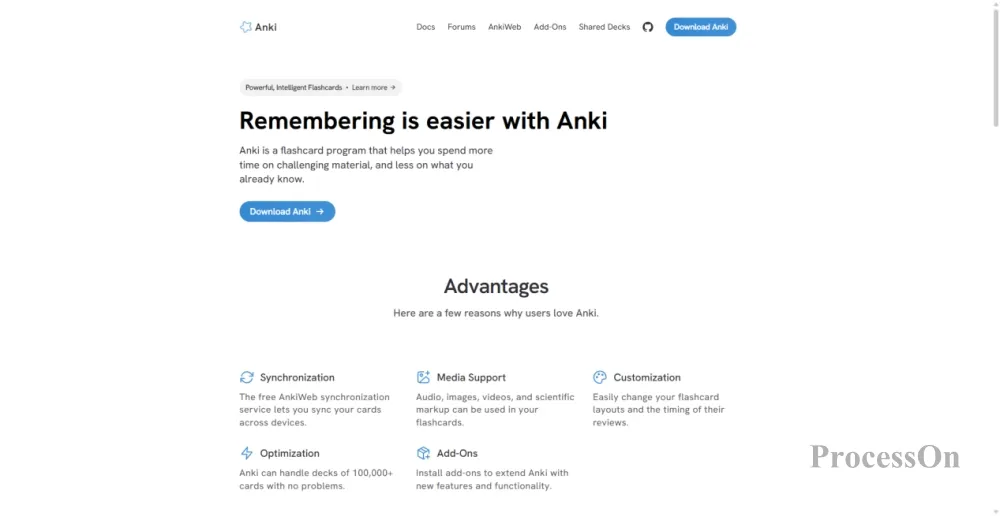
Image source: ankiweb.net
Anki is a flashcard tool based on active recall and spaced repetition algorithms.
Have you ever had this experience? You stay up all night cramming before an exam, only to forget everything a week later. This isn't because you have a bad memory, but because your study methods are wrong. Anki uses algorithms to help you solve this problem.
The core principle is to create flashcards with "positive questions and negative answers" for the learning content. The system automatically schedules the next review time based on how difficult you find each card to memorize—if you find it difficult, it will appear frequently; if you find it easy, it will be postponed. The result is: memorize the most content in the least amount of time.
Applicable scenarios: Memorizing English words, legal provisions, medical terms, code syntax, and historical event timelines—Anki is suitable for anything that needs to be "memorized."
Community-Shared Deck: Anki has a large community of shared decks where you can directly download high-quality cards created by others—from GRE vocabulary to medical knowledge, from legal texts to programming interview questions.
Multi-device synchronization: Real-time synchronization across computers, mobile phones, and tablets, allowing you to swipe cards during any spare moment, such as while waiting for food, riding the subway, or queuing.
Student benefits: The Windows/macOS/Linux versions are completely free and open source; the mobile versions (iOS/Android) require payment, but it's a one-time purchase for lifetime use.
Anki helps you avoid the cycle of "memorizing and forgetting"—using algorithm-driven precision review to focus your time on the content that needs the most reinforcement.
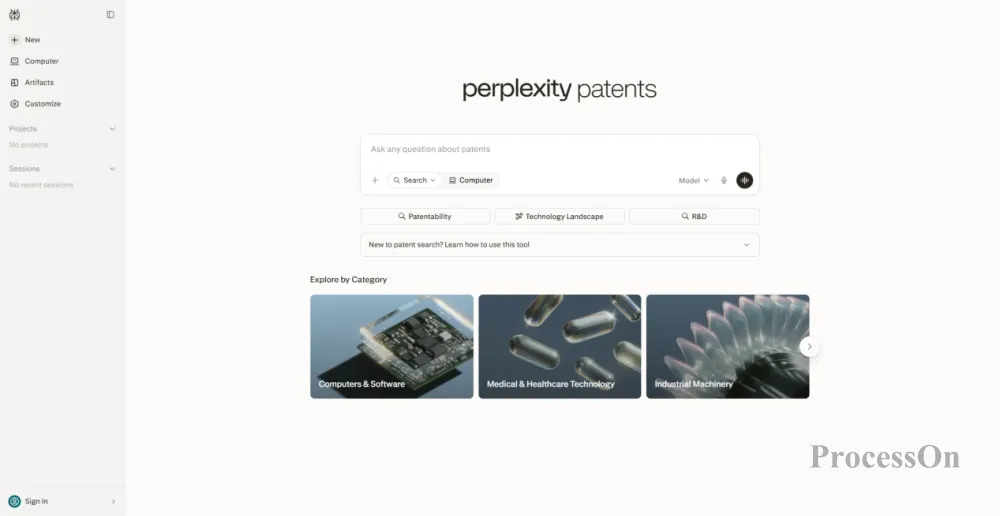
Image source: perplexity.ai
Perplexity is an AI-powered conversational search engine that provides real-time answers with source citations.
ChatGPT is powerful, but it has a fatal flaw: you don't know where its answers come from—they might be correct, or they might be fabricated. Perplexity solves this problem.
Cited answers: Every answer from Perplexity includes a link to the source of the information—academic papers, news reports, official documents. You can jump to the original text with one click to verify, so you no longer have to worry about AI "speaking nonsense with a straight face".
Academic Mode: Specifically optimized for academic scenarios, prioritizing information retrieval from academic databases and authoritative sources. Whether writing papers, researching, conducting coursework, or preparing presentations—use it to replace traditional search engines, increasing efficiency several times over.
Conversational follow-up questions: Ask questions naturally, like in a conversation, allowing for continuous follow-up and in-depth exploration. For example, first ask "What is quantum computing?", then follow up with "What is the core difference between it and classical computing?" Perplexity will provide a coherent answer based on the context.
File upload analysis: Supports uploading PDF, Word and other files, allowing AI to help you analyze document content, extract key information and answer related questions.
Student benefits: The basic version is free, with sufficient daily search quota to meet daily study needs. The Pro version offers discounts for students.
Perplexity is "Trusted AI Search"—it gives you the answers, and it gives you the source of those answers.
Q1: Which tool should a freshman start using?
A: I suggest introducing the following tools in order of priority: ① Notion or Obsidian (choose one) – to establish the foundation for note-taking and knowledge management; ② ProcessOn – to learn how to use mind maps to organize the course framework and flowcharts to understand complex logic; ③ Zotero – to establish standardized literature management habits from the first course paper; ④ Anki or Perplexity – to supplement according to individual needs (choose Anki if you need to memorize things, choose Perplexity if you need to look up information). More tools are not necessarily better; master one or two first, and then gradually expand.
Q2: Which should I choose, Notion or Obsidian?
A: It depends on your learning style. Notion is suitable for students who need course management, assignment tracking, and group collaboration—manage all courses and deadlines with a database, and do group projects with shared pages. Obsidian is suitable for students who value deep thinking and knowledge connections—connect knowledge points from different courses with bidirectional links, and see interdisciplinary connections with knowledge graphs. Advanced use: Both can be used simultaneously—Notion for course management and task tracking, and Obsidian for in-depth note-taking and knowledge connections.
Q3: What are the differences between Zotero and EndNote?
A: Zotero is free and open-source, lightweight and flexible, and its browser plugin allows for one-click literature retrieval, making it suitable for most undergraduate and graduate students. EndNote is more powerful but more expensive, suitable for professional researchers who need to process extremely large amounts of literature. For the vast majority of university students, Zotero is perfectly adequate and free.
Q4: Does Anki really work? Or is it just a "psychological comfort"?
A: Anki's effectiveness is supported by a wealth of research—spaced repetition is one of the most proven and effective memorization methods in cognitive science. However, it's crucial to use it correctly: ① The cards should be concise, in a question-and-answer format, avoiding large blocks of text; ② Review consistently every day, rather than cramming hundreds of cards before an exam; ③ Honestly rate the difficulty level, allowing the algorithm to precisely schedule your review. By following these three points, Anki's effectiveness far surpasses traditional "repeatedly flipping through books" review methods.
Q5: What are the differences between ProcessOn and XMind?
A: XMind is a well-established mind mapping software with a refined interface and smooth operation, suitable for scenarios where you simply create mind maps. ProcessOn supports dozens of chart types, including mind maps, flowcharts, UML diagrams, sequence diagrams, ER diagrams, and Gantt charts. It's ready to use right out of the browser and supports team collaboration and AI generation. If you only need to create mind maps, XMind is sufficient; if you need multiple chart types, online collaboration, and AI capabilities, ProcessOn is more comprehensive.
Q6: What is the difference between Perplexity and ChatGPT?
A: ChatGPT is a general-purpose dialogue AI; its answers are based on training data and don't provide the source information—you can't judge the accuracy of the answers. Perplexity is an AI search engine; each answer comes with a source link, allowing you to verify it with a single click. For university students, Perplexity is the first choice for researching and writing papers—its answers are traceable and verifiable, preventing errors when citing them. ChatGPT is better suited for creative tasks such as brainstorming, polishing text, and explaining concepts.