Process Type
Graphical expression
Mind Type
Structured expression
Note Type
Efficient expression
Treemap
Bracket Diagram

Default Mode





Mind mapping is probably the most familiar tool for product managers—it's used for almost every step, from requirements analysis and user research to feature breakdown and version planning, to "draw out what's in your head."
But many PMs may not realize that the tools you use determine your way of thinking.
With a standalone mind map, you create a static diagram—it can only express "your thoughts at this moment," but it cannot grow as the project progresses. With an online collaborative version, you create a living "team consensus map"—product, design, and development teams can simultaneously annotate, supplement, and question on the map, and ideas are continuously revised and deepened through collaboration.
The tool is not a "pen for drawing," but a "container for thinking." Choosing the right tool transforms your mind map from "one person's notes" into "a team's decision-making engine."
This article, based on the actual work scenarios of product managers, recommends 6 mind mapping and visual collaboration tools suitable for PMs—covering different needs from individual organization to team co-creation, helping you find the one that best suits you.
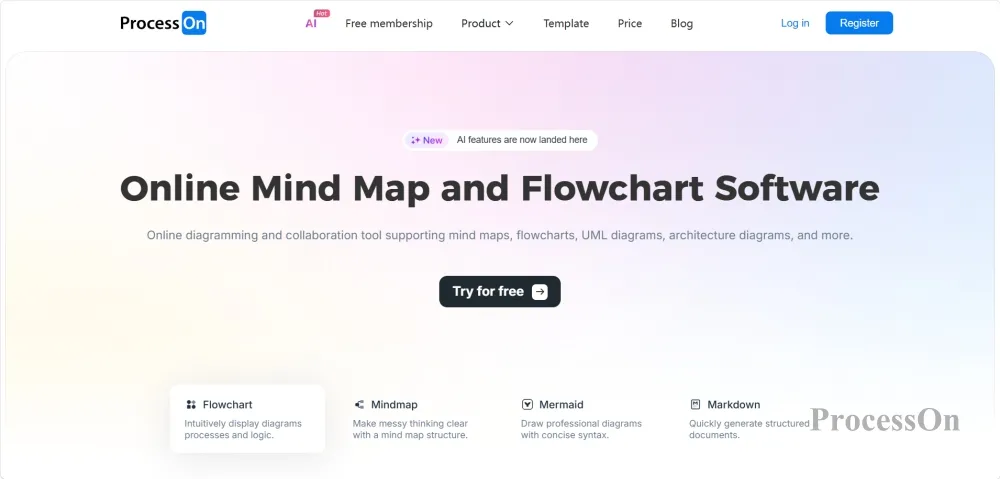
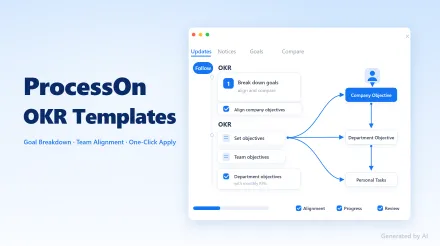
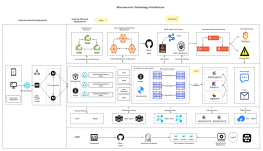
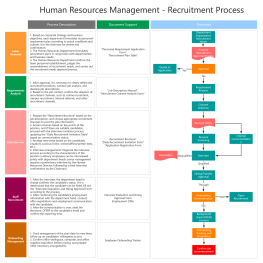
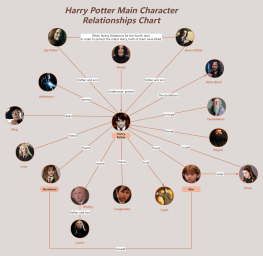
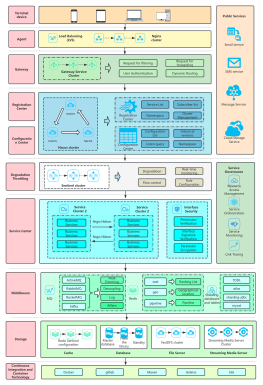
ProcessOn is an online collaboration platform that integrates dozens of chart types, including mind maps, flowcharts, prototypes, UML diagrams, and Gantt charts. It is one of the most frequently used visualization tools by product managers.
ProcessOn's biggest feature is its extremely broad functionality—from mind maps to flowcharts, from user journey maps to business model canvases, from ER diagrams to Gantt charts, it basically covers all the types of charts a PM needs in their work. You don't need to switch back and forth between multiple tools; a single ProcessOn account can handle the entire process from requirements gathering to project management.
The most common scenarios for product managers:
Requirements analysis: Use mind maps to quickly break down the product's functional structure and transform vague requirements into a clear module tree ;
User journey mapping: Draws the complete path of a user from contact to conversion, and identifies experience breakpoints ;
SWOT analysis and Business Model Canvas: a standard analytical framework for product initiation and version review ;
Functional flowchart: Use swimlanes to clearly illustrate complex business logic, making it easy for developers to understand at a glance ;
Version planning Gantt chart: Use Gantt charts to manage product iteration schedules so that both the boss and the team can see the progress .
AI Capabilities: ProcessOn supports generating mind maps from a single sentence—by inputting keywords such as "annual product planning," AI automatically breaks it down into a multi-layered structure. AI creation capabilities cover multiple application scenarios, including standard mind maps, meeting outlines, to-do lists, strengths and weaknesses lists, and SWOT analyses.
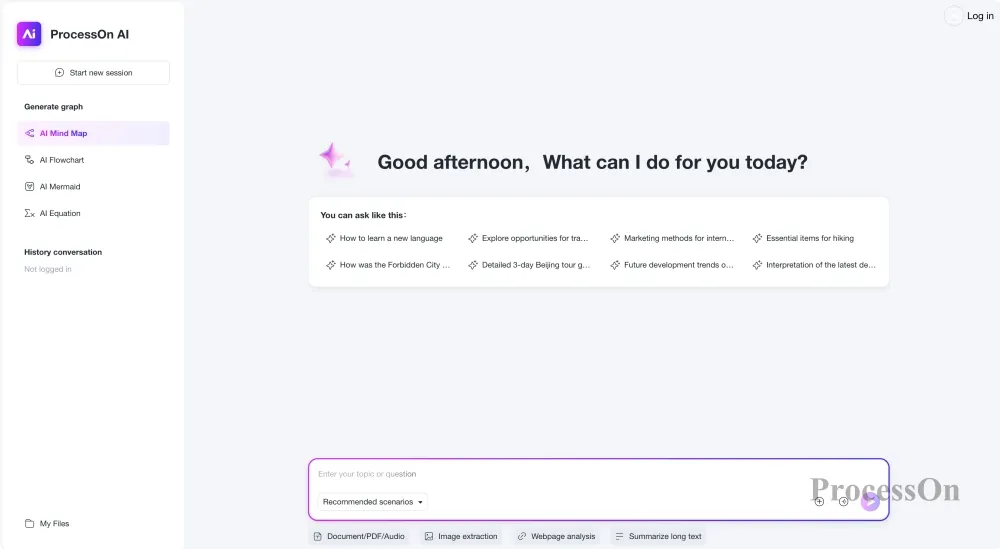
Collaboration and Templates: Supports real-time online collaboration among multiple users. Product managers can adjust requirement structures, designers can simultaneously supplement interaction specifications, and developers can annotate technical constraints—all changes are synchronized instantly. The template community offers a vast library of directly cloneable templates; simply search for keywords such as "user journey map" or "business model canvas" to use them directly.
If you only want one tool to cover all the visualization needs of a product manager, ProcessOn is the most worry-free choice—it has comprehensive functions, many templates, and is easy to use.
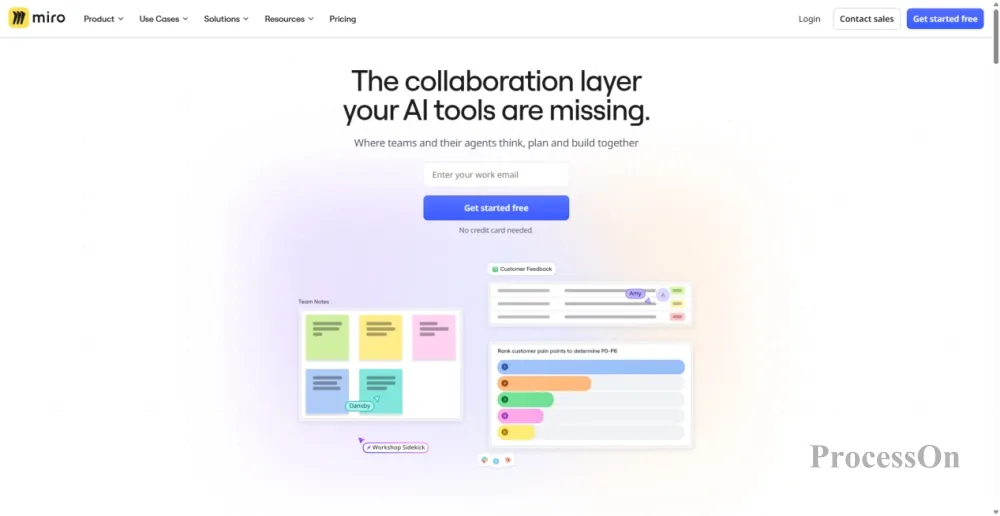
Image source: miro.com
Miro is an online collaborative whiteboard platform with over 100 million users worldwide, renowned for its unlimited canvas and powerful AI capabilities .
Miro is not a "mind mapping software" in the traditional sense, but a borderless digital canvas. On Miro, mind mapping is just one form of expression—you can put sticky notes, flowcharts, wireframes, user journey maps, and even PRD documents on the same canvas to form a complete product thinking space .
The most common scenarios for product managers:
Product brainstorming and requirement co-creation: The team simultaneously posted sticky notes, drew mind maps, and voted on priorities on Miro, turning "meetings" into "co-production . "
User journey mapping and competitive analysis: one of the most common scenarios used by product managers and designers ;
Product roadmap co-creation: Freely combine various elements such as timelines, matrices, and flowcharts on Miro, suitable for early co-creation of roadmaps and high-level reporting ;
PRD to User Journey Map: Drag the PRD document onto the canvas, and Miro's Flows feature can directly generate a user journey map .
AI Capabilities: Miro’s AI capabilities are deeply leading among similar products—AI Sidekicks can understand complex open-ended questions and assist in thinking; the Flows function supports uploading PDF and Markdown files as input for AI workflows, directly generating user journey maps, presentations or architecture diagrams ; AI can also generate mind maps, automatically categorize notes, and summarize discussion results .
Integrated Ecosystem: Miro boasts over 250 integrations, deeply integrating with mainstream tools such as Jira, Asana, Slack, Teams, Figma, and Google Workspace . Product managers can complete their work within Miro and then easily sync their results to project management tools.
If your team needs end-to-end collaboration "from brainstorming to delivery", Miro is currently the most powerful option globally - but it has so many features that it takes some time for beginners to get started .
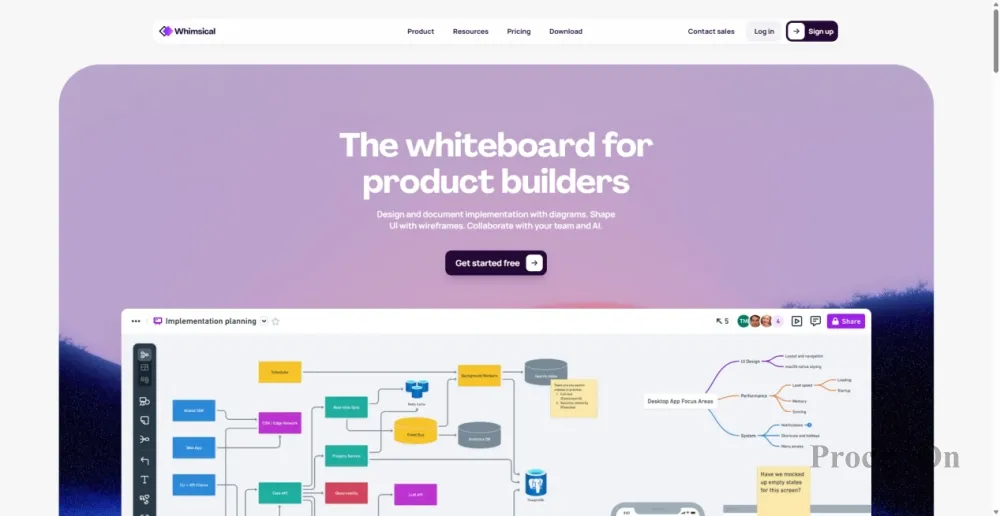
Image source: whimsical.com
Whimsical is a lightweight visual collaboration tool that integrates wireframes, flowcharts, mind maps, and sticky notes onto a single canvas.
Whimsical and Miro take completely different approaches. Miro is an infinite canvas that "crams in everything," while Whimsical is a refined tool that "does only a few things but does them to the extreme." Its interface design is clean and aesthetically pleasing, and it has been called "the most beautiful collaboration tool" by many product managers and designers .
The most common scenarios for product managers:
Information Architecture and User Flow Design: Product managers and designers can use Whimsical to quickly draw user flow diagrams and information architecture diagrams with low fidelity .
Rapid brainstorming and requirements analysis: Use mind maps to quickly break down product features and use sticky notes to collect team ideas ;
Product demonstration: Whimsical's visual presentation is very clean, and the exported charts look very professional when directly placed in PowerPoint .
AI Capabilities: Whimsical's AI supports the generation of flowcharts, mind maps, and wireframes from natural language. The Ask Whimsical feature allows users to create diagrams, search workspaces, and iterate content directly within the tool . A Claude connector was also added in 2026, which can directly convert Claude conversations into diagrams and wireframes .
Unique Advantages: Whimsical supports the MCP protocol, allowing you to create mind maps, flowcharts, sequence diagrams, and other files using natural language commands. This means you can directly manipulate Whimsical with an AI assistant to create diagrams, further improving efficiency.
If you have high requirements for the visual quality of the tools, or if your team mainly collaborates in English, Whimsical is a worthwhile option to try—lightweight, clean, and focused.
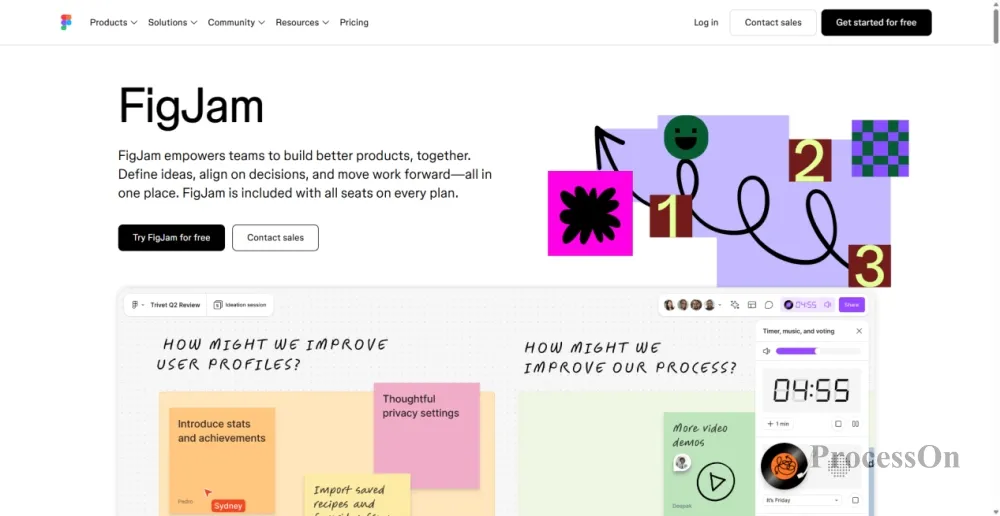
Image source: figma.com
Figma is an online collaborative whiteboard from Figma, designed for team brainstorming, planning, and visual collaboration.
For product and design teams already heavily reliant on Figma, FigJam is a natural choice. It integrates seamlessly with Figma—after creating a user journey map or mind map in FigJam, you can transfer it to Figma for detailed design with a single click .
The most common scenarios for product managers:
Product Vision and Roadmap Communication: Visualize product vision and milestones with FigJam to quickly reach consensus within the team ;
Needs brainstorming and idea collection: Quickly collect and organize ideas using sticky notes, connecting lines, and mind maps ;
User journey maps and flowcharts: The PM team itself uses FigJam to create user journey maps to validate product strategies ;
Product Review and Debriefing: Quickly conduct product review meetings and iteration debriefings using pre-built templates .
AI Capabilities: FigJam AI supports AI-generated flowcharts, mind maps, and note categorization. The Product Diagram Generator allows users to describe business goals or paste meeting notes in natural language, and AI automatically generates structured product management charts.
Price advantage: FigJam's paid plans start at $3 per month, making it a relatively affordable option compared to similar tools.
If your team is already using Figma for design, FigJam is practically a free collaboration tool—its seamless integration with Figma is its biggest competitive advantage.
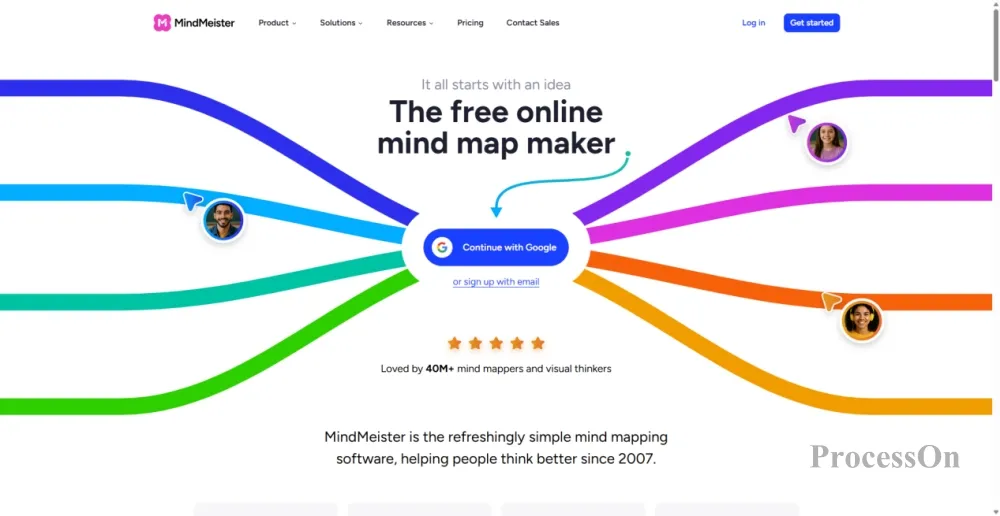
Image source: mindmeister.com
MindMeister is one of the most well-known tools in the field of mind mapping, renowned for its elegant interface and stable collaborative experience.
Before the rise of "whiteboard-like" tools, MindMeister was already the benchmark in the field of mind mapping. Unlike Miro or Whimsical, which can do everything, it focuses on perfecting mind mapping.
The most common scenarios for product managers:
Product strategy planning and roadmap: Use mind maps to organize goals, channels and timelines, and explain the product direction for the whole year in one picture ;
SWOT Analysis and Competitive Comparison: MindMeister's layout and style are very suitable for SWOT analysis ;
Meeting preparation and problem breakdown: Use mind maps to organize meeting topics to ensure the discussion stays on track ;
Project planning and task breakdown: Break down large projects into smaller, actionable tasks .
Integration Capabilities: MindMeister is deeply integrated with MeisterTask (the company's task management tool), allowing you to directly convert mind map nodes into actionable tasks. This is a very useful feature for product managers who need a closed loop from thinking to execution.
If you only need a pure, mature mind mapping tool with a good collaborative experience, MindMeister is still a reliable choice—it doesn't add fancy features, but focuses on making mind mapping a solid tool.
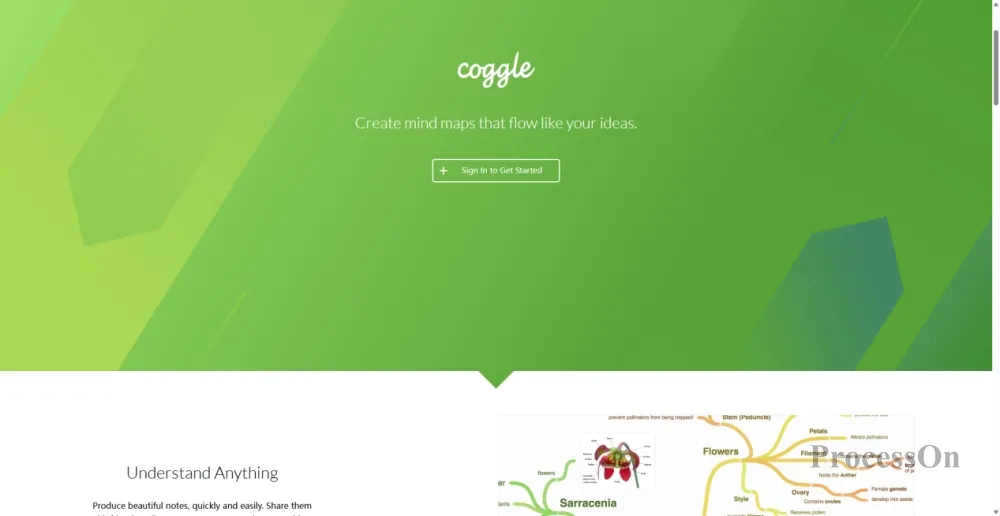
Image source: coggle.it
Coggle is a minimalist web-based mind mapping tool designed for ease of use and real-time collaboration.
The biggest difference between Coggle and other tools is that it doesn't require any software installation; you can use it simply by opening a browser. Its interface is extremely simple, with no complicated menus or buttons, making it incredibly easy to learn.
The most common scenarios for product managers:
Rapid requirement brainstorming: Product managers can directly open Coggle during meetings and draw mind maps while discussing ;
Product Function Breakdown: Quickly break down the product's functional structure using branch diagrams ;
Team information sharing: Use Coggle to explain complex product information with a single diagram .
Core advantages:
Completely free: The free version supports an unlimited number of publicly available mind maps ;
Real-time collaboration: Invite anyone to co-edit via shared links, no account registration required ;
Extremely simple to use: No learning curve, just open and use ;
1600+ Icons: A rich built-in icon library makes mind maps more intuitive .
If you need a lightweight mind mapping tool that's "ready to use, allows collaboration with anyone, and is completely free," Coggle is the simplest and most direct choice—no feature overload, just the purest mind mapping experience.
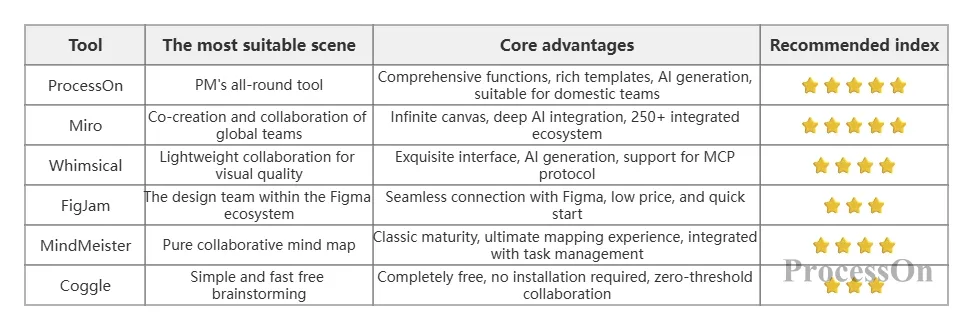
Selection Recommendations:
If you only want one tool to cover all your PM visualization needs → ProcessOn
If your team needs end-to-end collaboration from brainstorming to delivery → Miro
If you prioritize visual quality and a lightweight experience in your tools → Whimsical
If your team is already using Figma for design → FigJam
If you only need a purely collaborative mind mapping tool → MindMeister
If you need a completely free, easy-to-use, quick brainstorming tool → Coggle
Q1: Why do product managers need dedicated mind mapping tools?
A: The essence of a product manager's job is "to make the right decisions with limited resources ." Mind mapping tools help product managers transform vague requirements into clear structures and scattered ideas into actionable solutions. More importantly, online collaborative mind mapping transforms "one person's thinking" into "team consensus"—product, design, and development teams can align their understanding on the same map, significantly reducing communication costs.
Q2: What are the main differences between ProcessOn and Miro?
A: ProcessOn leans more towards "diagram tools"—professionally creating structured diagrams such as mind maps, flowcharts, UML diagrams, and ER diagrams, with a rich selection of templates . Miro leans more towards "collaborative whiteboards"—offering stronger open collaboration features such as unlimited canvas, sticky notes, polls, and presentations . Simply put: ProcessOn is a "drawing tool + collaboration," while Miro is a "collaborative space + drawing."
Q3: What is the relationship between mind mapping tools and Figma/design tools?
A: The two are complementary. Mind mapping tools (such as ProcessOn and Miro) are responsible for "thinking things through"—organizing requirements, breaking down functions, and planning the route. Design tools (such as Figma) are responsible for "drawing beautifully"—creating refined UI designs. FigJam is the bridge between the two—after completing the requirements organization and user journey in FigJam, you can easily transfer the workflow to Figma for design .
Q4: Is the free version sufficient?
A: The free version of ProcessOn is sufficient for daily use; the free version of Miro supports 3 editable whiteboards; the free version of Whimsical has a file limit; the free version of FigJam supports 3 files; the free version of MindMeister allows 3 mind maps; and the free version of Coggle supports unlimited public mind maps. For individual project managers or small teams, the free versions are generally sufficient.
Q5: Which tool is the best for team collaboration scenarios?
A: If your team is already heavily using Figma, choose FigJam (seamless integration). If your team needs to create various types of charts, choose ProcessOn (comprehensive features and many templates). If your team is looking for the most powerful collaborative experience and AI capabilities, choose Miro (the world's largest collaborative whiteboard platform) .
Q6: Are AI-generated mind maps really useful?
A: It's useful, but don't rely on it too much. The value of AI-generated content lies in "quickly building a framework"—input a topic, and AI will generate an initial structure for you, avoiding the anxiety of starting from scratch. However, real product thinking still requires human intervention—adjusting nodes, adding details, and determining priorities. AI is an "accelerator," not a "replacement."